mcp-server-chatsum
이 MCP 서버는 채팅 메시지를 요약하는 데 사용됩니다.
중국어 설명
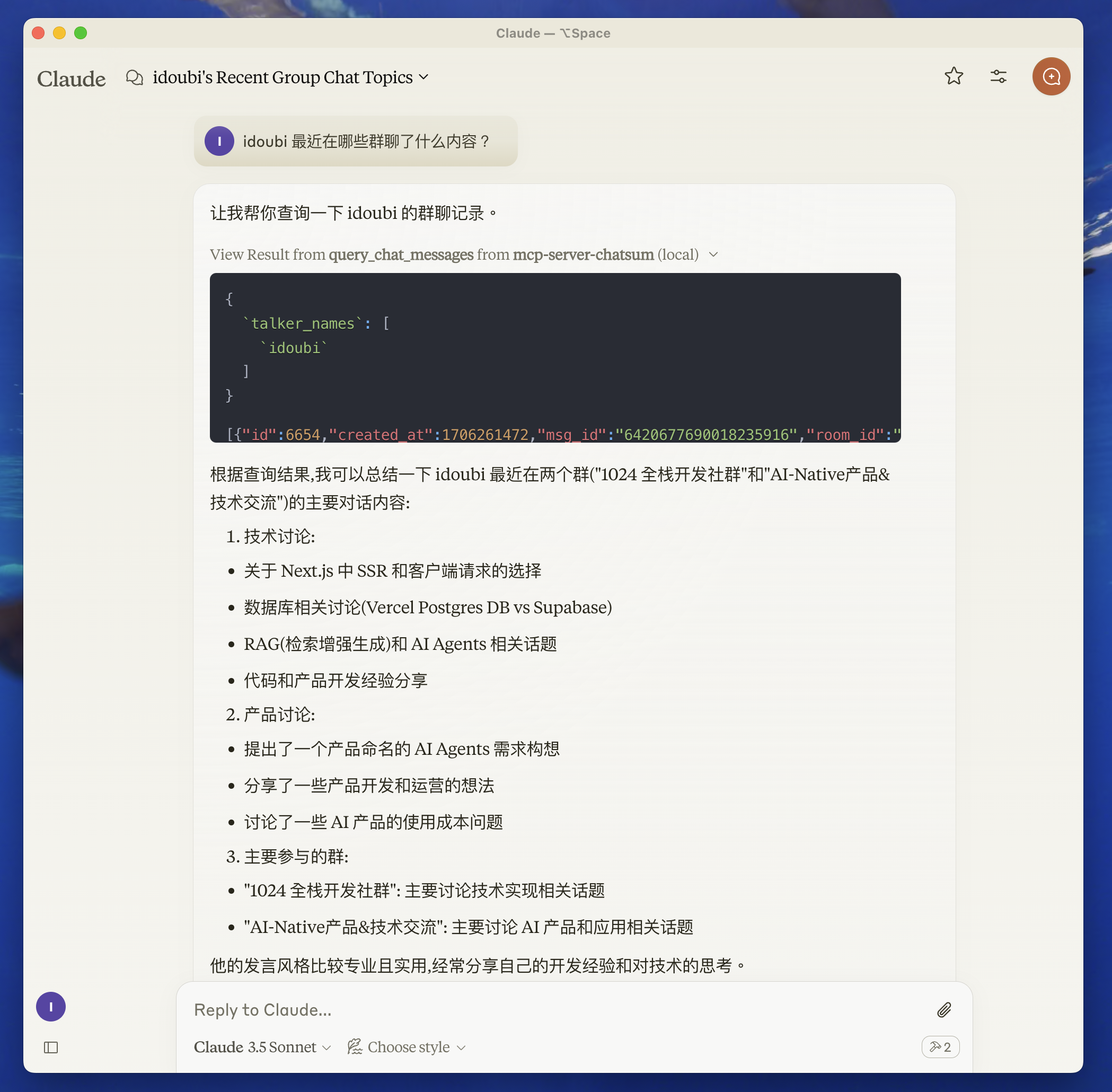
시작하기 전에
챗봇 디렉토리로 이동하고, README 에 따라 채팅 데이터베이스를 설정합니다.
채팅 메시지를 저장하려면 챗봇을 시작하세요.
특징
자원
도구
프롬프트
Related MCP server: IDE Chat Summarizer
개발
환경 변수 설정:
루트 디렉토리에 .env 파일을 만들고, 채팅 데이터베이스 경로를 설정합니다.
지엑스피1
종속성 설치:
서버를 빌드하세요:
자동 재빌드를 사용한 개발의 경우:
설치
Claude Desktop과 함께 사용하려면 서버 구성을 추가하세요.
MacOS의 경우: ~/Library/Application Support/Claude/claude_desktop_config.json Windows의 경우: %APPDATA%/Claude/claude_desktop_config.json
{
  "mcpServers": {
    "mcp-server-chatsum": {
      "command": "path-to/bin/node",
      "args": ["path-to/mcp-server-chatsum/build/index.js"],
      "env": {
        "CHAT_DB_PATH": "path-to/mcp-server-chatsum/chatbot/data/chat.db"
      }
    }
  }
}
디버깅
MCP 서버는 stdio를 통해 통신하므로 디버깅이 어려울 수 있습니다. 패키지 스크립트로 제공되는 MCP Inspector를 사용하는 것이 좋습니다.
검사기는 브라우저에서 디버깅 도구에 액세스할 수 있는 URL을 제공합니다.
지역 사회
저자 소개

