A
licenseNot graded
qualityD
maintenanceA simple Model Context Protocol (MCP) server that integrates with Notion's API to manage my personal todo list through Claude.
208
MIT

이는 Notion 페이지를 쿼리할 수 있는 간단한 MCP 서버입니다.
지엑스피1
npm installnpm run build"새로운 통합"을 클릭하세요
이름을 "Claude MCP Server"로 지정하세요.
"페이지"에 대해 "읽기" 및 "쓰기" 권한을 선택하세요
"통합 토큰"을 복사하세요
클로드_데스크탑_구성.json
{
  "mcpServers":
    "notion-mcp-server": {
      "command": "node",
      "args": [
        "Copy Path"
      ],
      "env": {
        "NOTION_API_TOKEN": "Your Notion Token"
      }
    }
  }
}Notion Pages에 대한 쿼리를 작성하세요.
프롬프트의 링크에서 Notion 페이지로의 링크를 추가합니다.
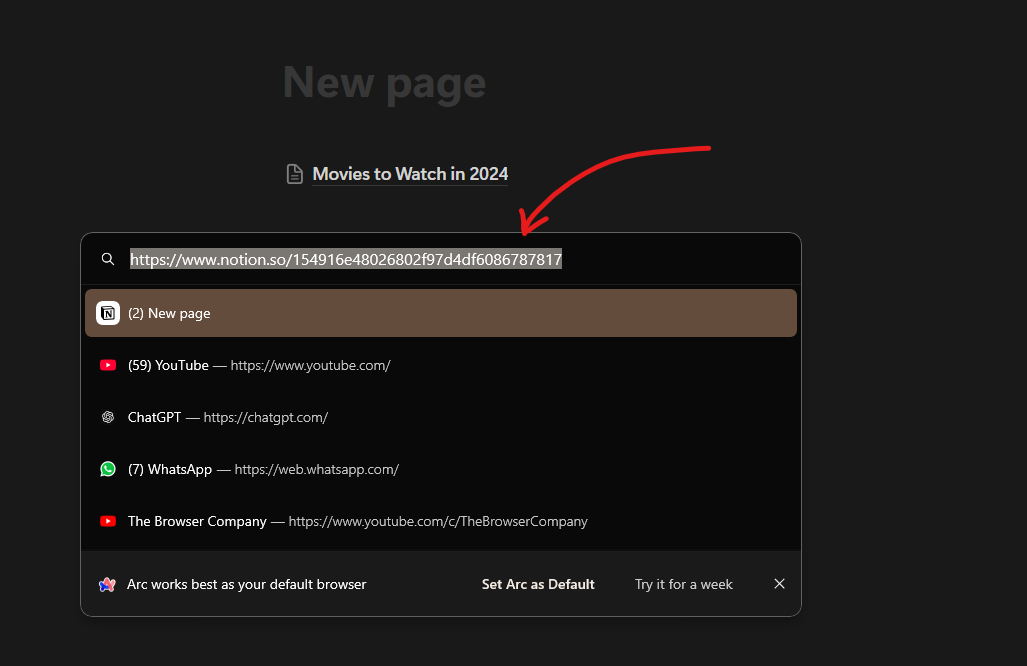
프롬프트: 2024년에 볼 영화 목록으로 Notion에 새 데이터베이스 항목을 만드세요. 페이지 링크 https://www.notion.so/154916e48026802f97d4df6086787817 이 페이지에 영화 데이터베이스를 추가하세요.
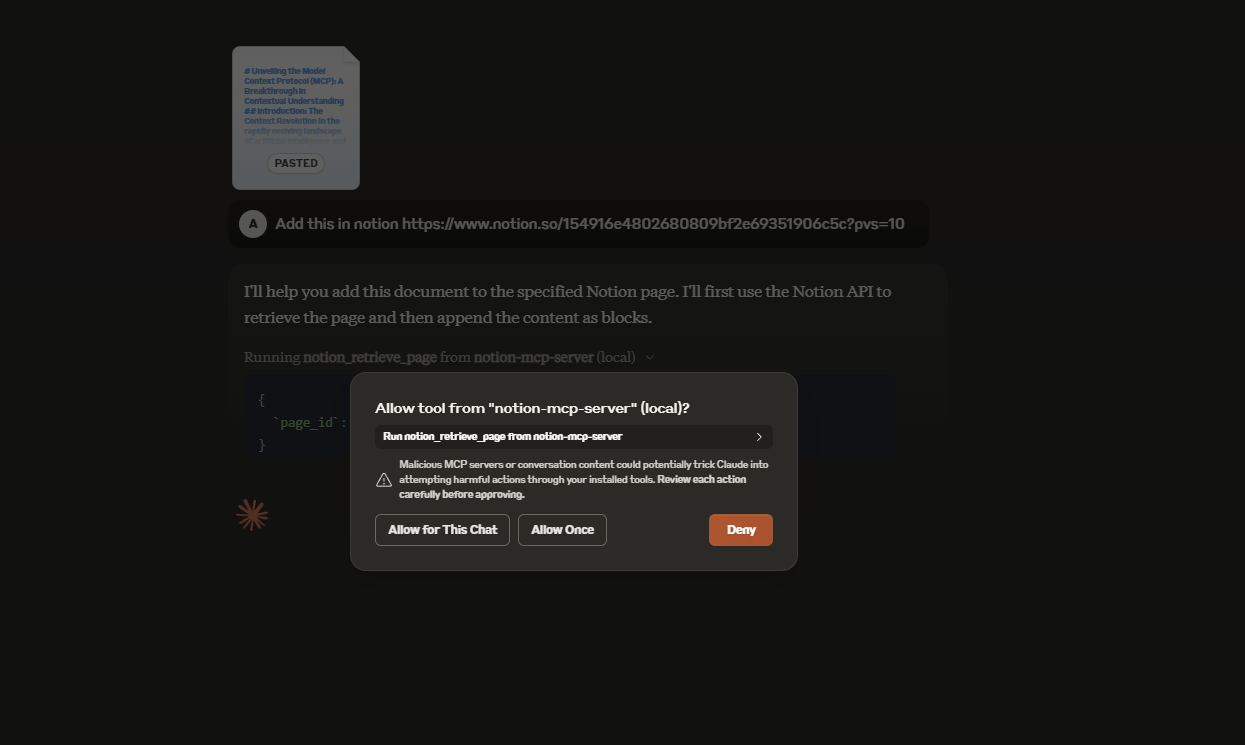
🤯 와우, Notion 페이지에 업데이트될 거예요!
This server cannot be deployed
Zotero MCP server for Claude and ChatGPT: search, citations, safe writes, PDF passages and pages.
Create projects, nodes, and tasks in UluP Spaces by conversation with Claude.
Connect Claude to your Platform7n workspaces — chat, links, and tasks. One-click OAuth.
MCP server unifying ERPs, CRMs, APIs and knowledge base for Claude, ChatGPT and Gemini.