A
licenseNot graded
qualityD
maintenanceA simple Model Context Protocol (MCP) server that integrates with Notion's API to manage my personal todo list through Claude.
208
MIT

Allows querying and updating Notion pages, including creating new database entries and modifying content in specified Notion pages.
Click on "Deploy Server".
Wait a few minutes for the server to deploy. Once ready, it will show a "Started" state.
In the chat, type @ followed by the MCP server name and your instructions, e.g., "@Notion MCP Server add a new task 'Finish quarterly report' to my project database"
That's it! The server will respond to your query, and you can continue using it as needed.
Here is a step-by-step guide with screenshots.
This is a simple MCP server that allows you to query Notion Pages.
git clone https://github.com/arre-ankit/notion-mcp-server.git
cd notion-mcp-server
npm installnpm run buildClick on "New integration"
Name it "Claude MCP Server"
Select "Read" and "Write" permissions for "Pages"
Copy the "Integration Token"
claude_desktop_config.json
{
  "mcpServers":
    "notion-mcp-server": {
      "command": "node",
      "args": [
        "Copy Path"
      ],
      "env": {
        "NOTION_API_TOKEN": "Your Notion Token"
      }
    }
  }
}Write a prompt to query Notion Pages.
Add link to the Notion Page from the link in the prompt.
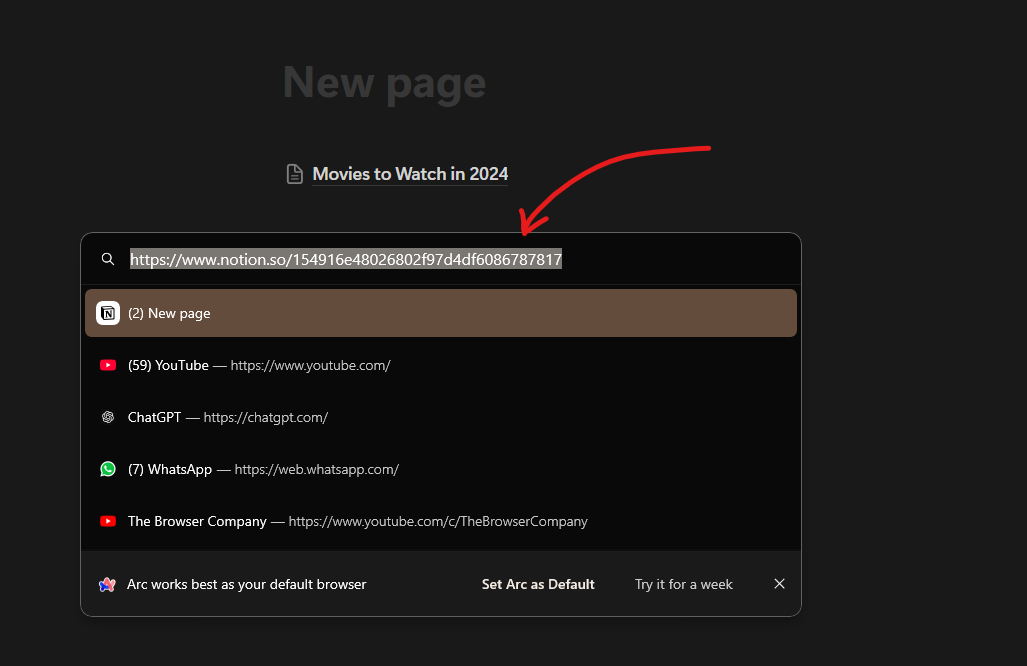
Prompt: Make a new Databse entry in notion with this of list of movies to watch in 2024 Page link https://www.notion.so/154916e48026802f97d4df6086787817 Add the movie datase in this page
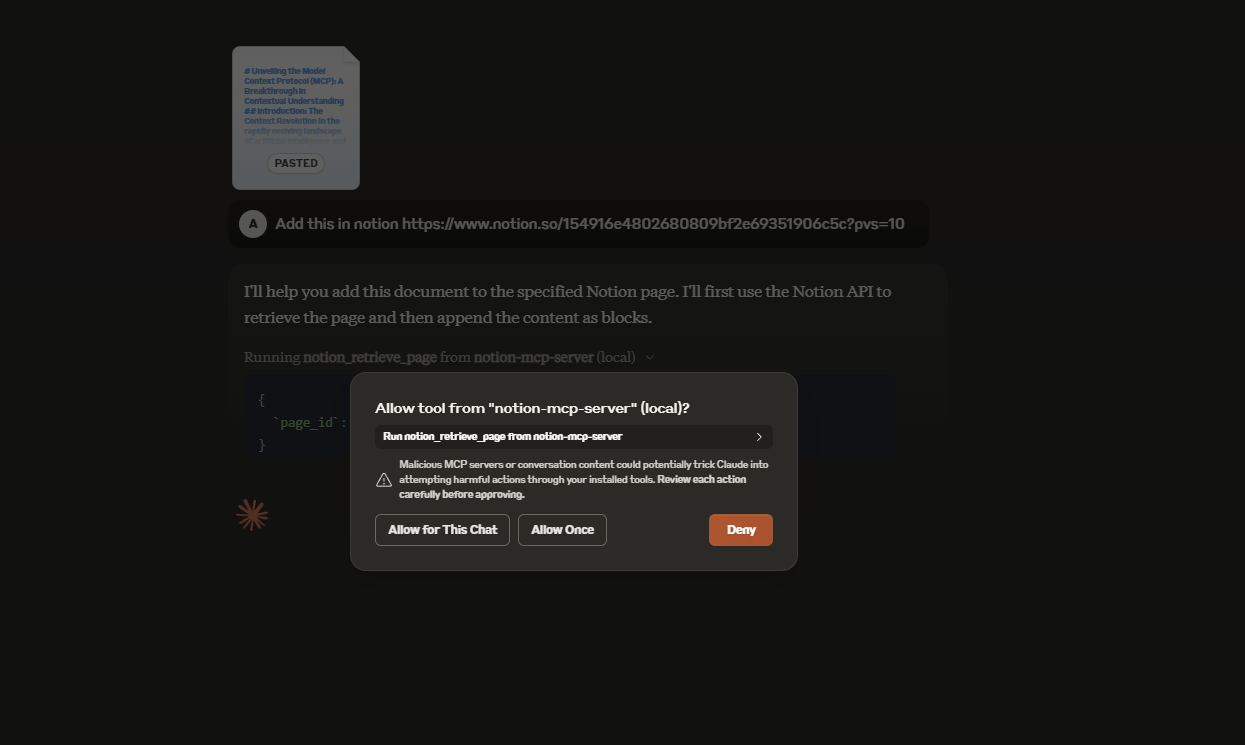
🤯 Woah it will be updated in your Notion Page!
This server cannot be deployed
Zotero MCP server for Claude and ChatGPT: search, citations, safe writes, PDF passages and pages.
Create projects, nodes, and tasks in UluP Spaces by conversation with Claude.
Connect Claude to your Platform7n workspaces — chat, links, and tasks. One-click OAuth.
MCP server unifying ERPs, CRMs, APIs and knowledge base for Claude, ChatGPT and Gemini.