Glama

Chromia MCP

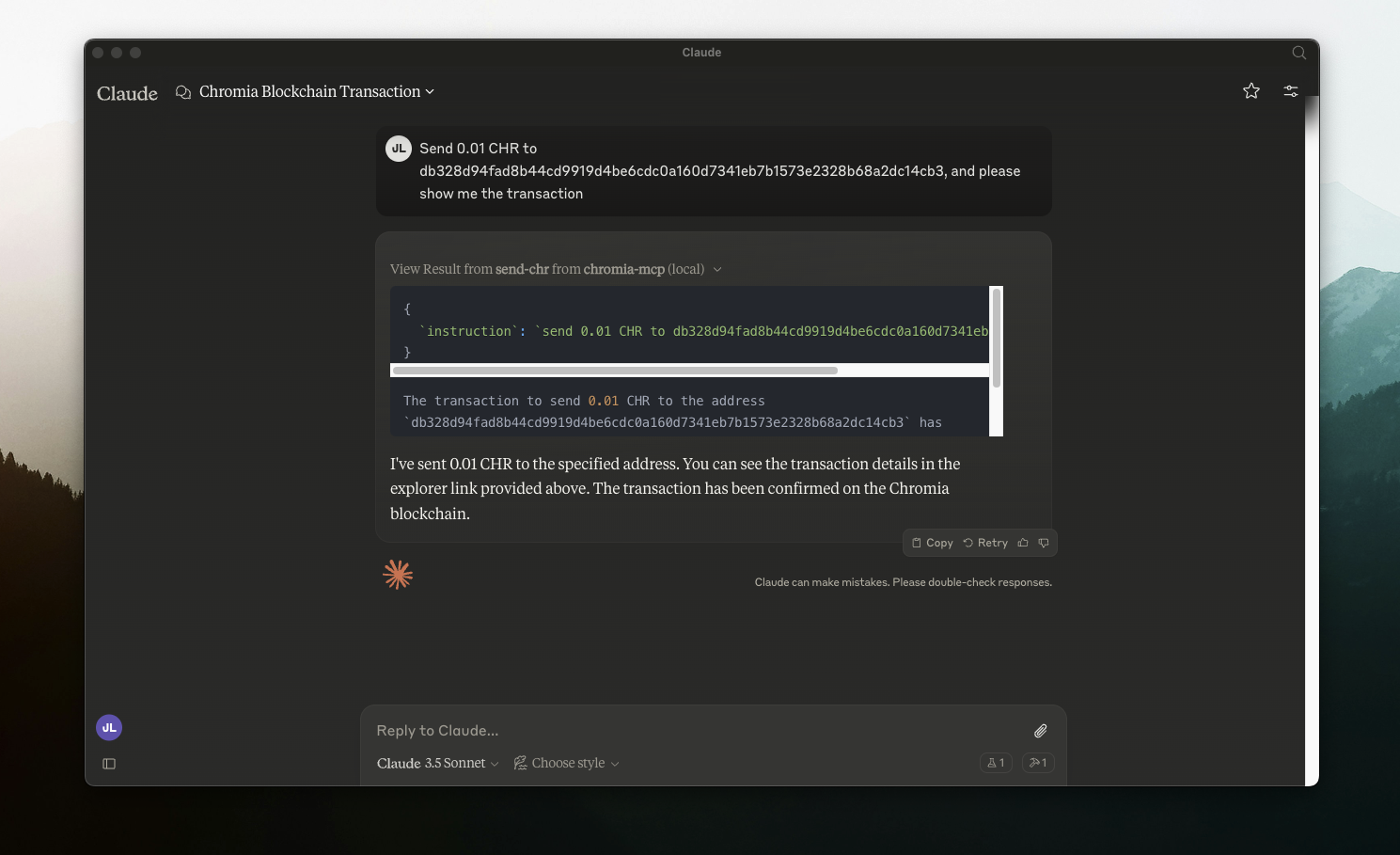
This tool that enables Claude AI to interact with Chromia Wallet for sending $CHR transactions.

Introduction on MCP: https://modelcontextprotocol.io/quickstart

Setting up

  1. git clone this repo

  2. setup .env and install

cp .env.sample .env
npm i
npm run build
  1. setup Claude's Desktop App (mac setup)

nano ~/Library/Application\ Support/Claude/claude_desktop_config.json
{
    "mcpServers": {
        "chromia-mcp": {
            "command": "node",
            "args": [
                "/PATH_TO_FOLDER/chromia-mcp/build/index.js"
            ]
        }
    }
}
  1. Restart Claude Desktop App

-
security - not tested
F
license - not found
-
quality - not tested

Resources

Unclaimed servers have limited discoverability.

Looking for Admin?

If you are the server author, to access and configure the admin panel.

Latest Blog Posts

MCP directory API

We provide all the information about MCP servers via our MCP API.

curl -X GET 'https://glama.ai/api/mcp/v1/servers/chromindscan/chromia-mcp'

If you have feedback or need assistance with the MCP directory API, please join our Discord server