F
licenseB
qualityD
maintenanceAn MCP server that provides detailed Pokémon information by integrating with the PokeAPI, allowing users to fetch comprehensive data about Pokémon and simulate battles.
2
2
-

Click on "Deploy Server".
Wait a few minutes for the server to deploy. Once ready, it will show a "Started" state.
In the chat, type @ followed by the MCP server name and your instructions, e.g., "@Pokemon-mcp compare pikachu and charizard"
That's it! The server will respond to your query, and you can continue using it as needed.
Here is a step-by-step guide with screenshots.
A modular Pokemon information and strategy server that provides:
Pokemon information retrieval
Pokemon comparison
Type matchup analysis
Team composition suggestions
A modern web interface for interacting with Pokemon data using MCP.
Information Retrieval: Get detailed Pokemon data including stats, types, abilities, and moves
Comparison: Compare multiple Pokemon side by side
Strategy: Analyze type matchup analysis and get counter-strategy recommendations
Team Building: Get team suggestions based on roles and type coverage
Related MCP server: Pokemon MCP Server
Install uv if not already installed:
curl -LsSf https://astral.sh/uv/install.sh | shMake sure you're in the pokemon directory:
cd /path/to/pokemonOpen Claude Desktop settings
Add a new MCP configuration:
{
    "pokemon": {
        "command": "uv",
        "args": [
            "--directory",
            "/path/to/pokemon",
            "run",
            "pokemon_mcp.py"
        ]
    }
}
Replace /path/to/pokemon with your actual path to the pokemon directory.
GROQ_API_KEY=your_api_key_hereuv run pokemon_mcp.pyuv run web_interface.py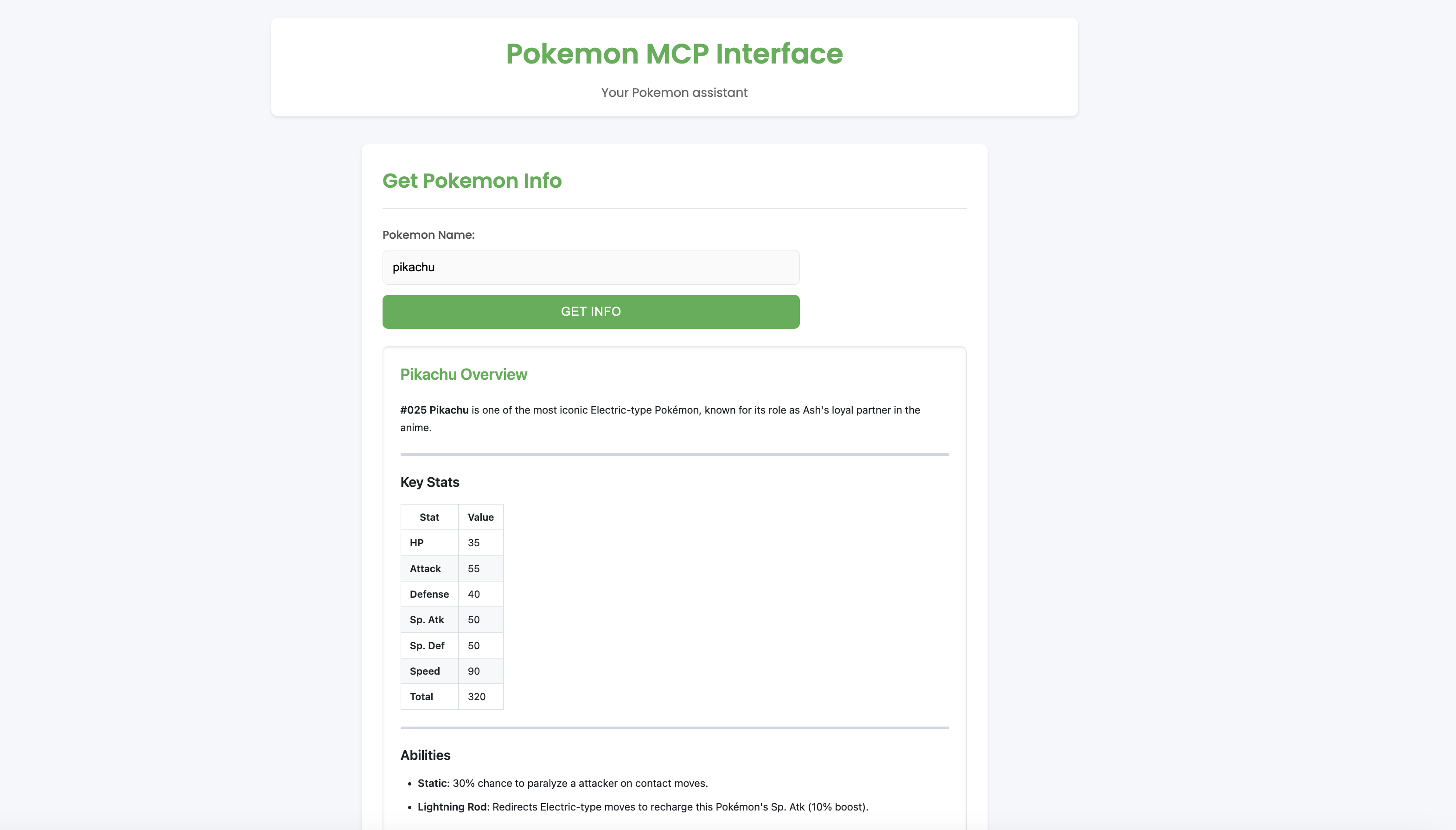
Get Pokemon info: get info pikachu
Compare Pokemon: compare pikachu charizard
Get type matchups: strategy mewtwo
Get team suggestions: team balanced offensive
This server cannot be deployed