
AMap MCP Server
<p align="center">
<a href="https://pypi.org/project/amap-mcp/"><img src="https://img.shields.io/badge/pypi-amapmcp-green" alt="version"></a>
Non-official AMap <a href="https://github.com/modelcontextprotocol">Model Context Protocol (MCP)</a> server that enables interaction with AMap powerful location related service. You can use in the following MCP clients like <a href="https://www.cursor.so">Cursor</a>, <a href="https://www.anthropic.com/claude">Claude Desktop</a>, <a href="https://cline.bot/">Cline</a> </a>, <a href="https://windsurf.com/editor">Windsurf</a> and other Client.
</p>
## Prerequisite
1. python 3.10+;
2. Get your AMAP_KEY from [AMAP open platform](https://console.amap.com/dev/key/app).
3. Install `uv` (Python package manager), install with `pip install uv` or see the `uv` [repo](https://github.com/astral-sh/uv) for additional install methods.
## Quickstart with Cursor
Go to Cursor -> Cursor Settings -> MCP, click `Add new global MCP server`, and mcp.json will open, paste the following config content:
```
"AMap": {
"command": "uvx",
"args": [
"amap-mcp"
],
"env": {
"AMAP_KEY": "<insert-your-AMap-here>"
},
},
```
## Example usage
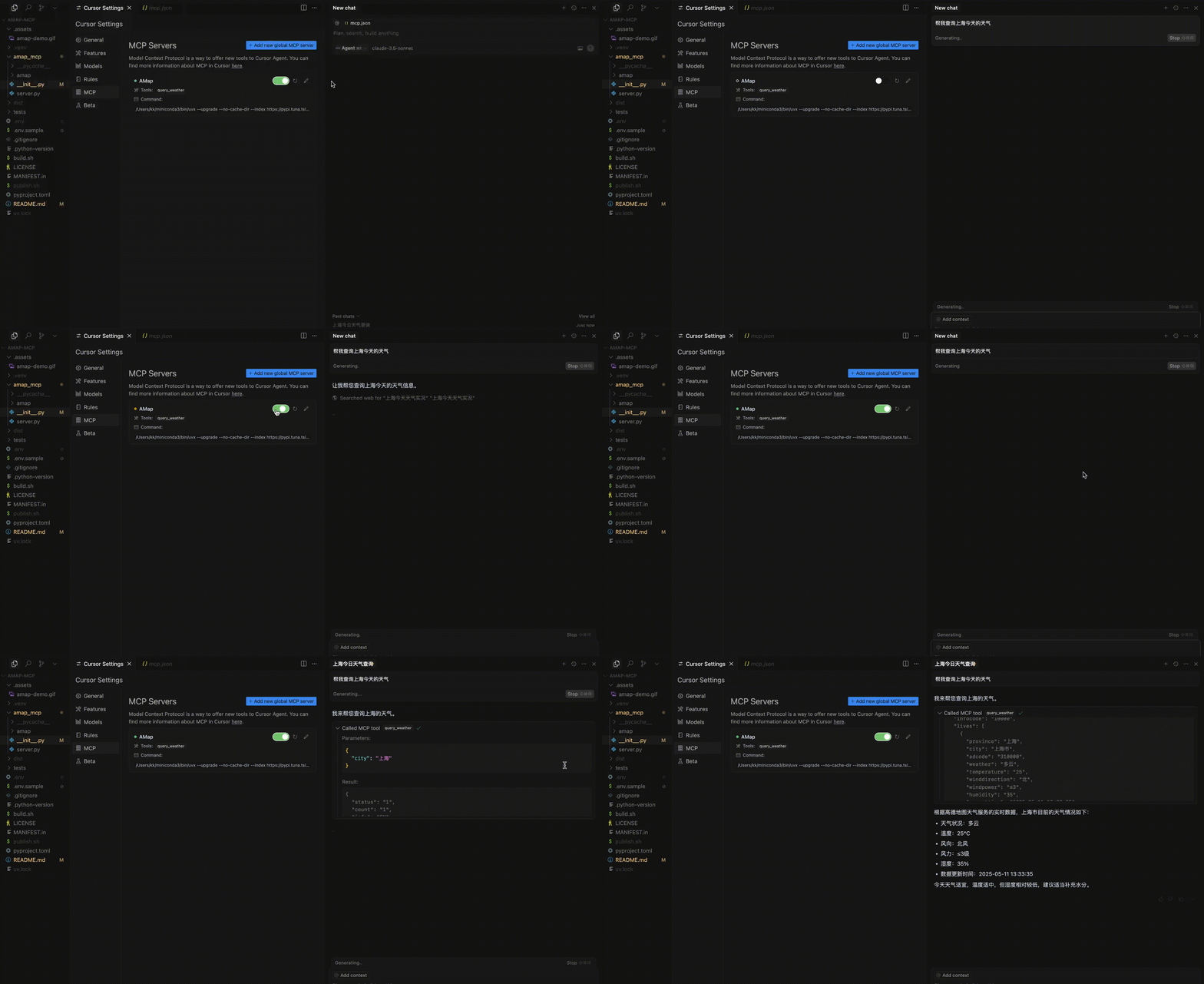
A demonstration video:
TDQS
Scored across 1 tool
With only one tool, there is no possibility of ambiguity or overlap between tools. The single tool has a clear, distinct purpose focused on weather queries.
The single tool name follows a clear verb_noun pattern (query_weather), and with only one tool, there is no inconsistency to evaluate. The naming is straightforward and descriptive.
One tool is too few for a server named 'AMap MCP Server', which suggests a broader mapping or location service domain. A single weather query tool feels thin and incomplete for this apparent scope.
The server is severely incomplete for a mapping service domain. There are obvious gaps such as geocoding, routing, place search, or map display tools. The single weather tool does not provide meaningful coverage of the expected functionality.