
OuterSpace Apizr
Official# OuterSpace Apizr
Turn existing Python functions into REST APIs or MCP tools. Inspect training
scripts and notebooks, record experiments, and compare their results.
Apizr **0.4.6** supports Python **3.11–3.15** on macOS and Linux.
[](https://pypi.org/project/outerspace-apizr/)
[](https://github.com/Alien6-Studio/outerspace-apizr/actions/workflows/ci.yml?query=branch%3Amaster)
[](https://github.com/Alien6-Studio/outerspace-apizr/actions/workflows/security.yml?query=branch%3Amaster)
[](https://apizr.outerspace.sh/)
[](https://pypi.org/project/outerspace-apizr/)
[](https://apizr.outerspace.sh/about/LICENSE/)
[](https://glama.ai/mcp/servers/Alien6-Studio/outerspace-apizr)
[](https://mcplookup.com/badge/go/a6d68610-7a46-4689-8add-e364a971ddbf/io.github.Alien6-Studio/outerspace-apizr)
## Install
With [uv](https://docs.astral.sh/uv/getting-started/installation/):
```sh
uv tool install outerspace-apizr==0.4.6
apizr --version
```
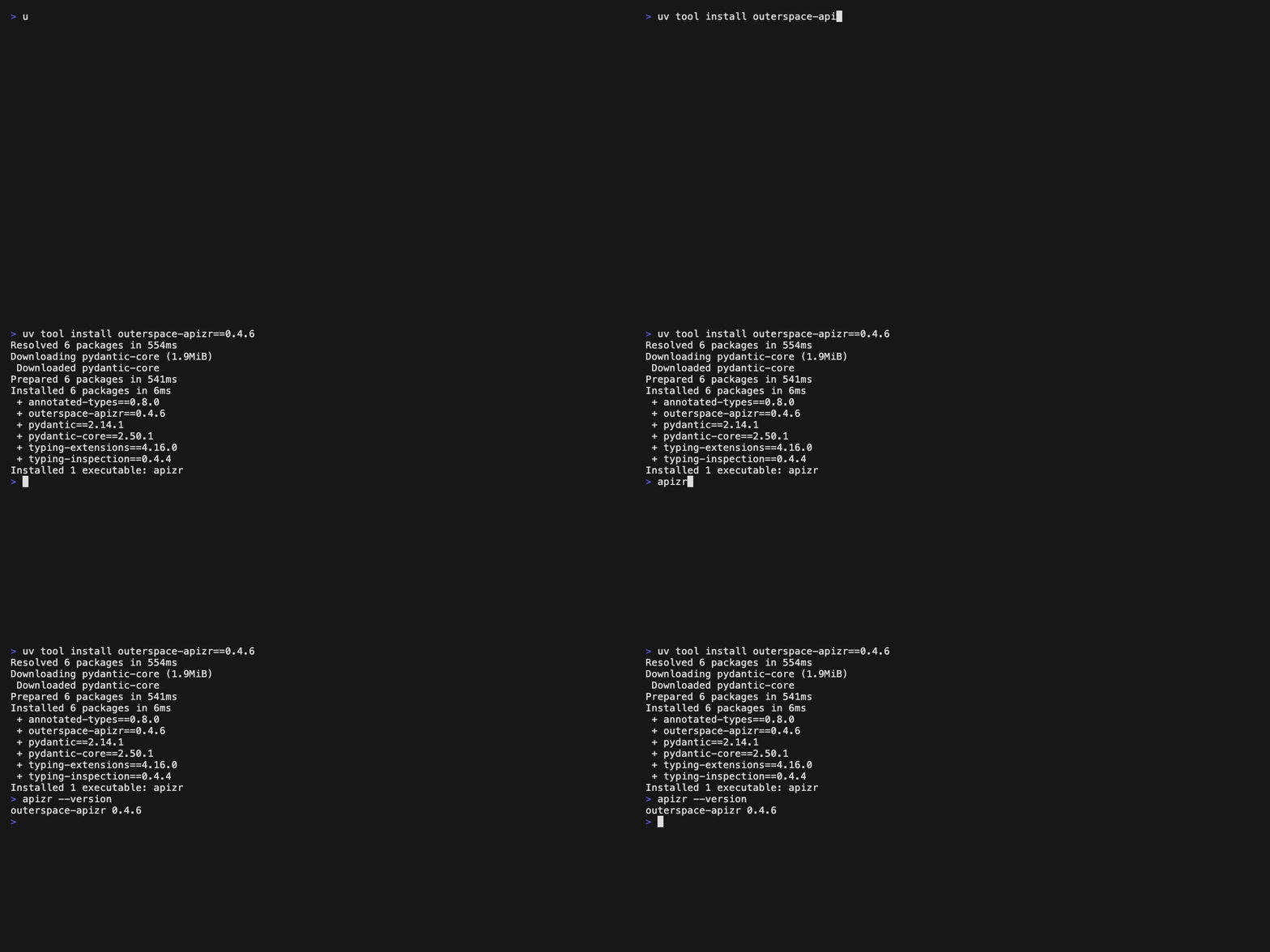
Prefer pip or Homebrew? Follow the [installation guide](https://apizr.outerspace.sh/getting-started/install/).
## Try it
Save this as `pricing.py`:
```python
def total(quantity: int, unit_price: float) -> float:
return round(quantity * unit_price, 2)
```
Inspect the function, then generate its MCP server:
```sh
apizr inspect pricing.py
apizr generate mcp pricing.py --select total --output-dir dist/mcp
```
Apizr reads the function without running it. You choose which functions to expose.
The generated server runs them when a client calls them.
Follow the [Quickstart](https://apizr.outerspace.sh/getting-started/quickstart/)
to start a server and make your first REST or MCP calls. The
[full walkthrough](https://apizr.outerspace.sh/getting-started/introduction/)
explains how this works across a project.
## Work with experiments
Start with a training script or notebook you want to understand:
<!-- experiment-inspection:readme -->
```sh
apizr experiment inspect train.py
```
The report shows the data, parameters and calculations found in the source.
It does not train a model or invent scores.
You can then run trusted code, keep its history, compare results and share a
selected prediction function. Start with the
[Data Scientist quickstart](https://apizr.outerspace.sh/getting-started/data-science/),
or follow the [Academy](https://apizr.outerspace.sh/academy/).
## Go further
- [Track Python calls and Jupyter cells](https://apizr.outerspace.sh/getting-started/tracking/).
- [Review experiments in VS Code](https://apizr.outerspace.sh/academy/vscode/).
- [Analyze a project from an MCP client](https://apizr.outerspace.sh/reference/apizr-mcp-server/).
- [Build a service image](https://apizr.outerspace.sh/reference/oci-service-plugin/)
or [deliver it with Attest](https://apizr.outerspace.sh/reference/attest-delivery-plugin/).
The core handles inspection and generation. Plugins are optional. Run generated
services and experiments only with code and dependencies you trust.
[Documentation](https://apizr.outerspace.sh/) ·
[Release notes](https://github.com/Alien6-Studio/outerspace-apizr/releases) ·
[Contributing](https://apizr.outerspace.sh/about/CONTRIBUTING/) ·
[Report an issue](https://github.com/Alien6-Studio/outerspace-apizr/issues)
TDQS
Scored across 6 tools
Each tool targets a distinct phase: discovery (analyze), policy assessment (readiness), proposal testing (plan_exposure), and experiment history (list/show/diff). Boundaries are explicitly spelled out in the descriptions, though analyze and readiness both inspect the same capability space, which could cause occasional selection confusion.
All names share a clean apizr_ prefix and snake_case, but the verb/no-un structure is mixed: single verbs (analyze), nouns (readiness), and noun_verb compounds (plan_exposure, experiment_list, experiment_show). Mostly consistent with minor deviation in the base convention.
Six tools is well-scoped for the server's purpose, covering discovery, readiness, exposure planning, and an experiment list/show/diff trio. Each tool clearly earns its place with no redundancy.
The static-analysis-to-exposure-planning workflow (analyze -> readiness -> plan_exposure) and experiment inspection (list/show/diff) appear well covered. Gaps are minor, since exposure execution and server generation are intentionally out of scope for this read-only/inspection surface.