
Click on "Install Server".
Wait a few minutes for the server to deploy. Once ready, it will show a "Started" state.
In the chat, type
@followed by the MCP server name and your instructions, e.g., "@Tiny ChatSearch the knowledge base for information on API rate limits"
That's it! The server will respond to your query, and you can continue using it as needed.
Here is a step-by-step guide with screenshots.
Tiny Chat

Installation
Tested with Python 3.10 or later
Development Installation
pip install -r requirements.txt
Package Installation
# Build the package
pip install build
python -m build
# Install the built package
pip install dist/*.whl
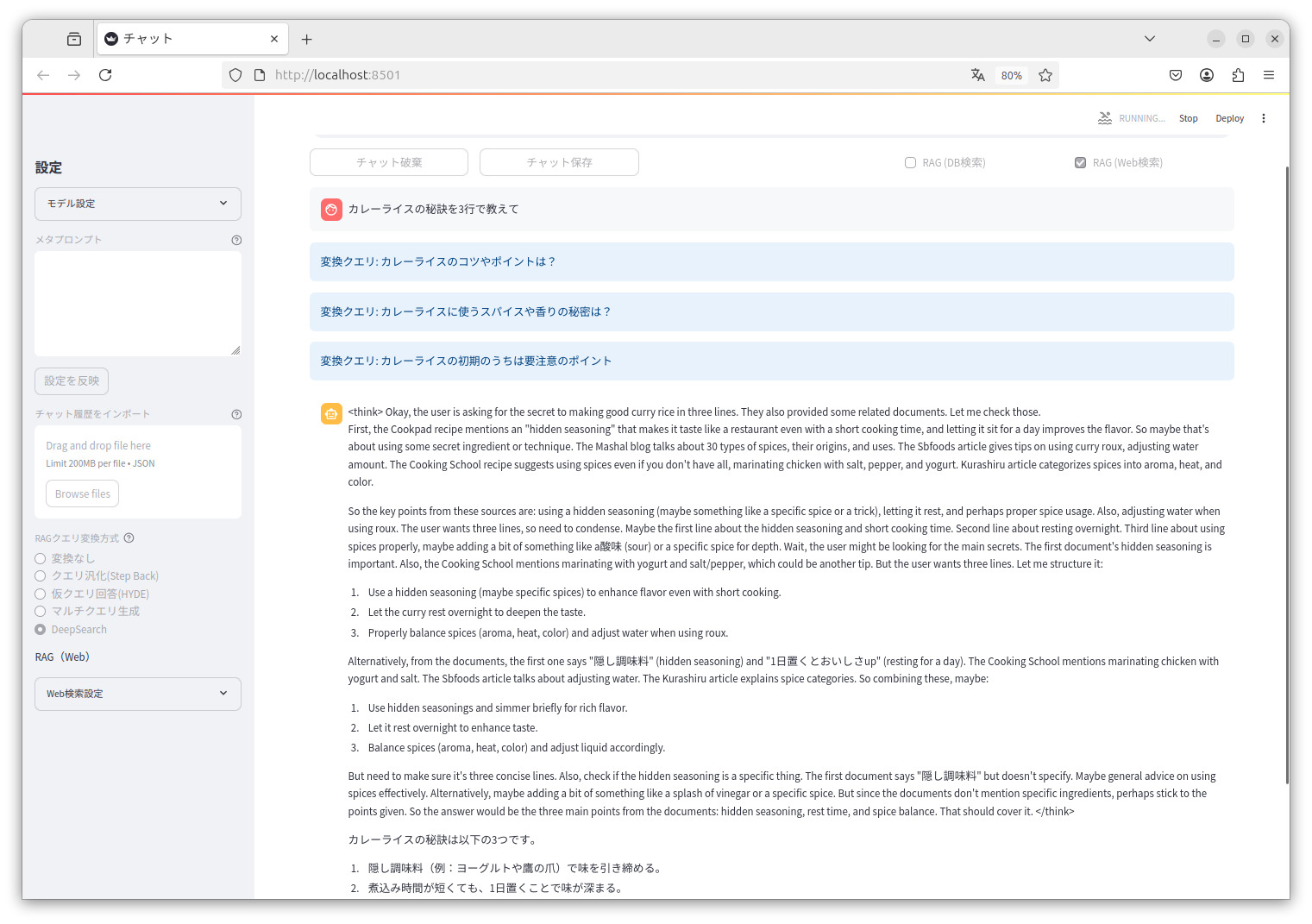
Web Interface Usage
Running from source (development)
streamlit run tiny_chat/main.py --server.address=127.0.0.1
only database (development)
streamlit run tiny_chat/main.py --server.address=127.0.0.1 -- --database
Running installed package
tiny-chat
only database
tiny-chat --database
MCP Usage
Claude Desktop example.
{
"mcpServers": {
"tiny-chat": {
"command": "/path/to/tiny_chat/.venv/bin/tiny-chat-mcp",
"env": {
"DB_CONFIG": "/path/to/tiny_chat/database_config.json"
}
}
}
}
OpenAI Chat API RAG Server Usage
tiny-chat-api
model: target search qdrant collection name (model change in conversation).
curl http://localhost:8080/v1/chat/completions -H "Content-Type: application/json" -d '{"model": "qdrant-collection-name", "messages": [{"role": "user", "content": "カレーライスの材料は?"}]}'
