---
title: "Tool Execution"
description: "Execute database tools directly from your browser"
---
Run pre-defined SQL statements through a constrained form interface, with URL query parameters to prefill fields for bookmarking and sharing.
## execute_sql Tools
For `execute_sql` tools, you get a full SQL editor with syntax highlighting.
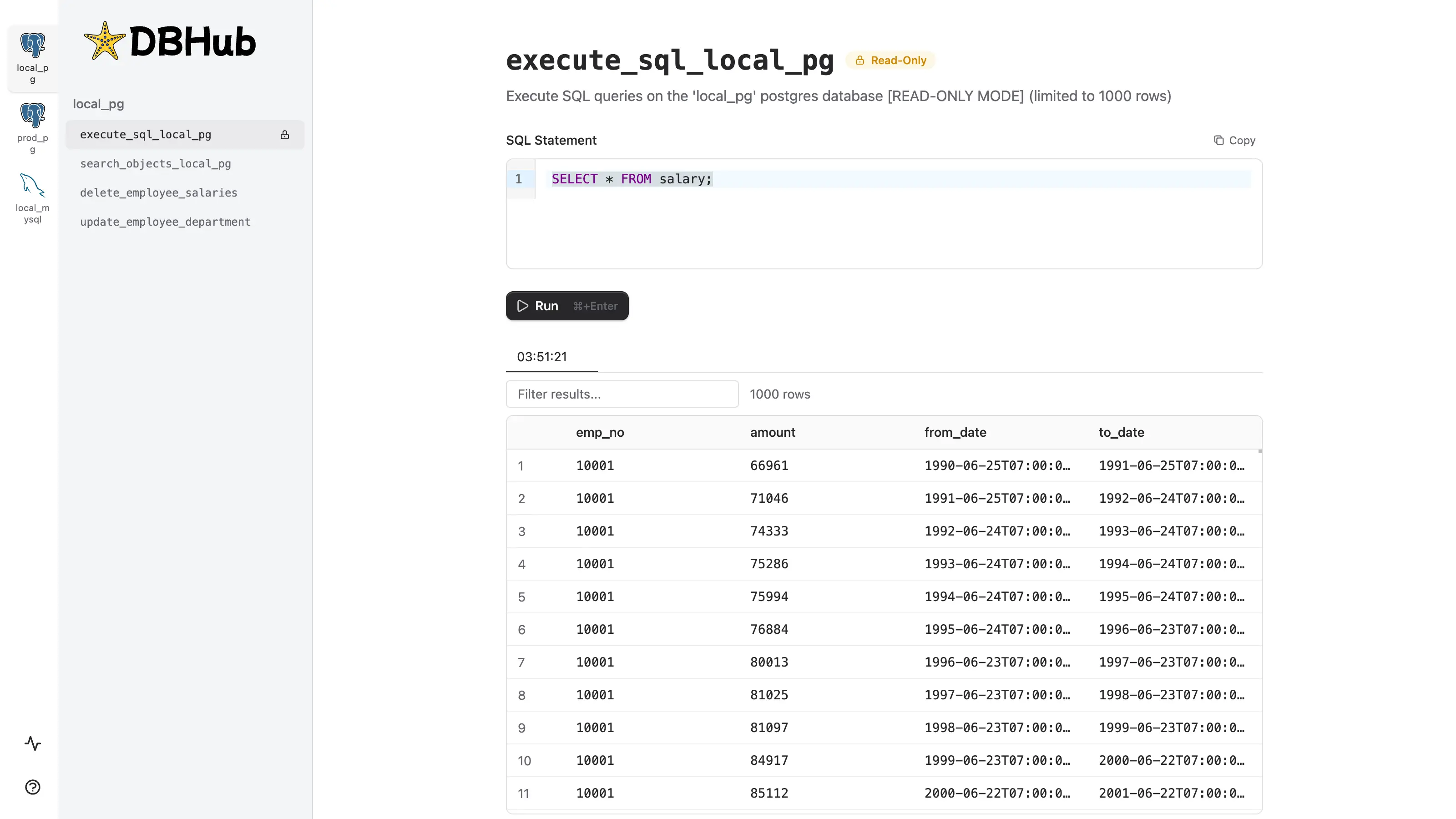
| Parameter | Description | Example |
|-----------|-------------|---------|
| `sql` | Prefills the SQL editor (URL encoded) | `?sql=SELECT%20*%20FROM%20users%20LIMIT%2010` |
## Custom Tools
Custom tools provide a **constrained interface** that limits users to running pre-defined SQL statements. Instead of writing arbitrary SQL, users fill in a parameter form—reducing errors and enforcing safe query patterns.
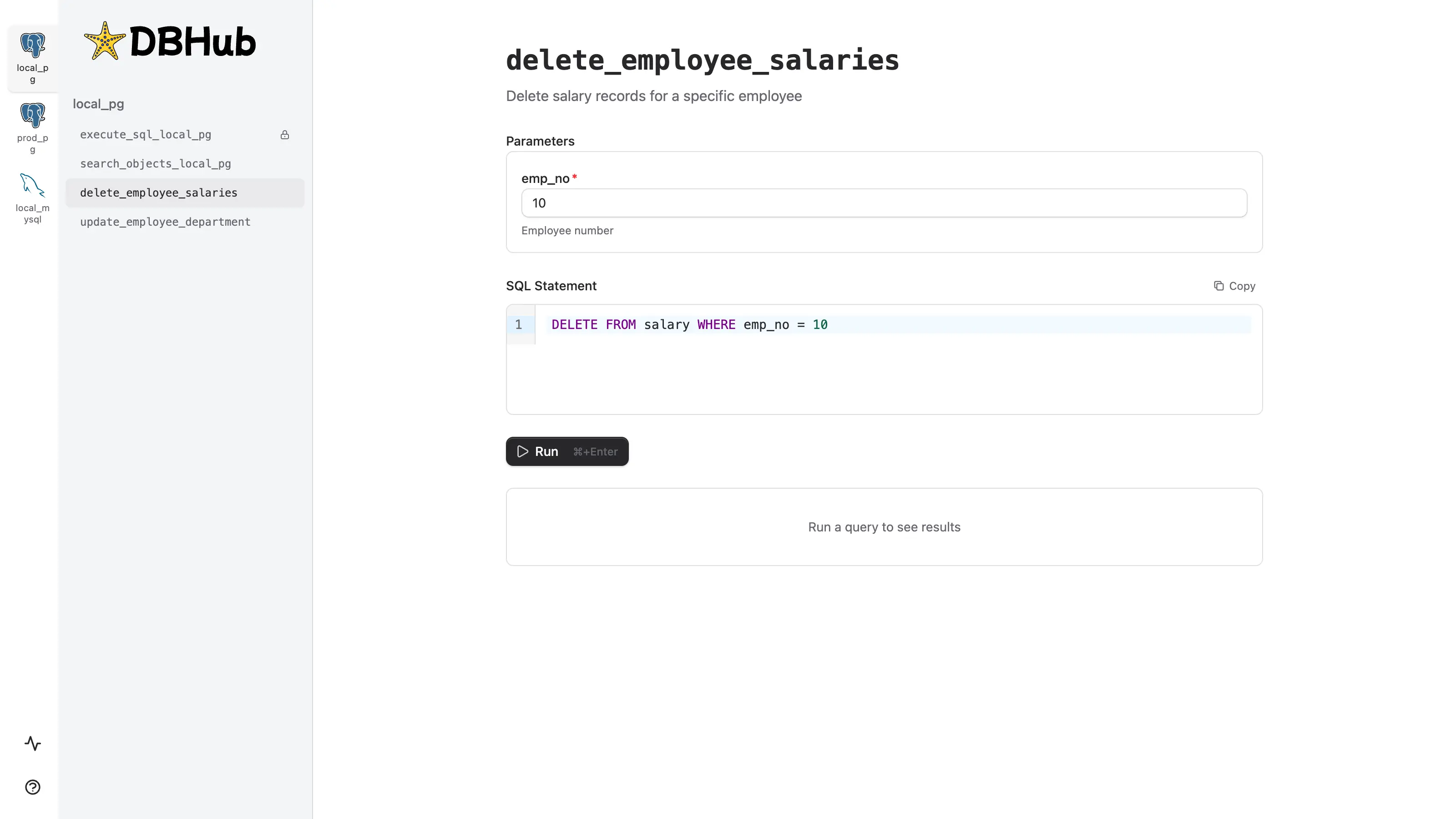
Example configuration in `dbhub.toml`:
```toml dbhub.toml
[[tools]]
name = "delete_employee_salaries"
description = "Delete salary records for a specific employee"
source = "local_pg"
readonly = false # Explicitly allow DELETE operations
statement = "DELETE FROM salary WHERE emp_no = $1"
[[tools.parameters]]
name = "emp_no"
type = "integer"
description = "Employee number"
required = true
```
In the Workbench, this renders as a form with a single input. The generated SQL is shown as a read-only preview before execution.
| Parameter | Description | Example |
|-----------|-------------|---------|
| `{param_name}` | Prefills the form field matching the parameter name (URL encoded) | `?emp_no=10001` |
