
Performs security scans using Trivy to identify vulnerabilities and generate Software Bill of Materials (SBOM) in CycloneDX format.
Click on "Install Server".
Wait a few minutes for the server to deploy. Once ready, it will show a "Started" state.
In the chat, type
@followed by the MCP server name and your instructions, e.g., "@MCP SBOM ServerScan the current directory and generate a CycloneDX SBOM."
That's it! The server will respond to your query, and you can continue using it as needed.
Here is a step-by-step guide with screenshots.
MCP SBOM Server


MCP server to perform a Trivy scan and produce an SBOM in CycloneDX format.
Installation
Prerequisites
Install the following.
Related MCP server: mcp-server-code-assist
MCP Clients
Configuration
Building
This project employsuv.
Synchronize dependencies and update the lockfile.
Debugging
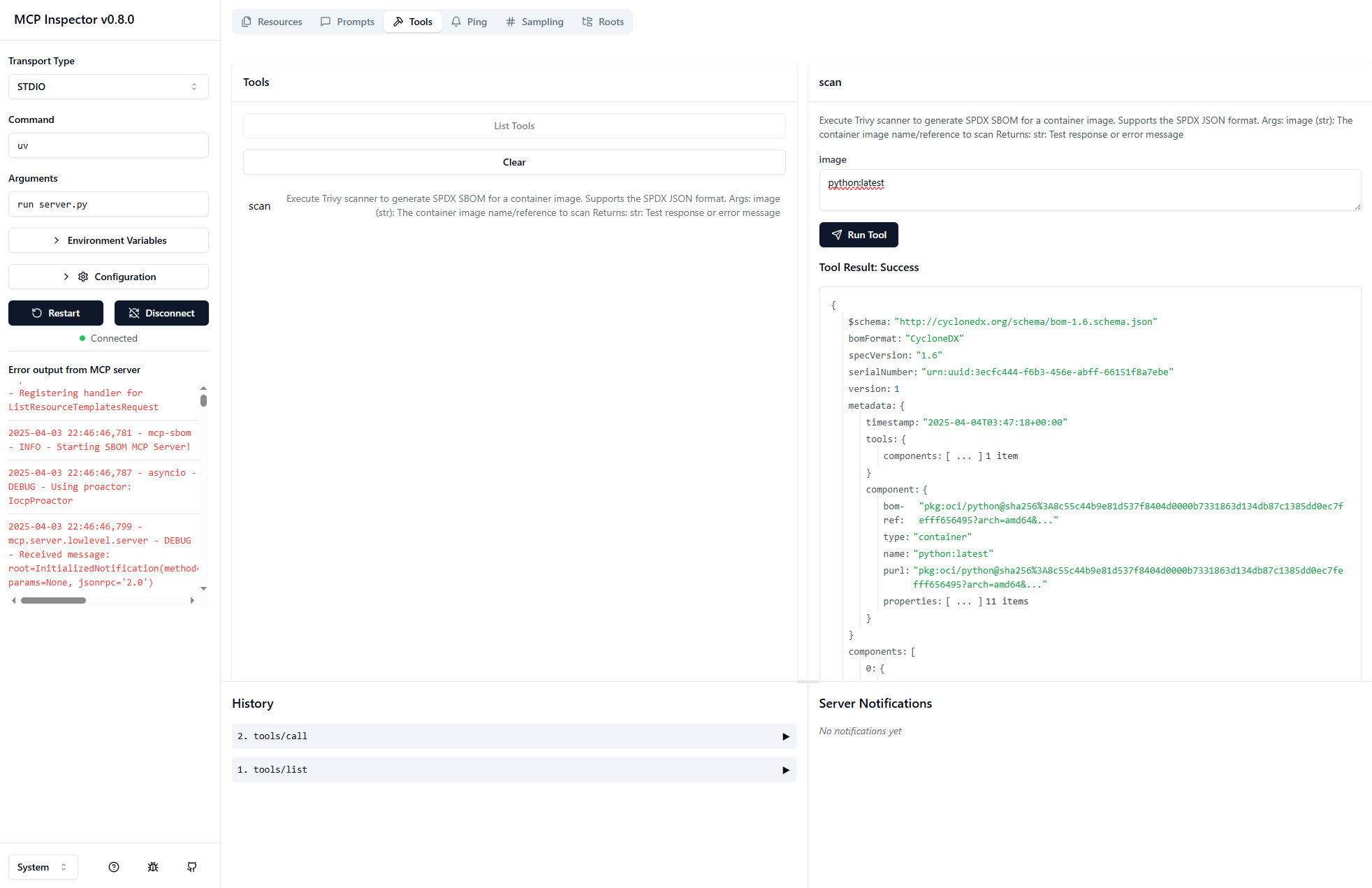
MCP Inspector
Use MCP Inspector.
Launch the MCP Inspector as follows:
Windows
When running on Windows, use paths of the style: