## Basic usage
Using JupyterLab with Pixi is very simple.
You can just create a new Pixi workspace and add the `jupyterlab` package to it.
The full example is provided under the following [Github link](https://github.com/prefix-dev/pixi/tree/main/examples/jupyterlab).
```bash
pixi init
pixi add jupyterlab
```
This will create a new Pixi workspace and add the `jupyterlab` package to it. You can then start JupyterLab using the
following command:
```bash
pixi run jupyter lab
```
If you want to add more "kernels" to JupyterLab, you can simply add them to your current workspace – as well as any dependencies from the scientific stack you might need.
```bash
pixi add bash_kernel ipywidgets matplotlib numpy pandas # ...
```
### What kernels are available?
You can easily install more "kernels" for JupyterLab. The `conda-forge` repository has a number of interesting additional kernels - not just Python!
- [**`bash_kernel`**](https://prefix.dev/channels/conda-forge/packages/bash_kernel) A kernel for bash
- [**`xeus-cpp`**](https://prefix.dev/channels/conda-forge/packages/xeus-cpp) A C++ kernel based on the new clang-repl
- [**`xeus-cling`**](https://prefix.dev/channels/conda-forge/packages/xeus-cling) A C++ kernel based on the slightly older Cling
- [**`xeus-lua`**](https://prefix.dev/channels/conda-forge/packages/xeus-lua) A Lua kernel
- [**`xeus-sql`**](https://prefix.dev/channels/conda-forge/packages/xeus-sql) A kernel for SQL
- [**`r-irkernel`**](https://prefix.dev/channels/conda-forge/packages/r-irkernel) An R kernel
## Advanced usage
<!--
Modifications to the following section are related to the README.md in https://github.com/renan-r-santos/pixi-kernel and
https://github.com/renan-r-santos/pixi-kernel-binder, please keep these two in sync by making a PR in both
-->
If you want to have only one instance of JupyterLab running but still want per-directory Pixi environments, you can use
one of the kernels provided by the [**`pixi-kernel`**](https://prefix.dev/channels/conda-forge/packages/pixi-kernel)
package.
### Configuring JupyterLab
To get started, create a Pixi workspace, add `jupyterlab` and `pixi-kernel` and then start JupyterLab:
```bash
pixi init
pixi add jupyterlab pixi-kernel
pixi run jupyter lab
```
This will start JupyterLab and open it in your browser.
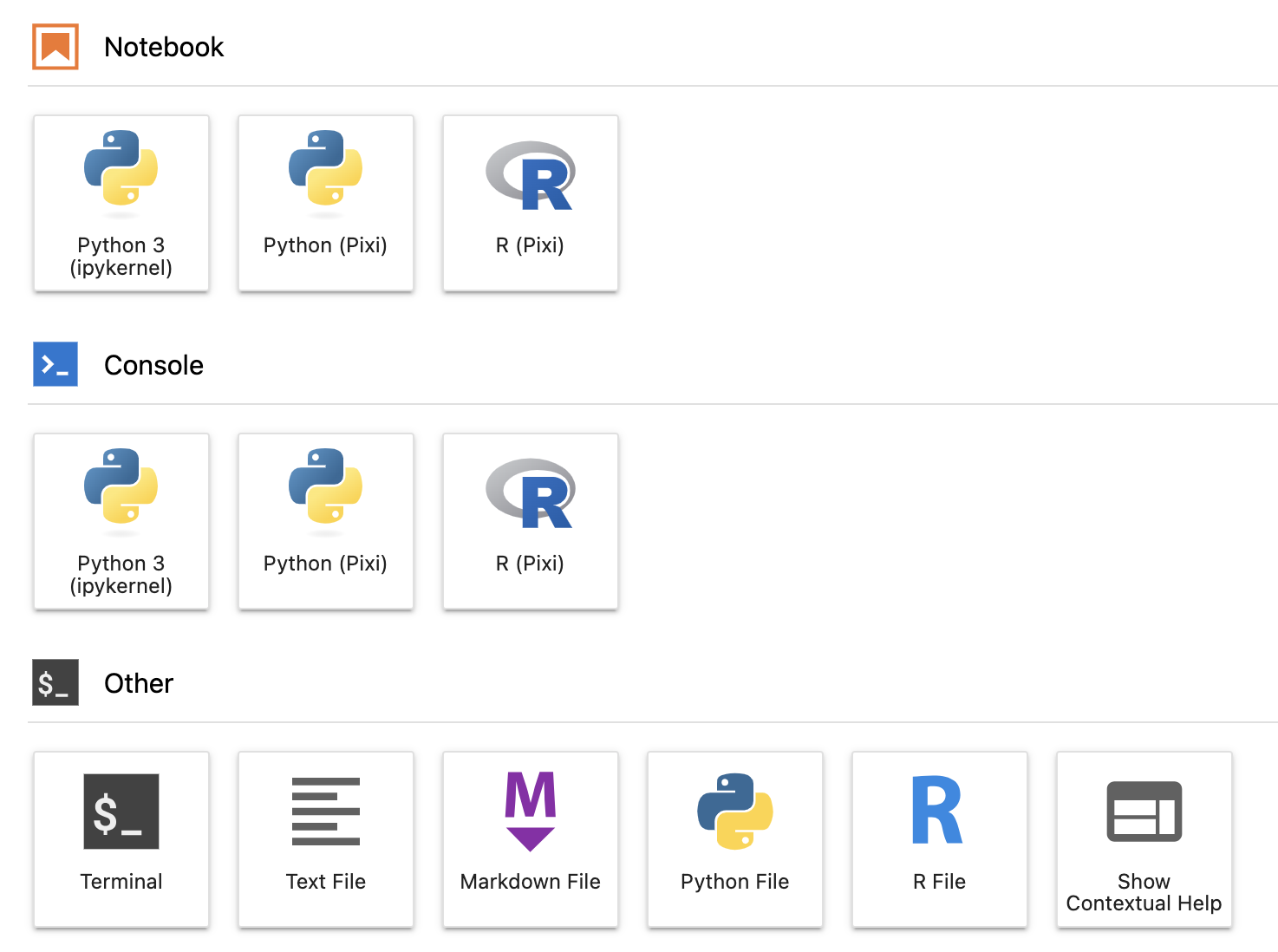
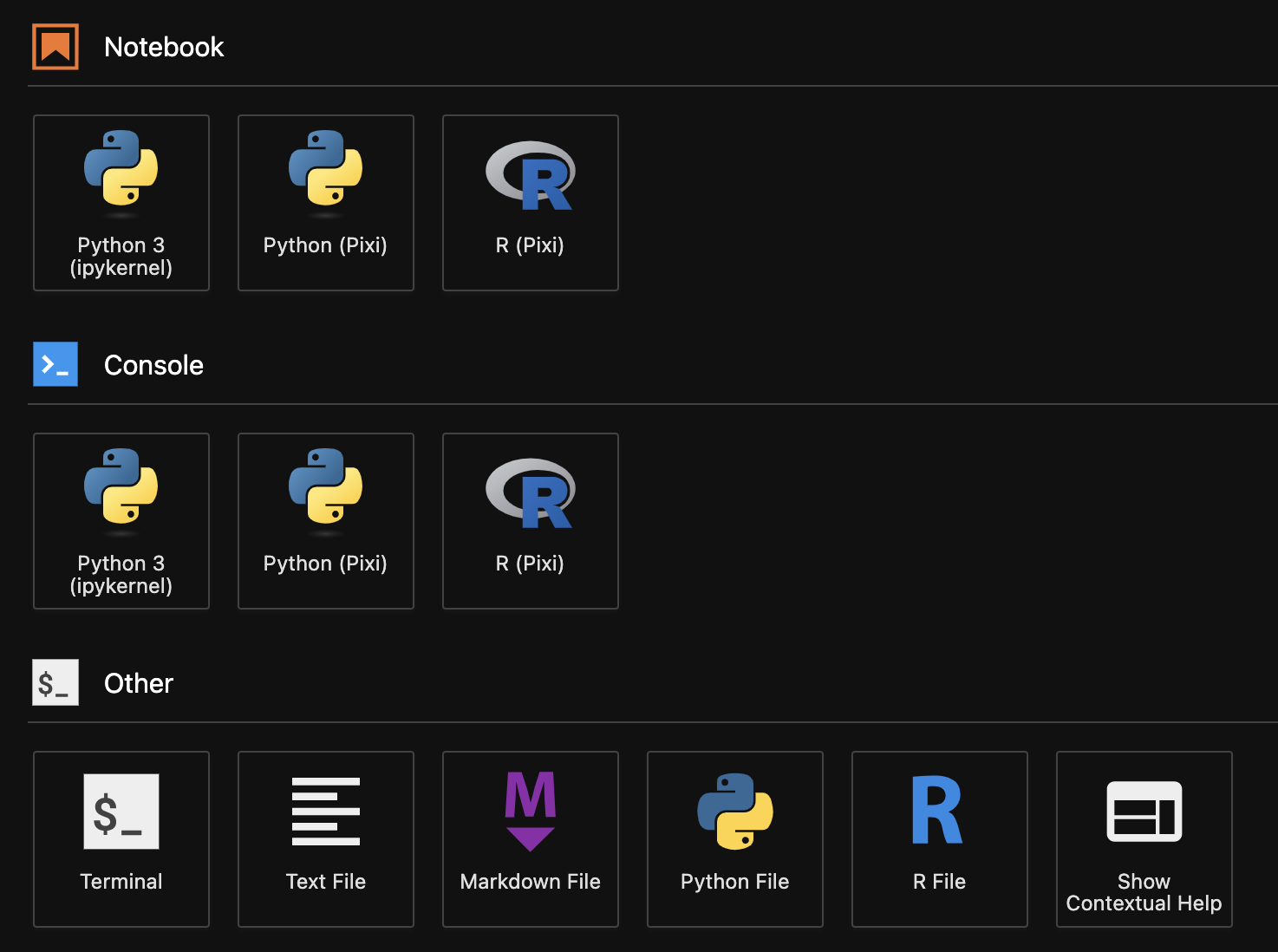
`pixi-kernel` searches for a manifest file, either `pixi.toml` or `pyproject.toml`, in the same directory of your
notebook or in any parent directory. When it finds one, it will use the environment specified in the manifest file to
start the kernel and run your notebooks.
