
AMap MCP Server
Provides access to AMap's location-related services, allowing users to interact with mapping and geolocation features through the Model Context Protocol.
Click on "Install Server".
Wait a few minutes for the server to deploy. Once ready, it will show a "Started" state.
In the chat, type
@followed by the MCP server name and your instructions, e.g., "@AMap MCP Serverfind nearby coffee shops in Beijing"
That's it! The server will respond to your query, and you can continue using it as needed.
Here is a step-by-step guide with screenshots.
Non-official AMap Model Context Protocol (MCP) server that enables interaction with AMap powerful location related service. You can use in the following MCP clients like Cursor, Claude Desktop, Cline , Windsurf and other Client.
Prerequisite
python 3.10+;
Get your AMAP_KEY from AMAP open platform.
Install
uv(Python package manager), install withpip install uvor see theuvrepo for additional install methods.
Related MCP server: MCP Google Map Server
Quickstart with Cursor
Go to Cursor -> Cursor Settings -> MCP, click Add new global MCP server, and mcp.json will open, paste the following config content:
"AMap": {
        "command": "uvx",
        "args": [
          "amap-mcp"
        ],
        "env": {
          "AMAP_KEY": "<insert-your-AMap-here>"
        },
      },
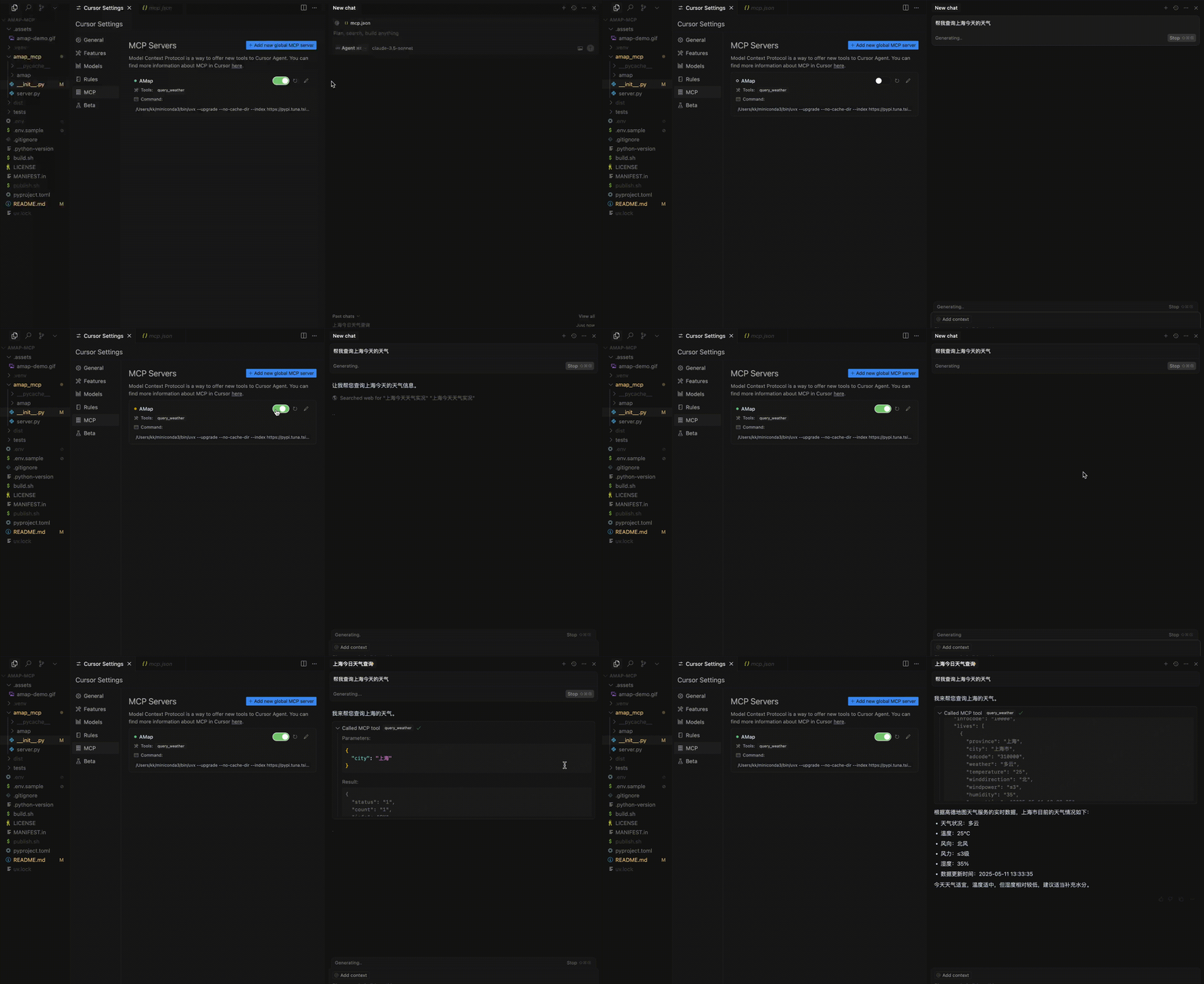
Example usage
A demonstration video:
Resources
Unclaimed servers have limited discoverability.
Looking for Admin?
If you are the server author, to access and configure the admin panel.
Tools
Latest Blog Posts
MCP directory API
We provide all the information about MCP servers via our MCP API.
curl -X GET 'https://glama.ai/api/mcp/v1/servers/Francis235/amap-mcp'
If you have feedback or need assistance with the MCP directory API, please join our Discord server