
markdown-convert-mcp
by ysskrishna
README.md
# Markdown Convert MCP

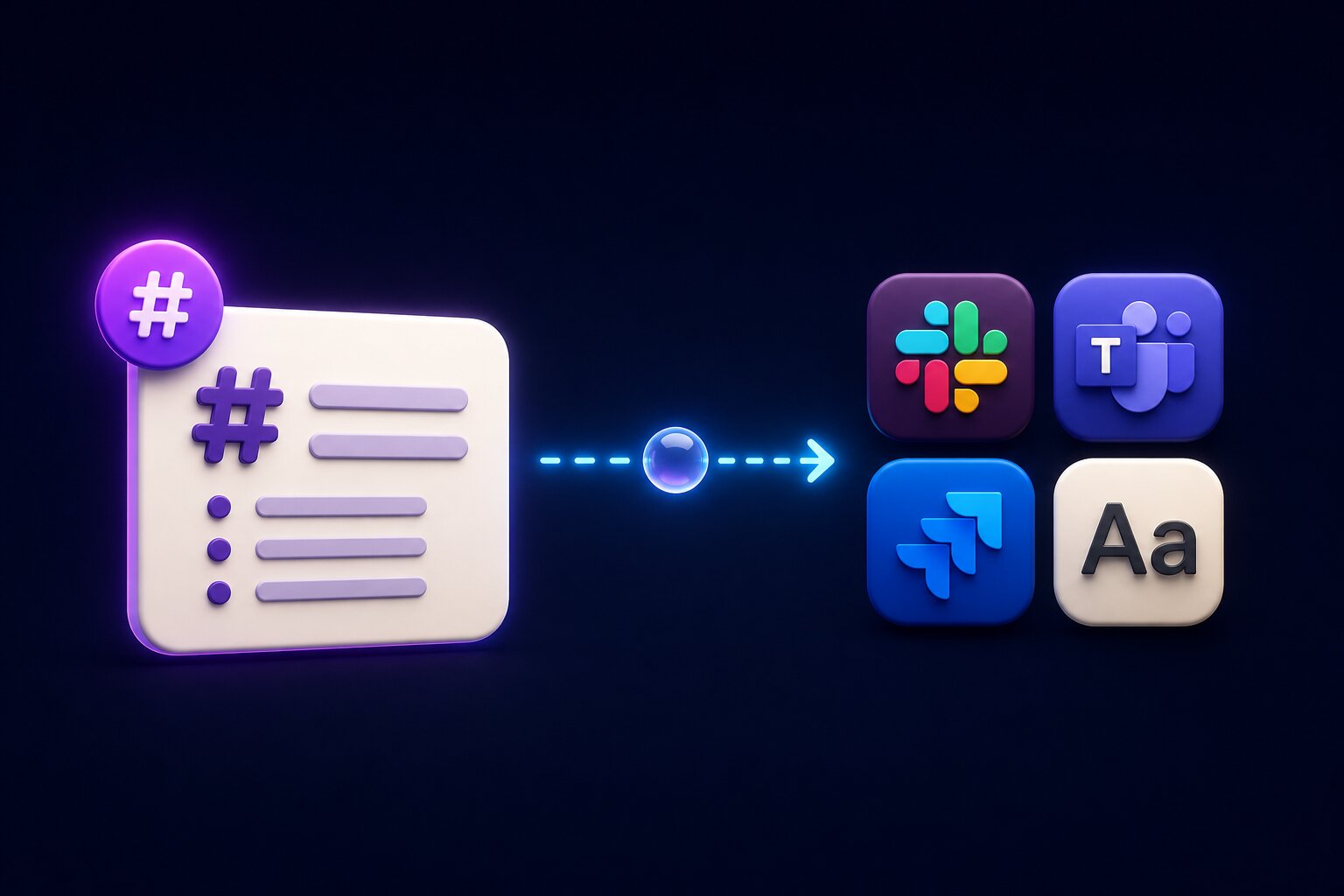
Convert Markdown to Slack, Microsoft Teams, Jira, and plain text with an MCP server. Supports CommonMark and GitHub-Flavored Markdown (GFM) and provides platform-specific formatting for AI agents, LLMs, and automation workflows.
## MCP setup
### Cursor
Add to `~/.cursor/mcp.json` (global) or `.cursor/mcp.json` (project only):
```json
{
"mcpServers": {
"markdown-convert": {
"command": "npx",
"args": ["-y", "@ysskrishna/markdown-convert-mcp"]
}
}
}
```
Then open **Cursor Settings → MCP** and confirm `markdown-convert` is enabled.
With a global install, you can use `"command": "markdown-convert-mcp"` instead of `npx`.
### Claude Code (CLI)
```bash
claude mcp add markdown-convert -- npx -y @ysskrishna/markdown-convert-mcp
```
Add `-s user` to register for all projects. In a session, run `/mcp` to list tools.
### Claude Desktop
**Settings → Developer → Edit Config**, then restart Claude:
```json
{
"mcpServers": {
"markdown-convert": {
"command": "npx",
"args": ["-y", "@ysskrishna/markdown-convert-mcp"]
}
}
}
```
## Tools and next hops
Each tool accepts `{ "markdown": "<source>" }` and returns converted text. Pick the tool that matches where the string will go next.
| Tool | Output | Use when the next hop expects | Do not use when |
| ----------------------- | ----------------------------------------------------- | --------------------------------------------- | -------------------------------------------------------------------------------- |
| `markdown_to_slack` | Slack mrkdwn | Slack API or Slack MCP `text` (mrkdwn) | Composer clipboard paste; `markdown_text` fields (pass Markdown through instead) |
| `markdown_to_teams` | HTML with inline CSS | Teams paste or Graph `contentType: html` | Adaptive Cards; this tool does not send Teams messages |
| `markdown_to_jira` | ADF JSON string | Jira Cloud REST v3 rich-text fields; Atlassian MCP | Wiki markup / Server v2 API; this tool does not create issues |
| `markdown_to_plaintext` | Plain text | Any destination that needs stripped text | — |
**Limits:** Whitespace-only input returns success with an empty string. Input over 200,000 characters returns a tool error (`isError: true`), not a transport failure. Slack may truncate around 40k characters in the `text` field.
## Support
If you find this project helpful:
- Star the [repository](https://github.com/ysskrishna/markdown-convert-mcp)
- [Report issues](https://github.com/ysskrishna/markdown-convert-mcp/issues)
- Submit pull requests
- [Sponsor on GitHub](https://github.com/sponsors/ysskrishna)
## License
MIT © [Y. Siva Sai Krishna](https://github.com/ysskrishna) — see [LICENSE](LICENSE) for details.
---
[Author's GitHub](https://github.com/ysskrishna) • [Author's LinkedIn](https://linkedin.com/in/ysskrishna) • [Author's site](https://ysskrishna.space) • [Report Issues](https://github.com/ysskrishna/markdown-convert-mcp/issues)This server cannot be deployed
Maintenance
ActivitySlowing
ResponsivenessNo issues