
Convex Platforms
by yast-ai
README.md
# Convex Platforms
API, MCP, CLI, and SDKs for Convex. Open-source software maintained by Yast AI.
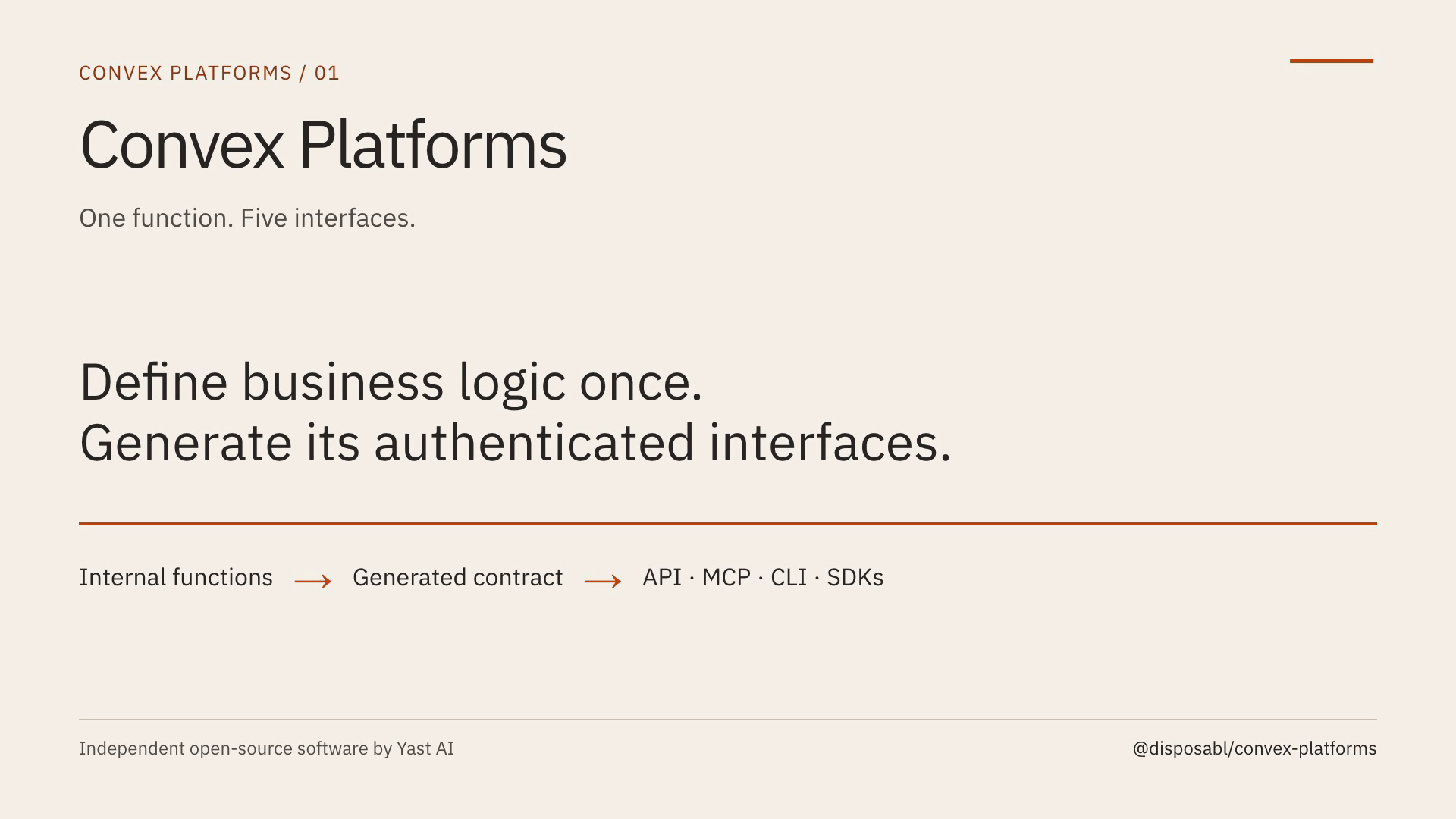
Define an internal Convex function once. Choose its interfaces. Keep validation, business logic and authorization in the same function.
```text
Convex internal functions + validators + platforms metadata
↓
Local generation
↓
One versioned application contract
↓
HTTP API · MCP tools · CLI · TypeScript/Python SDKs
```
Optional [WorkOS account and team operations](docs/workos.md) supply native account, membership, invitation, API-key and team functions, including public wrappers and personal organization provisioning. Configure them in one Convex file and export only the operations you want; your own account/team functions can replace any builtin.
Optional MCP Apps attach your React UI to tools. Optional project-level plugins bundle skills and MCP configuration for OpenAI and Claude. Plugins are separate from function-level interface selection.
[](https://github.com/yast-ai/convex-platforms/blob/main/media/walkthrough.mp4)
[Watch the dashboard setup tour](https://github.com/yast-ai/convex-platforms/blob/main/media/setup-tour.mp4), or browse its [screenshots and steps](docs/onboarding.md). The tour uses real QA and Yast dashboard captures; the QA dialog's button appearance is labeled as an illustration. [Videos and editable source](media/README.md).
## Quick start
Requires an existing Convex project, Bun 1.3+, Node 22.14+, and a WorkOS AuthKit environment. New to either service? Start with the [three onboarding paths](docs/onboarding.md).
```sh
bun add @disposabl/convex-platforms
bunx convex-platforms init --name my-app
```
For account/team operations and custom business functions together, use one [`createPlatforms` integration](docs/workos.md#configure-once) in `convex/platforms.ts`. It supplies the typed internal builders, selected native WorkOS operations and HTTP routes. Export only the operations you need; your own functions can replace any builtin. The factory reads no credentials and imports no generated files during discovery.
Mount it alongside application routes in `convex/http.ts`:
```ts
import type { Manifest } from '@disposabl/convex-platforms';
import manifest from '../platforms/generated/manifest.json';
import { registerRoutes } from './platforms';
registerRoutes(http, manifest as Manifest);
```
The initializer creates this single typed integration, a bootstrap manifest, setup instructions and generation scripts. It preserves existing authentication and HTTP routes. No account/team builtin is exported by default. Configure your WorkOS roles and a trusted authentication callback before exporting optional public aliases. The omitted callback rejects all public calls.
Use the new internal builders in a feature folder:
```ts
// convex/todos/internal.ts
import { ConvexError, v } from 'convex/values';
import { internalMutation, identityFields } from '../platforms';
export const createTodo = internalMutation({
platforms: true,
description: 'Create a todo in the authenticated organization',
args: { ...identityFields, text: v.string() },
returns: v.id('todos'),
handler: async (ctx, { orgId, userId, text }) => {
const value = text.trim();
if (!value || value.length > 200) {
throw new ConvexError({ code: 'invalid_text', status: 400 });
}
return ctx.db.insert('todos', { orgId, userId, text: value });
},
});
```
The app owns its schema. Add a `todos` table with `orgId`, `userId` and `text` fields, and indexes for collection reads. Existing public web functions can call this same internal function after resolving their authenticated identity.
```sh
bun run ports:generate
bunx convex dev
```
Before that first deployment, set `WORKOS_CLIENT_ID`, `WORKOS_API_KEY`, and the trusted public AuthKit origin `WORKOS_AUTHKIT_URL` on the selected Convex deployment. Missing settings prevent route initialization. Follow `platforms/SETUP.md` for authentication wiring.
Generate before every deployment. Keep generated outputs out of source control and regenerate in CI. Generation never deploys or creates provider accounts.
## Choose interfaces
| Metadata | Result |
| --------------------------------------- | ----------------------------------------------------- |
| omitted, `false`, or `{}` | No generated interfaces |
| `true` | API, MCP, CLI and both SDKs |
| `{ mcp: true }` | MCP only |
| `{ api: true, 'sdk-typescript': true }` | API and TypeScript SDK |
| `{ cli: true, 'sdk-python': true }` | CLI and Python SDK, with authenticated HTTP transport |
Public Convex wrappers remain independent. Interface selection does not grant permission to execute an operation.
Names derive from feature folders and function names. Optional `resource: ['account', 'members']` metadata sets a logical namespace independently of the file, so several resources can share one Convex module:
| Source | HTTP | MCP | CLI | SDK |
| ------------------------------------- | ---------------------------- | --------------------- | --------------------- | ------------------------------------- |
| `todos/internal.ts:createTodo` | `/api/v1/todos/create` | `todos_create` | `todos create` | `client.todos.create` |
| `members/actions.ts:updateMemberRole` | `/api/v1/members/updateRole` | `members_update_role` | `members update-role` | TS `updateRole`, Python `update_role` |
Arguments are flat JSON objects. Authentication fields never appear in generated input schemas.
## Authentication
Set server-side `WORKOS_CLIENT_ID`, `WORKOS_API_KEY`, and `WORKOS_AUTHKIT_URL` on the correct Convex deployment. `CONVEX_SITE_URL` is supplied by Convex. Keep credentials out of client bundles and generated artifacts.
Configure Convex JWT verification using `getWorkOSAuthProviders` from `@disposabl/convex-platforms/oauth`. Preserve existing providers when integrating an existing app. WorkOS Connect must also enable Client ID Metadata Documents, known as CIMD, and register the exact deployment `/mcp` URL as a resource indicator. [Detailed setup](docs/onboarding.md).
The HTTP runtime validates WorkOS user API keys with `api:access`, or accepts a verified WorkOS session. MCP uses WorkOS Connect with its exact issuer and resource audience. Every authenticated request resolves current active organization membership and forwards trusted flat `orgId`, `userId`, `role` fields to the internal function. App functions still enforce organization isolation and resource ownership.
Custom WorkOS roles are supported. Configure `rolePriority` when your membership may have multiple roles; the package does not invent an administrator role.
## CLI and SDKs
The shared CLI discovers available commands from your deployment:
```sh
bunx convex-platforms --site-url https://YOUR-DEPLOYMENT.convex.site login
bunx convex-platforms --site-url https://YOUR-DEPLOYMENT.convex.site todos create --text 'Hello'
bunx convex-platforms --site-url https://YOUR-DEPLOYMENT.convex.site logout
```
For automation, supply `CONVEX_PLATFORMS_TOKEN` through your secret manager. Device login stores only private, origin-scoped refresh credentials and serializes rotating refreshes. WorkOS chooses the organization; the CLI provides no organization override.
Generated TypeScript and Python clients take the deployment URL and bearer token at runtime. [Client distribution and publishing](docs/publishing.md).
## MCP Apps and plugins
Add your UI entry at `platforms/ui/todos.html` and `platforms/ui/todos.tsx`, then set `ui: 'todos'` on an MCP-enabled function. Generation bundles a standalone HTML resource with a content hash. [UI guide](docs/mcp-apps.md).
Package app-level skills and host manifests after generation:
```sh
bunx convex-platforms plugins --name my-app --site-url https://YOUR-DEPLOYMENT.convex.site
```
The command creates separate OpenAI and Claude bundles pointing to the same MCP endpoint. Supply curated project skills in `skills/` before packaging. Packaging does not submit to a public directory or guarantee host approval. [Plugin distribution](docs/plugins.md).
## Test before deploying
```sh
bun run ports:check
bunx convex-platforms --site-url https://YOUR-DEPLOYMENT.convex.site doctor
```
`doctor` checks public discovery/configuration and the unauthenticated MCP challenge. A passing result does not prove an authorized user can execute a tool. Run authenticated positive and negative checks in the intended hosts. [Local and deployed verification](docs/testing.md).
For contributors:
```sh
bun install --frozen-lockfile
bun run format
bun run lint
bun run typecheck
bun test
bun run build
```
## Guides
- [New Convex, existing Convex, and existing WorkOS onboarding](docs/onboarding.md)
- [MCP Apps](docs/mcp-apps.md)
- [OpenAI and Claude plugin bundles](docs/plugins.md)
- [Testing and verification](docs/testing.md)
- [Publishing the library, CLI and SDKs](docs/publishing.md)
- [Security policy](SECURITY.md)
- [Contributing](CONTRIBUTING.md)
MIT licensed. Convex Platforms is an independent Yast AI project. Convex, WorkOS, OpenAI and Anthropic are the respective providers of the services it integrates with.
This server cannot be deployed
Maintenance
ActivityMaintained
ResponsivenessNo issues