
VMware-PrivateAI
README.md
<!-- mcp-name: io.github.vmware-skills/vmware-privateai -->
# VMware-PrivateAI
<a id="readme-overview"></a>
Inspect GPU readiness and VMware Private AI resources before deployment.
English · [简体中文](https://github.com/vmware-skills/VMware-PrivateAI/blob/main/README-CN.md)
Community-maintained · MIT · Not an official VMware/Broadcom/NVIDIA product.
[](https://github.com/vmware-skills/marketplace/releases/download/demos-2026-11-13-operations/vmware-skills-en.mp4)
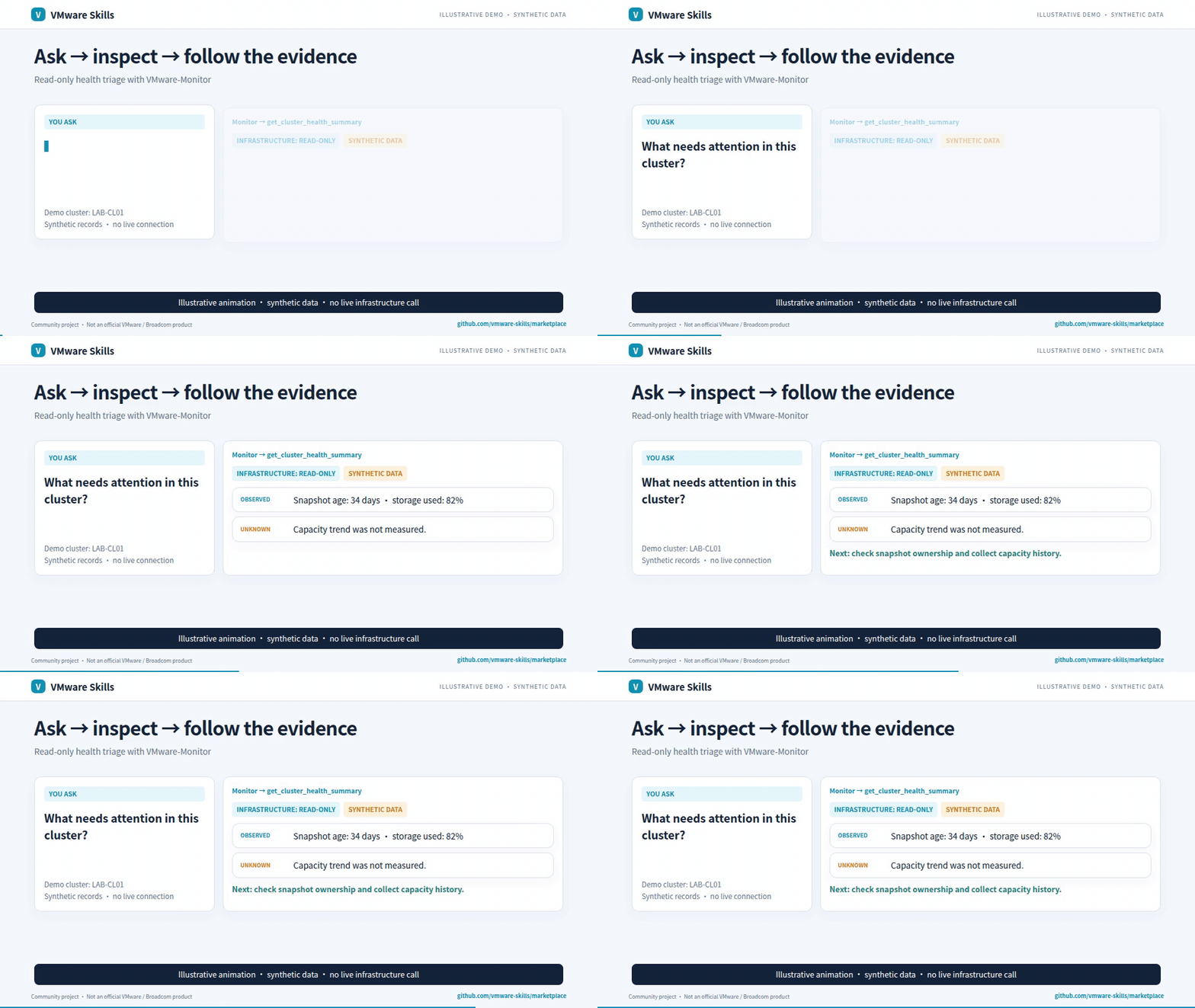
Synthetic-data GIF; video includes redacted historical screenshots. [Download the AI-narrated family introduction (~3 min)](https://github.com/vmware-skills/marketplace/releases/download/demos-2026-11-13-operations/vmware-skills-en.mp4)
<a id="readme-capabilities-and-workflows"></a>
## Why use it?
- Inspect GPU/vGPU inventory, profiles and utilization.
- Query supported PAIS catalogs and model resources.
- Use local sizing and air-gap bundle inspection.
<a id="readme-quick-start"></a>
## Get started
Install the published CLI and inspect its commands:
```sh
uv tool install vmware-privateai==2.5.3
vmware-privateai --help
```
Requires uv and Python >=3.11. Configure targets and credentials locally before remote queries. [Setup guide](https://github.com/vmware-skills/VMware-PrivateAI/blob/main/skills/vmware-privateai/references/setup-guide.md).
For agent-host installation, use the [setup guide](https://github.com/vmware-skills/VMware-PrivateAI/blob/main/skills/vmware-privateai/references/setup-guide.md) and [Cursor, Codex, Gemini CLI, Cline and local-model examples](https://github.com/vmware-skills/marketplace/blob/main/docs/agent-hosts.md).
Choose a model with the [shared model-fit workflow](https://github.com/vmware-skills/marketplace/blob/main/model-fit/RUNNER.md): compare the same tasks, review quality and safety, then select the smallest tested passing configuration per task group; this is not a production guarantee.
<a id="readme-safety-and-audit"></a>
## Know the boundaries
Includes GPU assignment and related sensitive VM operations. Unknown API shapes stay unknown; PAIS live-validation limits and required Python 3.11+ are documented.
<a id="readme-mcp-configuration"></a> <a id="readme-troubleshooting"></a> <a id="readme-reference"></a>
## Go deeper
- [Capabilities](https://github.com/vmware-skills/VMware-PrivateAI/blob/main/skills/vmware-privateai/references/capabilities.md)
- [CLI reference](https://github.com/vmware-skills/VMware-PrivateAI/blob/main/skills/vmware-privateai/references/cli-reference.md)
- [Detailed usage and architecture](https://github.com/vmware-skills/VMware-PrivateAI/blob/main/skills/vmware-privateai/references/detailed-guide.md)
- [MCP launch configuration](https://github.com/vmware-skills/VMware-PrivateAI/blob/main/.mcp.json)
- [Canonical skill instructions](https://github.com/vmware-skills/VMware-PrivateAI/blob/main/skills/vmware-privateai/SKILL.md)
<a id="readme-companion-skills"></a>
Part of [VMware Skills](https://github.com/vmware-skills/marketplace): 15 skills, 14 MCP servers and one shared Policy library. If it helps your work, star the family portal.
<a id="readme-license"></a>
[Issues and feedback](https://github.com/vmware-skills/VMware-PrivateAI/issues) · [MIT](https://github.com/vmware-skills/VMware-PrivateAI/blob/main/LICENSE)
This server cannot be deployed
Maintenance
ActivityActive
ResponsivenessNo recent community issues