
A
licenseA
qualityD
maintenanceAn MCP server that allows Claude to interact with Discord by providing tools for sending/reading messages and managing server resources through Discord's API.
19
MIT

Provides tools for interacting with Discord, enabling AI agents to list channels, read message history, and send messages to specific channels.
This server does not currently have a deployable release on Glama. Follow the repository's setup instructions to install and configure it for your MCP client, including any required credentials and local dependencies.
Connect Claude Desktop to Discord using MCP (Model Context Protocol).
get_channel — list channels
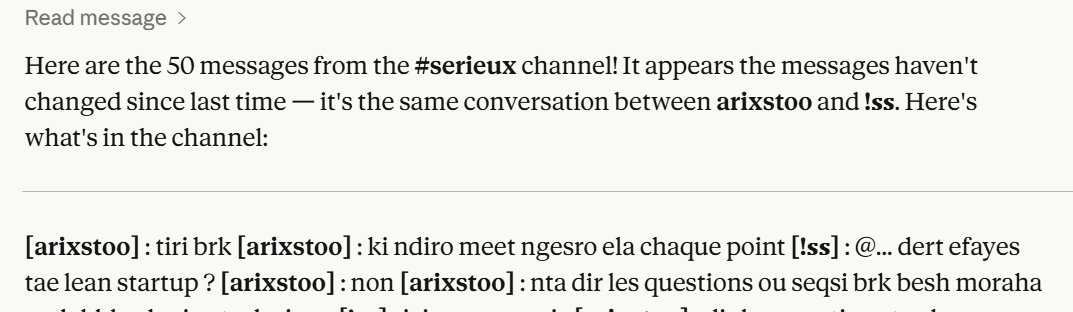
read_message — read messages
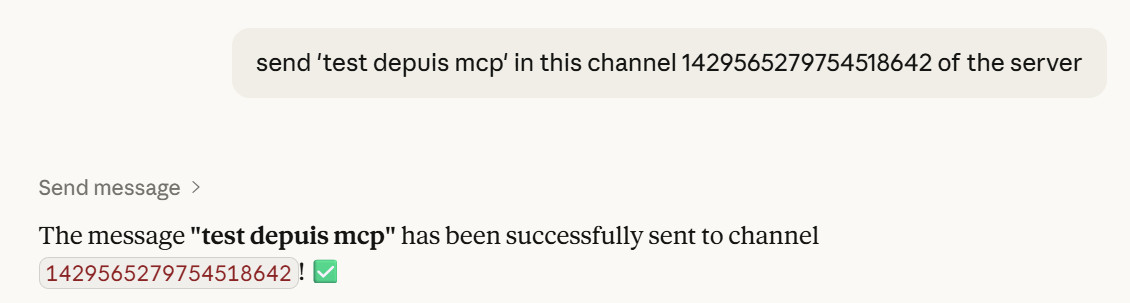
send_message — send messages
Related MCP server: MCP-Discord
Claude → MCP Server → Discord Bot → DiscordMCP DISCORD/
├── server.py
├── assets/
│ ├── list_channels.png
│ ├── read_messages.png
│ └── send_message.png
├── .env
├── pyproject.toml
└── README.md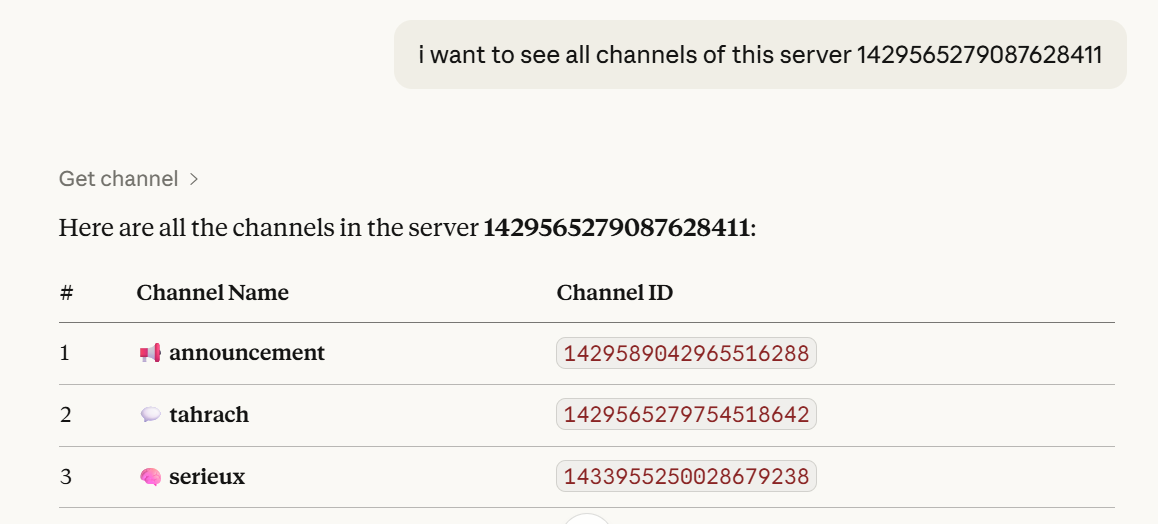
uv syncor
pip install mcp discord.py python-dotenv pydanticCreate bot: https://discord.com/developers/applications
Enable:
Message Content Intent
Server Members Intent
Invite with permissions:
View Channels
Send Messages
Read Message History
.envDISCORD_TOKEN=your_token_here{
"mcpServers": {
"discord": {
"command": "uv",
"args": [
"--directory",
"C:/path/to/MCP DISCORD",
"run",
"server.py"
],
"env": {
"DISCORD_TOKEN": "your_token"
}
}
}
}uv run server.pyList channels in server 123
Read last 10 messages from channel 456
Send "Hello" to channel 456Don’t share your token
Reset it if leaked
Dioubi Issam Ai developer
Recent tool additions, removals, and schema changes observed during successful MCP inspections.
Loading tool schema changelog…
This server cannot be deployed
An MCP server that integrates with Discord to provide AI-powered features.
Discord MCP server for ChatGPT, Claude and any AI agent: list servers and channels, read channel messages, search messages, send message, reply to message, send DM, read mentions and assign role in your own Discord account. Cotlet works in the account through your Cloud Browser, a real Chrome where you sign in to Discord yourself; Cotlet does not store your password and you need no Discord API key. About the official Discord API: Yes, Discord has an official API for bots and OAuth2 apps, but it acts as a bot that a server manager adds, not as you, and Discord has no official MCP server for it (checked 5 Nov 2026). The MCP server on Discord's docs site only searches documentation. Setup and FAQ: https://cotlet.dev/integrations/discord-api-mcp-server
MCP server unifying ERPs, CRMs, APIs and knowledge base for Claude, ChatGPT and Gemini.
Driflyte MCP server which lets AI assistants query topic-specific knowledge from web and GitHub.