
code-snippet-image-mcp
by suhaibkhan
README.md
# Code snippet image MCP server
An MCP (Model Context Protocol) server that generates beautiful code snippet images to post to social media.
## Demo
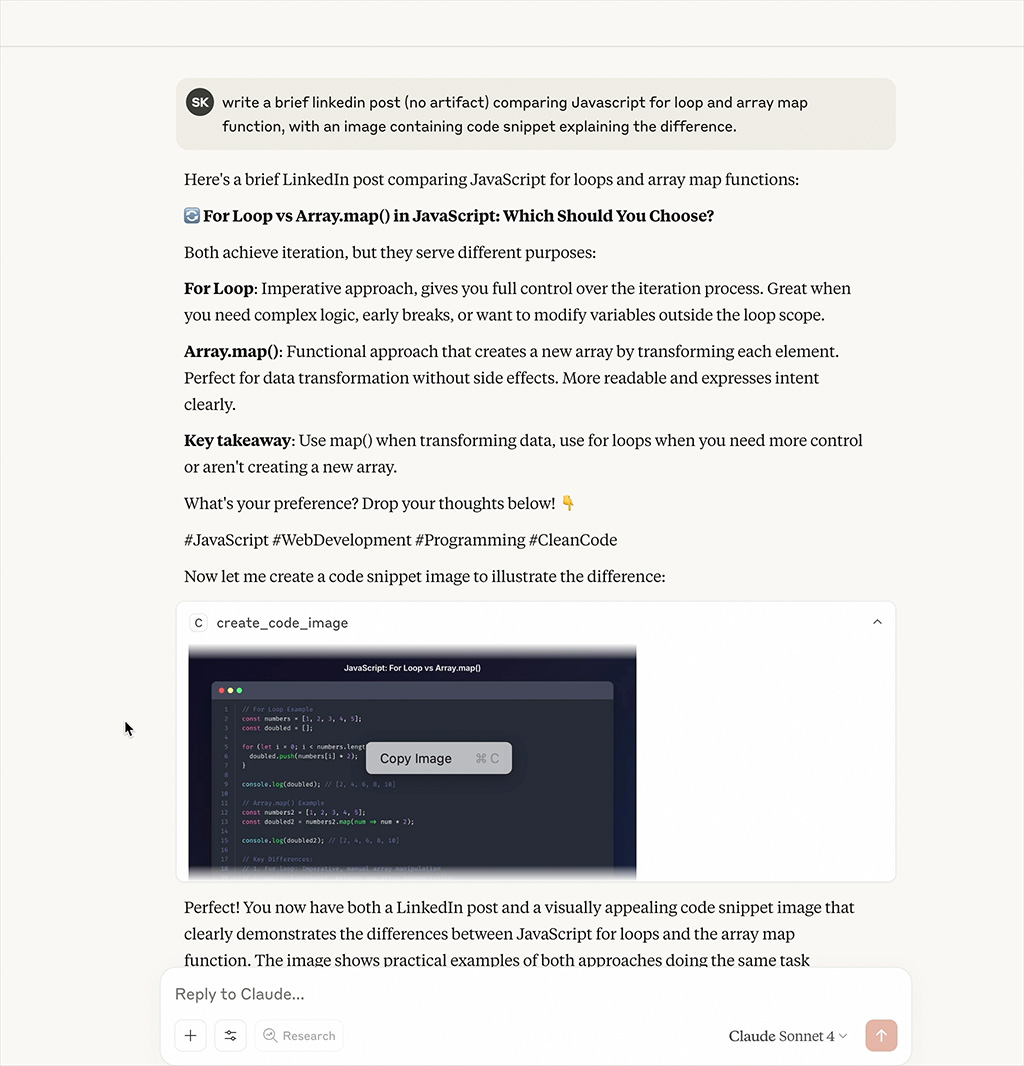
[📹 Watch Demo Video](https://raw.githubusercontent.com/suhaibkhan/code-snippet-image-mcp/refs/heads/main/assets/mcp-demo.mp4)
_Watch the MCP server generate beautiful code snippet images in real-time_
## Features
- **Beautiful Code Images**: Generate beautiful code snippet images with syntax highlighting
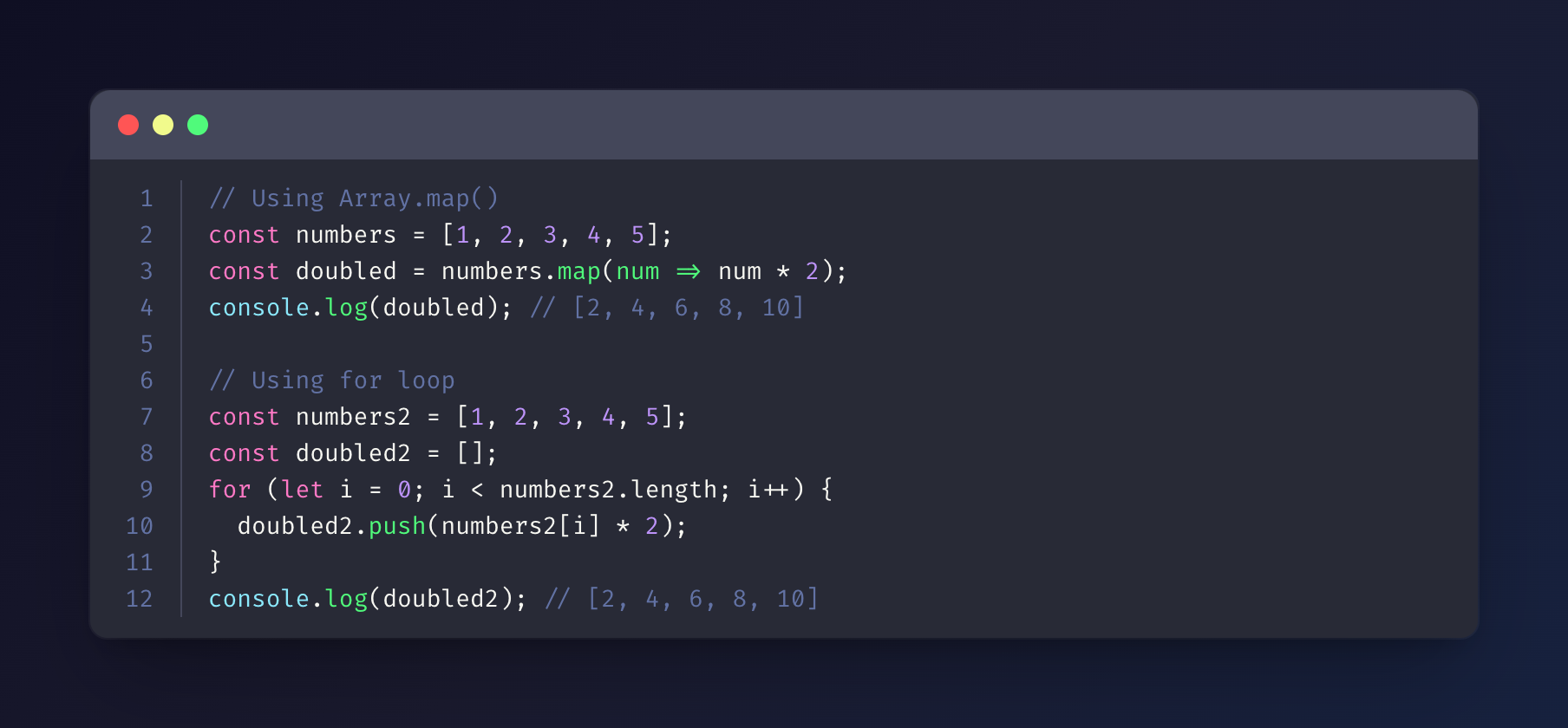
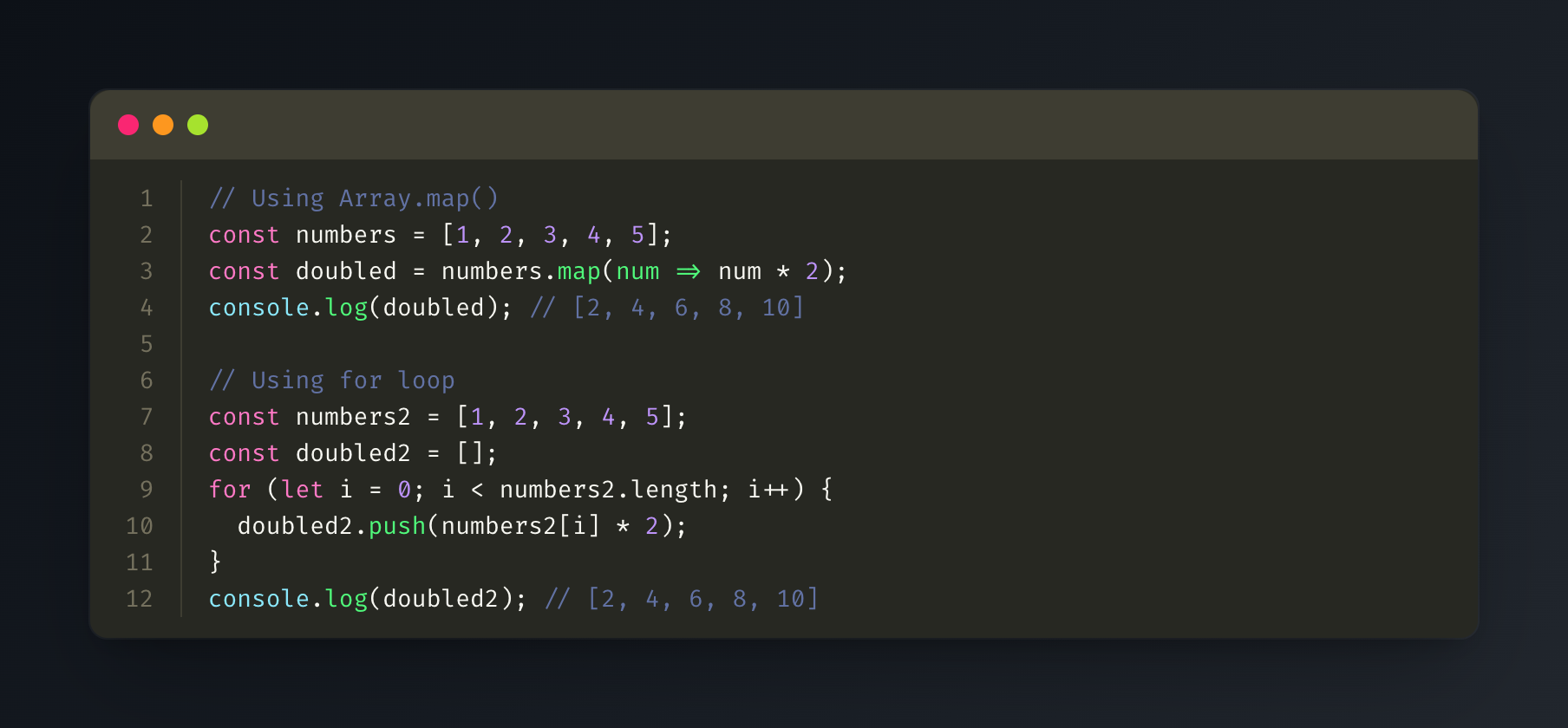
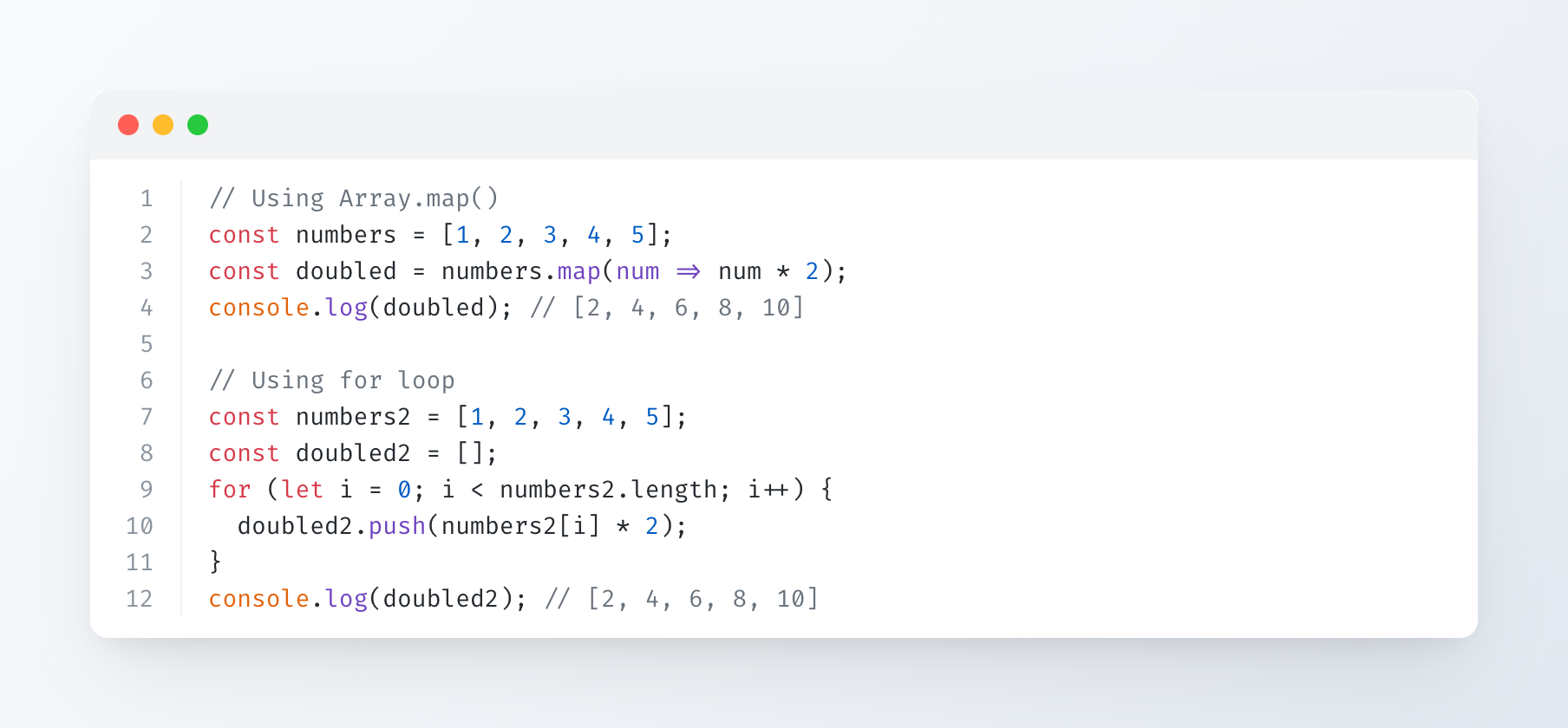
- **Multiple Themes**: Support for Dracula, Monokai, GitHub, Solarized Dark/Light themes
- **Syntax Highlighting**: Support for multiple programming languages
- **Customizable**: Configurable dimensions, themes, and styling options
## Installation
```bash
npm install
npm run build
```
## Configuration
Add to your MCP configuration file:
```json
{
"mcpServers": {
"code-snippet-image-mcp-server": {
"command": "npx",
"args": [
"-y",
"code-snippet-image-mcp-server",
"/custom/output/directory"
]
}
}
}
```
The server accepts an optional output directory as the first command line argument. If not provided, it defaults to `./output` in the current working directory.
## Usage
The MCP server provides one main tool:
### create_code_image
Generate a beautiful code snippet image:
**Parameters:**
- `code` (string, required): The code to convert to image
- `language` (string, optional): Programming language for syntax highlighting (default: "javascript")
- `theme` (string, optional): Color theme (default: "dracula")
- `title` (string, optional): Title for the code snippet
- `width` (number, optional): Image width in pixels (default: 800)
- `height` (number, optional): Image height in pixels (auto if not specified)
- `padding` (number, optional): Padding around the code window in pixels (default: 52)
- `backgroundColor` (string, optional): Custom background color (overrides theme background)
- `showLineNumbers` (boolean, optional): Show or hide line numbers (default: true)
**Example:**
```json
{
"code": "const hello = () => console.log('Hello, World!');",
"language": "javascript",
"theme": "dracula",
"title": "Hello World Function",
"width": 800,
"height": 600,
"padding": 52,
"showLineNumbers": true
}
```
## Supported Themes
### Dracula (Default)
### Monokai
### GitHub
### Solarized Dark
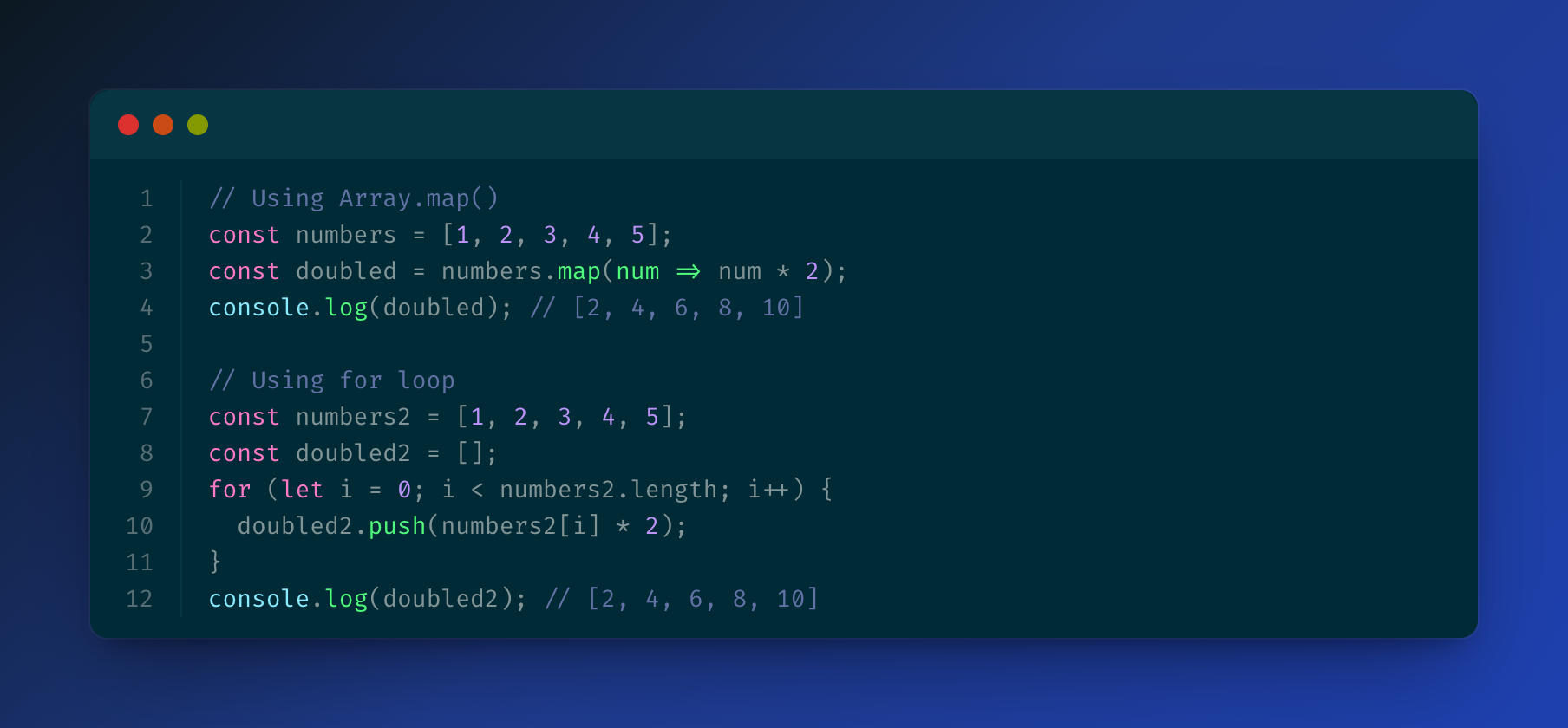
### Solarized Light
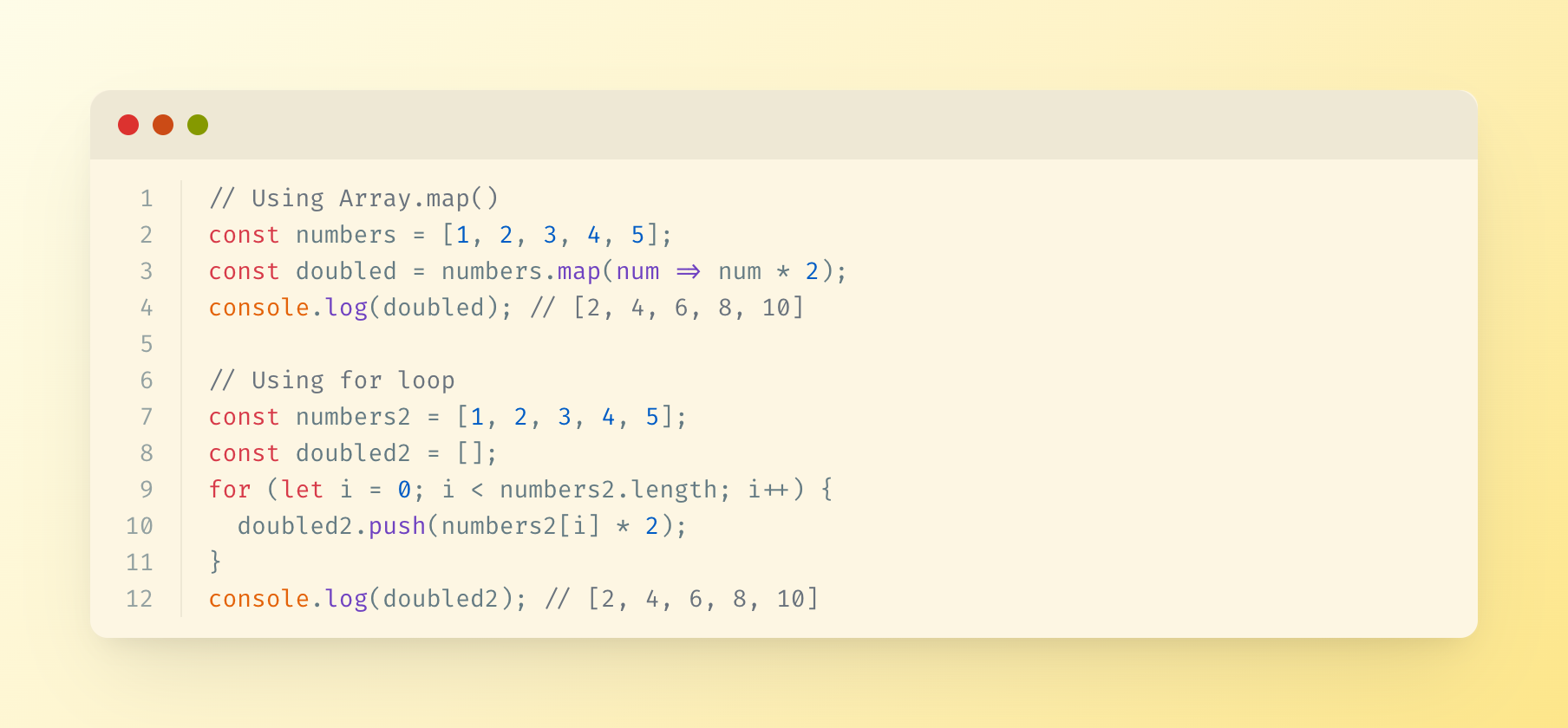
## Supported Languages
The server uses highlight.js for syntax highlighting and supports all languages that highlight.js supports, including:
- JavaScript/TypeScript
- Python
- Java
- C/C++
- Go
- Rust
- PHP
- Ruby
- And many more...
## Output
Generated images are saved in the specified output directory (or `./output` by default) with timestamps.
## License
MIT
This server cannot be deployed
Maintenance
ActivityInactive
ResponsivenessNo issues