
Gizmo Analytics
# gizmoanalytics-mcp
<img src="https://gizmoanalytics.io/logo.png" alt="Gizmo Analytics" width="96" height="96" align="right" />
The MCP server for [Gizmo Analytics](https://gizmoanalytics.io) — cookieless
web analytics with a 28-tool MCP surface (install workflows like
`setup_analytics_for_site` and `verify_install`, analyst-grade
compositions like `summarize_all_sites` and `explain_traffic_change`,
plus filterable query primitives across every dimension).
The server is **hosted** at `https://gizmoanalytics.io/mcp`. This repo
is the public ownership marker + documentation (README, tool
inventory, license) for the MCP catalogs (MCP Registry, Smithery,
Glama, MCP.so). There's nothing to install or run locally — point
your IDE at the hosted endpoint and you're done.


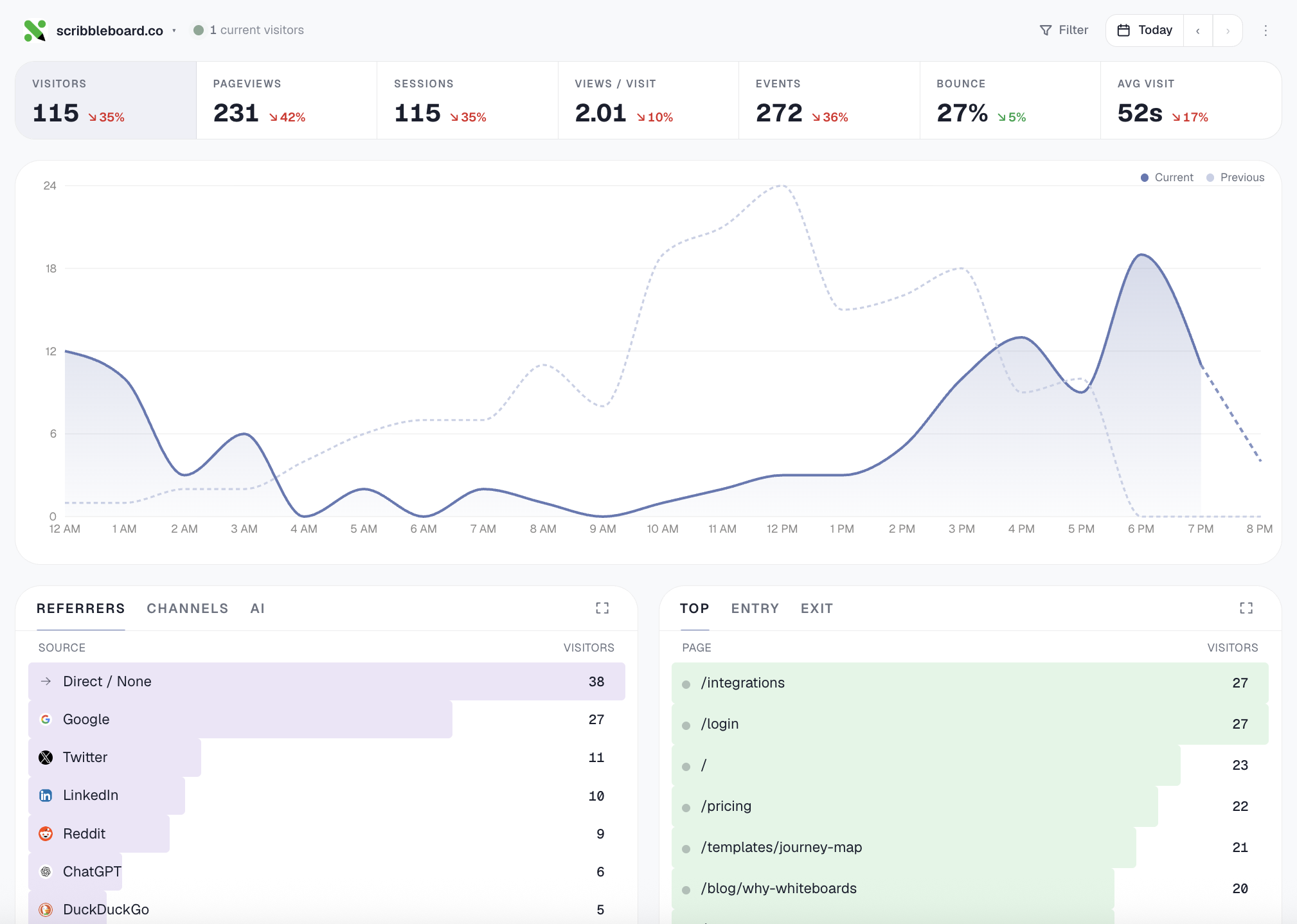
## Connect
### Auto-discovery (Cursor, Claude Desktop, Windsurf, …)
In your IDE's MCP settings, add a new server with URL:
```
https://gizmoanalytics.io/mcp
```
The IDE will discover the auth server via RFC 9728 metadata, open a
browser tab for OAuth consent, and store the resulting token. No API
keys to paste, no config files to edit.
### Manual config
If your IDE doesn't yet support OAuth-aware MCP discovery, paste this
into your client's MCP config file (Claude Desktop, etc.):
```json
{
"mcpServers": {
"gizmoanalytics": {
"url": "https://gizmoanalytics.io/mcp",
"headers": {
"Authorization": "Bearer ak_admin_<your-admin-key>"
}
}
}
}
```
Get an admin key at <https://gizmoanalytics.io/dashboard/keys>.
## What you can ask
```
"Why did traffic drop yesterday?"
"Which of my sites is growing fastest?"
"Add foo.com to Gizmo and install the tracker"
"Track signup events on this button"
"Top pages from Germany last quarter"
```
## Tools
- **Install workflow** (the wedge — call this first for any install
ask): `setup_analytics_for_site` bundles site creation + framework-
aware snippet + paste-target file path + next-action plan into one
call. `verify_install` confirms the script is loading by fetching
the homepage.
- **Other setup**: `create_site`, `get_install_snippet`,
`get_event_tracking_snippet`, `get_badge_snippet`, `add_site_tags`,
goals + funnels.
- **Workflows** (high-level questions): `summarize_all_sites`,
`rank_sites_by_growth`, `identify_dead_sites`, `detect_anomalies`,
`explain_traffic_change`.
- **Query primitives**: `get_workspace_overview`, `get_site_traffic`,
`get_top_pages`, `get_top_referrers`, `get_breakdown` (any of
country / browser / device / channel / AI source / city / etc.),
`get_time_series`, `query_events`, `breakdown_by_property`. All
support stacked filters (`country=US AND device=mobile`) and
custom date ranges.
See [TOOLS.md](./TOOLS.md) for the full inventory with descriptions
(auto-generated from the live `tools/list` endpoint).
Full docs: <https://gizmoanalytics.io/mcp-analytics>
## License
MIT
TDQS
Scored across 28 tools
Most tools have distinct purposes, with detailed 'ANSWER FIRST' cues. However, get_site_traffic overlaps with get_top_pages and get_top_referrers, and get_breakdown vs breakdown_by_property may cause confusion despite documentation distinguishing them.
Naming uses snake_case and verb_noun pattern generally, but verbs vary inconsistently (e.g., 'get' vs 'list' for similar queries, and 'breakdown_by_property' vs 'get_breakdown'). Some names like 'identify_dead_sites' and 'detect_anomalies' have overlapping connotations.
28 tools is on the high side for an analytics server. While each tool has a specific role, some could be consolidated (e.g., get_top_pages and get_top_referrers into get_site_traffic with parameters). The count is bordering on excessive but still justifiable.
Core analytics queries are well-covered, including traffic, breakdowns, funnels, goals, and anomalies. However, notable gaps exist: no delete_site or update_site, no remove_tag tool, and no update for goals/funnels. These missing operations could hinder full lifecycle management.