Glama
strickvl

MCP Beeminder Server

by strickvl

MCP 提醒服务器

该项目实现了一个模型上下文协议 (MCP)服务器,用于与Beeminder API 交互。
Beeminder MCP 服务器

什么是 MCP?

模型上下文协议 (MCP) 是一个开放协议,它规范了应用程序向大型语言模型 (LLM) 提供上下文的方式。它就像一个“AI 应用程序的 USB-C 端口”,提供了一种将 AI 模型连接到不同数据源和工具的标准化方式。

MCP 遵循客户端-服务器架构,其中:

  • MCP 主机:像 Claude Desktop 或 IDE 这样的程序,需要通过 MCP 访问数据

  • MCP 客户端:与服务器保持 1:1 连接的协议客户端

  • MCP 服务器:通过标准化协议公开特定功能的轻量级程序

  • 本地数据源:MCP 服务器可以安全访问的您计算机上的文件、数据库和服务

  • 远程服务:MCP 服务器可以通过互联网连接到的外部系统

Related MCP server: Jilebi

Beeminder 是什么?

Beeminder 是一种克服意志薄弱(违背自己判断的行为)的工具,它结合了以下特点:

  • 量化自我跟踪

  • 通过“亮红线”(BRL)的视觉反馈展示您的承诺路径

  • 每次失败都会增加财务风险

  • 灵活承诺,7天“意志薄弱期”

该服务器实现提供了与 MCP 兼容的 Beeminder API 访问,允许 AI 助手帮助用户管理他们的 Beeminder 目标、数据点和其他相关功能。

特征

该服务器提供对核心 Beeminder 功能的访问,包括:

  • 目标管理(创建、读取、更新、删除)

  • 数据点管理(创建、读取、删除)

  • 用户信息检索

  • 支持所有 Beeminder 目标类型:

    • 做更多(“骗子”)

    • 里程表(“骑车人”)

    • 减肥(“fatloser”)

    • 体重增加(“增重”)

    • 收件箱更少(“收件箱者”)

    • 少做点事(“喝酒”)

使用 Claude Desktop 应用程序在本地运行

先决条件

您需要 Beeminder API 密钥和用户名才能运行服务器。获取 API 密钥的方法如下:

  1. 登录 Beeminder

  2. 转到https://www.beeminder.com/api/v1/auth_token.json

您还需要安装uv 。请参阅uv 文档以获取安装说明。您可以使用其他版本,但需要更改claude_desktop_config.json文件中的command

手动安装

  1. 克隆此存储库。

  2. 将以下内容添加到您的claude_desktop_config.json文件中:

  • 在 MacOS 上: ~/Library/Application\ Support/Claude/claude_desktop_config.json

  • 在 Windows 上: %APPDATA%/Claude/claude_desktop_config.json

"mcpServers": {
  "beeminder": {
    "command": "uv",
    "args": [
      "--directory",
      "/path/to/repo/mcp-beeminder",
      "run",
      "mcp-beeminder"
    ],
    "env": {
        "BEEMINDER_API_KEY": "YOUR_BEEMINDER_API_KEY,
        "BEEMINDER_USERNAME": "YOUR_BEEMINDER_USERNAME"
    }
  }
}
  1. 安装并打开Claude 桌面应用程序

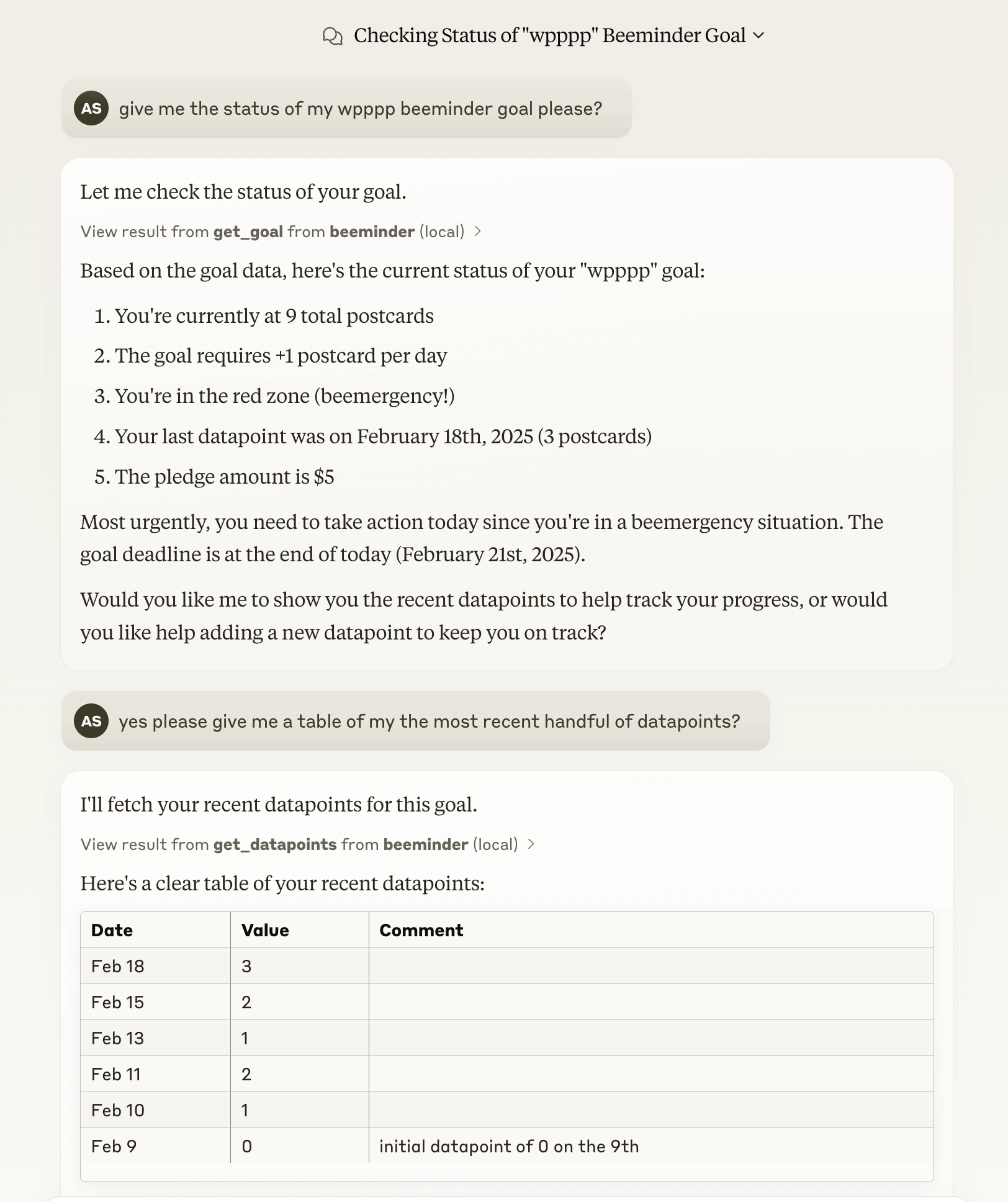
  2. 尝试让 Claude 执行某种读/写操作来确认设置(例如,列出你的 Beeminder 目标)。如果出现问题,请使用 MCP 文档(此处)中提供的调试工具。

致谢

感谢@ianm199提供的beeminder-client包,该项目以此为基础。

当然,也要感谢Beeminder团队打造了如此出色的产品!

A
license - permissive license
Not graded
quality - not tested
D
maintenance

Maintenance

Maintainers
Response time
Release cycle
Releases (12mo)
Commit activity

Resources

Unclaimed servers have limited discoverability.

Looking for Admin?

If you are the server author, to access and configure the admin panel.

Related MCP Servers

  • F
    license
    Not graded
    quality
    D
    maintenance
    An MCP server that enables AI assistants to interact directly with Lunch Money's financial API, allowing users to query transactions, access budget information, and perform financial analysis through natural language.
  • A
    license
    Not graded
    quality
    B
    maintenance
    A plugin-based MCP server that enables AI assistants to interact with external systems through custom tools, resources, and prompts.
    4
    AGPL 3.0
  • A
    license
    Not graded
    quality
    D
    maintenance
    Unofficial MCP server that bridges AI assistants with Bee wearable lifelogging data, enabling retrieval and management of conversations, facts, todos, and locations.
    49
    MIT

View all related MCP servers

Related MCP Connectors

  • MCP server for Gainium — manage trading bots, deals, and balances via AI assistants

  • MCP server exposing the Backtest360 engine API as tools for AI agents.

  • Driflyte MCP server which lets AI assistants query topic-specific knowledge from web and GitHub.

View all MCP Connectors

Latest Blog Posts

MCP directory API

We provide all the information about MCP servers via our MCP API.

curl -X GET 'https://glama.ai/api/mcp/v1/servers/strickvl/mcp-beeminder'

If you have feedback or need assistance with the MCP directory API, please join our Discord server