
A
licenseNot graded
qualityD
maintenanceEnables interaction with Amazon services through AI assistants, allowing users to search products, manage their cart, view order history, and place orders using natural language.
6 npm
MIT

Click on "Deploy Server".
Wait a few minutes for the server to deploy. Once ready, it will show a "Started" state.
In the chat, type @ followed by the MCP server name and your instructions, e.g., "@Shopping MCP Server (Amazon + Target) search for wireless headphones on Amazon"
That's it! The server will respond to your query, and you can continue using it as needed.
Here is a step-by-step guide with screenshots.
MCP server for Amazon and Target shopping integration. Manage orders, search products, and interact with your shopping accounts through AI assistants like Claude.
Built on top of rigwild/mcp-server-amazon - Extended with Target support and enhanced features.
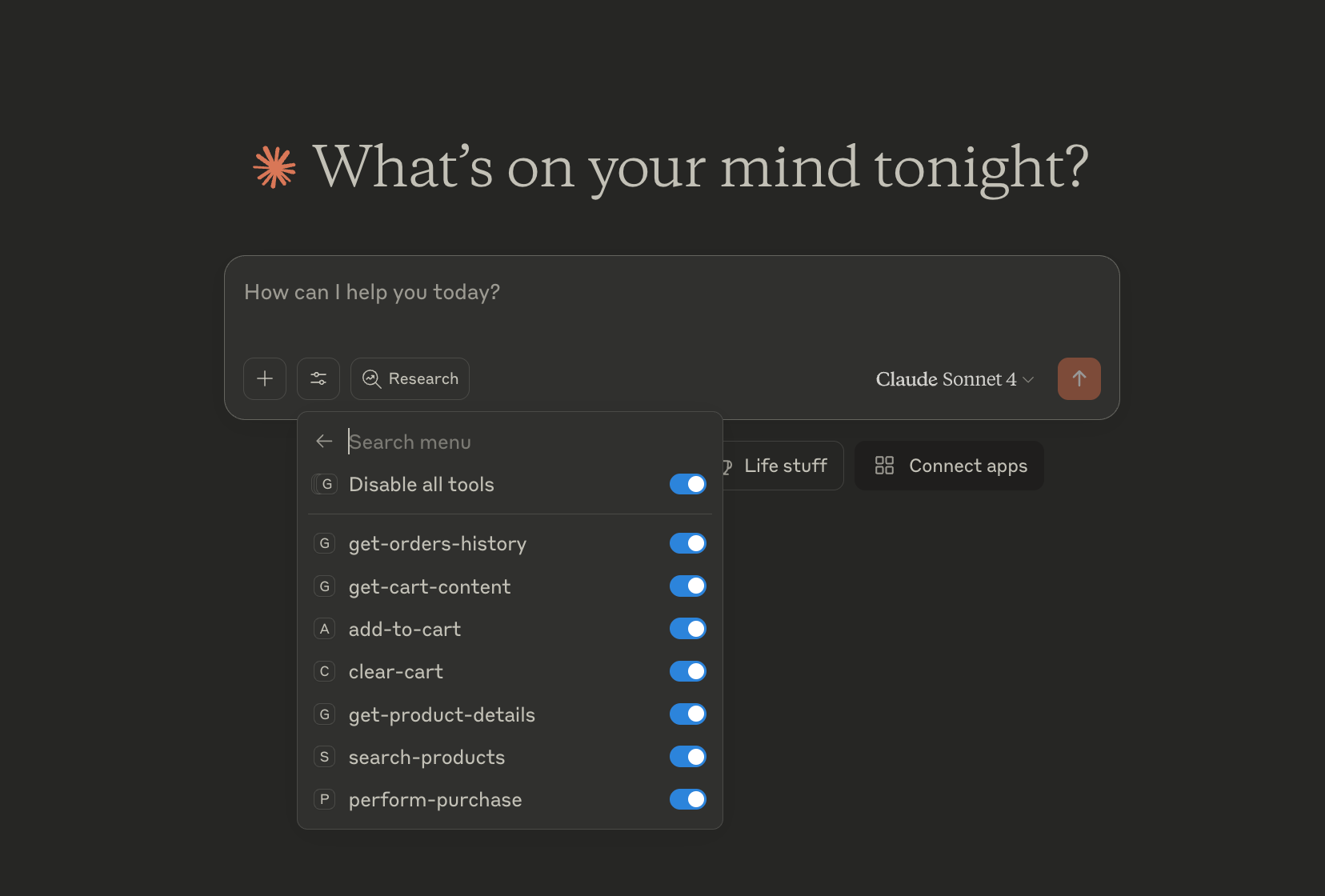
Product search: Search for products on Amazon
Product details: Retrieve detailed information about a specific product
Cart management: Add items or clear your Amazon cart
Ordering: Place orders (fake for demonstration purposes)
Orders history: Retrieve your Amazon orders with year filtering and return status
Orders history: Retrieve Target orders (online and in-store) with year filtering
Optimized API interception for fast, reliable data retrieval
Related MCP server: Amazon MCP Server
For detailed setup and usage instructions, see:
README-SHOPPING.md - Complete setup guide for both platforms
TARGET-INTEGRATION-SUMMARY.md - Technical details about Target integration
Install dependencies
npm install -DBuild the project
npm run buildCreate or update ~/Library/Application Support/Claude/claude_desktop_config.json with the path to the MCP server.
{
  "mcpServers": {
    "shopping": {
      "command": "node",
      "args": ["/path/to/mcp-server-shopping/build/index.js"]
    }
  }
}
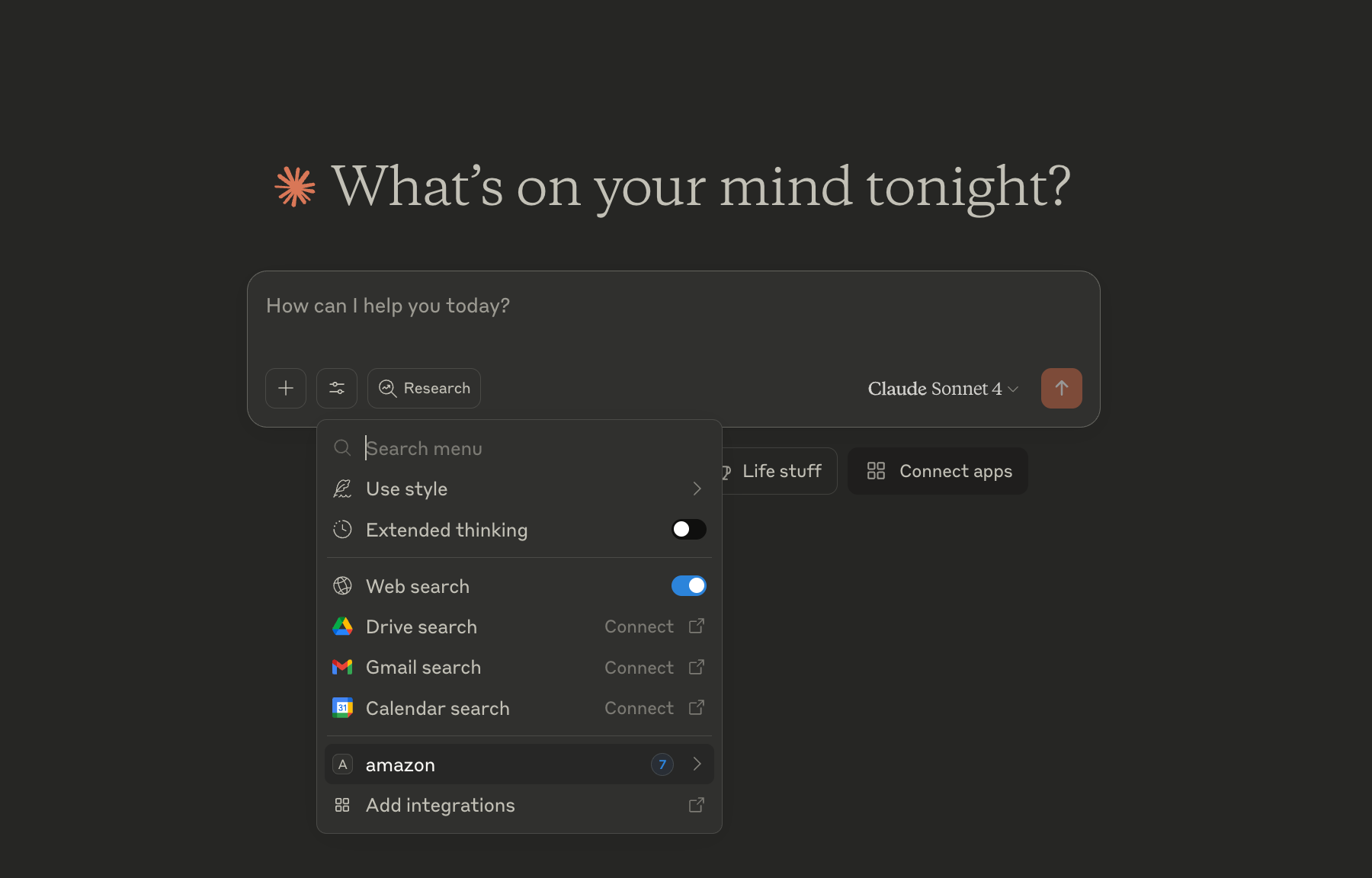
Restart the Claude Desktop app to apply the changes. You should now see the Amazon MCP server listed in the Claude Desktop app.
|
|
The MCP server logs its output to a file. If you encounter any issues, you can check the log file for more information.
See:
Windows: %APPDATA%\Claude\logs\mcp-server-shopping.log
Mac: ~/Library/Logs/Claude/mcp-server-shopping.log
This server cannot be deployed
Product search for AI agents: Amazon + Shopify, cart-to-checkout buy path. Pay-per-call, no API key.
AI shopping gateway for product search, inventory, carts, and merchant-hosted checkout.
A shopping agent for AI agents. Search, compare and answer product questions.
Shopping MCP for AI agents: search, compare, Amazon buy links. Auto-register.