A
licenseNot graded
qualityD
maintenanceEnables AI applications to manage JIRA issues, workflows, and tasks through a standardized MCP interface, facilitating real-time updates and seamless interaction with JIRA's API.
10
MIT

Click on "Deploy Server".
Wait a few minutes for the server to deploy. Once ready, it will show a "Started" state.
In the chat, type @ followed by the MCP server name and your instructions, e.g., "@Jira Issue MCP Server create a bug ticket for the broken reset password link"
That's it! The server will respond to your query, and you can continue using it as needed.
Here is a step-by-step guide with screenshots.
This is a sample MCP server implementation for Jira issues. It uses OAuth 2.0 (3LO) to authenticate with Jira and create issues.
Related MCP server: Jira MCP Server with OAuth
Create an Atlassian developer account and set up an OAuth 2.0 (3LO) app to get a client ID and secret: https://developer.atlassian.com/apps/
Set up a Redis instance for caching the tokens and other data (should run on port 6379, redis default port).
Clone this repository and install dependencies with npm install.
Build the project with npm run build.
Configure the MCP server in your MCP client (e.g., Jira Service Management) with the JSON configuration. This is an example configuration for Cursor:
{
  "mcpServers": {
    "jira-mcp-server": {
      "type": "stdio",
      "command": "node",
      "args": [
        "<path to the project>/dist/index.js"
      ],
      "env" :{
        "ATLASSIAN_CLIENT_ID": "<client id>",
        "ATLASSIAN_CLIENT_SECRET":"<client secret>",
        "ELASTIC_API_KEY": "<elastic api key>",
        "ELASTIC_URL": "<elastic url>",
        "REDIS_HOST": "<redis host>",
        "SERVER_DOMAIN": "<domain>"
      }
    }
  }
}
Environment variable descriptions
ATLASSIAN_CLIENT_ID (required): the OAuth client ID from your Atlassian developer app. This and ATLASSIAN_CLIENT_SECRET are mandatory for the OAuth flow to work.
ATLASSIAN_CLIENT_SECRET (required): the OAuth client secret from your Atlassian developer app.
ELASTIC_API_KEY (optional): API key for Elastic (used for telemetry/logging if configured). Default: not set.
ELASTIC_URL (optional): Elastic endpoint URL. Default: not set.
REDIS_HOST (optional): Redis connection string or host:port used for caching tokens. Default: "localhost:6379".
SERVER_DOMAIN (optional): Base URL where this server is reachable (used to build OAuth redirect/callback URLs). Default: "http://localhost:3000".
Only ATLASSIAN_CLIENT_ID and ATLASSIAN_CLIENT_SECRET are strictly required to run the server. All other environment variables are optional and can be left unset to use local/default behavior.
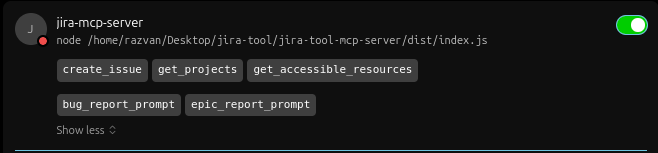
For the Demo I used Cursor as MCP client. After the config added, you should see in settings something similar to this:
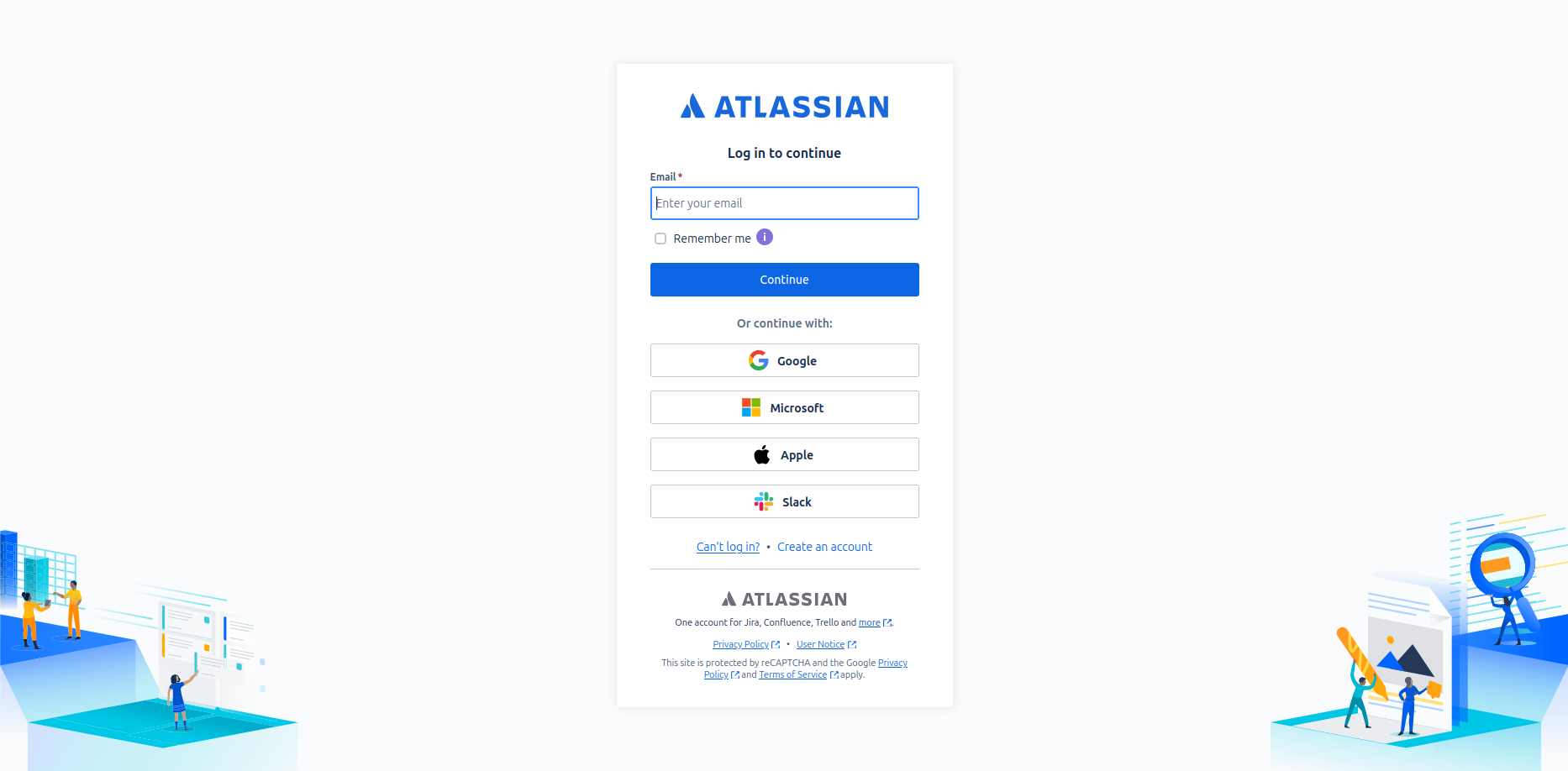
If there is no OAuth connection, first you will be redirected to the Atlassian authorization page to authorize the app.
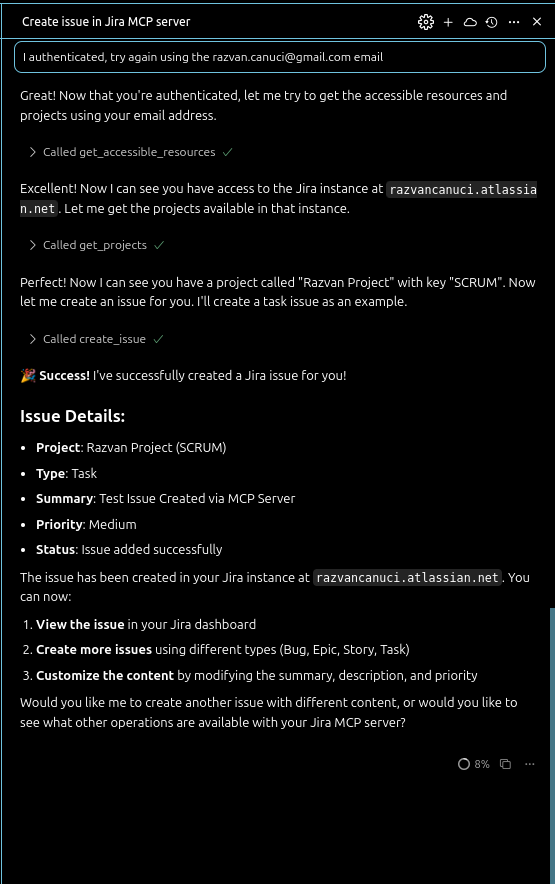
After the authorization, you should go to the Cursor to tell him that now it's all done and Cursor will do the magic if you have only one resource accessible and only one project.
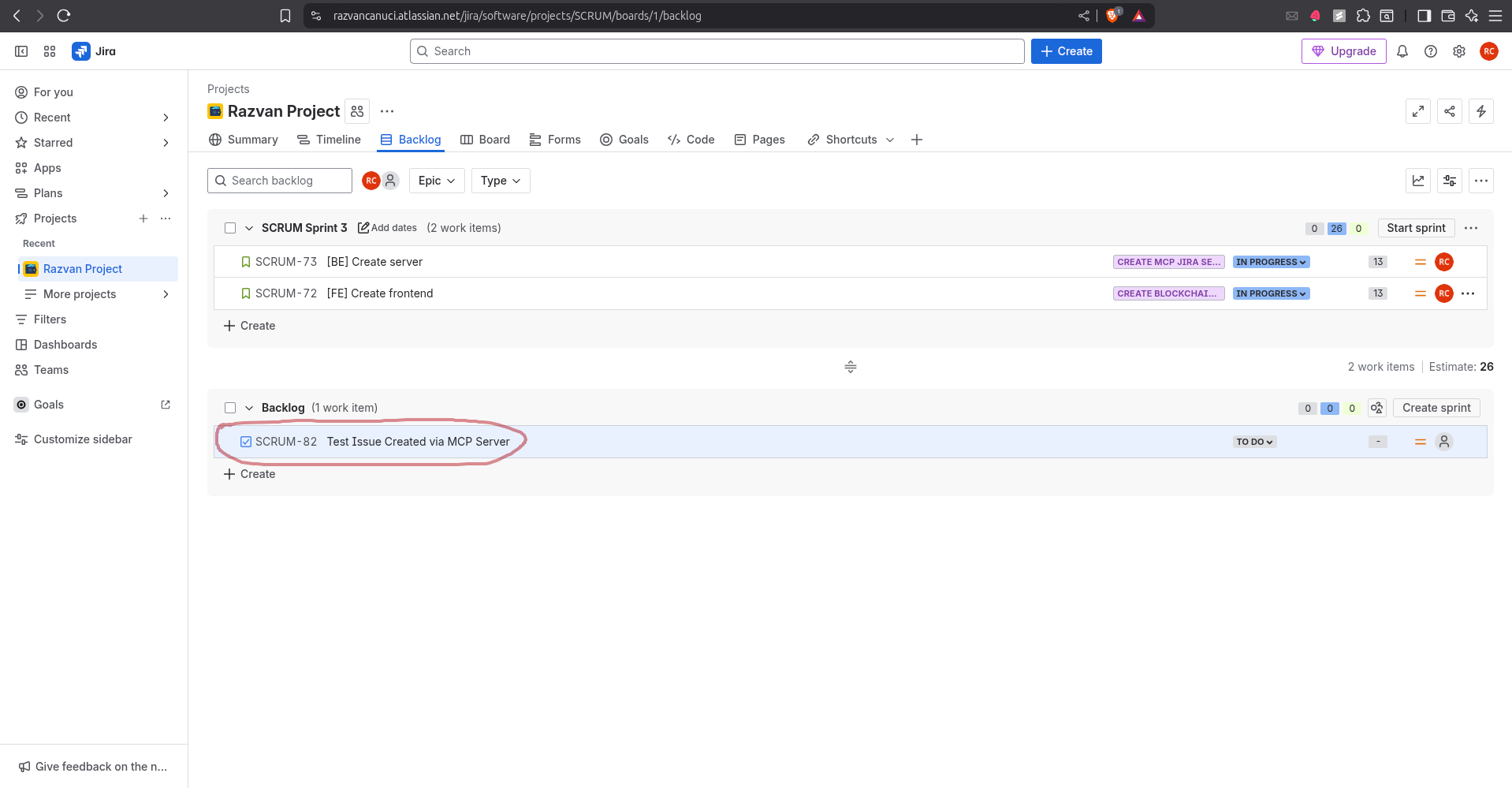
After that, you can see the task created in Jira.
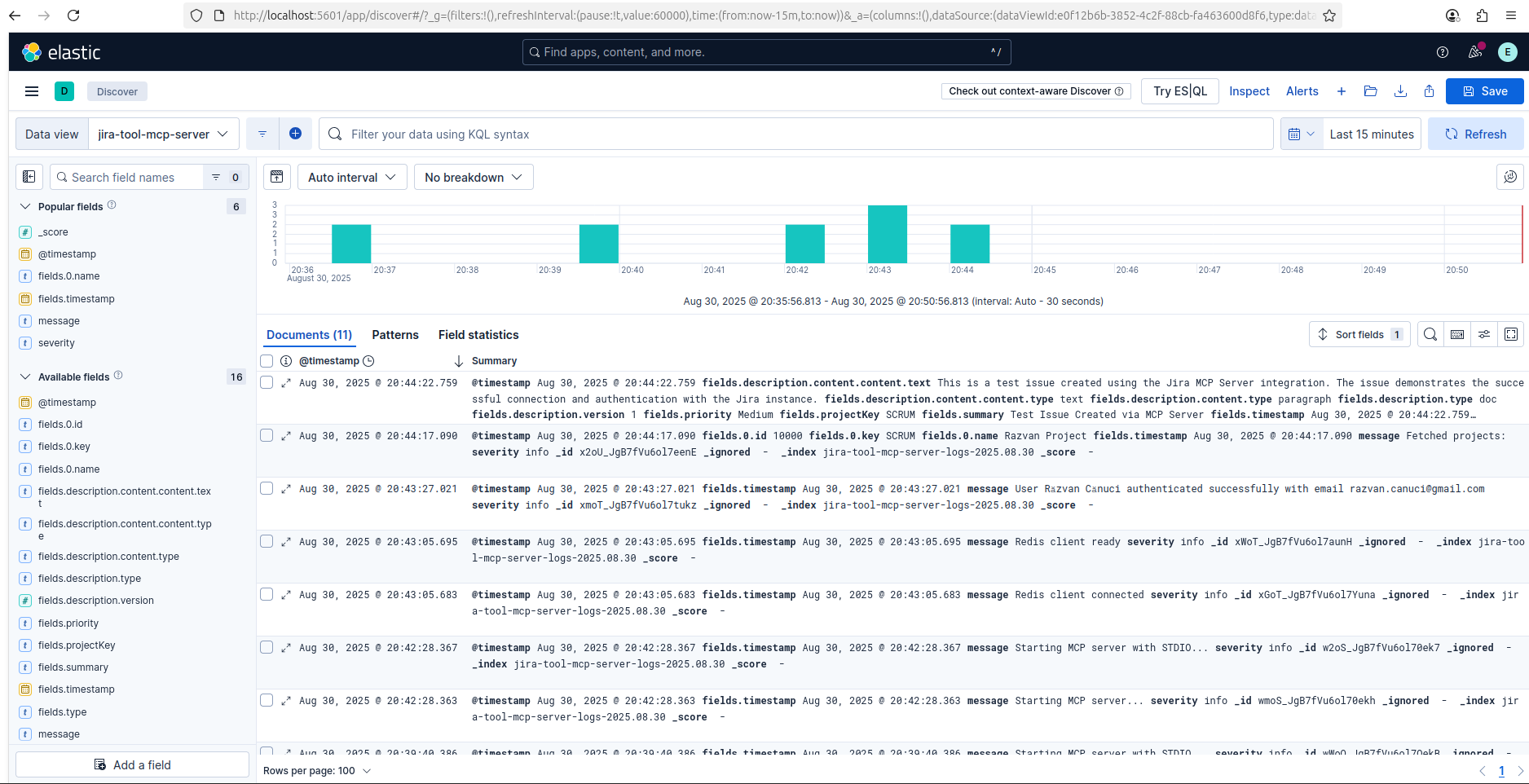
If you have Elastic connected, you can see the logs in Kibana.
Starting from September 7th 2025, Smithery.AI will discontinue the support for the projects which require STDIO transport.
While the repository will remain accessible for reference, it cannot be deployed because of its dependencies.
This project is not affiliated with Atlassian Inc.
Respect Atlassian's API terms of service
Your Jira instance credentials remain local
No data is shared with third parties
OAuth tokens are stored locally
Use environment variables for sensitive config
Never commit credentials to version control
Creates an issue to the users
Inputs: userEmail (required), resourceId (required), summary (required), description (required), +3 more.
Fetches a list of resources the user has access to.
Inputs: userEmail (required).
Get the projects the user has access to
Inputs: userEmail (required), resourceId (required).
Recent tool additions, removals, and schema changes observed during successful MCP inspections.
Loading tool schema changelog…
Scored across 3 tools
Each tool has a clearly distinct purpose: create_issue handles issue creation, get_accessible_resources lists general resources, and get_projects focuses specifically on projects. There is no overlap or ambiguity between these functions.
The naming is mostly consistent with a verb_noun pattern (create_issue, get_projects), but get_accessible_resources uses a more descriptive adjective, slightly deviating from pure verb_noun. Overall, it remains readable and predictable.
With only 3 tools for a Jira server, the count feels too thin for the domain. Jira typically involves CRUD operations on issues, projects, and other resources, so this limited set is insufficient for comprehensive coverage.
The tool surface is significantly incomplete for a Jira server. It includes create_issue but lacks get_issue, update_issue, and delete_issue, and while get_projects is present, other common operations like search_issues or manage_workflows are missing, leading to potential agent failures.
One OAuth connector for your team's remote MCP servers, with Tool Packs, guardrails and logs.
Connect any AI agent to 1,000+ apps and 27,000+ actions through one remote MCP server (OAuth).
Appreciate teammates, celebrate milestones, and run workspace ops from MCP clients via OAuth.
Hosted MCP for Google Workspace, Atlassian and Notion: one OAuth, per-user accounts, write access.