
Click on "Install Server".
Wait a few minutes for the server to deploy. Once ready, it will show a "Started" state.
In the chat, type
@followed by the MCP server name and your instructions, e.g., "@MCP Workbench MCP Servergenerate a test spec for my local sqlite mcp server"
That's it! The server will respond to your query, and you can continue using it as needed.
Here is a step-by-step guide with screenshots.
mcp-workbench-mcp-server
Expose MCP Workbench capabilities as an MCP server, so AI agents (Claude, Cursor, etc.) can inspect, test, and validate MCP servers programmatically.
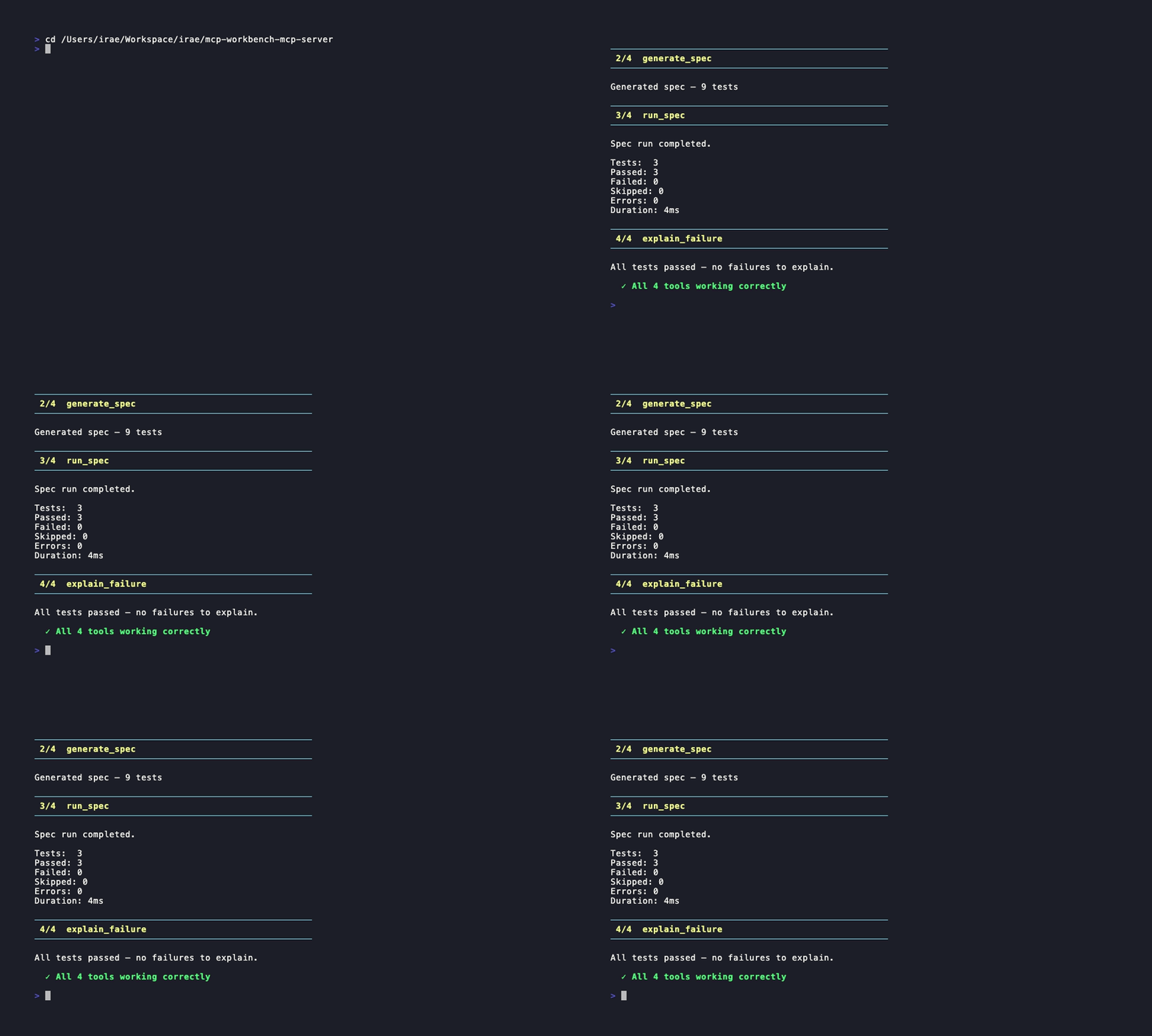
Claude Code demo
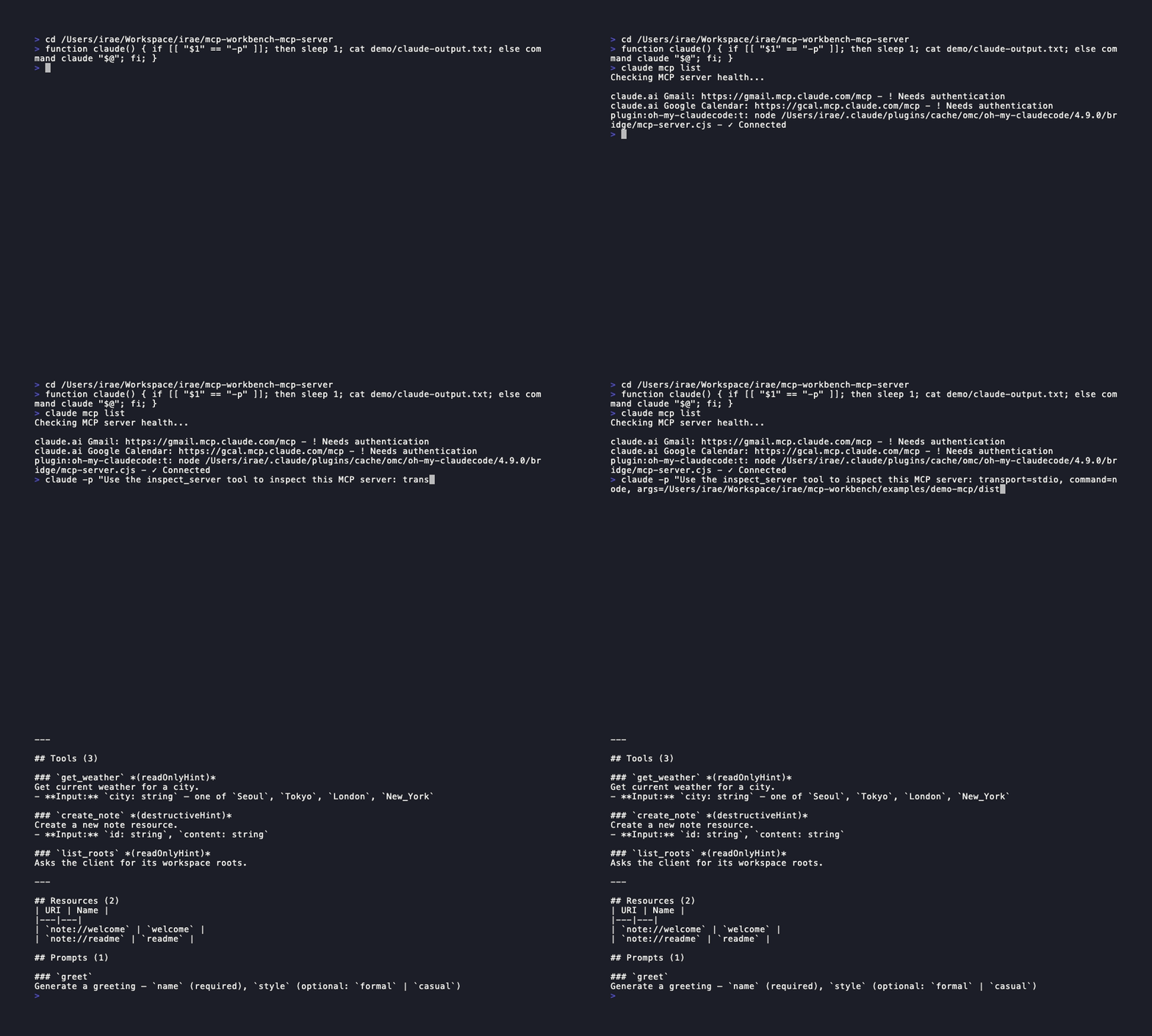
How it differs from mcp-workbench CLI
The mcp-workbench CLI is designed for human developers running commands in a terminal. This project wraps that CLI as an MCP server, so AI agents can call the same capabilities as structured tools with typed inputs and outputs.
Prerequisites
The mcp-workbench CLI must be installed and available on your PATH:
npm install -g mcp-workbenchOr set the MCP_WORKBENCH_CLI environment variable to the path of the binary.
Installation
npm install -g mcp-workbench-mcp-serverOr clone and build from source:
git clone https://github.com/raeseoklee/mcp-workbench-mcp-server.git
cd mcp-workbench-mcp-server
npm install
npm run build
Usage
Claude Desktop
Add to your claude_desktop_config.json:
{
  "mcpServers": {
    "mcp-workbench": {
      "command": "mcp-workbench-server"
    }
  }
}
Cursor
Add to your MCP server configuration:
{
  "mcpServers": {
    "mcp-workbench": {
      "command": "mcp-workbench-server"
    }
  }
}
Manual
# Run directly (stdio transport)
mcp-workbench-server

# Or via node
node dist/index.js
Available Tools
inspect_server
Connect to an MCP server and inspect its capabilities.
Input:
Field | Type | Required | Description |
|
| Yes | Transport type |
|
| No | Server URL (required for streamable-http) |
|
| No | Command to launch server (required for stdio) |
|
| No | Arguments for the server command |
|
| No | HTTP headers (e.g. Authorization) |
|
| No | Timeout in ms (default: 30000) |
Output: Server name, version, protocol version, and a capability matrix (tools, resources, prompts, completions, logging).
generate_spec
Auto-generate a YAML test spec by discovering server capabilities.
Input:
Field | Type | Required | Description |
|
| Yes | Transport type |
|
| No | Server URL |
|
| No | Server command |
|
| No | Server arguments |
|
| No | HTTP headers |
|
| No | Only include these types |
|
| No | Exclude these types |
|
| No | Discovery depth |
|
| No | Timeout in ms |
Output: The generated YAML spec, test count, and any warnings (e.g. TODO placeholders).
run_spec
Run a test spec against an MCP server.
Input:
Field | Type | Required | Description |
|
| No* | Inline YAML spec content |
|
| No* | Path to a YAML spec file |
|
| No | HTTP headers (future use) |
|
| No | Timeout in ms |
*At least one of specText or specPath must be provided.
Output: Full test report with pass/fail counts, duration, and per-test results with assertion details.
explain_failure
Analyze test results and explain failures with actionable recommendations.
Input:
Field | Type | Required | Description |
|
| Yes | The structured result from |
Output: Classified failure causes (auth, placeholder, discovery, protocol, assertion) with counts and recommendations.
Typical Workflow
Inspect the server to see what it supports
Generate a test spec based on discovered capabilities
Run the spec to validate the server
Explain any failures to get actionable next steps
Security Considerations
No tokens or credentials are stored by this server
Authentication headers are passed per-call and not persisted
The server spawns
mcp-workbenchCLI as a subprocess with the current environmentSpec files written to temp directories are cleaned up after use
MVP Limitations
Only stdio transport is supported for connecting to this MCP server itself
No streaming of test results (waits for full completion)
The
headersfield onrun_specis reserved for future use; headers are defined in the spec YAMLNo caching of inspection or generation results between calls
License
Apache-2.0
Resources
Unclaimed servers have limited discoverability.
Looking for Admin?
If you are the server author, to access and configure the admin panel.