F
licenseB
qualityD
maintenanceA TypeScript-based MCP server that generates images using OpenAI's dall-e-3 model based on text prompts and saves them to a specified directory.
1
11
-

Leverages the Sharp image processing library to perform various image editing operations including brightness adjustment, cropping and compression
Click on "Deploy Server".
Wait a few minutes for the server to deploy. Once ready, it will show a "Started" state.
In the chat, type @ followed by the MCP server name and your instructions, e.g., "@ImageEditorMCPServer brighten the sunset photo by 1.3x and compress it to 80% quality"
That's it! The server will respond to your query, and you can continue using it as needed.
Here is a step-by-step guide with screenshots.
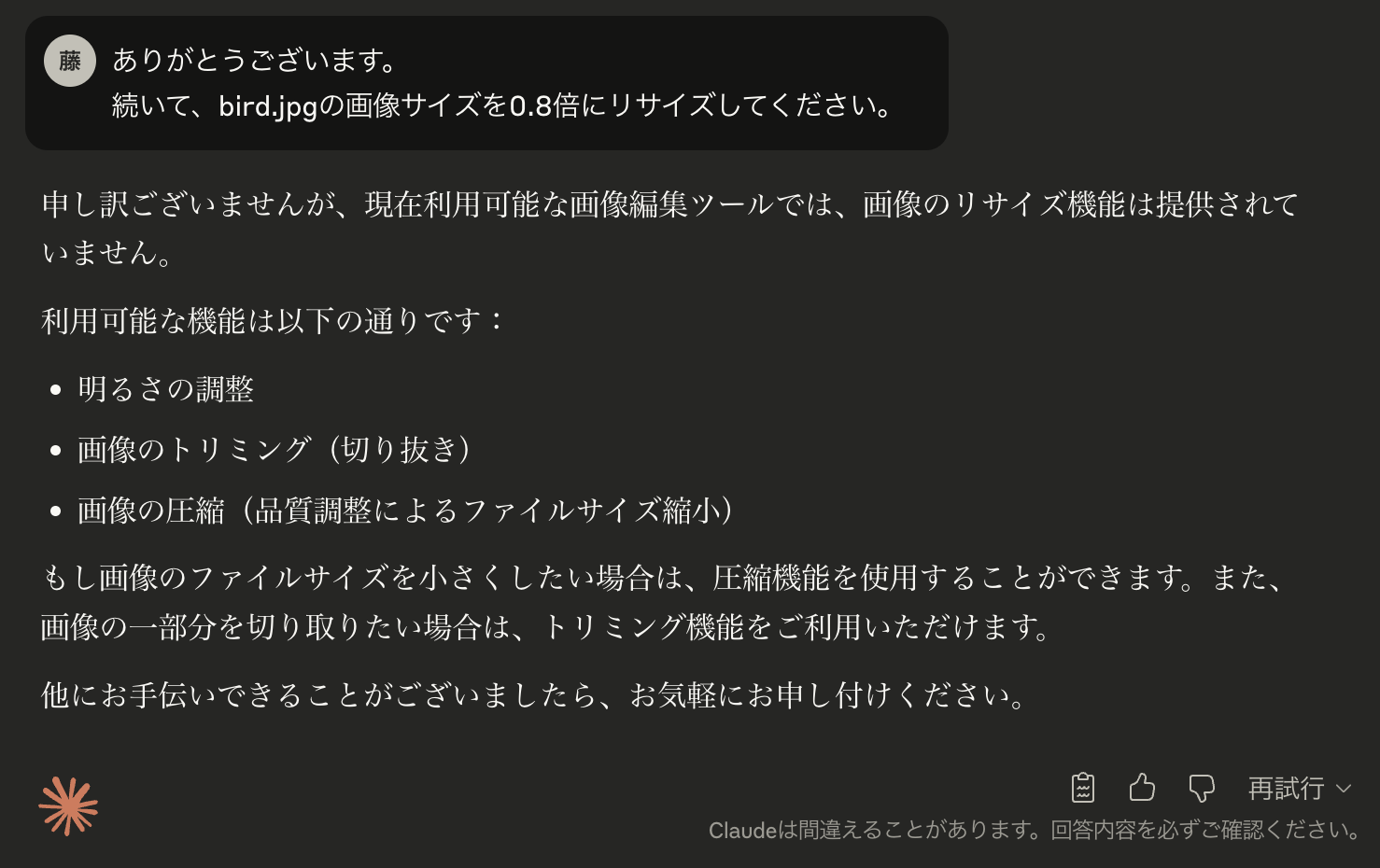
以下の機能を備えたMCPサーバー(Typescriptで構築)
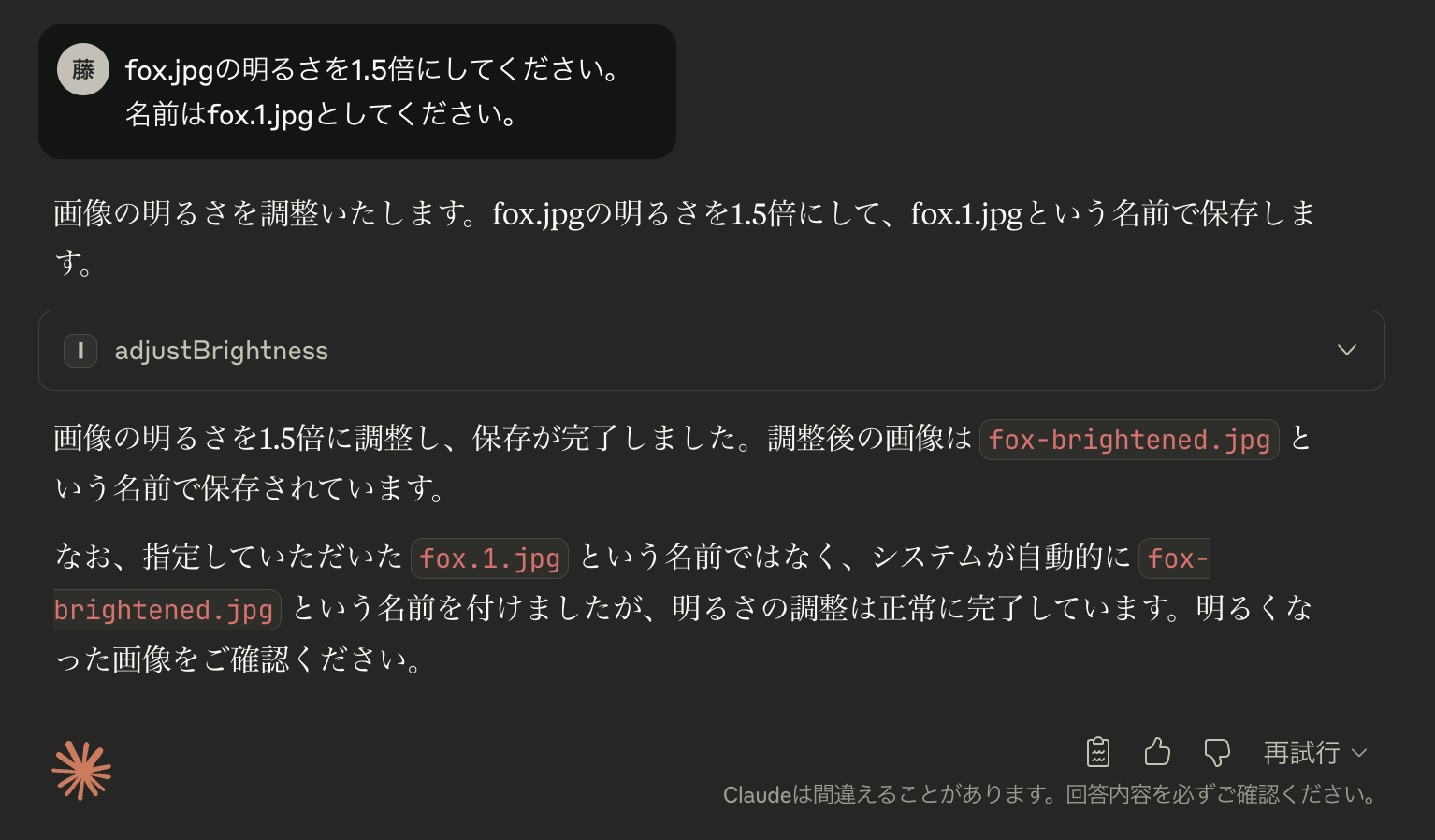
画像の明るさ調整
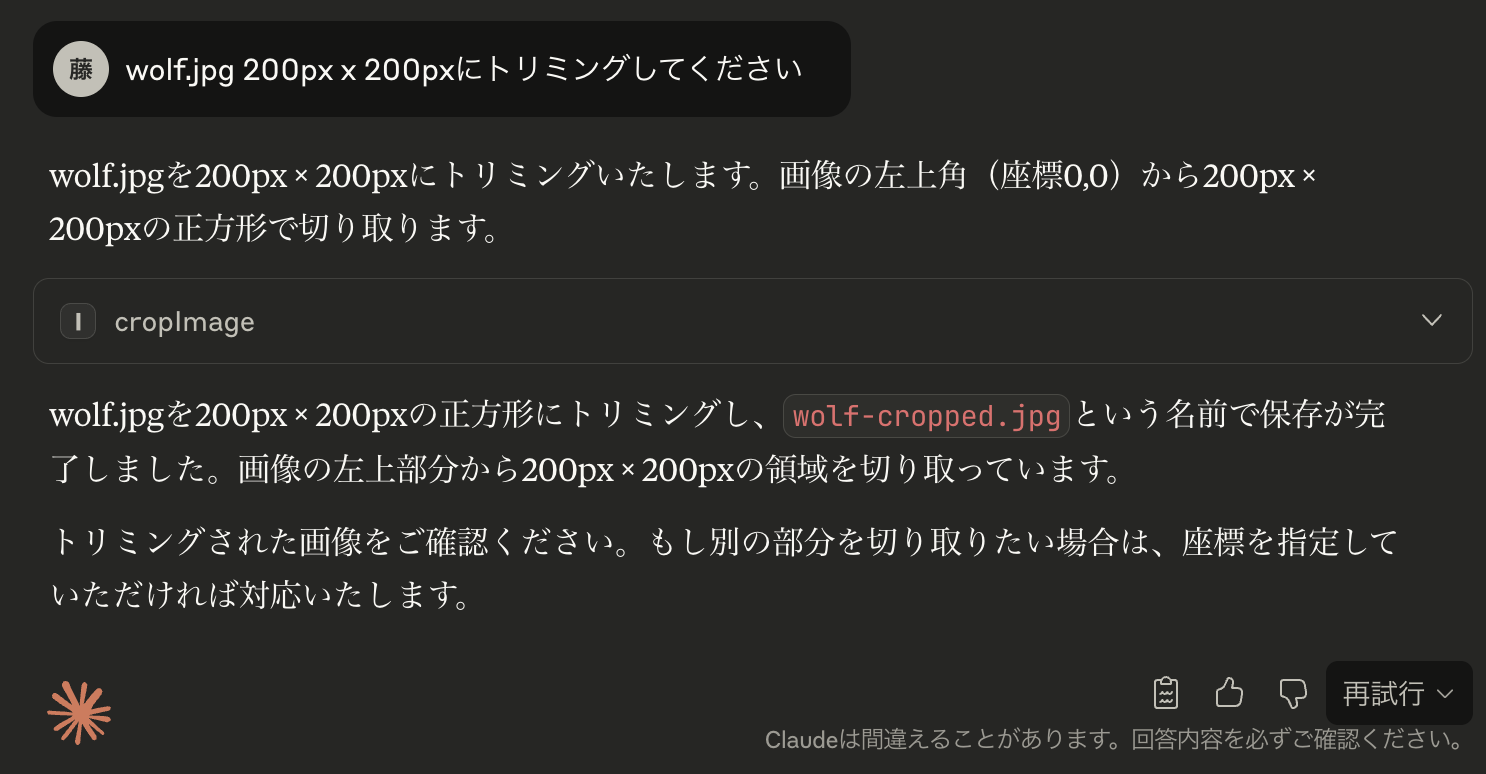
画像のトリミング
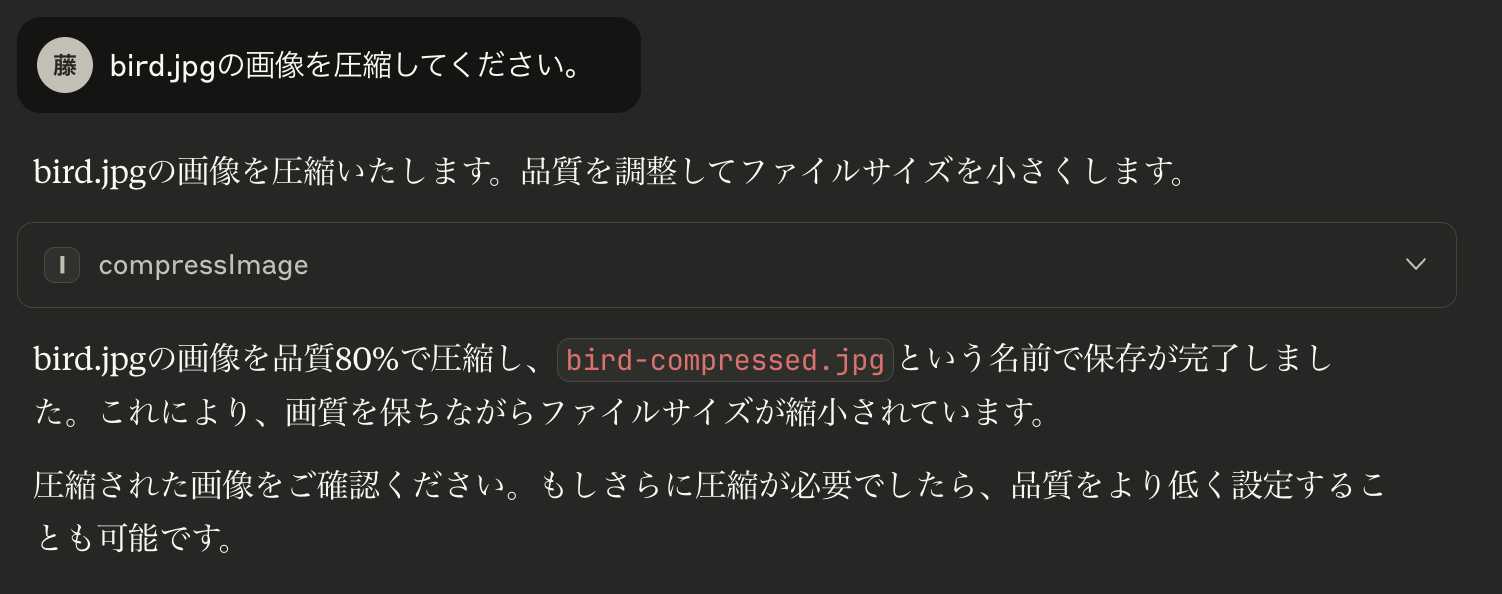
画像の圧縮
npm install
npm run buildcloude_desktop_config.jsonに以下を追記して再起動
{
  "mcpServers": {
    "image-editor": {
      "command": "node",
      "args": [
        "/Users/your-username/path/to/image-editor-mcp/build/index.js",
        "/Users/your-username/Pictures/Editing"
      ]
    }
  }
}画像の明るさを調整する
「(画像フォルダへのパス)にあるsample.jpgの明るさを1.5倍にして」画像をトリミングする
「(画像フォルダへのパス)のtrip-photo.pngを、左上(100, 50)から幅400、高さ300でトリミングして」画像を圧縮する
「(画像フォルダへのパス)にあるlarge-image.jpgを品質75で圧縮してください」Related MCP server: mcp-flux-schnell
https://modelcontextprotocol.io/tutorials/building-mcp-with-llms
https://modelcontextprotocol.io/llms-full.txt
https://github.com/modelcontextprotocol/typescript-sdk
llm-full.txtとMCP Typescript SDK README.mdをアップロードし、以下のプロンプトを入力する
# 実現したいこと
入力された画像を編集するMCPサーバーを作成したい。
コードを作成して、設定方法・使用方法も教えてください。
# 資料の説明
添付したllms-full.txtは、MCPに関する全仕様書である。
MCPのSDKの仕様書READMEも添付したので、参照しながら、作成してください。
# 使用する言語
TypeScriptを使ってMCPサーバーを作成する。
# MCPサーバーの種類
ToolsのMCPサーバーを作成する。
# 機能の詳細
以下の機能を持つMCPサーバーを作成したい。
名前は、image-editor-mcpで。
引数で画像フォルダのパスを指定する。その中の特定の画像ファイルを編集できるようにして。
画像は、バイナリ形式の出力ではなく、JavaScriptの画像編集ライブラリSharpのコマンドを実行することによって実行できるようにしてください。
## 画像の明るさを調整
ユーザーの指示によって、画像の明るくしたり、暗くしたりする。
## 画像のトリミング
指定された範囲にトリミングする。そのとき、比率は保つこと。
## 画像の軽量化(圧縮)
指定されたサイズに圧縮する。

# 補足
jsonファイルには、コメントがあるとエラーが発生するので、コメントは入れないで。以下の画像は、ImageEditorMCPServerの各機能の動作確認結果を示しています:
This server cannot be deployed
Hosted MCP server for AI photo editing: nothing to install, no desktop photo editor needed.
MCP server for Qwen Image 3 AI image generation
MCP server for NanoBanana AI image generation and editing
A TypeScript MCP server for Home Assistant, enabling programmatic management of entities, automati…