A
licenseB
qualityF
maintenanceIntegrates MATLAB with AI to execute code, generate scripts from natural language, and access MATLAB documentation seamlessly.
2
54
Apache 2.0

Provides access to a remote MATLAB service hosted on Render for generating magic squares of specified dimensions
Click on "Deploy Server".
Wait a few minutes for the server to deploy. Once ready, it will show a "Started" state.
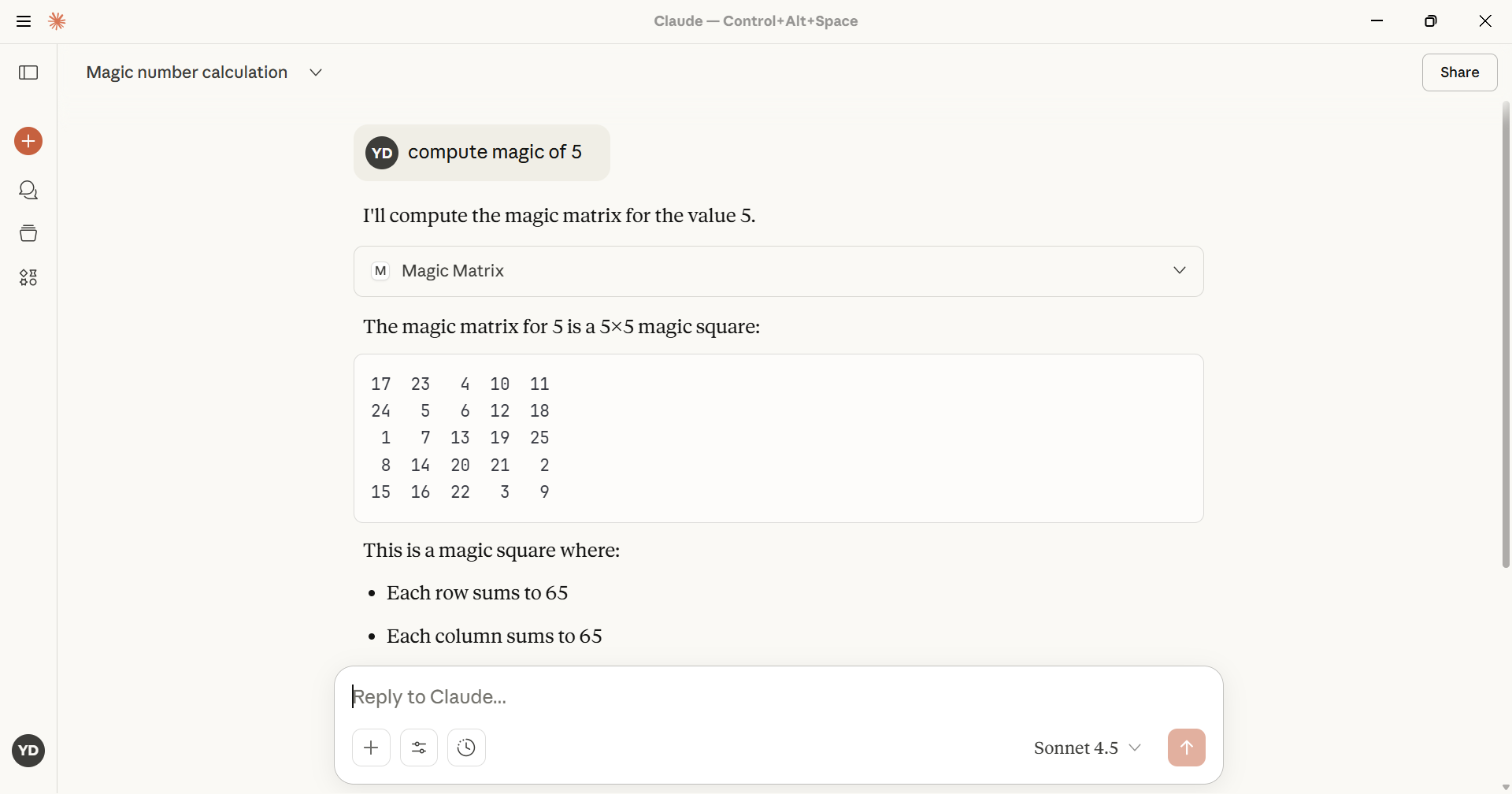
In the chat, type @ followed by the MCP server name and your instructions, e.g., "@Magic-MCP generate a 5x5 magic square"
That's it! The server will respond to your query, and you can continue using it as needed.
Here is a step-by-step guide with screenshots.
Magic square function exposed as MCP server 🪄✨
Create a virtual environment and install the dependencies:
python -m venv .venv
source .venv/bin/activate
pip install -r requirements.txt
Run the MCP server:
python server.pyThe server exposes a single tool, generate_magic_square, which proxies a
remote MATLAB service hosted at
https://matlab-0j1h.onrender.com/mymagic/mymagic.
Dependencies
This project now uses requests and numpy to call and parse the remote
MATLAB service. Ensure those packages are installed (they're included in
requirements.txt). To change the target MATLAB service URL, edit the
MATLAB_SERVICE_URL variable inside the calculate_magic_matrix tool in
server.py.
Connect an MCP-compatible client to the server (for example, via MCP
discovery or by pointing the client at the stdio endpoint) and invoke the
generate_magic_square tool. Provide the desired square size (and optionally
set debug=true) to receive a structured response containing both the magic
square and the raw metadata returned by the upstream service.
This server cannot be deployed
The Remote MCP server acts as a standardized bridge between LLM applications (like Claude, ChatGPT, and Cursor) and external services, enabling AI agents to access external tools and resources. Its primary capability is providing a centralized search tool to discover other MCP servers and their respective tools. Unlike local implementations, it runs remotely with OAuth authentication and permission controls for security.
Unified gateway exposing 150+ tools across all NexGenData MCP servers via one endpoint.
Pay-per-use tool marketplace for AI agents. Search, price-check, and call APIs via MCP.
Zero-setup MCP gateway securely connecting AI to your tools with authentication and workflows