
GetMattered
<div align="center">
<img src="assets/logo.png" alt="GetMattered" width="96" height="96" />
# GetMattered MCP Server
**Auto-Apply That Ends on an Interview**
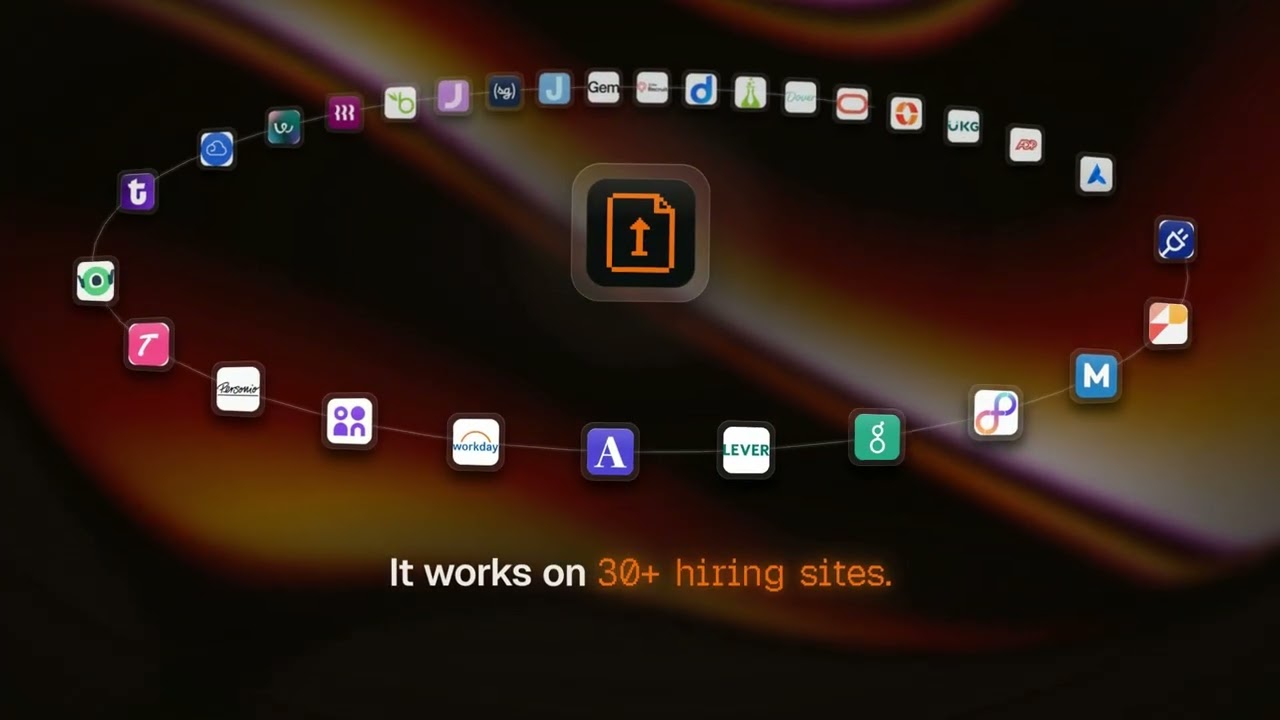
Find jobs that fit, tailor your resume and cover letter, and send each application on the employer's own hiring system, from the assistant you already use.
<img src="assets/01-stop-applying-start-interviewing.png" alt="GetMattered - stop applying, start interviewing" width="820" />
[](https://glama.ai/mcp/servers/getmattered/getmattered-mcp)
[](https://registry.modelcontextprotocol.io/v0/servers?search=getmattered)
[](LICENSE)
**[Setup](https://getmattered.com/mcps)** · **[Status](https://getmattered.com/status)** · **[Website](https://getmattered.com)** · **[Privacy](https://getmattered.com/legal/privacy)** · **[Terms](https://getmattered.com/legal/terms)**
</div>
## Quick start
Paste this into your agent:
```
Set up GetMattered for me. Follow https://getmattered.com/setup.md
```
Or add the server yourself. There is no API key. You sign in once in a browser, with Google or an email link.
```
https://mcp.getmattered.com/mcp
```
[](https://cursor.com/install-mcp?name=getmattered&config=eyJ1cmwiOiJodHRwczovL21jcC5nZXRtYXR0ZXJlZC5jb20vbWNwIn0=)
[](https://insiders.vscode.dev/redirect/mcp/install?name=getmattered&config=%7B%22type%22%3A%22http%22%2C%22url%22%3A%22https%3A//mcp.getmattered.com/mcp%22%7D)
[](https://poke.com/integrations/new?name=GetMattered&url=https%3A%2F%2Fmcp.getmattered.com%2Fmcp)
- **ChatGPT:** [open GetMattered in ChatGPT](https://chatgpt.com/plugins/plugin_asdk_app_6adce5a7d5d881918e5bba3849d7d836), add it and sign in.
- **Claude:** in Settings, open Connectors, add a custom connector, paste the address and sign in.
- **Claude Code:** `claude mcp add --transport http --scope user getmattered https://mcp.getmattered.com/mcp`, then type `/mcp` and sign in.
- **Codex:** `codex mcp add getmattered --url https://mcp.getmattered.com/mcp`, then `codex mcp login getmattered`.
- **Gemini CLI:** `gemini mcp add --transport http --scope user getmattered https://mcp.getmattered.com/mcp`, then `/mcp auth getmattered`.
- **Any other app:** add a remote MCP server at the address, as that app's docs say.
Five free applications from ChatGPT, Claude or any MCP client. Upgrade any time for more.
## Skills
This repository is also a plugin marketplace and a Gemini CLI extension, with fourteen job-search skills in `plugins/getmattered/skills`.
```bash
npx skills add https://getmattered.com -g -y
```
Claude Code: `claude plugin marketplace add getmattered/getmattered-mcp`, then `claude plugin install getmattered@getmattered`. Enable auto-update for the getmattered marketplace in /plugin > Marketplaces to receive each new release.
Claude Desktop: download `getmattered-<version>.mcpb` from the newest [GitHub release](https://github.com/getmattered/getmattered-mcp/releases/latest) and open it. On the first tool call it opens your browser once to sign in. The bundle is unsigned, and a new release means installing the new file.
Codex: `codex plugin marketplace add getmattered/getmattered-mcp`, then `codex plugin add getmattered@getmattered`.
Gemini CLI: `gemini extensions install https://github.com/getmattered/getmattered-mcp`.
## Command line and local bridge
```bash
npx getmattered-mcp login # sign in once
npx getmattered-mcp call <tool> '<json>' # from a script or a bot
npx -y github:getmattered/getmattered-mcp # stdio bridge for apps that only run local servers
```
Exit code 0 means success, 1 means the tool reported an error, and 2 means you are not signed in. `GETMATTERED_MCP_URL` overrides the endpoint.
## Watch the demo
[](https://www.youtube.com/watch?v=2uxVDG0dxQ4)
## Privacy
Your resume and profile stay on your GetMattered account. Tools read and write that account and nothing else. The [privacy policy](https://getmattered.com/legal/privacy) and [terms](https://getmattered.com/legal/terms) are the binding statement.
## Support
- Status: [getmattered.com/status](https://getmattered.com/status)
- Issues: [github.com/getmattered/getmattered-mcp/issues](https://github.com/getmattered/getmattered-mcp/issues)
- Email: support@getmattered.com
## About this repository
The hosted server runs on Cloudflare Workers and its source is not public. This repository holds the `server.json` manifest, the plugin and skills, and the small MIT licensed stdio bridge, which forwards messages verbatim. See the [changelog](CHANGELOG.md).
This repository is published from GetMattered's own repository on every release, so pull requests here are read but not merged directly. Each `v*` tag runs [the release workflow](.github/workflows/release.yml), which publishes the same version to npm (with provenance), the MCP Registry and GitHub Releases.
TDQS
Scored across 41 tools
Most tools target clearly distinct resources and actions, and the detailed descriptions clarify the many application, match, resume, and follow-up operations. A few clusters remain easy to confuse, especially get_account vs get_profile, get_applications vs get_application_profile, and the overlapping resume/document tools such as refine_application_documents, reprepare_applications, optimize_resume, and generate_cover_letter.
The set is overwhelmingly consistent snake_case with a getmattered_ prefix and verb_noun structure such as get_applications, save_matches, and delete_saved_search. Minor deviations exist, including the bare verb apply and mixed read verbs like get_applications versus list_saved_searches, but the pattern is readable throughout.
At 41 tools, the surface is heavy for a single job-search assistant and exceeds the range where each tool clearly earns its place. The application, resume, email, follow-up, and saved-search areas each add many narrowly scoped operations, increasing selection burden for an agent.
The server covers a broad lifecycle: job search and matches, applying and reviewing applications, resume scoring/optimization/translation, profiles and preferences, inbox replies, follow-ups, and saved-search CRUD. Minor gaps exist around reading or updating resume-builder drafts and some document/application lifecycle details, but the core workflows are well covered.