

A
licenseB
qualityD
maintenanceA Model Context Protocol server that integrates with Storybook to help AI tools query UI components and retrieve usage examples from static Storybook files.
2
1,216 npm
21
MIT

The MCP Design System Extractor server connects to a Storybook instance to extract and analyze design system components and metadata. You can:
List Components: Browse all UI components with categories, names, and stories, with pagination support
Extract HTML: Retrieve rendered HTML of specific component variants, with optional CSS styles
Search Components: Find components by name, title, or category with flexible queries
Analyze Variants: Get all variants/states of a specific component with their IDs and parameters
Extract Props: Fetch component props/API documentation including types and defaults
Detect Dependencies: Analyze which other components a given component internally uses
Access Theme Information: Extract design system theme details (colors, spacing, typography, breakpoints)
Search by Purpose: Find components by their functional use case (forms, navigation, feedback, etc.)
Analyze CSS: Extract design tokens from CSS files without returning full content by default
Get Composition Examples: Retrieve examples of how components are combined in real-world UI patterns
Analyzes external CSS files to extract design tokens, variables, and style information from Storybook assets.
Detects React components when analyzing component dependencies and relationships within Storybook components.
Extracts component information from Storybook design systems, including HTML, styles, component metadata, props documentation, theme information, and relationships between components.
Click on "Deploy Server".
Wait a few minutes for the server to deploy. Once ready, it will show a "Started" state.
In the chat, type @ followed by the MCP server name and your instructions, e.g., "@MCP Design System Extractor show me all the button variants in our design system"
That's it! The server will respond to your query, and you can continue using it as needed.
Here is a step-by-step guide with screenshots.
A Model Context Protocol (MCP) server that extracts component information from Storybook design systems. Connects to Storybook instances and extracts HTML, styles, and component metadata.
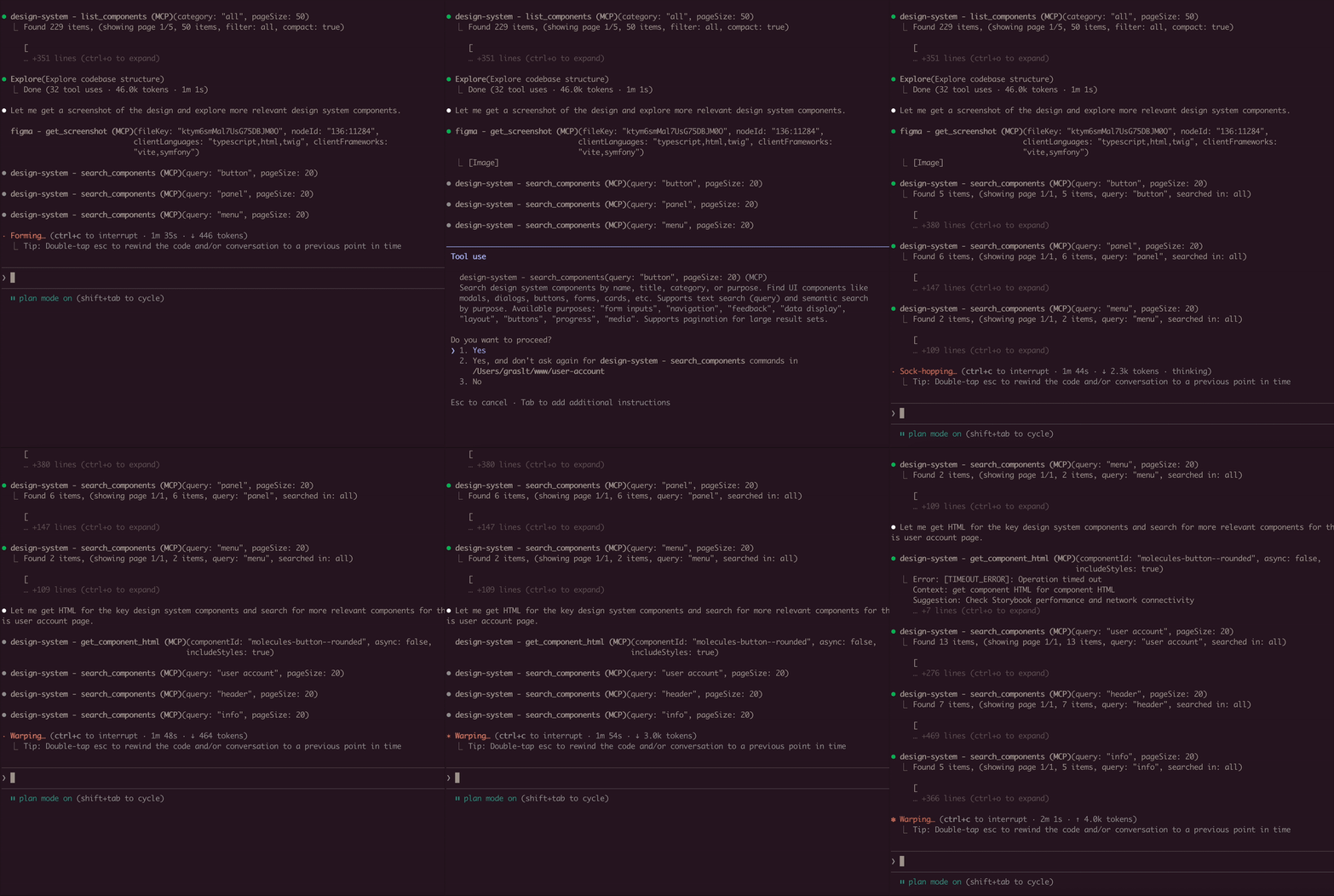
claude mcp add design-system npx mcp-design-system-extractor@latest \
  --env STORYBOOK_URL=http://localhost:6006
With self-signed certificate:
claude mcp add design-system npx mcp-design-system-extractor@latest \
  --env STORYBOOK_URL=https://my-storybook.example.com \
--env NODE_TLS_REJECT_UNAUTHORIZED=0npm install -g mcp-design-system-extractorThen configure in your MCP client (see Environment Variables).
git clone https://github.com/freema/mcp-design-system-extractor.git
cd mcp-design-system-extractor
npm install && npm run build
npm run setup  # Interactive setup for Claude Desktop
Related MCP server: Figma Storybook Component Matching MCP Server
Puppeteer: Uses headless Chrome for dynamic JavaScript component rendering
Chrome/Chromium: Required for Puppeteer (automatically handled in Docker)
Works with built Storybook distributions
List Components: Get all available components from your Storybook with compact mode
Extract HTML: Get the rendered HTML of any component (async or sync mode)
Search Components: Find components by name, title, category, or purpose
Component Dependencies: Analyze which components are used within other components
Theme Information: Extract design system theme (colors, spacing, typography)
External CSS Analysis: Fetch and analyze CSS files to extract design tokens
Async Job Queue: Long-running operations run in background with job tracking
Variable | Description | Default |
| URL of your Storybook instance |
|
| Set to |
|
Example with self-signed certificate:
{
  "mcpServers": {
    "design-system": {
      "command": "node",
      "args": ["/path/to/dist/index.js"],
      "env": {
        "STORYBOOK_URL": "https://my-storybook.example.com",
        "NODE_TLS_REJECT_UNAUTHORIZED": "0"
      }
    }
  }
}See DEVELOPMENT.md for detailed setup instructions.
list_components
Lists all available components from the Storybook instance
Use compact: true for minimal output (reduces response size)
Filter by category parameter
Supports pagination with page and pageSize (default: 20)
get_component_html
Extracts HTML from a specific component story
Async by default: Returns job_id, use job_status to poll for results
Set async: false for synchronous mode (uses timeout parameter)
Use variantsOnly: true to get list of available variants (sync, fast)
Optional includeStyles: true for CSS extraction (Storybook CSS filtered out)
Story ID format: "component-name--story-name" or just "component-name" (auto-resolves to default variant)
search_components
Search components by name, title, category, or purpose
query: Search term (use "*" for all)
purpose: Find by function ("form inputs", "navigation", "feedback", "buttons", etc.)
searchIn: "name", "title", "category", or "all" (default)
Supports pagination with page and pageSize
get_component_dependencies
Analyzes rendered HTML to find which other components are used internally
Detects React components, web components, and CSS class patterns
Requires story ID format: "component-name--story-name"
get_theme_info
Extracts design system theme (colors, spacing, typography, breakpoints)
Gets CSS custom properties/variables
Use includeAll: true for all CSS variables
get_external_css
DEFAULT: Returns only design tokens + file stats (avoids token limits)
Extracts & categorizes tokens: colors, spacing, typography, shadows
Use includeFullCSS: true only when you need full CSS content
Security-protected: only accepts URLs from same domain as Storybook
job_status
Check status of an async job
Returns: status, result (when completed), error (when failed)
Poll this after calling get_component_html in async mode
job_cancel
Cancel a queued or running job
Returns whether cancellation was successful
job_list
List all jobs with their status
Filter by status: "all" (default), "active" (queued/running), "completed"
Returns job list + queue statistics
// List all components (compact mode recommended)
await list_components({ compact: true });

// Search for components
await search_components({ query: "button", searchIn: "name" });

// Find components by purpose
await search_components({ purpose: "form inputs" });

// Get variants for a component
await get_component_html({
  componentId: "button",
  variantsOnly: true
});
// Returns: { variants: ["primary", "secondary", "disabled"] }

// Get HTML (async mode - default)
await get_component_html({ componentId: "button--primary" });
// Returns: { job_id: "job_xxx", status: "queued" }

// Poll for result
await job_status({ job_id: "job_xxx" });
// Returns: { status: "completed", result: { html: "...", classes: [...] } }

// Get HTML (sync mode)
await get_component_html({
  componentId: "button--primary",
  async: false,
  timeout: 30000
});
// Returns: { html: "...", classes: [...] }

// Get HTML with styles
await get_component_html({
  componentId: "button--primary",
  async: false,
  includeStyles: true
});

// Check all running jobs
await job_list({ status: "active" });

// Extract theme info
await get_theme_info({ includeAll: false });

// Get design tokens from CSS
await get_external_css({
  cssUrl: "https://my-storybook.com/assets/main.css"
});Start with discovery: Use list_components with compact: true
Get variants first: Use get_component_html with variantsOnly: true
Use async for HTML: Default async mode prevents timeouts on large components
Poll job_status: Check job completion before reading results
Search by purpose: Use search_components with purpose parameter
Once connected, you can use natural language prompts with Claude:

Component Discovery:
Show me all available button components in the design systemBuilding New Features:
I need to create a user profile card. Find relevant components
from the design system and show me their HTML structure.
Design System Analysis:
Extract the color palette and typography tokens from the design system.
I want to ensure my new component matches the existing styles.
Component Migration:
Get the HTML and styles for the "alert" component. I need to
recreate it in a different framework while keeping the same look.
Multi-Tool Workflow:
First list all form-related components, then get the HTML for
the input and select components. I'm building a registration form.Connects to Storybook via /index.json and /iframe.html endpoints. Uses Puppeteer with headless Chrome for dynamic JavaScript rendering. Long-running operations use an in-memory job queue with max 2 concurrent jobs and 1-hour TTL for completed jobs.
Ensure Storybook is running and STORYBOOK_URL is correct
Use list_components first to see available components
For large components, use async mode (default) and poll job_status
Check /index.json endpoint directly in browser
SSL certificate errors: Set NODE_TLS_REJECT_UNAUTHORIZED=0 for self-signed certificates
See DEVELOPMENT.md for detailed troubleshooting
Node.js 20+
Chrome/Chromium (for Puppeteer)
Running Storybook instance (see below for supported versions)
Storybook 7, 8, 9 and 10. The server reads the story index from
/index.json, falling back to /stories.json, and renders stories through
/iframe.html?id=<storyId> — endpoints that have been stable across all four
major versions.
Storybook 6 and earlier are not supported: they predate /index.json and use
a different story-id scheme.
Both a dev server (npm run storybook) and a built static Storybook served
over HTTP will work.
See DEVELOPMENT.md for detailed development instructions.
Created by Tomáš Grasl
MIT
List all jobs with their status. Shows what each job is processing and whether it is still running.
| Name | Required | Description | Default |
|---|---|---|---|
| status | No | Filter by status: "all" (default), "active" (queued/running), "completed" (completed/failed/cancelled) |
Does the description disclose side effects, auth requirements, rate limits, or destructive behavior?
No annotations provided, so description carries full burden. It only states it lists jobs and shows status, but does not disclose any behavioral traits (e.g., read-only nature, pagination, permissions, or side effects).
Agents need to know what a tool does to the world before calling it. Descriptions should go beyond structured annotations to explain consequences.
Is the description appropriately sized, front-loaded, and free of redundancy?
Two concise sentences with no wasted words. The main purpose and key output details are front-loaded.
Shorter descriptions cost fewer tokens and are easier for agents to parse. Every sentence should earn its place.
Given the tool's complexity, does the description cover enough for an agent to succeed on first attempt?
For a simple list tool with one parameter and no nested objects, the description is fairly complete. It explains the output, but lacks details on pagination, error handling, or any limitations.
Complex tools with many parameters or behaviors need more documentation. Simple tools need less. This dimension scales expectations accordingly.
Does the description clarify parameter syntax, constraints, interactions, or defaults beyond what the schema provides?
Schema description coverage is 100% for the single parameter 'status'. The description adds context about return values ('what each job is processing and whether it is still running'), which enhances understanding beyond the schema.
Input schemas describe structure but not intent. Descriptions should explain non-obvious parameter relationships and valid value ranges.
Does the description clearly state what the tool does and how it differs from similar tools?
Description clearly states the verb 'list' and resource 'jobs', and specifies what information is shown (status and processing details). No sibling tools to differentiate, but purpose is unambiguous.
Agents choose between tools based on descriptions. A clear purpose with a specific verb and resource helps agents select the right tool.
Does the description explain when to use this tool, when not to, or what alternatives exist?
No guidance on when to use this tool vs alternatives. No siblings exist, but the description does not provide any context about when to invoke the tool or any prerequisites.
Agents often have multiple tools that could apply. Explicit usage guidance like "use X instead of Y when Z" prevents misuse.
Recent tool additions, removals, and schema changes observed during successful MCP inspections.
v1.2.0get_component_by_purposeget_component_dependenciesget_component_htmlget_component_variantsget_external_cssget_theme_infojob_listlist_componentssearch_componentsget_component_by_purposeget_component_dependenciesget_component_htmlget_component_variantsget_external_cssget_theme_infolist_componentssearch_componentsScored across 1 tool
Only one tool exists, so there is no ambiguity between tools.
With a single tool, naming is trivially consistent.
The server name suggests a design system extractor, but only provides a single job list tool, which is too few for the implied scope.
The surface is severely incomplete, with no tools to create jobs, extract data, or manage the design system.
Serves your design system and coding standards to coding agents, so they stop guessing.
Live React design-system APIs, patterns, and code validation so AI agents build real UI, not slop.
Build and manage your design system with AI: tokens, themes, components, icons, Figma and code.
Design system contracts, docs search, and usage validation for @digitaltableteur components.