
google-trends-mcp-server
# Google Trends MCP Server
An MCP server that gives Claude, Cursor, VS Code Copilot, n8n AI agents and any other MCP client live **Google Trends** data: search interest over time, interest by region or country, and what people are searching for right now in 125 countries.
Ask your assistant things like:
- "Is interest in electric cars growing in the US? Show me the last 12 months."
- "Which US states search the most for bitcoin?"
- "What is trending on Google in the UK today?"
- "Compare the seasonality of 'sunscreen' over the last 5 years and tell me when to launch a campaign."
The data comes from the [Google Trends Scraper](https://apify.com/data_xplorer/google-trends-fast-scraper) Actor on Apify, which handles Google's rate limits, so your assistant never hits the HTTP 429 errors of unofficial libraries like pytrends.
> Click **Watch > Custom > Releases** at the top of this page to be notified of new features.
## Video
[](https://www.youtube.com/watch?v=jOgshmxVvWk)
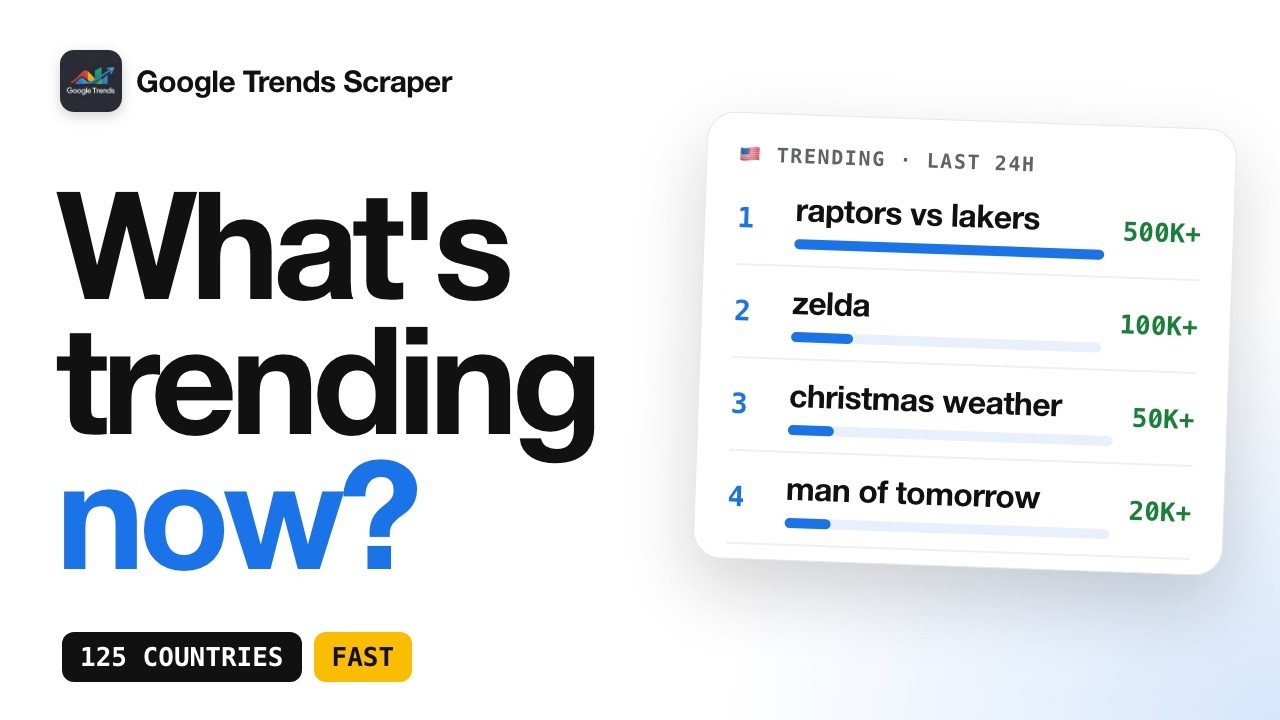
*Video: how the Google Trends Scraper behind this server works.*
## Tools
| Tool | What it does |
| --- | --- |
| `get_interest_over_time` | Search interest (0-100) over time for a keyword, in a country or worldwide, from the last hour to the last 5 years. Optionally interest by region (US states, regions) or by country. |
| `get_trending_searches` | Trending searches of the last 4, 24, 48 or 168 hours in a country, with search volume and related queries. |
## Setup
You need Node.js 18 or later and an Apify API token: create a free [Apify](https://apify.com) account, then copy your token from [Settings > API & Integrations](https://console.apify.com/settings/integrations).
### Claude Desktop
Open Settings > Developer > Edit Config and add:
```json
{
"mcpServers": {
"google-trends": {
"command": "npx",
"args": ["-y", "google-trends-mcp-server"],
"env": { "APIFY_TOKEN": "your_apify_token" }
}
}
}
```
Restart Claude Desktop.
### Claude Code
```bash
claude mcp add google-trends -e APIFY_TOKEN=your_apify_token -- npx -y google-trends-mcp-server
```
### Cursor
Add the same block as for Claude Desktop to `~/.cursor/mcp.json` (all projects) or `.cursor/mcp.json` (one project).
### VS Code (Copilot agent mode)
Create `.vscode/mcp.json`:
```json
{
"servers": {
"google-trends": {
"type": "stdio",
"command": "npx",
"args": ["-y", "google-trends-mcp-server"],
"env": { "APIFY_TOKEN": "your_apify_token" }
}
}
}
```
### Any other MCP client
Command `npx -y google-trends-mcp-server`, transport stdio, environment variable `APIFY_TOKEN`.
## Example answer
`get_interest_over_time` with `keyword: "chatgpt"`, `geo: "US"`, `timeframe: "today 1-m"`, `include_regions: true` returns:
```json
{
"keyword": "chatgpt",
"geo": "US",
"timeframe": "today 1-m",
"granularity": "day",
"peak": { "date": "2026-10-28", "value": 100 },
"latest": { "date": "2026-11-15", "value": 60 },
"series": { "2026-10-15": 94, "2026-10-16": 89, "...": "..." },
"regions": [
{ "rank": 1, "region": "California", "value": 100 },
{ "rank": 2, "region": "New Jersey", "value": 88 }
],
"google_trends_url": "https://trends.google.com/trends/explore?date=today+1-m&geo=US&q=chatgpt&hl=en-US"
}
```
## Good to know
- One keyword per call. Each series is scaled 0-100 on its own peak, so two keywords from separate calls show their shape, not their relative volume.
- A call usually takes 5 to 30 seconds.
- Without a country (`geo` empty), `include_regions` returns interest by country.
## Other ways to use the same data
- Python script: [google-trends-api-python](https://github.com/dataxplore19/google-trends-api-python)
- Node.js script: [google-trends-api-node](https://github.com/dataxplore19/google-trends-api-node)
- No code, in n8n: [n8n workflow templates](https://github.com/dataxplore19/n8n-google-trends-news-templates)
- Directly on Apify: [Google Trends Scraper](https://apify.com/data_xplorer/google-trends-fast-scraper)
## FAQ
### Is there an official Google Trends MCP server?
Not from Google. Google's own Trends API is in limited alpha. This server is one of the ways to give an AI assistant reliable Google Trends access today.
### Why not call Google Trends directly from the assistant?
Google rate-limits Google Trends hard (HTTP 429). The Apify Actor behind this server rotates proxies and retries, so the assistant gets data on the first try.
### Does it work with ChatGPT?
It works with any client that supports MCP servers over stdio. For clients that only accept remote MCP servers, use the hosted Apify MCP server at `https://mcp.apify.com?tools=data_xplorer/google-trends-fast-scraper` with your Apify token.
## Disclosure
I am the author of the Google Trends Scraper Actor used by this server.
## License
MIT
TDQS
Scored across 2 tools
The two tools target clearly different things: current trending searches in a country versus historical interest for a specific keyword. An agent can pick correctly from the names and descriptions alone, with no overlap in shape of output.
Both tools follow the same predictable get_<resource> pattern (get_trending_searches, get_interest_over_time), using snake_case throughout. No mixed conventions.
Two tools is thin for a Google Trends server, which naturally exposes several distinct query modes. It's a defensible minimal surface, but it sits at the borderline of feeling under-scoped.
Core read paths are covered (trending now, interest over time with optional regional breakdown), but there is no multi-keyword comparison, no dedicated related-queries/related-topics tool, and no trending-topics variant. The description explicitly says to call once per keyword, confirming comparison is a gap agents must work around.