F
licenseNot graded
qualityD
maintenanceA lightweight Python-based server designed to run, manage and create CrewAI workflows using the Model Context Protocol for communicating with LLMs and tools like Claude Desktop or Cursor IDE.
36
-

Enables starting deployed CrewAI workflows and monitoring their execution status, retrieving results from CrewAI workflows through the CrewAI Enterprise platform.
Click on "Deploy Server".
Wait a few minutes for the server to deploy. Once ready, it will show a "Started" state.
In the chat, type @ followed by the MCP server name and your instructions, e.g., "@CrewAI Enterprise MCP Server kickoff the marketing campaign crew"
That's it! The server will respond to your query, and you can continue using it as needed.
Here is a step-by-step guide with screenshots.
A Model Context Protocol (MCP) server implementation that provides deployed CrewAI workflows. This server enables kicking off your deployed crew and inspect the status giving the results of your crew.
Related MCP server: my-mcp-server
kickoff_crew
get_crew_status
retrieve from app.crewai.com
MCP_CREWAI_ENTERPRISE_SERVER_URL
MCP_CREWAI_ENTERPRISE_BEARER_TOKEN


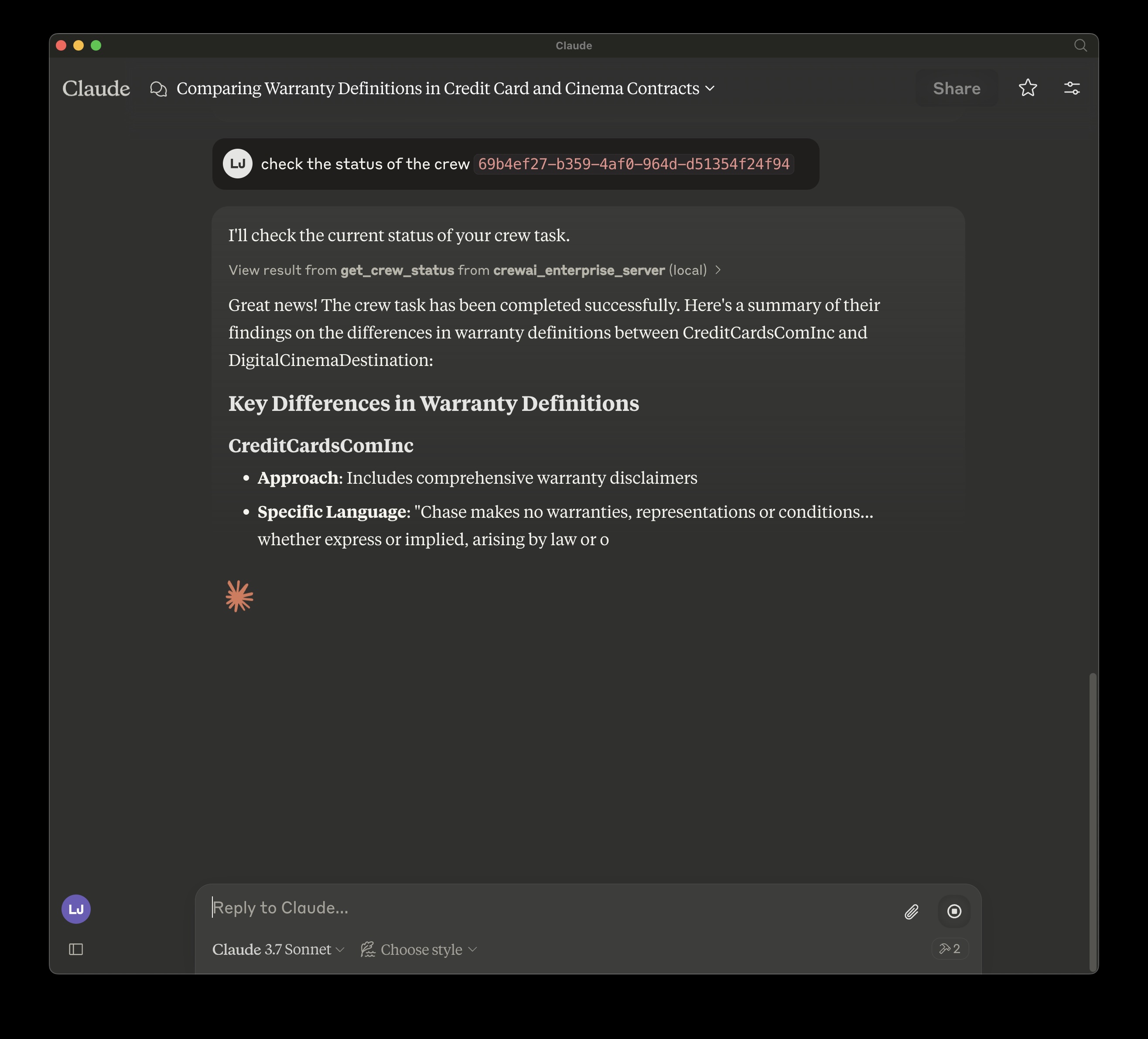
To use this MCP server with Claude Desktop, follow these steps:
Open Claude Desktop
Go to Settings > Developer Settings
Add a new MCP server with the configuration shown below
Install mcp and mcp[cli] locally
{
  "mcpServers": {
    "crewai_enterprise_server": {
      "command": "uv",
      "args": [
        "run",
        "--with",
        "mcp[cli]",
        "mcp",
        "run",
        "<filepath of cloned repo>",
        "/crewai_enterprise_server.py"
      ],
      "env": {
        "MCP_CREWAI_ENTERPRISE_SERVER_URL": "<>",
        "MCP_CREWAI_ENTERPRISE_BEARER_TOKEN": "<>"
      }
    }
  }
}Get the status of a crew task
Args:
    crew_id: The ID of the crew task to check

Returns:
    Dictionary containing the crew task status
Inputs: crew_id (required).
Start a new crew task
Args:
    inputs: Dictionary containing the query and other input parameters

Returns:
    Dictionary containing the crew task response. The response will contain the crew id which needs to be returned to check the status of the crew.
Inputs: inputs (required).
Recent tool additions, removals, and schema changes observed during successful MCP inspections.
Loading tool schema changelog…
Scored across 2 tools
The two tools have clearly distinct purposes: one starts a new crew task (kickoff_crew) and the other checks the status of an existing task (get_crew_status). There is no overlap or ambiguity between these operations.
Both tools follow a consistent verb_noun pattern (kickoff_crew, get_crew_status) with clear action-oriented verbs and the same noun root. The naming is predictable and follows the same convention throughout.
With only two tools, the server feels severely under-equipped for an 'Enterprise MCP Server' that presumably manages crew tasks. There are likely missing operations like listing crews, updating tasks, or handling errors that would be needed for complete workflow coverage.
The tool surface is significantly incomplete for crew task management. While it covers starting and checking status, there are obvious gaps: no way to list existing crews, update tasks, cancel tasks, or retrieve results beyond status. This will cause agent failures in many scenarios.
A comprehensive Model Context Protocol (MCP) server that enables AI assistants to interact with yo…
MCP server for AI agents to plan, verify, and deploy Cloudflare-native apps.
A Model Context Protocol server for Wix AI tools
MCP server for your apps' tools and custom tools, plus hosted AI agents and approval-gated workflows