감사의 말
이 프로젝트는 다음의 작업을 기반으로 합니다.
헤드리스 IDA MCP 서버
IDA 플러그인을 대화형으로 사용하는 대신 CLI 앱으로 서버를 직접 실행하려면 이를 선택할 수 있습니다.
프로젝트 설명
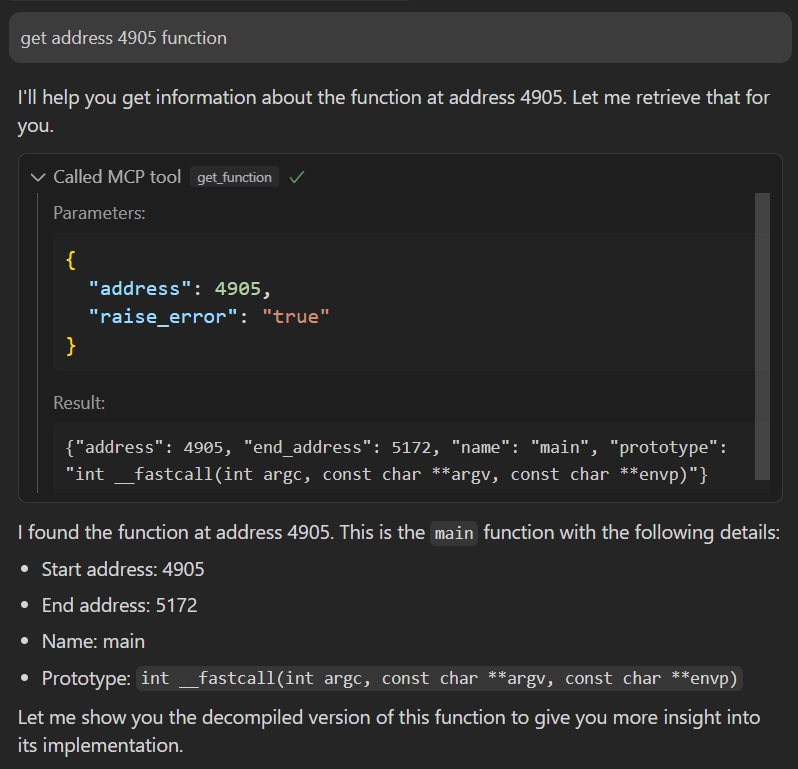
이 프로젝트에서는 IDA Pro의 헤드리스 모드를 사용하여 바이너리 파일을 분석하고 MCP를 통해 함수, 변수 등을 관리하고 조작할 수 있는 도구 모음을 제공합니다.
Related MCP server: idalib-mcp-headless
필수 조건
설치
프로젝트를 로컬로 복제합니다.
지엑스피1
종속성 설치:
uv python install 3.12
uv venv --python 3.12
uv pip install -e .
구성
예제 환경 파일을 복사하세요.
.env 에서 다음 환경 변수를 구성합니다.
IDA_PATH : IDA Pro의 헤드리스 실행 파일(idat) 경로(예: /home/ubuntu/idapro/idat
PORT : MCP 서버의 포트 번호, 예: 8888
HOST : MCP 서버의 호스트 주소, 예: 127.0.0.1
TRANSPORT : MCP 전송 모드( sse 또는 stdio )
용법
서버를 시작합니다:
uv run headless_ida_mcp_server
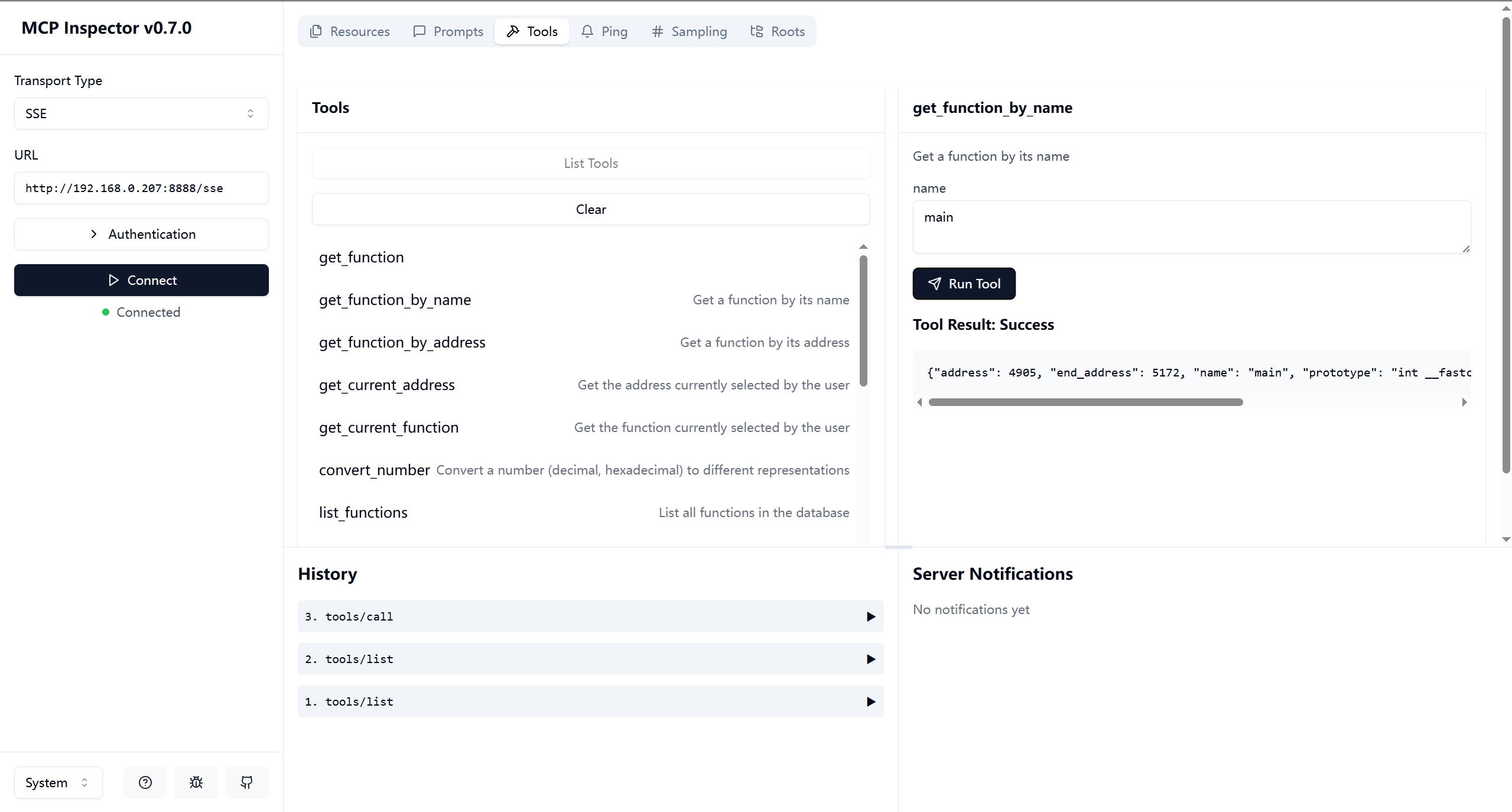
MCP 클라이언트를 사용하여 서버에 연결합니다.
디버깅:
npx -y @modelcontextprotocol/inspector
또는
{
"mcpServers": {
   "ida": {
      "command": "/path/to/uv",
      "args": ["--directory","path/to/headless-ida-mcp-server","run","headless_ida_mcp_server"]
   }
}
}