PickAPIcon MCP
Allows access to Iconify's icon repository API, enabling users to search, browse, and retrieve SVG icons by description or name from various icon sets without leaving the chat interface.
Retrieves SVG code for icons, allowing direct access to vector graphics that can be used in UI/UX design and frontend development projects.
Click on "Deploy Server".
Wait a few minutes for the server to deploy. Once ready, it will show a "Started" state.
In the chat, type
@followed by the MCP server name and your instructions, e.g., "@PickAPIcon MCP get a search icon from the Material Design set"
That's it! The server will respond to your query, and you can continue using it as needed.
Here is a step-by-step guide with screenshots.
pickapicon-mcp
![]()
Description
This is a mcp for FE/UI/Designer to get SVG By Iconify API.
By using pickapicon-mcp, You just need to ask LLMs to get what you need instead of going to the website to find svg and copying stupidly.
It can make your workflow to get svg simplify, Dancing with MCP & LLMs ๐.
๐๐ Icon Repo WebSite Iconify ๐๐
Related MCP server: Iconify-Icon
Tools
get_icon_repos
get all repo name, for other tools param
<prefix>
get_icons_by_desc_and_prefix
get icons by inputting desc what you want and prefix
inputs:
desc: desc what you want
prefix?: prefix
get_icon_detail_by_prefix_and_name
get icon detail (SVG code) by prefix and svg name
inputs:
svg_name: svg name
prefix?: prefix
QuickStart
Installing via Smithery
To install Pickapicon MCP for Claude Desktop automatically via Smithery:
npx -y @smithery/cli install @Leee62/pickapicon-mcp --client claudethis is MCP Server Config
"mcpServers": {
"pickapicon-mcp": {
"type": "stdio",
"command": "npx",
"args": [
"-y",
"pickapicon-mcp@latest"
],
"env": {
"PREFIX": "<LIKE ant-design>"
}
}
}Case
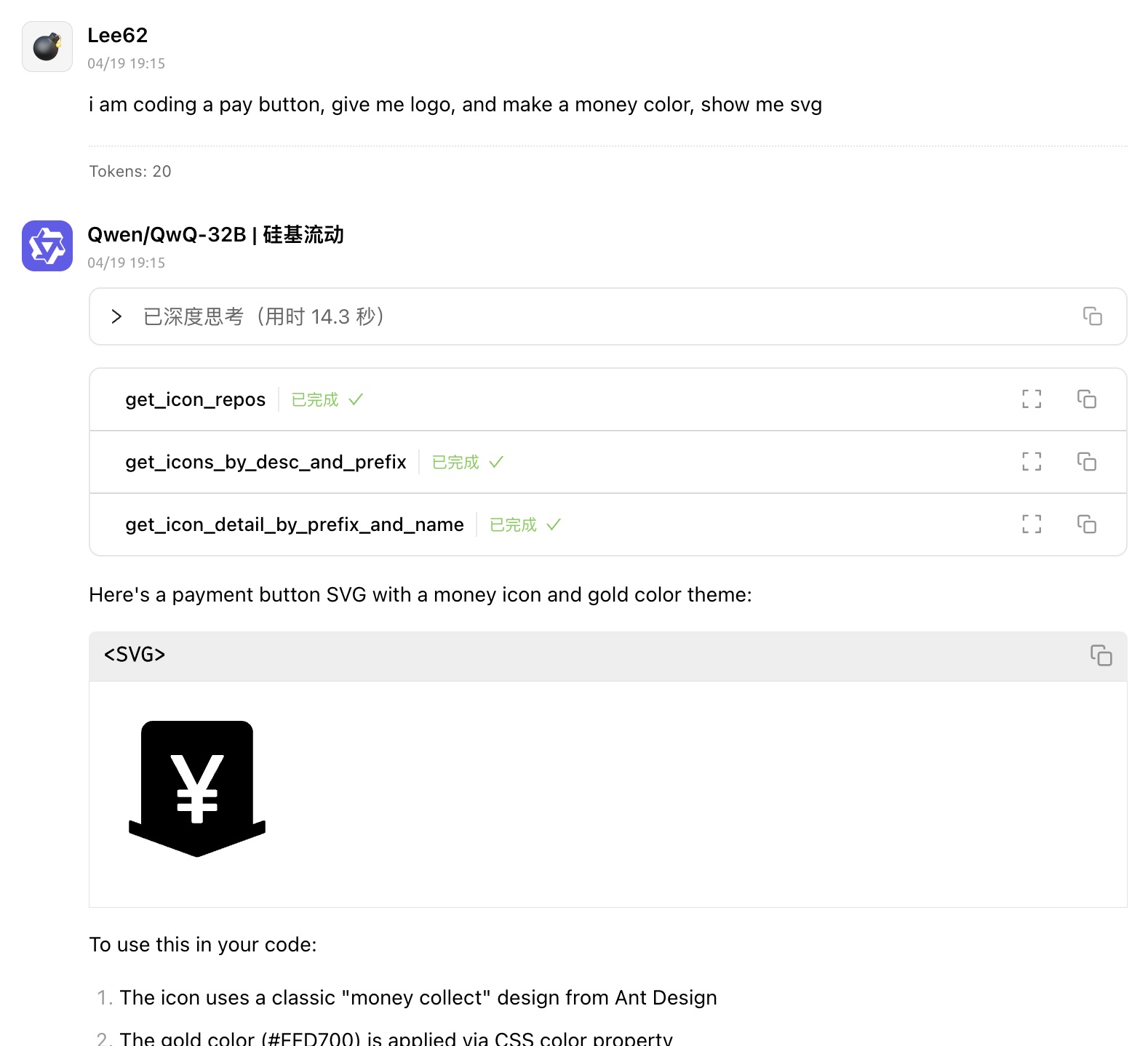
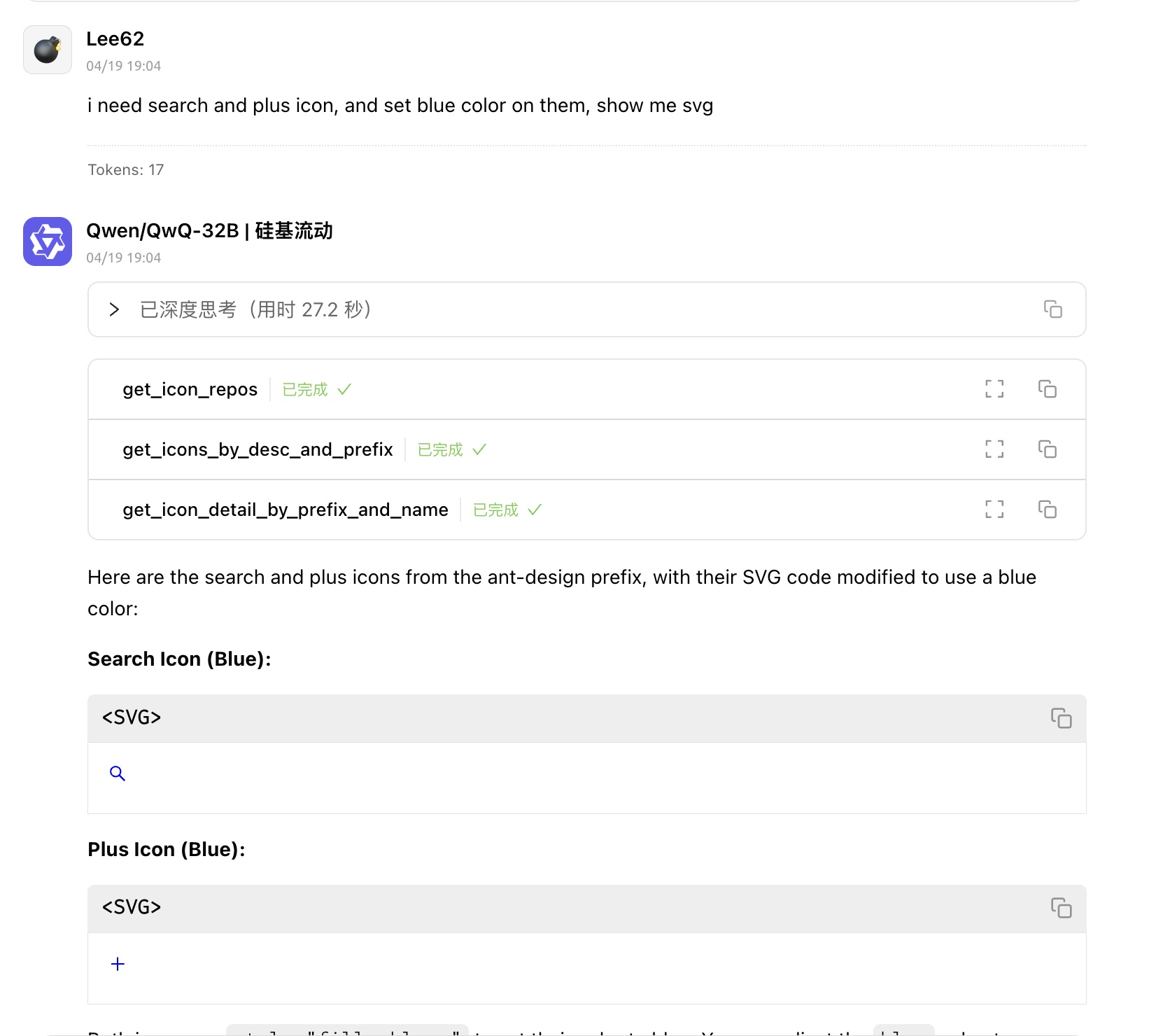
Quickly get svgs about COMPONENT / PAGE

get svg with Modern Design Color

License
MIT
Available Tools
3 toolsget_icon_detail_by_prefix_and_nameC
get icon detail by prefix and svg name
Inputs: svg_list, svg_name, prefix.
get_icon_reposC
get all icon repo NAME
Inputs: no named parameters.
get_icons_by_desc_and_prefixC
get icons by desc and prefix (LIKE AS ant-design)
Inputs: desc (required), prefix.
Tool Schema Changelog
Recent tool additions, removals, and schema changes observed during successful MCP inspections.
Loading tool schema changelogโฆ
TDQS
Scored across 3 tools
Each tool has a clearly distinct purpose: one retrieves details for a specific icon, one lists all icon repositories, and one searches icons by description and prefix. There is no overlap in functionality, making it easy for an agent to select the correct tool.
All tool names follow a consistent verb_noun pattern with 'get_' prefix and descriptive suffixes (e.g., get_icon_detail_by_prefix_and_name, get_icon_repos, get_icons_by_desc_and_prefix). The naming is uniform and predictable throughout.
With 3 tools, the count is appropriate for a focused icon retrieval service, though it feels slightly minimal. Each tool serves a distinct function, but the scope might benefit from additional utilities like listing icons by repository or updating metadata.
The tools cover basic retrieval (details, repos, search), but there are notable gaps for a full icon management system, such as creating, updating, or deleting icons or repositories. The surface is functional but incomplete for advanced workflows.
Maintenance
Related MCP Connectors
A coding agent searches the Icons8 library by keyword and style, then adds the selected icon or illustration to the project. Icons8 draws all of it: 420,000+ icons (130+ styles) and 110,000+ illustrations (340+ styles), so one project doesn't end up with mixed looks. The server lives at https://mcp.icons8.com/mcp/ and signs people in through their Icons8 account in the browser. Downloading PNG is free as long as the project links back to Icons8. SVG is on the paid plan, and that plan makes the link optional.
The Figma MCP server brings Figma design context directly into your AI workflow.
MCP server for AI dialogue using various LLM models via AceDataCloud
Iconify MCP โ wraps the Iconify public API (free, no auth)
Related MCP Servers
- AlicenseBqualityDmaintenanceHugeicons MCP Server is a TypeScript based server that provides integrated tools and resources for the Hugeicons icon library, supporting icon search, retrieval, and usage guides for multiple platforms.52Apache 2.0
- AlicenseAqualityDmaintenanceProvide access to Iconify's MCP server with over 200,000 open-source vector ICONS, supporting icon set browsing, searching, and obtaining multi-framework usage examples.42Apache 2.0
- AlicenseNot gradedqualityDmaintenanceAI-powered SVG icon generation MCP server. Generate production-ready SVG icons from text descriptions with customizable styles, sizes, and themes.93 npm8MIT
- AlicenseNot gradedqualityDmaintenanceA comprehensive MCP server enabling LLMs to execute commands, manage files, interact with Figma, search the web, generate images, and more, extending their capabilities beyond text generation.Apache 2.0