Glama
Leee62
by Leee62

icono de selección-mcp

logo

insignia de herrería 中文文档 Inglés

Descripción

Este es un mcp para FE/UI/Designer para obtener SVG mediante la API de Iconify.

Al usar pickapicon-mcp, solo necesita pedirle a LLM que obtenga lo que necesita en lugar de ir al sitio web para buscar SVG y copiar estúpidamente.

Puede simplificar su flujo de trabajo para obtener SVG, bailando con MCP y LLM 😎.

👉👉 Sitio web de Icon Repo Iconify 👈👈

Related MCP server: Iconify-Icon

Herramientas

  • obtener_repositorios_de_iconos

    • Obtener todos los nombres de los repositorios, para otras herramientas parámetro <prefix>

  • obtener_iconos_por_descripcion_y_prefijo

    • Obtenga íconos ingresando la descripción que desea y el prefijo

    • entradas:

      • desc: describe lo que quieras

      • prefijo?: prefijo

  • obtener_detalle_del_icono_por_prefijo_y_nombre

    • Obtener detalles del ícono (código SVG) por prefijo y nombre SVG

    • entradas:

      • nombre_svg: nombre del archivo SVG

      • prefijo?: prefijo

Inicio rápido

Instalación mediante herrería

Para instalar Pickapicon MCP para Claude Desktop automáticamente a través de Smithery :

npx -y @smithery/cli install @Leee62/pickapicon-mcp --client claude

Esta es la configuración del servidor MCP

  "mcpServers": {
    "pickapicon-mcp": {
      "type": "stdio",
      "command": "npx",
      "args": [
        "-y",
        "pickapicon-mcp@latest"
      ],
      "env": {
        "PREFIX": "<LIKE ant-design>"
      }
    }
  }

Caso

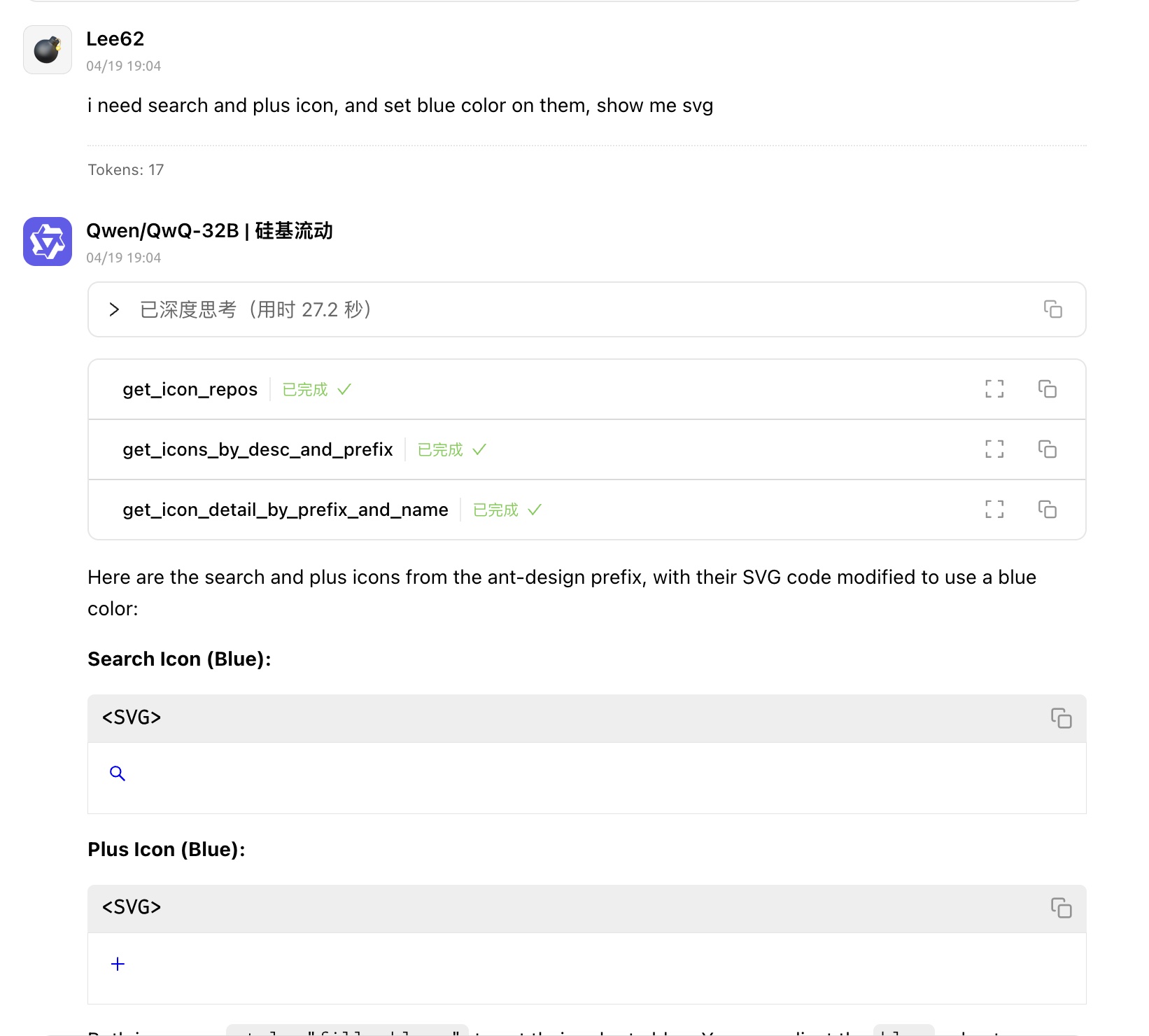
  • Obtenga rápidamente archivos SVG sobre COMPONENTE/PÁGINAcaso2

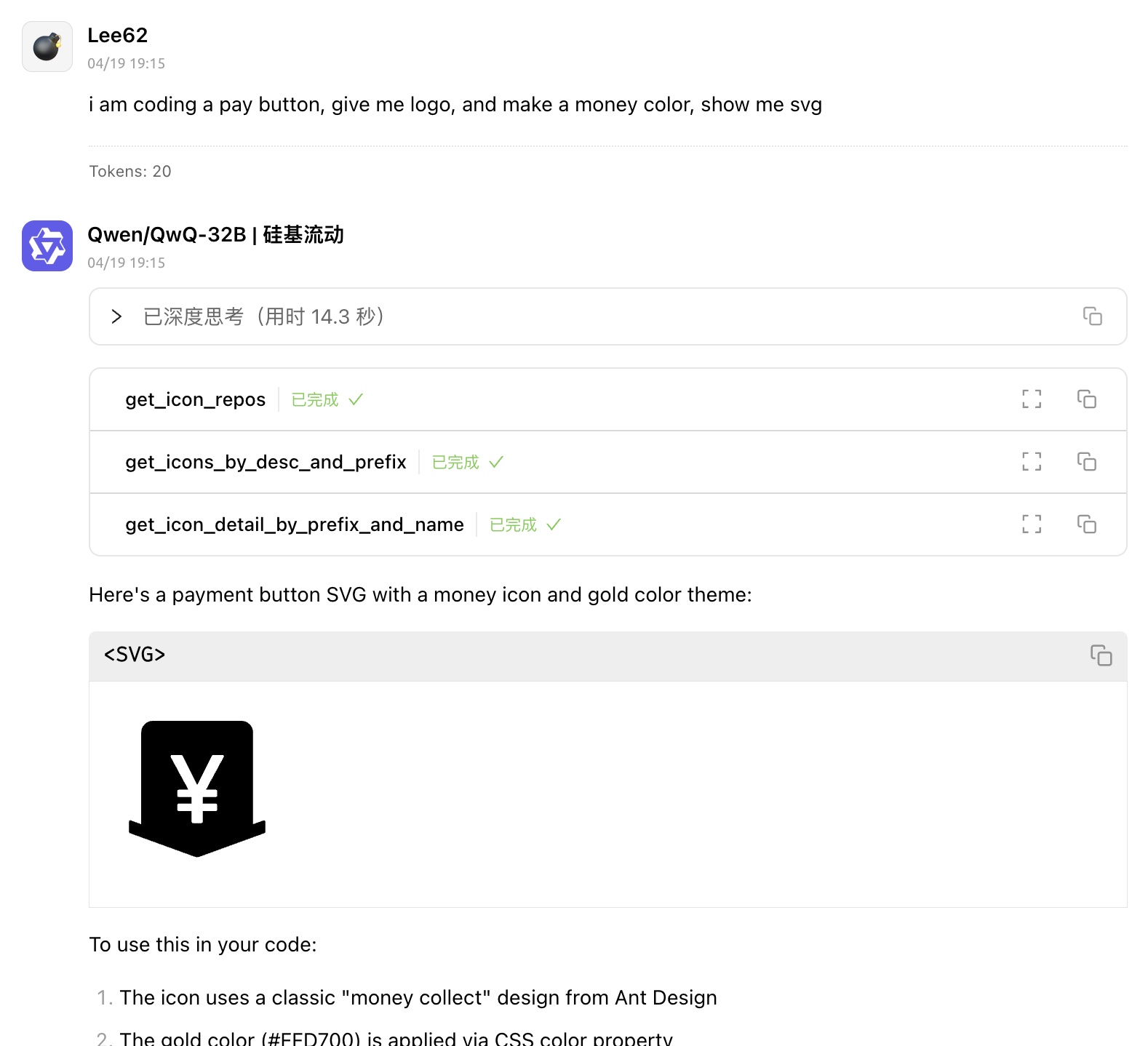
  • Obtenga SVG con color de diseño modernocaso1

Licencia

Instituto Tecnológico de Massachusetts (MIT)

Available Tools

3 tools
get_icon_detail_by_prefix_and_nameC

get icon detail by prefix and svg name

ParametersJSON Schema
NameRequiredDescriptionDefault
svg_listNoicon svg name list, match batch of icons fuzzily
svg_nameNoicon svg name, match single icon exactly
prefixNoicon prefix, default env.PREFIX

TDQS

C2.6/5.0
Behavior2/5

Does the description disclose side effects, auth requirements, rate limits, or destructive behavior?

With no annotations, the description carries full burden but lacks behavioral details. It doesn't disclose if this is a read-only operation, what 'detail' includes (e.g., SVG data, metadata), error handling, or performance traits. The phrase 'get' implies retrieval, but no further context on permissions or side effects is given.

Agents need to know what a tool does to the world before calling it. Descriptions should go beyond structured annotations to explain consequences.

Conciseness4/5

Is the description appropriately sized, front-loaded, and free of redundancy?

The description is a single, efficient sentence with no wasted words. It's front-loaded and clear, though slightly under-specified. Every word contributes to the purpose, earning a high score for brevity and structure.

Shorter descriptions cost fewer tokens and are easier for agents to parse. Every sentence should earn its place.

Completeness2/5

Given the tool's complexity, does the description cover enough for an agent to succeed on first attempt?

Given 3 parameters, no annotations, and no output schema, the description is incomplete. It doesn't explain what 'icon detail' returns (e.g., SVG content, metadata), how parameters interact, or error cases. For a tool with this complexity and lack of structured data, more context is needed to guide effective use.

Complex tools with many parameters or behaviors need more documentation. Simple tools need less. This dimension scales expectations accordingly.

Parameters3/5

Does the description clarify parameter syntax, constraints, interactions, or defaults beyond what the schema provides?

Schema description coverage is 100%, so parameters are well-documented in the schema. The description adds minimal value by naming 'prefix and svg name' but omits 'svg_list' and doesn't explain the interaction between 'svg_name' and 'svg_list' (e.g., exclusive use). Baseline 3 is appropriate as the schema does the heavy lifting.

Input schemas describe structure but not intent. Descriptions should explain non-obvious parameter relationships and valid value ranges.

Purpose3/5

Does the description clearly state what the tool does and how it differs from similar tools?

The description 'get icon detail by prefix and svg name' clearly states the verb ('get') and resource ('icon detail'), but it's vague about what 'detail' entails (e.g., metadata, content, properties) and doesn't distinguish it from siblings like 'get_icon_repos' or 'get_icons_by_desc_and_desc'. It restates the tool name without adding specificity.

Agents choose between tools based on descriptions. A clear purpose with a specific verb and resource helps agents select the right tool.

Usage Guidelines2/5

Does the description explain when to use this tool, when not to, or what alternatives exist?

No guidance is provided on when to use this tool versus alternatives. The description doesn't mention siblings, prerequisites, or exclusions. For example, it doesn't clarify if this is for single vs. batch lookups or how it differs from 'get_icons_by_desc_and_prefix', leaving usage ambiguous.

Agents often have multiple tools that could apply. Explicit usage guidance like "use X instead of Y when Z" prevents misuse.

get_icon_reposC

get all icon repo NAME

ParametersJSON Schema
NameRequiredDescriptionDefault

No parameters

TDQS

C2.7/5.0
Behavior2/5

Does the description disclose side effects, auth requirements, rate limits, or destructive behavior?

No annotations are provided, so the description carries the full burden. It only states the action ('get all icon repo NAME') without disclosing behavioral traits such as whether this is a read-only operation, if it requires authentication, how results are returned (e.g., pagination), or any rate limits. This leaves significant gaps for a tool that presumably retrieves data.

Agents need to know what a tool does to the world before calling it. Descriptions should go beyond structured annotations to explain consequences.

Conciseness3/5

Is the description appropriately sized, front-loaded, and free of redundancy?

The description is very short (three words), which is efficient, but it's poorly structured and unclear due to the awkward phrasing 'icon repo NAME'. It could be more front-loaded with a clearer purpose, but it avoids unnecessary verbosity.

Shorter descriptions cost fewer tokens and are easier for agents to parse. Every sentence should earn its place.

Completeness2/5

Given the tool's complexity, does the description cover enough for an agent to succeed on first attempt?

Given the lack of annotations and output schema, the description is incomplete. It doesn't explain what 'get all' entails (e.g., list of repositories, full details), what 'NAME' refers to, or what the return values are. For a tool with no structured data to rely on, this leaves the agent with insufficient information to use it effectively.

Complex tools with many parameters or behaviors need more documentation. Simple tools need less. This dimension scales expectations accordingly.

Parameters4/5

Does the description clarify parameter syntax, constraints, interactions, or defaults beyond what the schema provides?

The input schema has 0 parameters with 100% coverage, so no parameter documentation is needed. The description doesn't add parameter details, which is appropriate here. However, the mention of 'NAME' in the description is confusing since there are no parameters, slightly reducing clarity.

Input schemas describe structure but not intent. Descriptions should explain non-obvious parameter relationships and valid value ranges.

Purpose3/5

Does the description clearly state what the tool does and how it differs from similar tools?

The description 'get all icon repo NAME' has a clear verb ('get') and resource ('icon repo NAME'), but it's grammatically awkward and ambiguous about what 'NAME' refers to. It doesn't distinguish from sibling tools like 'get_icon_detail_by_prefix_and_name' or 'get_icons_by_desc_and_prefix', which suggests this might retrieve repository metadata rather than individual icons.

Agents choose between tools based on descriptions. A clear purpose with a specific verb and resource helps agents select the right tool.

Usage Guidelines2/5

Does the description explain when to use this tool, when not to, or what alternatives exist?

No guidance is provided on when to use this tool versus the sibling tools. The description doesn't indicate whether this is for listing repositories, fetching repository details, or another purpose, leaving the agent to guess based on the tool name alone.

Agents often have multiple tools that could apply. Explicit usage guidance like "use X instead of Y when Z" prevents misuse.

get_icons_by_desc_and_prefixC

get icons by desc and prefix (LIKE AS ant-design)

ParametersJSON Schema
NameRequiredDescriptionDefault
descYesdesc of icon, only English
prefixNoicon prefix, default env.PREFIX

TDQS

C2.4/5.0
Behavior2/5

Does the description disclose side effects, auth requirements, rate limits, or destructive behavior?

No annotations are provided, so the description carries full burden. It mentions filtering by 'desc and prefix' but lacks behavioral details: it doesn't specify if this is a read-only search, how results are returned (e.g., list, pagination), error handling, or any constraints like rate limits or authentication needs. The vague '(LIKE AS ant-design)' adds confusion rather than clarity.

Agents need to know what a tool does to the world before calling it. Descriptions should go beyond structured annotations to explain consequences.

Conciseness2/5

Is the description appropriately sized, front-loaded, and free of redundancy?

The description is brief but inefficient: it repeats the tool name, uses unclear phrasing '(LIKE AS ant-design)', and lacks front-loaded clarity. It could be more structured, e.g., specifying the action and resource upfront. While short, it doesn't earn its place with useful information.

Shorter descriptions cost fewer tokens and are easier for agents to parse. Every sentence should earn its place.

Completeness2/5

Given the tool's complexity, does the description cover enough for an agent to succeed on first attempt?

Given no annotations, no output schema, and a vague description, this is incomplete for a search tool. It doesn't explain what 'icons' are, how results are structured, or any operational context. Sibling tools hint at an icon system, but the description fails to integrate this, leaving significant gaps for an agent.

Complex tools with many parameters or behaviors need more documentation. Simple tools need less. This dimension scales expectations accordingly.

Parameters3/5

Does the description clarify parameter syntax, constraints, interactions, or defaults beyond what the schema provides?

Schema description coverage is 100%, so the schema already documents both parameters ('desc' as English description, 'prefix' with a default). The description adds minimal value by naming the parameters but doesn't explain their interaction, format examples, or search behavior (e.g., partial matches). Baseline 3 is appropriate as the schema handles most semantics.

Input schemas describe structure but not intent. Descriptions should explain non-obvious parameter relationships and valid value ranges.

Purpose3/5

Does the description clearly state what the tool does and how it differs from similar tools?

The description states the tool 'get icons by desc and prefix' which indicates a retrieval action with filtering criteria. However, it's vague about what 'icons' refers to (e.g., UI icons, image files) and the parenthetical '(LIKE AS ant-design)' is unclear—it might hint at a design system example but doesn't specify the resource domain or differentiate from sibling tools like 'get_icon_detail_by_prefix_and_name' or 'get_icon_repos'.

Agents choose between tools based on descriptions. A clear purpose with a specific verb and resource helps agents select the right tool.

Usage Guidelines2/5

Does the description explain when to use this tool, when not to, or what alternatives exist?

No explicit guidance on when to use this tool versus alternatives. The description mentions 'desc and prefix' but doesn't clarify scenarios (e.g., searching by description vs. by name/repo), prerequisites, or exclusions. Sibling tools suggest related icon operations, but no comparison or context is provided.

Agents often have multiple tools that could apply. Explicit usage guidance like "use X instead of Y when Z" prevents misuse.

Tool Schema Changelog

Recent tool additions, removals, and schema changes observed during successful MCP inspections. Dates show when Glama detected each change.

  1. 1 tool updatev1.0.0
    • Changedget_icon_repos1 field changed
      • removedInput schema / additionalProperties
        Removed value: -false
  2. 3 tool updates
    • First observedget_icon_detail_by_prefix_and_name
    • First observedget_icon_repos
    • First observedget_icons_by_desc_and_prefix

TDQS

B3/5.0
Disambiguation5/5

Each tool has a clearly distinct purpose: one retrieves details for a specific icon, one lists all icon repositories, and one searches icons by description and prefix. There is no overlap in functionality, making it easy for an agent to select the correct tool.

Naming Consistency5/5

All tool names follow a consistent verb_noun pattern with 'get_' prefix and descriptive suffixes (e.g., get_icon_detail_by_prefix_and_name, get_icon_repos, get_icons_by_desc_and_prefix). The naming is uniform and predictable throughout.

Tool Count4/5

With 3 tools, the count is appropriate for a focused icon retrieval service, though it feels slightly minimal. Each tool serves a distinct function, but the scope might benefit from additional utilities like listing icons by repository or updating metadata.

Completeness3/5

The tools cover basic retrieval (details, repos, search), but there are notable gaps for a full icon management system, such as creating, updating, or deleting icons or repositories. The surface is functional but incomplete for advanced workflows.

Maintenance

ActivityInactive
ResponsivenessNo issues

Resources

Unclaimed servers have limited discoverability.

Looking for Admin?

If you are the server author, to access and configure the admin panel.

Related MCP Connectors

Related MCP Servers

  • A
    license
    B
    quality
    D
    maintenance
    Hugeicons MCP Server is a TypeScript based server that provides integrated tools and resources for the Hugeicons icon library, supporting icon search, retrieval, and usage guides for multiple platforms.
    5
    2
    Apache 2.0
  • A
    license
    A
    quality
    D
    maintenance
    Provide access to Iconify's MCP server with over 200,000 open-source vector ICONS, supporting icon set browsing, searching, and obtaining multi-framework usage examples.
    4
    2
    Apache 2.0
  • A
    license
    Not graded
    quality
    C
    maintenance
    AI-powered SVG icon generation MCP server. Generate production-ready SVG icons from text descriptions with customizable styles, sizes, and themes.
    45
    6
    MIT
  • A
    license
    Not graded
    quality
    D
    maintenance
    A comprehensive MCP server enabling LLMs to execute commands, manage files, interact with Figma, search the web, generate images, and more, extending their capabilities beyond text generation.
    Apache 2.0

Latest Blog Posts

MCP directory API

We provide all the information about MCP servers via our MCP API.

curl -X GET 'https://glama.ai/api/mcp/v1/servers/Leee62/pickapicon-mcp'

If you have feedback or need assistance with the MCP directory API, please join our Discord server