
ableton-live-mcp
Ever wanted to control Ableton with just your voice? Me too! I made this MCP server so I could just ask Codex to do anything in Ableton Live for me, while I was nap-trapped by my baby.
Unlike other Ableton MCPs I tried, this one can do pretty much anything that is possible via Ableton's Object model; the agent can just eval arbitrary python that runs inside Ableton. It also has some tools defined for common tasks so those work faster and more reliably. I had Codex CLI optimize this for hours with the new `/goal` command to prioritize low end-to-end latency, high reliability, low token usage, while maintaining full flexibility.
Things you can use it for: create MIDI clips, insert audio files, general Ableton questions (with this, your agent can see your whole live set), add tracks with different devices and effects, analyze harmony, analyze audio signals at any point in the signal chain, generate spectrograms, clip automation, setting up mastering or vocal processing chains, insert MIDI the agent finds from the web... it's very general purpose, I'm not sure what the limits are.
## How to setup
Just tell your AI agent (Codex, Claude Code, Cursor, Copilot, Gemini, etc.) to:
`Set up the https://github.com/bschoepke/ableton-live-mcp MCP server for me`
It should work on Mac and Windows with recent Ableton versions, but I have only tested it on Ableton Live Suite 12.3.8 on macOS Tahoe.
Back up your Live Set before using this. The MCP can edit your set directly and could corrupt it.
## How to update
`git pull` this repo or ask your agent to:
`Update the https://github.com/bschoepke/ableton-live-mcp MCP server for me`
## Demos
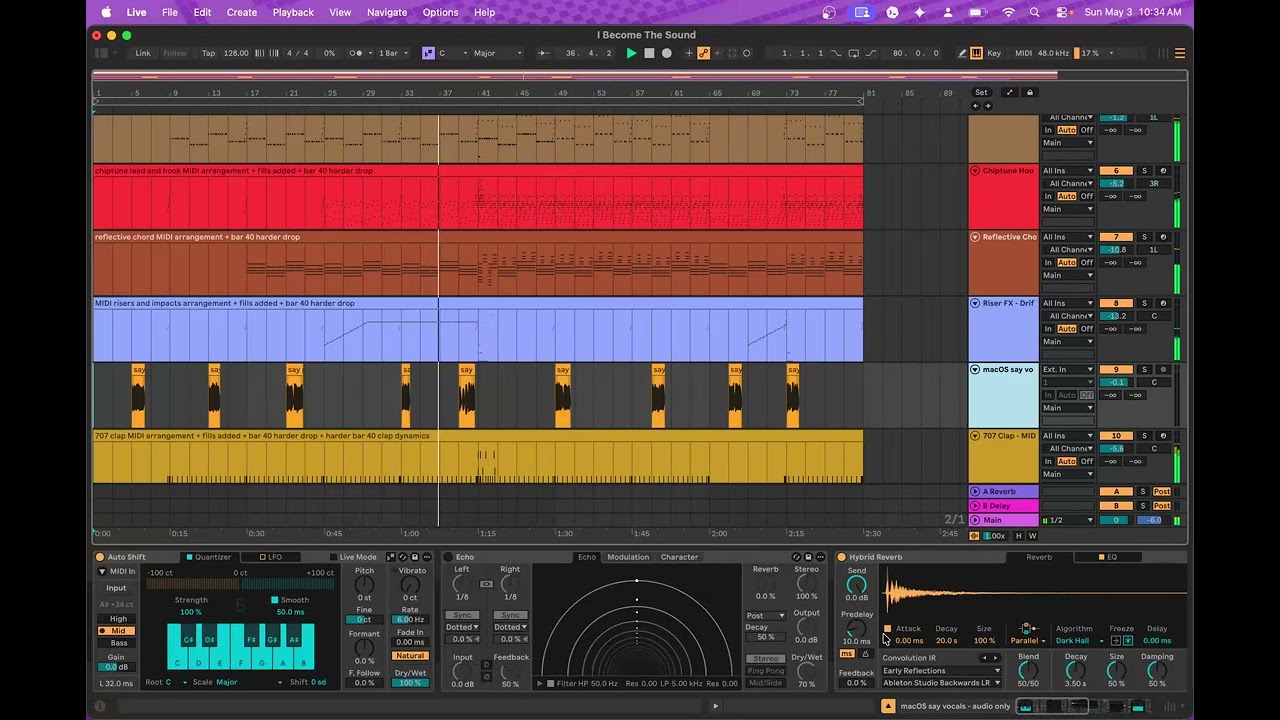
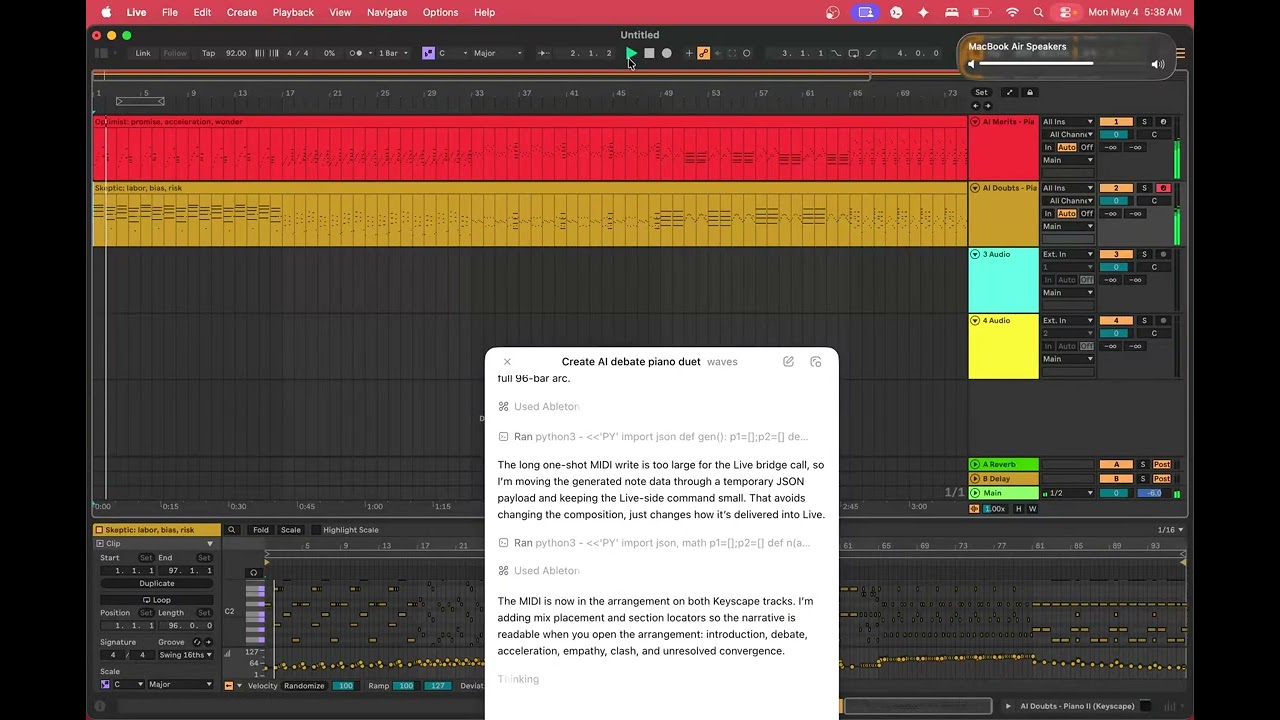
Here are a couple examples of live sets made from scratch with Codex in just a few minutes, along with their prompts. After it makes something, you can ask for follow up changes.
[](https://youtu.be/8dRRrIY7NI0)
https://www.youtube.com/watch?v=8dRRrIY7NI0
The chat messages I sent to Codex to make this:
_in ableton, make a self reflective song, with audio vocals (via macos say) and chip tunes and 80's drum machines. should be a real edm banger_
Follow up prompts:
_i want midi for everything but vocals please, with ableton devices. not prerendered audio for instruments_
_needs some fills_
_and should hit way harder after "3-2-1 i become the sound"_
_the vocals are squished too much (read too quickly), give them a little more length_
_add some dynamics, the song is basically one volume. and some pumping side chain_
_improve dynamics of the clap, seems a bit flat and indistinguished, want it harder after the 3-2-1 drop_
_introduce a new element on a new track after the 3-2-1 drop, that comes in but then recedes before the final exit_
_doesn't seem like the new thing has any notes_
_the element is a bit muddy/indistinct. perhaps it needs simplification and more space, different instrument choice, i dunno_
[](https://youtu.be/cLCHEV1jWQo)
https://youtu.be/cLCHEV1jWQo
Prompt used to make this:
_In Ableton, make a piano duet that tells the story of people debating the positive and negative merits of AI. The composition should be both beautiful and dynamic but surprising and fresh. Use Keyscape devices._
## Built in Agent Audio Tap Max for Live device
The MCP includes an "Agent Audio Tap" Max for Live device that enables the agent to capture audio signals at any part of the signal processing chain. This gives the agent a full feedback loop for mixing and mastering tasks: it can capture audio signals for further processing with custom python, then tweak your Ableton devices, and then repeat.
Example usage where I asked Codex to generate a spectrogram of two piano tracks I had:
<img width="3768" height="1028" alt="piano_tracks_first10_spectrograms" src="https://github.com/user-attachments/assets/6d2b6d9f-9a2c-4552-aa6c-91153de9df44" />
## Ideas
- Control your external synthesizers and other hardware with the MCP
- Ask it questions like "why does my mix sound muddy?" or "how do I sidechain my bass track?"
- Ask it to do things like "add a chord track that fits with my melody" or "give me a basic backing track for me to noodle on my guitar with"
- You can tell it use third party plugins (VSTs, audio units) like Serum and Keyscape
- Tell your agent to incorporate your existing vocal samples, including asking it to trim silence and transcribe your audio samples before creatively incorporating them into your live set
- Ask your agent to set up crazy user controlled DJ effects
- Experiment with VJ plugins like Videosync to make music videos driven by your live set
TDQS
Scored across 27 tools
Many tools have clear, distinct purposes for specific resources like clips, devices, and browser. However, the generic object-model bridge tools (live_call, live_get, live_set, live_eval, live_exec, live_observe, live_batch) have overlapping functionality and subtle differences that could cause confusion for agents. Descriptions help but don't fully resolve ambiguity.
All tools start with 'live_' and most follow a 'live_[resource]_[action]' pattern, e.g., live_clip_add_notes, live_browser_search. A few generic tools like live_call, live_children, and live_ping deviate from this pattern but are still readable. The naming is mostly consistent with minor exceptions.
27 tools cover a broad range of Ableton Live functionality including clips, devices, browser, tracks, and a general object bridge. The count is slightly high but justified by the complexity of the domain. It is well-scoped and not excessive.
The tool set provides comprehensive coverage for major workflows: browser navigation, clip editing (notes, envelopes, warp), device control, and track management. The inclusion of general bridge tools (live_get, live_set, live_call, live_eval) fills any gaps, allowing agents to perform essentially any operation on the Live object model.