
inksmcp
# inksmcp
**An MCP server that lets AI assistants create, edit and export vector graphics with Inkscape.**
<!-- mcp-name: io.github.bhanutpt/inksmcp -->
[](https://github.com/bhanutpt/inksmcp/actions/workflows/ci.yml)
[](https://pypi.org/project/inksmcp/)
[](https://pypi.org/project/inksmcp/)
[](https://github.com/bhanutpt/inksmcp/blob/main/LICENSE)
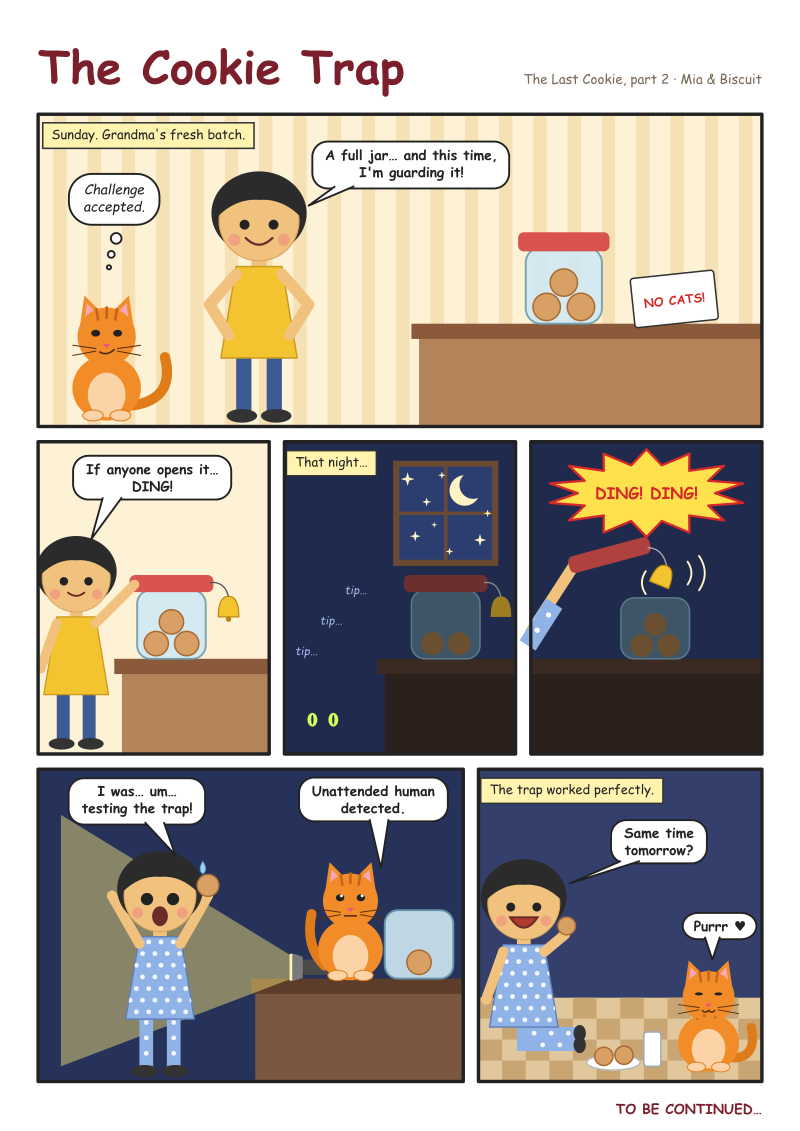
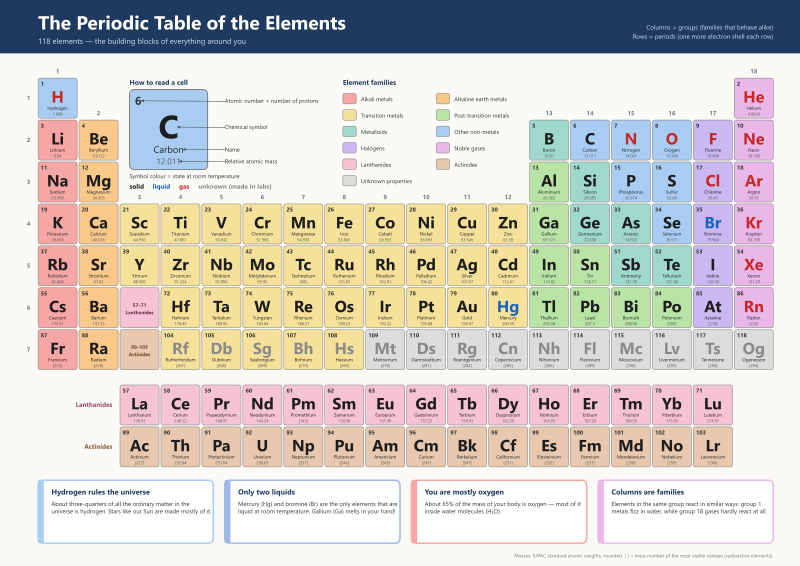
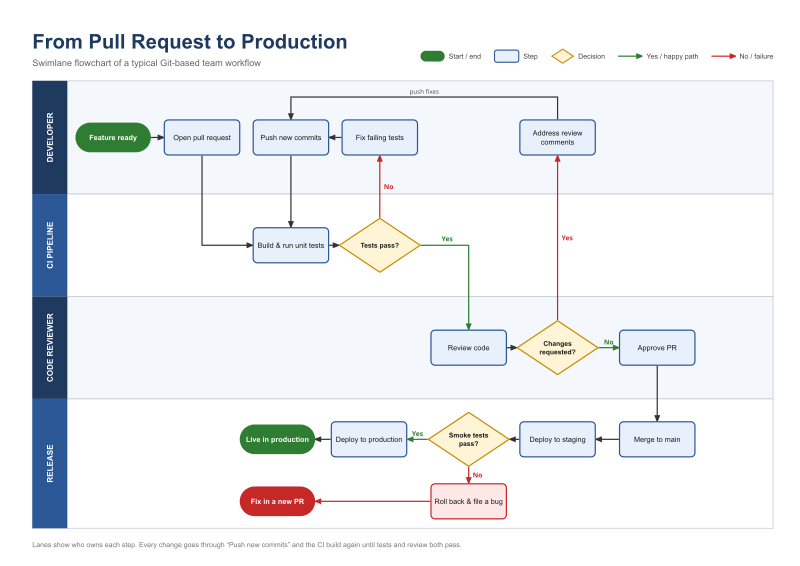
Describe a poster, a diagram, a chart or a comic page to your assistant, and it builds a real SVG
document in Inkscape: measured, laid out and exported to PNG or PDF. It can also open drawings made
elsewhere and change them.
| | | |
|---|---|---|
|  |  |  |
| 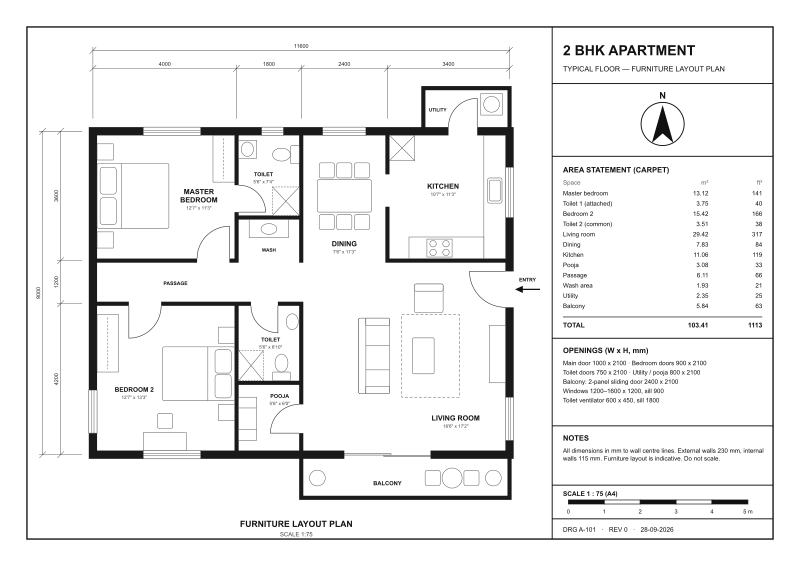 | 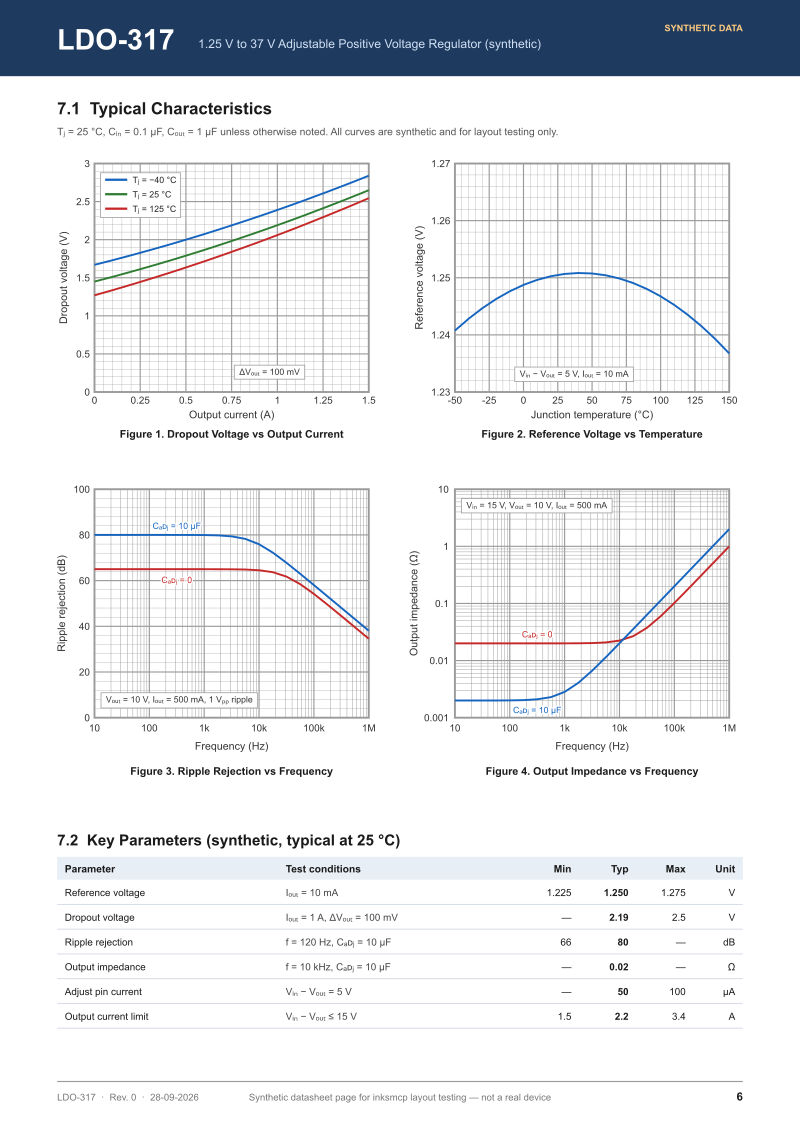 | 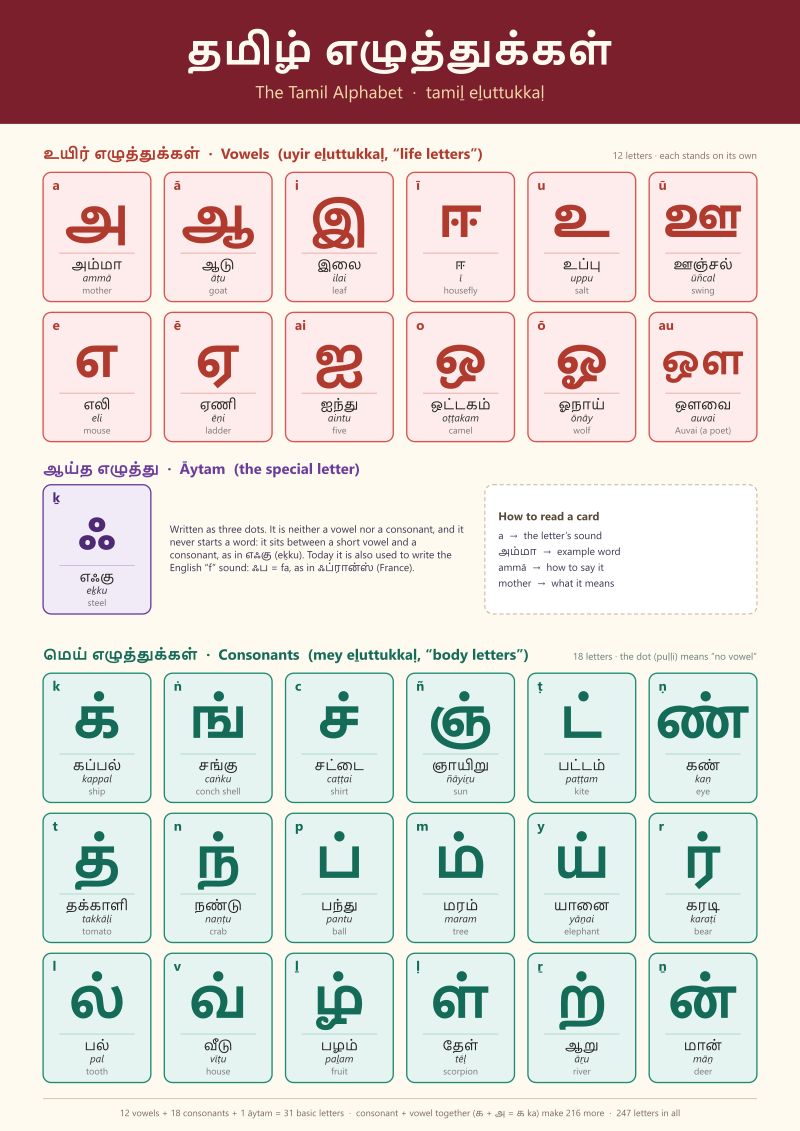 |
*Made by Claude through inksmcp during field tests, in 13 to 41 tool calls each. The SVG was never edited
by hand. The floor plan and the periodic table used a short script to prepare their data.*
## Why inksmcp
Asking a model to write SVG by hand works for an icon, but it breaks down on real layouts. The model
can't measure text, keeps redoing coordinate arithmetic, and can't see what it drew. inksmcp takes
that work off the model:
- **Measured, not guessed.** Bounding boxes come from Inkscape itself, text included, in the
document's own units.
- **Relationships instead of coordinates.** `align` and `layout` arrange things. `place` keeps a
caption below a title's real glyphs. `fit_to` sizes a box around its content. `connect` draws arrows
that stay attached when things move.
- **Data-driven.** `repeat` stamps a template per data row (cards, timelines, legends, table rows,
character poses). `split` divides a page into panels or cells. Large data comes from JSON or CSV
files, so it doesn't pass through the conversation.
- **Works on existing files.** It opens `.svg`/`.svgz` drawings from other tools. `inspect find`
locates elements by colour, type, text or symbol. Symbols can be placed from icon libraries.
- **Safe and checkable.** Every tool is all-or-nothing. Editing responses warn about overlapping text,
and `render_preview` shows the agent what it drew.
- **Real output.** PNG, PDF (optionally with text as paths), plain SVG, EPS, EMF and more, rendered by
Inkscape.
## Quick start
1. Install [Inkscape](https://inkscape.org/release/) 1.x and [uv](https://docs.astral.sh/uv/).
2. Add the server to your MCP client. For Claude Code:
```bash
claude mcp add --scope user inkscape -- uvx inksmcp
```
For Claude Desktop, Cursor and others:
```json
{ "mcpServers": { "inkscape": { "command": "uvx", "args": ["inksmcp"] } } }
```
3. Ask: *"Using the inkscape tools, make an A5 flyer for a book swap on Saturday at 10:00 in the library
garden, show me a preview, then export a PDF."*
Details for each OS and client, and troubleshooting, are in [getting started](https://github.com/bhanutpt/inksmcp/blob/main/docs/getting-started.md).
## Tools
| Area | Tools |
|---|---|
| Documents | `document_create`, `document_open`, `document_save`, `inspect` (outline, real bboxes, `find`), `inkscape_info` |
| Elements | `add_elements` (rect, circle, ellipse, line, polyline, polygon, path, text, group, arrow, image, use), `update_elements`, `delete_elements`, `import_file`, `repeat` |
| Arrangement | `align`, `layout`, `split`, `connect`, `z_order`, `move_to_layer`, `page_fit`, `page_resize` |
| Charts | `grid` (linear/log graph paper and axes), `plot` (data series in data values) |
| Paths | `path_operation` (union, difference, intersection, combine, stroke to path, ...), `run_actions` (guarded raw Inkscape actions) |
| Output | `render_preview` (PNG back to the agent), `export` |
See the [recipes](https://github.com/bhanutpt/inksmcp/blob/main/docs/recipes.md) for how they combine, and the [tool reference](https://github.com/bhanutpt/inksmcp/blob/main/docs/tools.md) for every
parameter.
## How it works
The document lives in the server as an lxml tree, which is the source of truth. Edits are applied
there directly. Anything that needs Inkscape (measuring, boolean operations, connectors, rendering,
export) goes to one persistent `inkscape --shell` process, so a call takes milliseconds instead of
the ~1 s it takes to start Inkscape. The [architecture notes](https://github.com/bhanutpt/inksmcp/blob/main/docs/development/architecture.md) have
the details.
## Status
inksmcp is **beta** (0.3). It has been through eleven field tests, in which agents used it for real
tasks. The latest one edited files made in other tools. There are 160 tests, and they run against
the real Inkscape.
Known limits:
- It is developed on Windows with Inkscape 1.4.4. CI also runs on Linux and macOS.
- The tool list costs about 9k tokens of context per session.
- Gradients and patterns can't be created as style keys yet. They can be applied through raw `style`
when they already exist in the document.
- SVG 1.2 flowed text can be moved but not edited.
The [roadmap](https://github.com/bhanutpt/inksmcp/blob/main/docs/development/roadmap.md) lists what's next.
## Contributing
Bug reports, field reports ("I asked for X, here's what the agent struggled with") and pull requests
are welcome. See [CONTRIBUTING.md](https://github.com/bhanutpt/inksmcp/blob/main/CONTRIBUTING.md). The project is built experiment-first: every
Inkscape behaviour it relies on is proven by a script in `experiments/` and guarded by a test. The
[development handbook](https://github.com/bhanutpt/inksmcp/blob/main/docs/development/README.md) explains the method.
## License
[MIT](https://github.com/bhanutpt/inksmcp/blob/main/LICENSE). Inkscape is a separate program under the GPL; inksmcp calls it as an external process.
TDQS
Scored across 24 tools
Each tool has a clearly distinct role in the SVG/Inkscape editing workflow. Potential overlaps such as align vs layout, z_order vs move_to_layer, and render_preview vs export are well differentiated by their descriptions and parameters.
All names are consistently snake_case and readable, with common verb_noun or resource_action patterns such as document_create, add_elements, and update_elements. However, single verbs and noun phrases like inspect, repeat, grid, and z_order mean the naming is not a strict uniform verb_noun pattern.
At 24 tools, the surface is on the heavy side but each tool corresponds to a distinct capability area in a full vector-editing server. The count is justified by the domain's breadth, though it sits near the upper end of what is comfortable.
The surface covers document lifecycle, inspection, element creation/update/deletion, data-driven repetition, import, region splitting, connectors, layout, path operations, z-order, layers, alignment, page sizing, grid/plot generation, preview, and export. The run_actions escape hatch fills remaining raw Inkscape gaps, leaving no obvious dead ends.