
Local Agent MCP
README.md
# Local Development Agent — ChatGPT MCP version
- shell execution
- workspace file read/write/list
- screenshot capture, now returned to ChatGPT as MCP image content
- mouse clicks and keyboard shortcuts
- persistent Markdown memory files
- skill promotion workflow
- persistent context loader for identity / memory / skills / recent daily logs
## Video Tutorial
A complete step-by-step tutorial is available on YouTube:
[](https://www.youtube.com/watch?v=6g6qvR7GlLA)
**[▶ Watch the tutorial on YouTube](https://www.youtube.com/watch?v=6g6qvR7GlLA)**
## Install
Python 3.10+ is required by the current MCP Python SDK.
Open PowerShell 1:
1. Enter the directory
like this:
cd E:\AI_agent\chatgptweb
2. input
install_mcp.bat
3.input
start_mcp.bat
Open Web:
1.Download tunnel-client
https://github.com/openai/tunnel-client/releases/tag/v0.0.14
2.Extract the files and copy them to the folder containing `agent.py
3.1Register for an OpenAI Platform API key
https://platform.openai.com/api-keys?utm_source=chatgpt.com
3.2Create new secret key
4.1Tunnel Settings:
https://platform.openai.com/settings/organization/tunnels?utm_source=chatgpt.com
4.2Create a tunnel_id
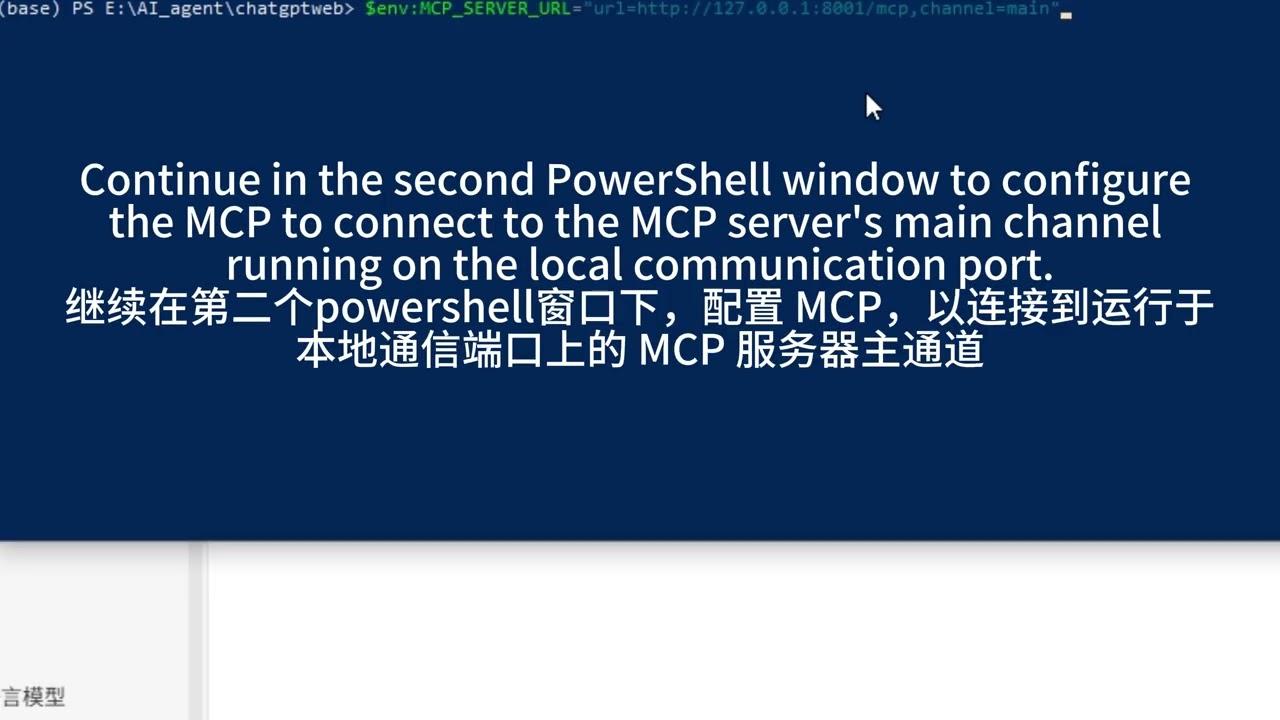
Open PowerShell 2:
1. $env:CONTROL_PLANE_API_KEY="Your OpenAI API key"
2. $env:CONTROL_PLANE_TUNNEL_ID="Your tunnel_id"
3. $env:MCP_SERVER_URL="url=http://127.0.0.1:8001/mcp,channel=main"
4. .\tunnel-client-runtime.exe run
Open chatgpt web
setting → Security and login → Developer mode
Plugins → New Plugin
Connection select Tunnel
Switch to using tunnel ID.
Authentication select No Auth
I understand and want to continue
Creat
Open ChatGPT Web
send a message:
Use the Local Agent MCP to call `list_workspace` and tell me what is in the current workspace. Do not modify any files.
example and test:
Use the Local Agent MCP to read `AGENTS.md` and `IDENTITY.md`, and load the agent context. Tell me the current rules and long-term memory for this agent. Do not modify any files.
Use the Local Agent MCP to call `take_screenshot`, capture my current screen, and tell me what you see.
## Security notes
`run_shell`, `write_file`, mouse, keyboard, and memory-write tools can change the local machine. Only connect this MCP server to an OpenAI workspace/account you trust. The MCP annotations mark consequential tools accordingly, but annotations are metadata, not a security boundary.
The file read/write tools are constrained to `workspace/`. `run_shell` starts inside `workspace/`, but shell commands are intentionally powerful and can still access the broader machine unless you additionally sandbox the Python process at the OS/container level.
This server cannot be deployed
Maintenance
ActivitySlowing
ResponsivenessNo issues