
A
licenseD
qualityC
maintenanceA tool that creates MCP (Model Context Protocol) servers from OpenAPI/Swagger specifications, enabling AI assistants to interact with your APIs.
3
58 npm
51
MIT

あらゆる OpenAPI サービスをモデル コンテキスト プロトコル (MCP) サーバーに変換し、MCP 仕様をサポートする AI エージェントおよびツールとのシームレスな統合を可能にするコマンドライン ツール。
[!NOTE] このツールはまだ開発初期段階です。ロードマップはこちらです
モデルコンテキストプロトコル(MCP)は、AIエージェントが外部ツールやサービスと連携するための標準化されたプロトコルです。AIモデルが統一されたインターフェースを通じて様々な機能を一貫して発見、理解、活用できるようにすることで、複数のサービスと連携できるAI搭載アプリケーションの構築を容易にします。
Related MCP server: mcpify
OpenAPI(旧称Swagger)は、RESTful Webサービスを記述、生成、利用、視覚化するための機械可読インターフェースファイルの仕様です。これにより、人間とコンピューターの両方が、ソースコードや追加のドキュメントにアクセスすることなく、サービスの機能を発見し、理解することができます。
このミドルウェアは、OpenAPI サービスと MCP クライアント間のブリッジとして機能します。その機能は次のとおりです。
OpenAPI仕様ファイルを入力として受け取ります
MCP準拠のサーバーを自動生成
受信リクエストを実際の OpenAPI サービスにプロキシします
MCP と REST の規則を変換します
これにより、元のサービスに変更を加えることなく、OpenAPI 仕様を備えた既存の REST API に、MCP を理解する AI エージェントがすぐにアクセスできるようになります。
npm install -g openapi-mcp-proxynpx openapi-mcp-proxy --spec ./path/to/openapi.yml --target http://your-api.com --port 3000-s, --spec <path> (必須): OpenAPI 仕様ファイルへのパス (env: OMP_OPENAPI_SPEC_FILE )
-t, --target <url> (オプション): API サービスのターゲット URL (デフォルト: " http://localhost:8080 "、env: OMP_TARGET_BASE_URL )
-p, --port <number> (オプション): MCP サーバーを実行するポート (デフォルト: "3000"、env: PORT )
-V, --version : バージョン番号を表示する
-h, --help : コマンドのヘルプを表示する
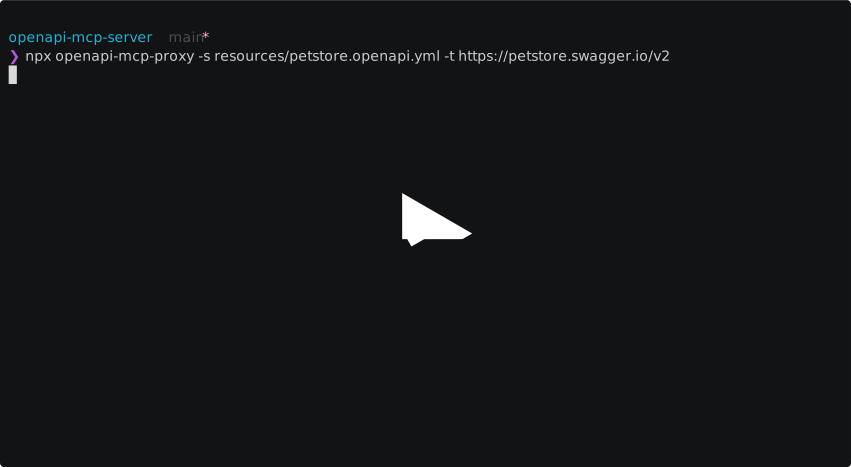
Petstore API 用の MCP サーバーを起動します
npx openapi-mcp-proxy --spec resources/petstore.openapi.yml --target https://petstore.swagger.io/v2MCP サーバーをテストするには、モデル コンテキスト プロトコルを使用できます。
MCP Inspector をインストールします。
npx @modelcontextprotocol/inspectorMCPサーバーを起動する
インスペクターのUIに移動し、 /mcpで終わる正しいサーバーパスを入力します(例http://localhost:3000/mcp
これでMCPサーバーとやり取りできるようになりました。MCPインスペクターには、リクエストとレスポンスに関する詳細情報が表示されます。
VS Code の組み込みエージェント モードを使用すると、これが簡単になります。
VS Code を開き、エージェント モードを有効にします。
Cmd/Ctrl + Shift + Pを押します
「GitHub Copilot Agent モードを切り替える」と入力します
「有効にする」を選択
MCP サーバーを追加します:
Cmd/Ctrl + Shift + Pを押します
「MCP: サーバーを追加」と入力します
MCP サーバーの URL をhttp://localhost:3000/mcpのように入力します**(末尾に/mcpが付きます)。**
Github Copilot チャットでは、新しいツールが取り上げられるはずです。
これで、VS Codeのエージェントインターフェースを介してMCPサーバーとやり取りできるようになりました。「今、ペットは何匹いますか?」と聞いてみてください。
VSコードでMCPサーバーを使用する方法の詳細については、 こちらをご覧ください。
貢献を歓迎します!お気軽にプルリクエストを送信してください。ロードマップはこちらです。
マサチューセッツ工科大学
This server cannot be deployed
A comprehensive Model Context Protocol (MCP) server that enables AI assistants to interact with yo…
Model Context Protocol server for the Apideck Unified API. Connect any MCP-compatible agent framework to 100+ accounting systems, HRIS platforms, file storage providers, and more through one integration. More information https://www.apideck.com/mcp-server
The Mercado Pago MCP Server implements the Model Context Protocol to provide AI agents and LLMs with access to Mercado Pago's APIs and tools within compatible development environments. It acts as an intermediary that translates Mercado Pago resources into executable functions (tools) that AI applications can invoke to perform actions and automate flows. The server simplifies integration, enables using documentation to implement or improve code, and optimizes operations through natural language interactions without manual implementations.
MCP server for your apps' tools and custom tools, plus hosted AI agents and approval-gated workflows