
Discord MCP
by EncryptMan
README.md
# Discord MCP
An MCP (Model Context Protocol) server that exposes Discord bot actions as tools for LLM clients (e.g. Claude Desktop, Claude Code).
## Requirements
- Python 3.10+
- [`uv`](https://docs.astral.sh/uv/) for dependency management and running the server
- A Discord bot application with a bot token ([Discord Developer Portal](https://discord.com/developers/applications))
## Installation
```bash
git clone https://github.com/EncryptMan/discord-mcp discord-mcp
cd discord-mcp
uv sync
```
## Configuration
The server reads its Discord bot token from the `DISCORD_BOT_TOKEN` environment variable.
Add the server to your MCP client config (e.g. `claude_desktop_config.json`):
```json
{
"mcpServers": {
"discord": {
"command": "uv",
"args": [
"run",
"--project",
"/absolute/path/to/discord-mcp",
"python",
"/absolute/path/to/discord-mcp/main.py"
],
"env": {
"DISCORD_BOT_TOKEN": "your-bot-token-here"
}
}
}
}
```
Restart your MCP client after editing the config so it picks up the new server.
### Bot permissions
Make sure the bot is invited to your server with at least the following permissions/intents enabled in the Developer Portal, depending on which tools you use:
- `bot` scope + relevant OAuth2 permissions (Send Messages, Manage Roles, Manage Channels, Kick/Ban Members, etc.)
- Privileged Gateway Intents: `SERVER MEMBERS INTENT` (for member lookups/roles) and `MESSAGE CONTENT INTENT` (for reading message content)
## Tools
> Update this list to match what `main.py` actually implements.
| Tool | Description |
|---|---|
| `get_guilds` | List guilds (servers) the bot is in |
| `get_guild` | Fetch guild (server) information |
| `get_guild_channels` | List channels in a guild |
| `create_channel` / `edit_channel` / `delete_channel` / `reorder_channels` | Manage channels |
| `send_message` / `edit_message` / `get_messages` | Send or edit messages |
| `get_guild_roles` | List roles in a guild |
| `create_role` / `edit_role` / `delete_role` | Manage roles |
| `add_member_role` / `remove_member_role` | Assign/remove roles on a member |
| `get_guild_members` / `get_guild_member` | List or fetch guild member(s) |
| `edit_member` | Edit nickname, mute/deafen state |
| `kick_member` / `ban_member` / `timeout_member` | Moderation actions |
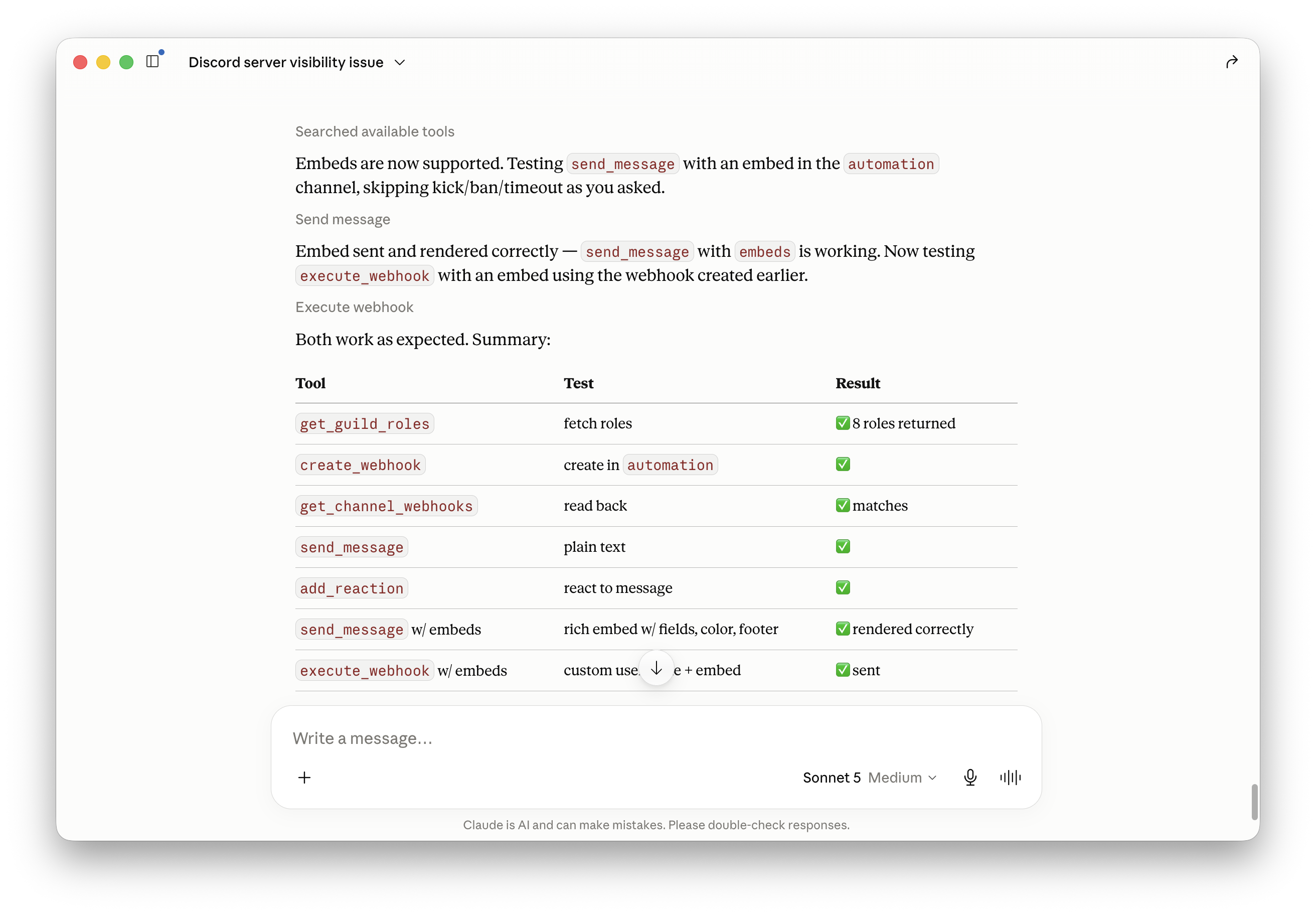
| `create_webhook` / `get_channel_webhooks` / `execute_webhook` / `delete_webhook` | Manage and use webhooks |
| `add_reaction` | React to a message |
| `create_thread` | Create a thread from a message |
| `create_invite` / `get_guild_invites` | Manage invites |
## Running standalone
```bash
uv run --project /absolute/path/to/discord-mcp python /absolute/path/to/discord-mcp/main.py
```
The server communicates over stdio, so it's meant to be launched by an MCP client rather than run interactively.
## Security notes
- Never commit your `DISCORD_BOT_TOKEN` — keep it in your MCP client config or a local `.env` file that's gitignored.
- Scope the bot's server permissions to only what these tools need; avoid granting Administrator unless required.
## License
Add a license of your choice (MIT, Apache-2.0, etc.).
TDQS
C2.8/5.0
Scored across 29 tools
Disambiguation5/5
Each tool targets a distinct action and resource (e.g., send_message vs create_webhook, add_reaction vs timeout_member). No two tools overlap in purpose.
Naming Consistency5/5
All tools use snake_case with a verb_noun pattern (e.g., delete_channel, add_member_role). Naming is uniform and predictable.
Tool Count4/5
29 tools is slightly high but reasonable given the broad domain coverage (channels, roles, members, webhooks, etc.). Each tool serves a clear need.
Completeness4/5
Covers most common Discord operations (CRUD for channels, roles, messages, members, webhooks). Missing delete_message and thread lifecycle beyond creation, but core workflows are present.
Maintenance
ActivityInactive
ResponsivenessNo issues