
EduBase MCP Server
Official<img src="https://static.edubase.net/media/brand/title/color.png" alt="EduBase logo" height="150" />
# EduBase MCP server
[](https://results.pre-commit.ci/latest/github/EduBase/MCP/main)
[](https://github.com/EduBase/MCP/actions/workflows/publish-mcp.yml)
This repository contains the **implementation of the Model Context Protocol** (MCP) server **for the EduBase platform**. It allows MCP clients (for example Claude Desktop) and LLMs to interact with your EduBase account and perform tasks on your behalf. It supports stdio, SSE and streamable HTTP transport protocols.
## What is EduBase?
EduBase is an innovative, modular, online educational platform that makes learning more enjoyable, simpler and interactive, suitable for educational institutions or enterprises.
### Why choose EduBase?
EduBase revolutionizes digital learning with its unique combination of features:
* **Advanced Quiz System** with parametrization allowing infinite variations of the same question, real-time cheating detection, beautiful LaTeX typesetting, advanced STEM-support and automatic grading
* **Unified Learning Environment** that centralizes all your educational content — videos, exams, documents, and SCORM modules — in one intuitive system
* **Enterprise-Grade Security** with features like SSO integration, fine-grained access controls, comprehensive auditing, and GDPR compliance
* **Integration** with your existing systems through LTI, comprehensive API, and custom integration options
* **AI-Assisted Tools**, such as EduBase Assistant, that can instantly transform your existing content into interactive quizzes and assessments, or translate your materials from one language to another
From higher education institutions to corporate training departments, EduBase scales to meet your specific needs while maintaining an intuitive user experience across all devices.
### Demo video
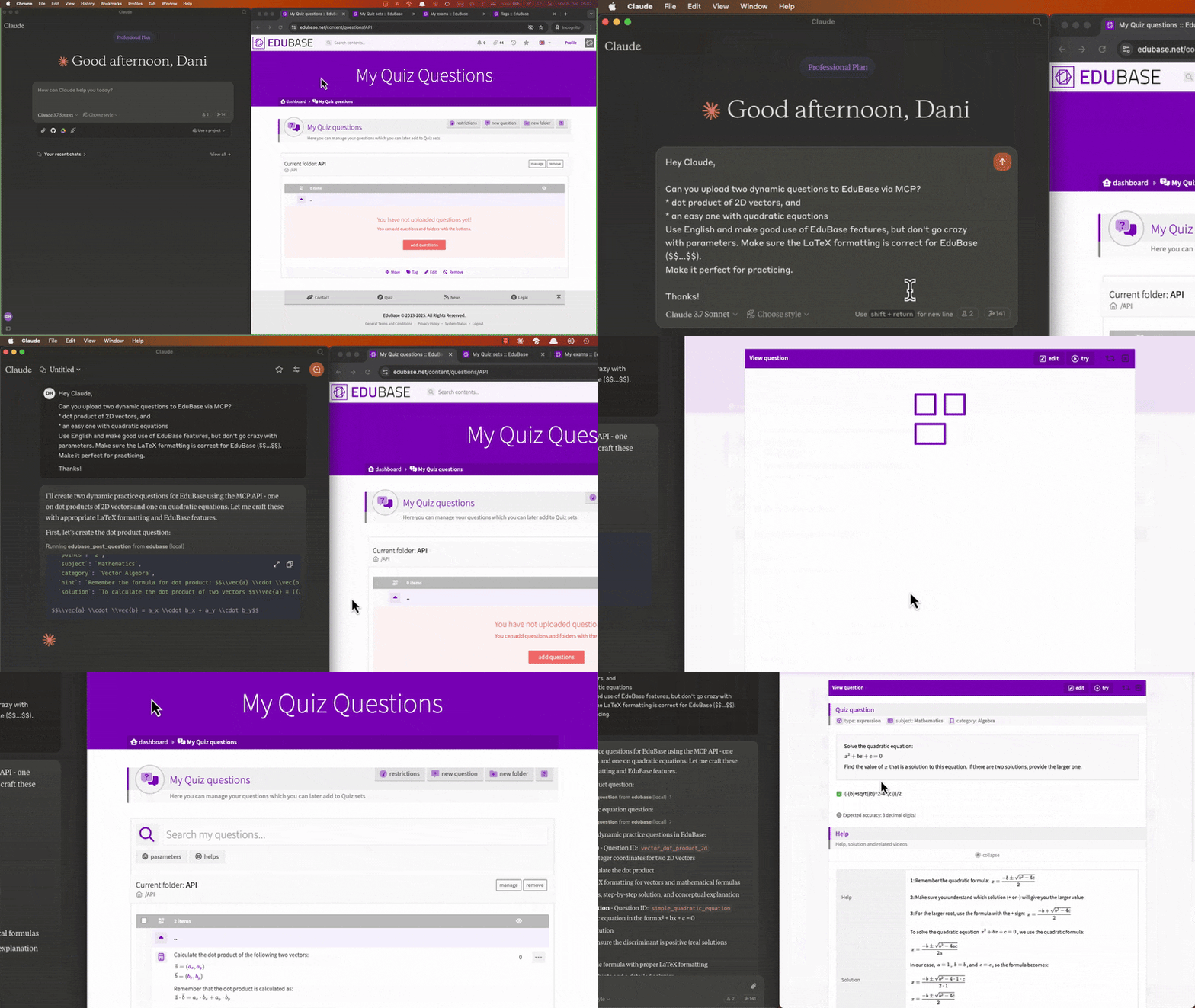
Collaboratively creating and uploading questions, scheduling exams and analyzing user results with Claude:
<a href="https://www.youtube.com/watch?v=jvGP-5NzRPs">
<img src="https://img.youtube.com/vi/jvGP-5NzRPs/maxresdefault.jpg" alt="Demonstrating EduBase's MCP server to collaboratively create and upload questions, schedule exams and analyze results." width="600"/>
</a>
### Obtaining your API credentials
Once logged in, on your Dashboard, search for the Integrations menu, click "add integration" and choose the type "EduBase API".
**If you don't see this option**, enter the `MCPGITHUB` activation code or feel free to contact us to request access at [info@edubase.net](mailto:info@edubase.net).
<img src="https://shared.edubase.net/mcp/EduBase_Integration_page_with_API_credentials.png" alt="EduBase API credentials page" width="500" />
## Tools
Each documented API endpoint is available as a tool, named `edubase_<method>_<endpoint>`. For example, the tool for the `GET /user:me` endpoint is named `edubase_get_user_me`. The tag, permission and transfer endpoints work the same way for every content type, so they share a single tool per method with a `type` argument (e.g. `edubase_post_content_tag` for `POST /exam:tag`, `POST /quiz:tag`, etc.). See our [developer documentation](https://developer.edubase.net) for more information.
### Toolsets
Tools are grouped into toolsets, so you can expose only the tools you need. Fewer tools use less of the model's context and make it easier for the model to pick the right one. Every toolset is enabled by default.
| Toolset | Tools for |
|---|---|
| `files` | Temporary file uploads (always enabled) |
| `questions` | Questions |
| `quizzes` | Quiz sets, their questions, settings and grading presets |
| `exams` | Exams, their settings, users, certificates, branding and journeys |
| `results` | Quiz and exam results, certificate downloads |
| `users` | Users, their names, groups and login links |
| `classes` | Classes and class memberships |
| `organizations` | Organizations, members, departments, job roles, competencies and webhooks |
| `integrations` | Integrations and their keys |
| `tags` | Tags and tag attachments of contents |
| `permissions` | User permissions on contents and ownership transfers |
| `metrics` | Custom metrics |
Select toolsets with a comma-separated list in `EDUBASE_TOOLSETS` (e.g. `questions,quizzes,exams`). Set `EDUBASE_READONLY=true` to expose only the tools that read data (the `get` tools, and the tools that only generate download links, like `edubase_post_question_export`).
Set `EDUBASE_DYNAMIC_TOOLSETS=true` to enable toolsets on demand: sessions start with only the critical tools, and the model enables the toolsets it needs with the `edubase_enable_toolsets` tool (listed with `edubase_list_toolsets`). This keeps the initial tool list small for clients that load every tool upfront, but needs a client that refreshes the tool list when notified about changes.
When an HTTP transport is used, clients can narrow the configuration further for their own session with the `EduBase-Mcp-Toolsets`, `EduBase-Mcp-ReadOnly` and `EduBase-Mcp-Dynamic` headers, or the `toolsets`, `read_only` and `dynamic_toolsets` query parameters (e.g. `https://domain.edubase.net/mcp?toolsets=exams&read_only=true`). A session can never enable toolsets or write tools that the server configuration disables.
## Prompts
Prompts are ready-made workflows you can start from your MCP client (e.g. from the `+` or `/` menu). Clients supporting completions suggest values for the arguments as you type: question types, and your own exams, Quiz sets and classes.
| Prompt | What it does | Arguments |
|---|---|---|
| Create a question (`edubase_prompt_create_question`) | Writes a new question and publishes it to your QuestionBase | `type`, `subject`, optional `difficulty` and `language` |
| Create questions from a document (`edubase_prompt_questions_from_document`) | Turns an attached document (or a file path or URL) into questions, after you approve the plan, optionally adding them to a Quiz set | `document`, optional `questions` (count), `types`, `quiz` and `language` |
| Create an exam (`edubase_prompt_create_exam`) | Generates questions about a topic, collects them into a new Quiz set and creates an exam from it | `topic`, `questions` (count), optional `types` (comma-separated), `language` and `schedule` |
| Create an exam with a journey (`edubase_prompt_create_exam_journey`) | Creates an exam like above, then builds and publishes a small exam journey from it, reusing related exams of your account and creating a practice Quiz set and a follow-up exam if needed | the same as *Create an exam* |
| Copy an exam (`edubase_prompt_copy_exam`) | Creates a new exam from the same Quiz set and settings for a new time window | `exam`, `schedule`, optional `title` |
| Assign a class to an exam (`edubase_prompt_assign_class_to_exam`) | Assigns the active members of a class to an exam | `exam`, `class` |
| Summarize exam results (`edubase_prompt_summarize_exam_results`) | Analyzes the results of an exam and optionally saves the summary to the exam | `exam`, optional `focus` and `save` (`ask`, `yes` or `no`) |
| Check an exam journey (`edubase_prompt_exam_journey_status`) | Shows the progress of the users on an exam journey, and who is stuck | `exam` |
Prompts are only offered when their toolsets are enabled, and in read-only mode only the last two are offered.
When the question types of an exam are left empty, clients supporting elicitation ask for them with checkboxes. These clients also ask you to confirm the changes that cannot be undone (deleting exams, Quiz sets, questions, users, organizations and integrations, transferring ownership, starting a new exam round and rotating integration keys) before they are made. Set `EDUBASE_ELICITATION=false` to turn these questions off.
## Resources
Reference documents are available as resources, and through the `edubase_mcp_reference` tool for models that cannot read resources: `edubase://reference/questions` (the question fields and types) and `edubase://reference/exam-journeys` (the portable exam journey format). They cover what the EduBase skills explain, for clients without the skills. Exams and Quiz sets can be attached as resources too (`edubase://exam/{exam}` and `edubase://quiz/{quiz}`), with your contents listed and suggested. Turn these off with `EDUBASE_CONTENT_RESOURCES=false`, or for a session with the `EduBase-Mcp-Content-Resources: false` header, the `content_resources=false` query parameter, or the `edubaseContentResources` Smithery setting.
Tools creating or changing exams, Quiz sets and journeys link to their pages in EduBase.
## Configuration
The MCP server can be configured using environment variables. The following variables are available:
| Variable | Description | Required | Default value |
|---|---|---|---|
| `EDUBASE_API_URL` | The base URL of the EduBase API, most probably `https://subdomain.edubase.net/api`. | **Yes** | `https://www.edubase.net/api` |
| `EDUBASE_API_APP` | The App ID of your integration app on EduBase, the `app` on the EduBase API. Find this in the integration details window on EduBase. | Not if HTTP transport is used with authentication, otherwise **Yes** | - |
| `EDUBASE_API_KEY` | The Secret key of your integration app on EduBase, the `secret` on the EduBase API. Find this along the App ID in the integration details window on EduBase. | Not if HTTP transport is used with authentication, otherwise **Yes** | - |
| `EDUBASE_SSE_MODE` | Start MCP server in HTTP mode with SSE transport. Value must be `true`. | No | `false` |
| `EDUBASE_STREAMABLE_HTTP_MODE` | Start MCP server in HTTP mode with streamable HTTP transport. Value must be `true`. | No | `false` |
| `EDUBASE_TOOLSETS` | Comma-separated list of the enabled [toolsets](#toolsets), or `all`. | No | `all` |
| `EDUBASE_READONLY` | Only expose the tools that read data. Value must be `true`. | No | `false` |
| `EDUBASE_OUTPUT_SCHEMAS` | Output schemas of the tools and structured tool results: `off` lists the tools without output schemas and returns the results as JSON text only, `on` includes the complete output schemas, `fields` includes the output schemas without the field descriptions (keeping the structured results, but saving most of the tokens of the schemas). | No | `fields` |
| `EDUBASE_CONFIG_PROVIDERS` | Comma-separated list of the hosting providers allowed to supply session configuration in the requests when an HTTP transport is used. Currently only `smithery` is supported (the base64-encoded `config` query parameter). | No | - |
| `EDUBASE_CONTENT_RESOURCES` | List the exams and Quiz sets of the account as [resources](#resources). Set to `false` to turn them off, e.g. when the server is inspected without credentials. The reference documents stay available. | No | `true` |
| `EDUBASE_DYNAMIC_TOOLSETS` | Start sessions with only the file upload tools and let the model enable [toolsets](#toolsets) on demand. Value must be `true`. | No | `false` |
| `EDUBASE_ELICITATION` | Ask the user through the client to confirm the changes that cannot be undone and to pick the question types of the prompts, if the client supports elicitation. Set to `false` to turn it off. | No | `true` |
| `EDUBASE_HTTP_PORT` | HTTP server will listen on this port if SSE or streamable HTTP transport mode is used. | No | 3000 |
| `EDUBASE_OAUTH` | Enables OAuth 2.1 protected-resource behaviour: unauthenticated requests are rejected with `401 + WWW-Authenticate` pointing at `/.well-known/oauth-protected-resource/mcp`, and bearer tokens are forwarded to the EduBase API. | No | `false` |
| `EDUBASE_OAUTH_AUTHORIZATION_SERVER` | Public base URL of the EduBase deployment acting as the OAuth IdP. Used to advertise the authorization server in the protected-resource metadata document. | No | derived from `EDUBASE_API_URL` |
| `EDUBASE_OAUTH_RESOURCE_URL` | Public base URL of *this* MCP server (the OAuth resource indicator). Used in the `WWW-Authenticate` header and resource metadata. | No | derived from `EDUBASE_API_URL` |
| `EDUBASE_ALLOW_PRIVATE_NETWORK` | When an HTTP transport is used, the `edubase_filebin` tool blocks outbound requests to private, loopback, link-local and reserved addresses (SSRF protection) and refuses local file paths. Set to `true` to allow them, e.g. a self-hosted deployment on a trusted private network. Has no effect in stdio mode, where the local user is the only caller. | No | `false` |
| `EDUBASE_FILEBIN_ALLOWED_HOSTS` | Optional comma-separated allow-list of hostnames permitted as `edubase_filebin` upload targets (exact host or any subdomain, e.g. `edubase.net`). When empty, any public host is allowed (still subject to the address filtering above). | No | - |
## Use as a remote MCP server
You can use the **EduBase MCP server as a remote MCP server** for your MCP client. To do this, you need to host the MCP server where clients can access it, and then configure the client to connect to the server. Either start it with SSE or streamable HTTP transport mode and always use HTTPS when accessing the server remotely over the internet!
### Authentication with remote servers
You can use server in two modes:
* **Without client authentication**: In this mode, the server will not require any authentication from the client. This is useful for testing or development purposes, or in a closed network but it is not recommended for production use. For this, you have to configure the server with the `EDUBASE_API_APP` and `EDUBASE_API_KEY` as well!
* **With Bearer token authentication**: In this mode, the server will require a Bearer token to be sent with each request. This is the recommended way to use the server in production. You can obtain the Bearer token from your EduBase account by creating an integration app and providing the App ID and Secret key in the `{app}:{secret}` format, base64 encoded as a token. The server will then use this token to authenticate the client and authorize access to the API endpoints.
* **With OAuth 2.1 (EduBase as IdP)**: When `EDUBASE_OAUTH=true`, compatible clients (Claude Desktop, Claude.ai connectors, Cursor, ChatGPT connectors, etc.) discover the EduBase authorization server through `/.well-known/oauth-protected-resource`, register themselves dynamically (RFC 7591), walk the user through an EduBase consent screen, and exchange an authorization code (with PKCE S256) for an opaque access token. The MCP server forwards that token verbatim to the EduBase API, which resolves it to the auto-provisioned MCP integration, created on first consent. No App ID/Secret to copy — users just click "Connect EduBase" in their client.
## Usage with Claude Desktop
For a step-by-step walkthrough, see our blog post on how to [connect EduBase with Claude: The Complete MCP Integration Guide](https://edubase.blog/claude-mcp-integration-guide/).
### Using the provided EduBase MCP server
You can use the provided EduBase MCP server (if available) without any configuration, just by adding it as a remote server in your client with the URL `https://domain.edubase.net/mcp` (replace with the actual domain), if it supports OAuth authentication, or with the appropriate Bearer token in the `Authorization` header (`Authorization: Bearer ${BASE64_ENCODED_TOKEN}`).
**Recommended for www.edubase.net users**, as the server is maintained and updated by us, and you don't have to worry about hosting or configuring it. Just make sure to use the correct URL and authentication method when connecting your client.
### Installing manually
Add the following to your `claude_desktop_config.json`:
#### Using Node.js
Before running the MCP server, make sure you have **Node.js installed**. You can download it from [nodejs.org](https://nodejs.org/) or use a package manager like `brew`.
```json
{
"mcpServers": {
"edubase": {
"command": "npx",
"args": [
"-y",
"@edubase/mcp"
],
"env": {
"EDUBASE_API_URL": "https://domain.edubase.net/api",
"EDUBASE_API_APP": "your_integration_app_id",
"EDUBASE_API_KEY": "your_integration_secret_key"
}
}
}
}
```
Or download EduBase MCP server release or clone the repository and run `npm run build` to build the server. Do not forget to adjust `/path/to/dist` to the actual directory and **configure the environmental variables**!
```json
{
"mcpServers": {
"edubase": {
"command": "node",
"args": [
"/path/to/dist/index.js"
],
"env": {
"EDUBASE_API_URL": "https://domain.edubase.net/api",
"EDUBASE_API_APP": "your_integration_app_id",
"EDUBASE_API_KEY": "your_integration_secret_key"
}
}
}
}
```
#### Using Docker
Before running the MCP server, make sure you have **Docker installed and is running**. You can download it from [docker.com](https://www.docker.com/) or use a package manager. Do not forget to **configure the environmental variables**!
```json
{
"mcpServers": {
"edubase": {
"command": "docker",
"args": [
"run",
"-i",
"--rm",
"-e",
"EDUBASE_API_URL",
"-e",
"EDUBASE_API_APP",
"-e",
"EDUBASE_API_KEY",
"edubase/mcp"
],
"env": {
"EDUBASE_API_URL": "https://domain.edubase.net/api",
"EDUBASE_API_APP": "your_integration_app_id",
"EDUBASE_API_KEY": "your_integration_secret_key"
}
}
}
}
```
### Installing via remote MCP server
You can use the provided EduBase MCP server (if available) as a remote server. We recommend Base64 encoding your `EDUBASE_API_APP` and `EDUBASE_API_KEY` and using it in as a Bearer token in the `Authorization` header (`Authorization: Bearer ${BASE64_ENCODED_TOKEN}`).
```json
{
"mcpServers": {
"edubase": {
"command": "npx",
"args": [
"mcp-remote",
"https://domain.edubase.net/mcp",
"--header",
"Authorization: Bearer ${EDUBASE_API_APP}:${EDUBASE_API_KEY}"
]
}
}
}
```
### Installing via Smithery
To install EduBase MCP server for Claude Desktop automatically via [Smithery](https://smithery.ai/server/@EduBase/MCP):
```bash
npx -y @smithery/cli install @EduBase/MCP --client claude
```
## Development
Run `npm test` to build the server and check the tool listing: the size budgets of the tool list and the server instructions, the tool descriptions, the toolset, read-only and dynamic toolsets modes, and the configuration handling of the HTTP transport. When new tools exceed a budget, shorten their schemas or raise the budget in `test/server.test.mjs` deliberately, as every client pays for the tool list in every session.
The reference documents in `src/references` are generated from the EduBase developer documentation, regenerate them with `node scripts/sync-references.mjs <path to the developer documentation repository>` when the question fields or the exam journey format change.
> **Documentation sync point:** tools, prompts and references last synced **2026-11-01** against the **Developer documentation** at commit `7eb3cd8f2c` (*Update llms.txt*, after *Competency and journey improvements*), checked against the EduBase at commit `df0486217`.
> To bring the server forward, run `git log --oneline 7eb3cd8f2c..HEAD` and `git diff 7eb3cd8f2c..HEAD -- docs/api/endpoints` in the developer documentation repository, update the affected tools in `src/tools` (and their prompts and toolset guides), regenerate the reference documents, and move this marker to the new HEAD commits. Where the two differ, the EduBase repository wins.
## Contact
Website: [www.edubase.net](www.edubase.net)
Developer Documentation: [developer.edubase.net](developer.edubase.net)
Email: [info@edubase.net](mailto:info@edubase.net)
TDQS
Scored across 149 tools
Most tools pair a distinct resource with a distinct action, but there are clusters of near-identical membership tools (post_class_members vs post_classes_members vs post_user_classes; post_organization_members vs post_organizations_members vs post_user_organizations) whose descriptions differ only by singular/plural phrasing. The get/post/put/patch settings quadruples for quizzes and exams are also subtle, requiring careful reading to pick the right one.
The overwhelming majority follow a consistent edubase_<verb>_<resource> pattern with clear get/post/patch/put/delete verbs. Deviations exist: noun ordering flips between resource-first and user-first (delete_class_members vs delete_user_classes), the typo edubase_get_quizes, and a few verbless meta tools (edubase_filebin, edubase_mcp_reference, edubase_mcp_server_api).
149 tools is far beyond what an agent can navigate reliably, even for a broad platform covering quizzes, exams, users, orgs, integrations and journeys. Many could be collapsed into generic resource+action tools (e.g. the five class/organization membership variants, the four settings tools per resource), so the surface feels inflated rather than dictated by the domain.
Coverage is genuinely deep: full CRUD across questions, quizzes, exams, certificates, results, users, classes, organizations, departments, jobs, webhooks, integrations, tags, permissions and journeys. The main gap is that courses, events, SCORM learning materials and videos appear throughout the tag/permission tools but have no tools of their own, and there is no exam-wide results listing beyond per-user or raw/export endpoints.