🟢 WhatsApp MCP Server
Un serveur MCP (Model Context Protocol) pour contrôler WhatsApp Web via Puppeteer Stealth, permettant à ton IA (Claude/Antigravity) de lire et envoyer des messages comme un humain.
📐 Architecture
whatsapp-server/
├── src/
│   ├── index.ts                      ← Entrée FastMCP, enregistre les outils
│   ├── services/
│   │   └── whatsappService.ts        ← Singleton : gère browser/page/delays
│   └── tools/
│       ├── connectWhatsappTool.ts    ← Outil : se connecter à WhatsApp Web
│       ├── listChatsTool.ts          ← Outil : lister les discussions
│       ├── sendMessageTool.ts        ← Outil : envoyer un message
│       └── readMessageTool.ts        ← Outil : lire les messages
├── assets/                           ← Screenshots README
├── .gitignore                        ← Protège session, .env, configs perso
├── eslint.config.js
├── tsconfig.json
└── package.json
Flow :
AI (Claude/Antigravity)
        │ tool calls (MCP stdio)
        ▼
whatsapp-mcp-server (FastMCP)
  ├── ConnectWhatsappTool
  ├── ListChatsTool
  ├── SendMessageTool
  └── ReadMessageTool
        │ shared singleton
        ▼
  WhatsappService
        │ puppeteer-extra + stealth plugin
        ▼
  Chrome (headless ou visible)
        │
        ▼
  https://web.whatsapp.com/
Related MCP server: WAHA MCP
⚙️ Installation
1. Copier le dossier
2. Installer les dépendances
3. Compiler
4. Ajouter dans mcp_config.json
"whatsapp-server": {
  "command": "node",
  "args": [
    "/chemin/vers/whatsapp-server/dist/index.js"
  ],
  "disabled": false
}
🚀 Utilisation
Étape 1 — Connexion (première fois)
Demande à l'IA :
"Connecte-toi à WhatsApp en mode non headless"
L'outil connect_whatsapp ouvre Chrome et affiche le QR code :
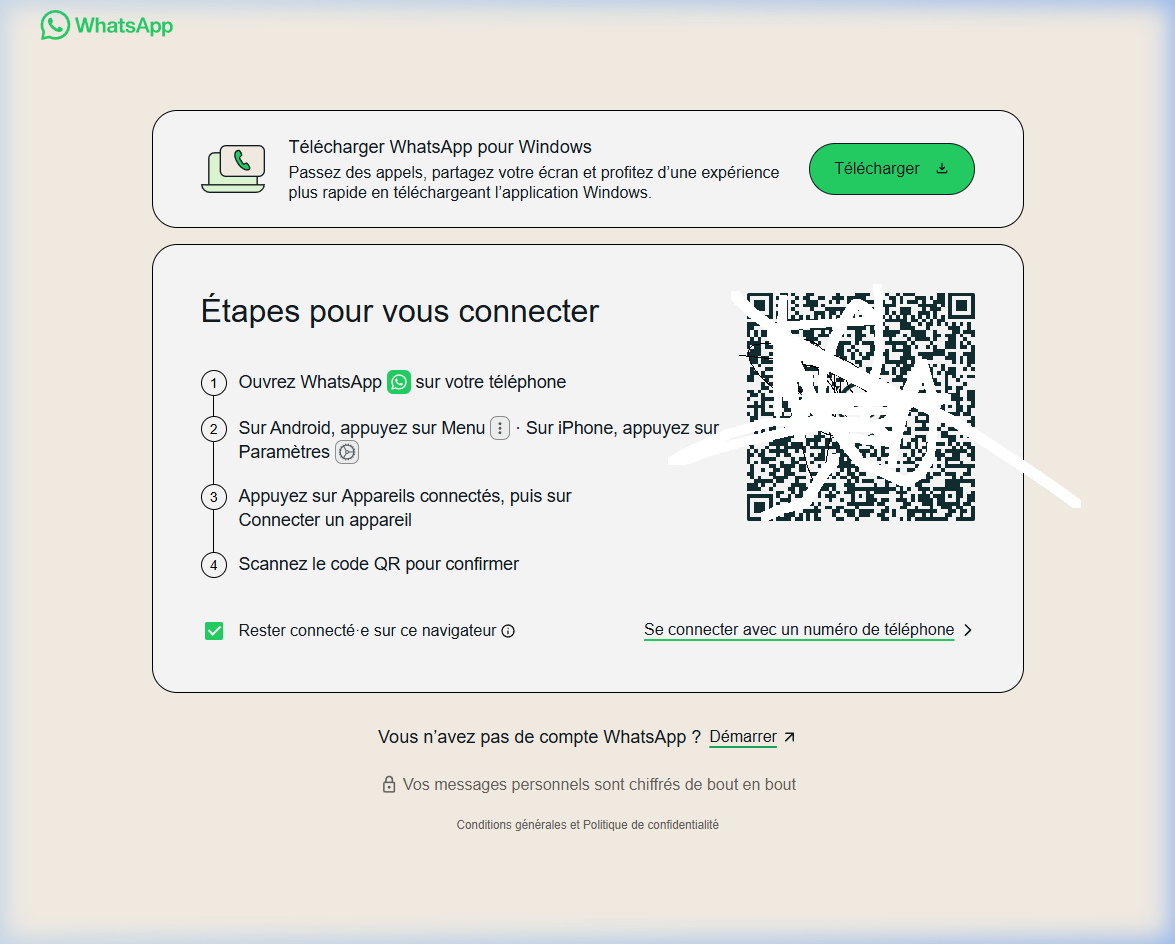
Sur ton téléphone :
Ouvre WhatsApp
Menu > Appareils connectés (Android) ou Paramètres > Appareils connectés (iPhone)
Connecter un appareil
Scanne le QR code
✅ La session est sauvegardée dans ./whatsapp_session/ — pas besoin de rescanner.
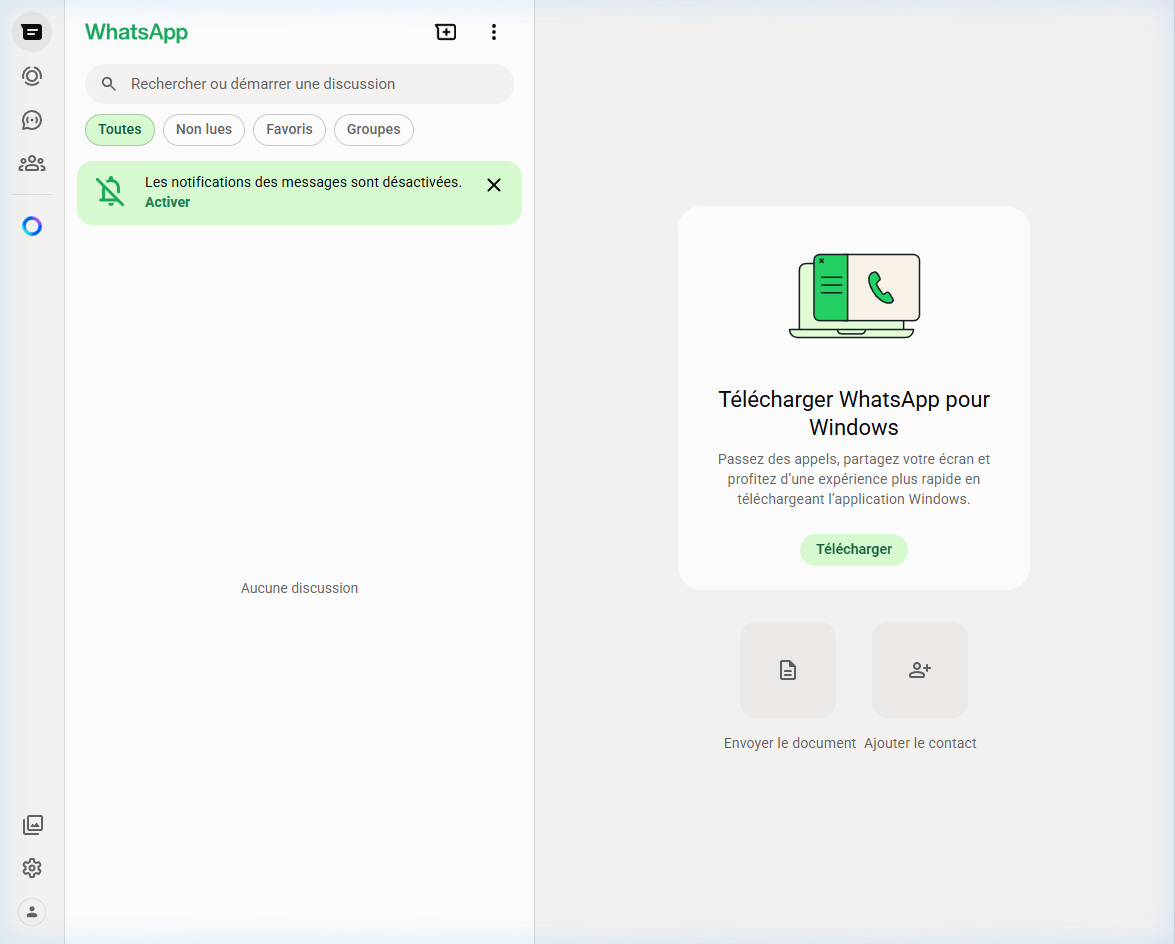
Étape 2 — Lister les discussions
Demande à l'IA :
"Liste mes conversations WhatsApp"
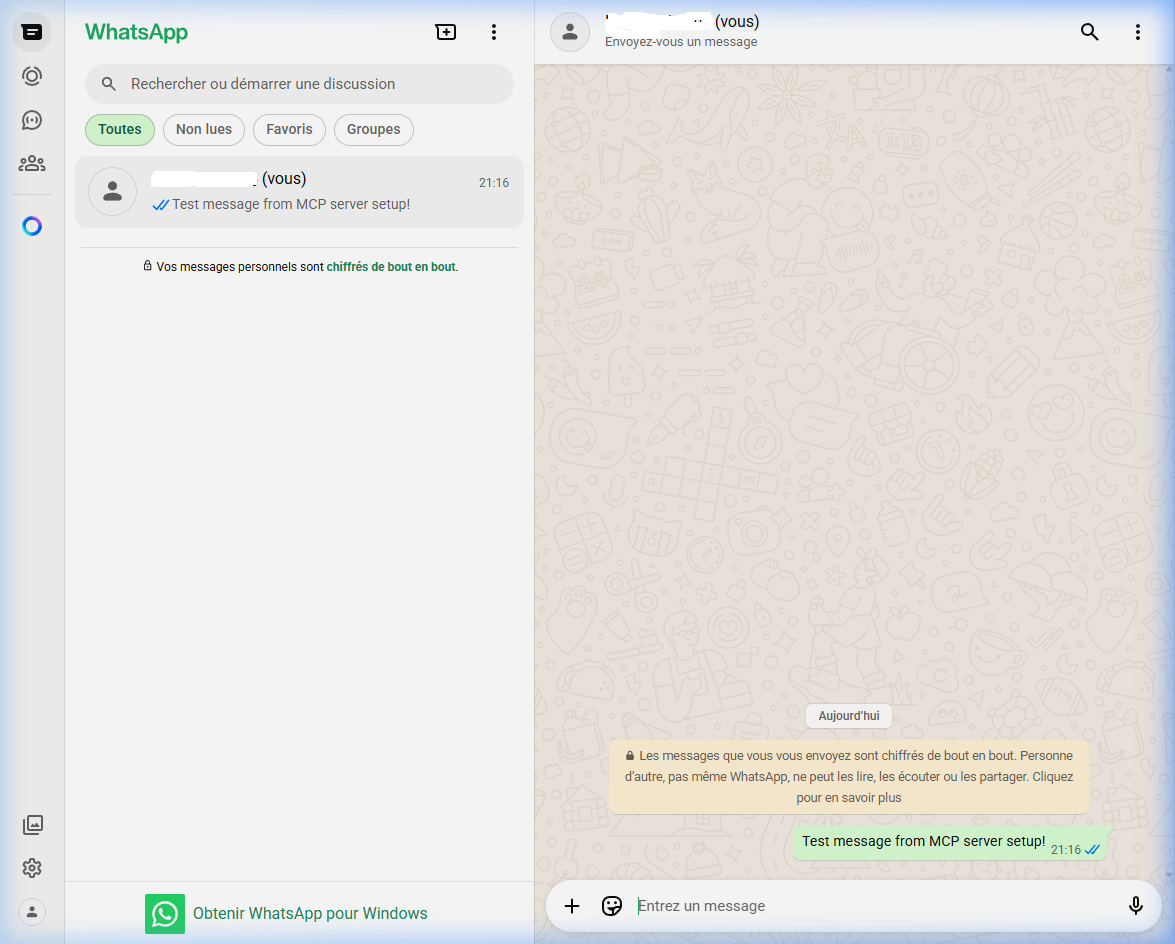
Étape 3 — Envoyer un message
Demande à l'IA :
"Envoie 'Bonjour !' à [Nom du contact] sur WhatsApp"
Étape 4 — Lire les messages
Demande à l'IA :
"Lis les derniers messages de [Nom du contact] sur WhatsApp"
L'outil read_messages extrait l'historique récent avec l'expéditeur et l'horodatage.
🛡️ Anti-Ban — Comportement Humain
Protection | Détail |
Puppeteer Stealth | Masque les empreintes Puppeteer (navigator.webdriver, etc.) |
Délais aléatoires | 300ms–5000ms entre chaque action |
Frappe humaine | 100–300ms par touche pour la recherche |
Session persistante | whatsapp_session/ évite les reconnexions fréquentes
|
User Agent réaliste | Chrome 120 / Windows 10 64-bit |
Auto-dismiss dialog | Clique automatiquement sur "Utiliser ici" si détecté |
Reconnexion propre | Ferme l'ancien browser avant d'en ouvrir un nouveau |
🔧 Outils MCP disponibles
connect_whatsapp
Lance le navigateur et ouvre WhatsApp Web.
Paramètre | Type | Défaut | Description |
headless
| boolean | false
| Mode invisible. Mettre false pour scanner le QR code. |
list_chats
Liste les discussions récentes.
Paramètre | Type | Défaut | Description |
limit
| number | 10
| Nombre max de chats à retourner. |
send_message
Envoie un message à un contact ou groupe.
Paramètre | Type | Requis | Description |
chatName
| string | ✅ | Nom exact du contact ou groupe. |
message
| string | ✅ | Contenu du message à envoyer. |
read_messages
Lit les messages récents d'une discussion spécifique.
Paramètre | Type | Requis | Description |
chatName
| string | ✅ | Nom exact du contact ou groupe. |
limit
| number | 10 | Nombre de messages à récupérer (max visibles). |
📋 Commandes
pnpm install      # Installer les dépendances
pnpm run build    # Compiler TypeScript → dist/
pnpm run dev      # Lancer en mode développement (tsx)
pnpm run lint     # Vérifier le code avec ESLint
pnpm run format   # Formater avec Prettier
⚠️ Recommandations
Ne pas spammer : laisser des délais naturels entre les usages.
Session warmup : après le premier QR scan, ouvre 2-3 discussions manuellement avant de fermer Chrome.
Headless=false pour le premier scan. Ensuite true est possible pour les relances.
1 compte = 1 session : ne pas utiliser le même numéro sur plusieurs instances simultanées.
🔒 Sécurité — Ce qui est protégé par .gitignore
Dossier/Fichier | Raison |
whatsapp_session/
| Cookies et tokens de session WhatsApp |
.env
| Variables sensibles (clés API, numéros de téléphone) |
mcp_config.json
| Chemins locaux et configs privées |
dist/
| Build généré — reconstruit avec pnpm build |
node_modules/
| Dépendances — reconstruit avec pnpm install |
Développé par Deamon — Architecture calquée sur le serveur SMS/VoIP.ms MCP

