
Enables fetching video transcripts in multiple formats, listing available transcript languages, and generating structured content for video summarization.
youtube-summarize
MCP server that fetches YouTube video transcripts and optionally summarizes them.
Features
Fetch transcripts in multiple formats (text, JSON, SRT, WebVTT, pretty-print)
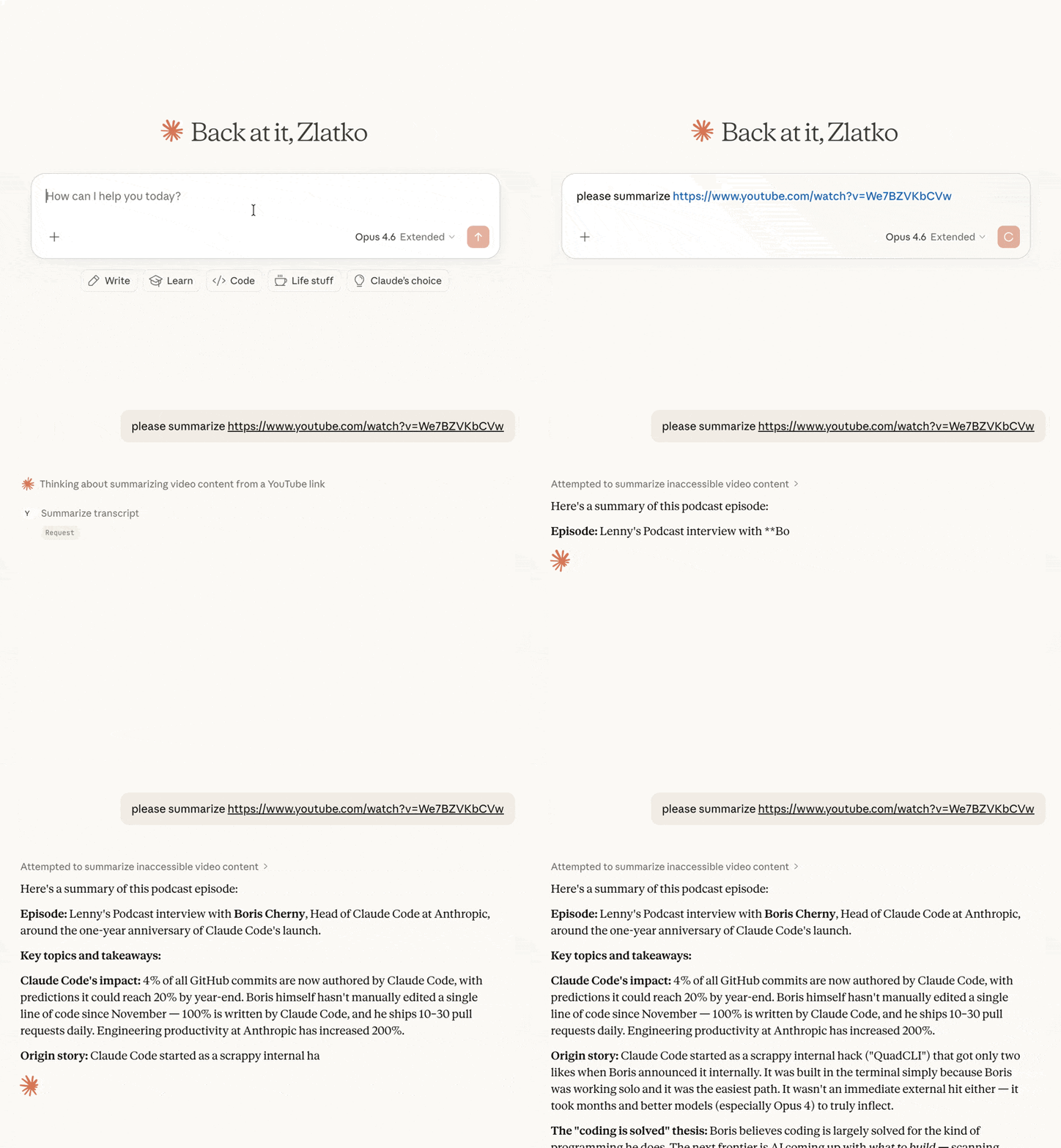
Summarize videos — returns transcript with instructions for the LLM to produce a summary
List available languages for any video's transcripts
Flexible URL parsing — accepts full YouTube URLs (
youtube.com/watch?v=,youtu.be/,youtube.com/embed/,youtube.com/shorts/) or bare video IDsMulti-language support — request transcripts in specific languages with fallback priority
Tools
get_transcript
Fetch a YouTube video's transcript.
Parameter | Type | Default | Description |
| string | required | YouTube video URL or video ID |
| string[] |
| Preferred languages in priority order |
| string |
| Output format: |
| boolean |
| Keep HTML formatting tags in the transcript |
summarize_transcript
Fetch a transcript and return it with summarization instructions for the LLM client.
Parameter | Type | Default | Description |
| string | required | YouTube video URL or video ID |
| string | (default prompt) | Custom summarization instructions |
| string[] |
| Preferred languages in priority order |
list_transcripts
List available transcript languages for a video.
Parameter | Type | Default | Description |
| string | required | YouTube video URL or video ID |
Installation
Quick start (recommended)
Claude Desktop
Add to your claude_desktop_config.json:
macOS:
~/Library/Application Support/Claude/claude_desktop_config.jsonWindows:
%APPDATA%\Claude\claude_desktop_config.json
Claude Code
Other MCP clients
Run the server over stdio:
Prerequisites
Python 3.13+
uv package manager
Development
License
MIT
mcp-name: io.github.zlatkoc/youtube-summarize