
Provides access to Fantasy Premier League API data, enabling retrieval of gameweek fixtures, team performance statistics, player data, and private league standings through natural language queries.
Click on "Install Server".
Wait a few minutes for the server to deploy. Once ready, it will show a "Started" state.
In the chat, type
@followed by the MCP server name and your instructions, e.g., "@FPL MCP Servershow me the fixtures for gameweek 5"
That's it! The server will respond to your query, and you can continue using it as needed.
Here is a step-by-step guide with screenshots.
FPL MCP Server
A Model Context Protocol (MCP) server for the Fantasy Premier League API.
Installation
Install from NPM (Recommended)
Install from Source
Related MCP server: Plausible MCP Server
Quick Start
Using with Claude Desktop
If installed via NPM, add this to your claude_desktop_config.json:
If installed from source, use:
Inspect the MCP tools
Use the Model Inspector to explore available tools:
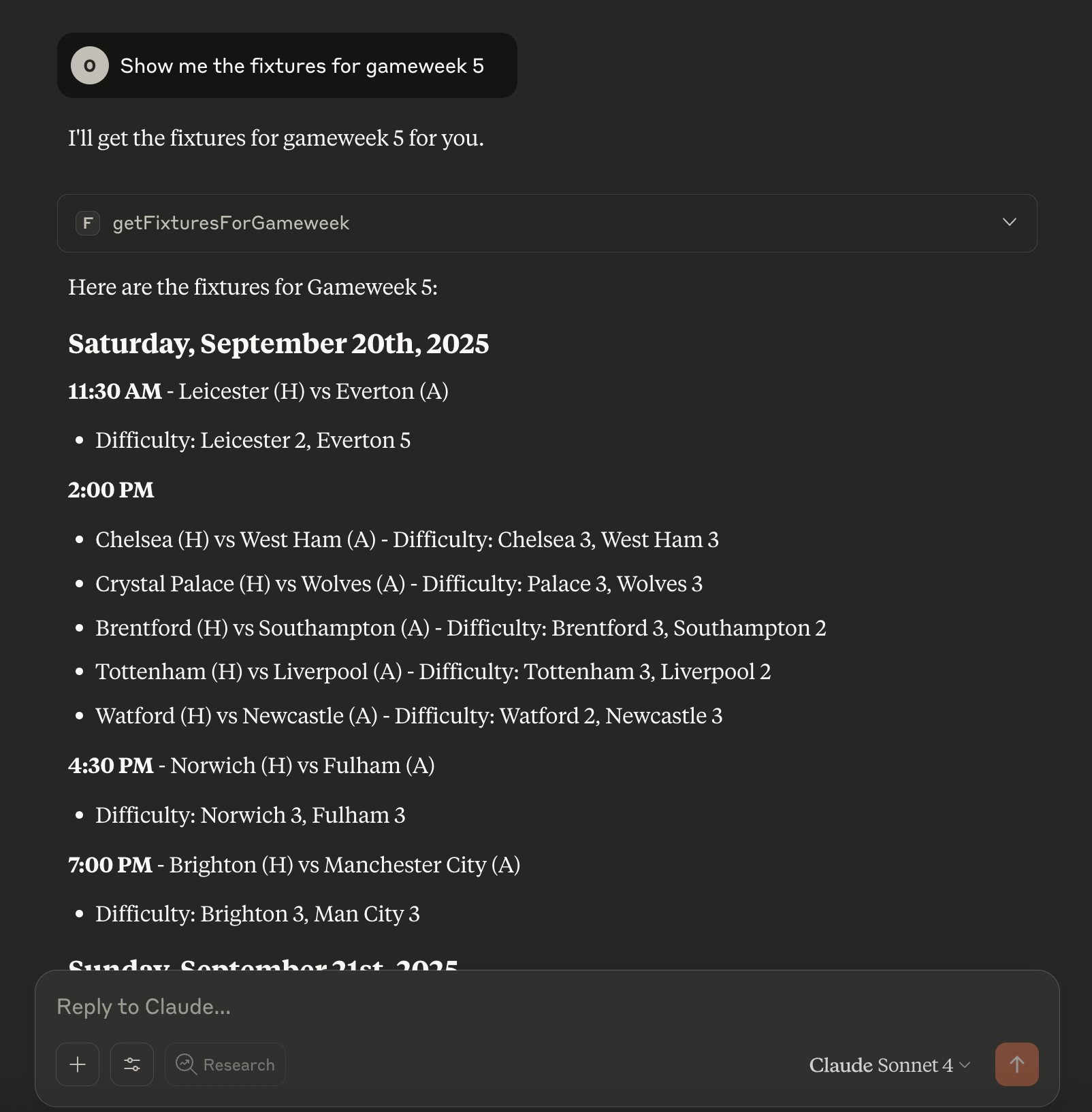
Usage Example
You can connect this MCP server to Claude Desktop and interact with FPL data using natural language.
Endpoints Supported
See docs/fpl-api-cheatsheet.md for all FPL API endpoints exposed as MCP tools.
Example Prompts
Use these prompts to interact with the MCP server via your LLM:
"Show me the fixtures for gameweek 5."
"How am I doing in my private leagues (team id is 12345)?"
"How did mo salah get on in GW1?"
You can ask natural language questions about any supported endpoint. The LLM will use the appropriate MCP tool to fetch the data.
Development
Publishing to npm
This repository includes a GitHub Actions workflow that automatically publishes to npm when the version number in package.json changes.
Setup
Create an npm access token:
Log in to npmjs.com
Go to Access Tokens in your account settings
Generate a new "Automation" token
Add the token to GitHub Secrets:
Go to your repository Settings > Secrets and variables > Actions
Create a new secret named
NPM_TOKENPaste your npm token as the value
Publish a new version:
Update the version in
package.json(e.g.,1.0.1→1.0.2)Commit and push to the
mainbranchThe workflow will automatically build and publish to npm
A git tag (e.g.,
v1.0.2) will be created automatically
License
MIT