
Click on "Install Server".
Wait a few minutes for the server to deploy. Once ready, it will show a "Started" state.
In the chat, type
@followed by the MCP server name and your instructions, e.g., "@LolByte MCP Servershow me my match history from yesterday"
That's it! The server will respond to your query, and you can continue using it as needed.
Here is a step-by-step guide with screenshots.
LolByte MCP Server
See https://modelcontextprotocol.io/docs/getting-started/intro
Demo
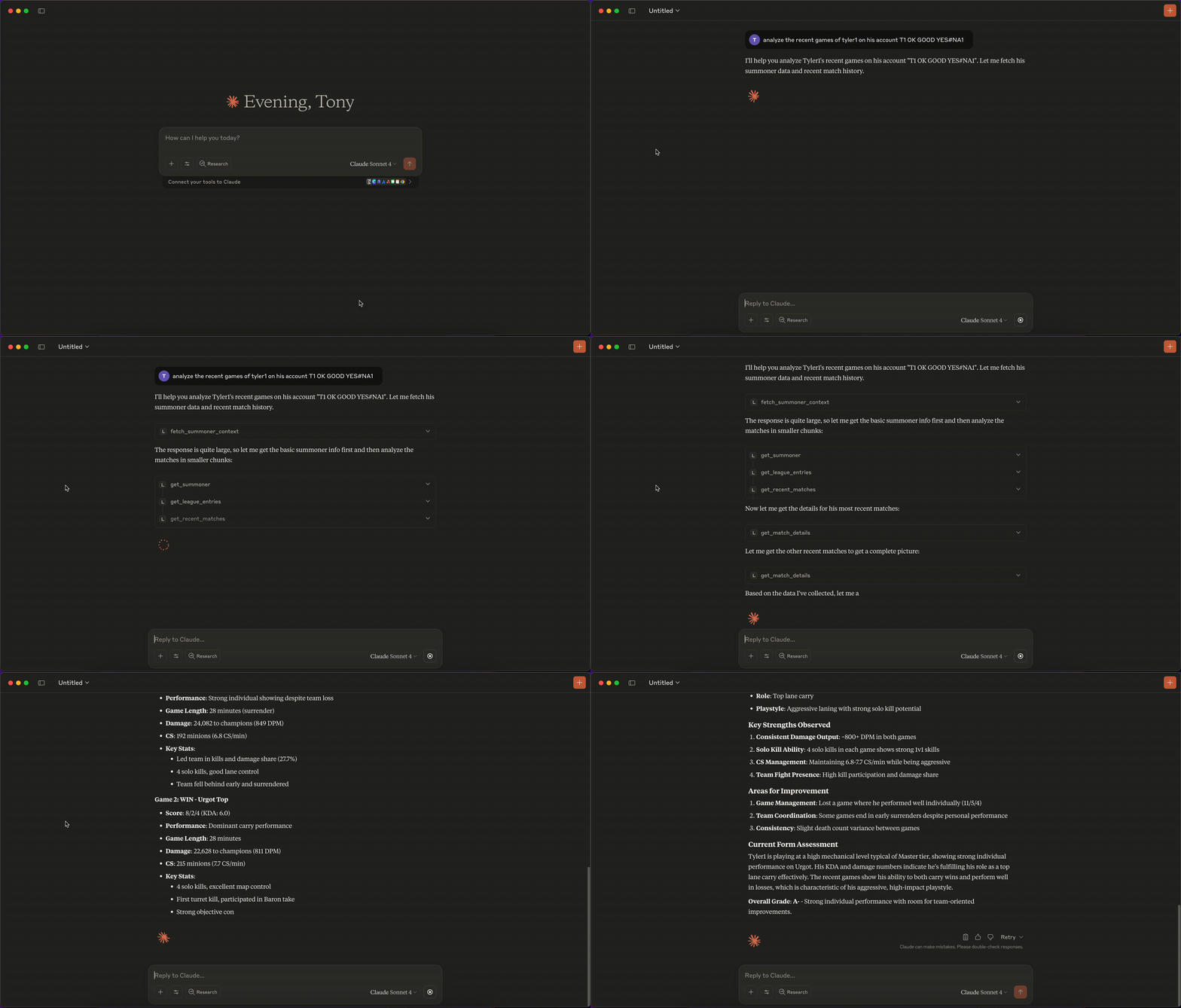
Related MCP server: Soccer MCP Server
Build
npm run build
LLM Client Integration
Claude Desktop
Update /path/to/claude_desktop_config.json as follows:
{
"mcpServers": {
"lolbyte-mcp": {
"command": "sh",
"args": [
"-c",
"RIOT_API_KEY=YOUR_API_KEY node /Users/anthony/repos/lolbyte-mcp/build/index.js"
]
}
}
}
LibreChat
Update librechat.yaml:
mcpServers:
lolbyte:
command: sh
args:
- -c
- "RIOT_API_KEY=YOUR_API_KEY node /app/mcp/build/index.js"
Update docker-compose.override.yml:
services:
api:
volumes:
- /path/to/lolbyte-mcp-server:/app/mcp
- type: bind
source: ./librechat.yaml
target: /app/librechat.yaml
LM Studio
Update mcp.json as follows:
{
"mcpServers": {
"lolbyte-mcp": {
"command": "sh",
"args": [
"-c",
"RIOT_API_KEY=YOUR_API_KEY node /Users/anthony/repos/lolbyte-mcp/build/index.js"
]
}
}
}
