
Click on "Install Server".
Wait a few minutes for the server to deploy. Once ready, it will show a "Started" state.
In the chat, type
@followed by the MCP server name and your instructions, e.g., "@Godot MCP Servercreate a 2D player scene with CharacterBody2D root and Sprite2D"
That's it! The server will respond to your query, and you can continue using it as needed.
Here is a step-by-step guide with screenshots.
Godot MCP Server
An MCP (Model Context Protocol) server that integrates Godot game engine with Copilot MCP, allowing LLMs to create scenes, scripts, animations, and make other changes in Godot projects.
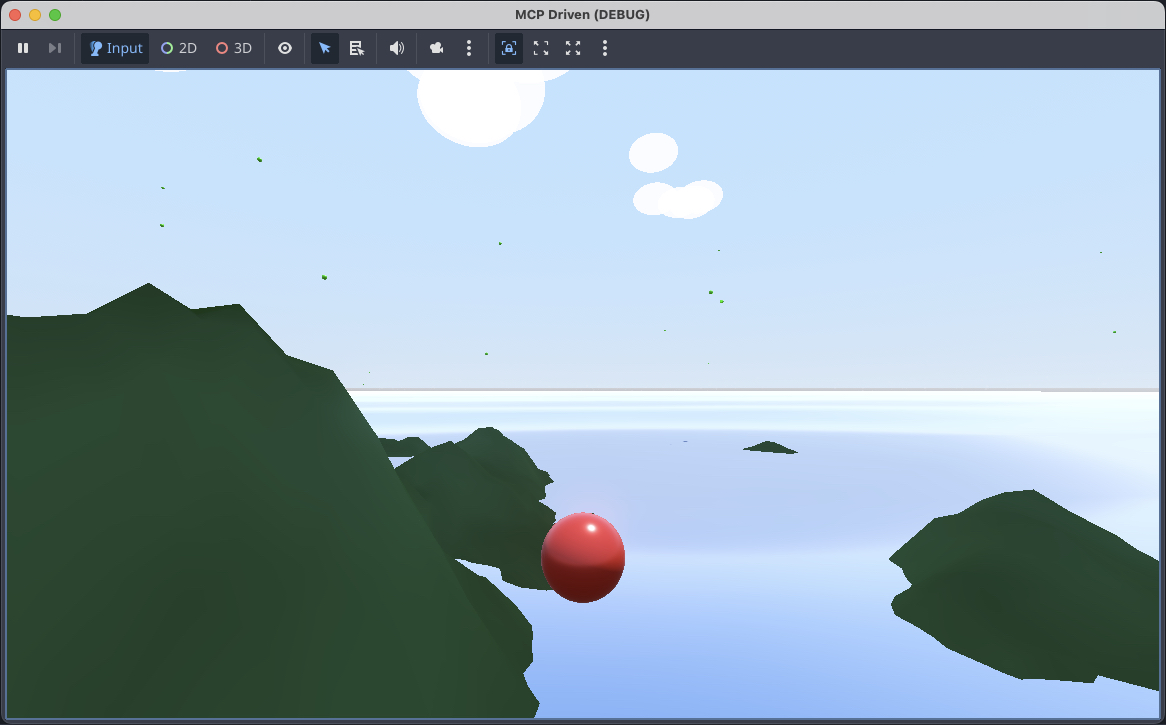
Features
Scene Management
create_scene - Create new Godot scenes (.tscn) with specified root node types
add_node - Add nodes to existing scenes
remove_node - Remove nodes from scenes
modify_node - Modify node properties
read_scene - Read scene structure as JSON
list_nodes - List all nodes in a scene
Script Generation
create_script - Create GDScript files with templates or custom content
attach_script - Attach scripts to scene nodes
read_script - Read script file contents
edit_script - Edit existing scripts
list_scripts - List all scripts in project
Animation
create_animation - Create AnimationPlayer with animations
add_animation_track - Add animation tracks with keyframes
Project Management
init_project - Initialize new Godot projects
get_project_info - Get project information
list_scenes - List all scene files
launch_editor - Launch Godot editor
run_project - Run the project
get_godot_version - Get Godot version info
create_resource - Create resource files (.tres)
Prerequisites
Node.js 18.0.0 or higher
Godot 4.x installed and accessible via PATH or
GODOT_PATHenvironment variable
Installation
Configuration
VS Code / Copilot
Add to your VS Code settings (.vscode/mcp.json):
Usage Examples
Create a new project
Create a player scene
Add animation
Development
Environment Variables
GODOT_PATH- Path to Godot executable (optional if Godot is in PATH)
Supported Node Types
The server supports creating most common Godot node types including:
2D: Node2D, Sprite2D, Camera2D, CharacterBody2D, RigidBody2D, StaticBody2D, Area2D, CollisionShape2D, TileMap, etc.
3D: Node3D, MeshInstance3D, Camera3D, CharacterBody3D, RigidBody3D, DirectionalLight3D, etc.
UI: Control, Label, Button, TextureRect, Panel, etc.
Audio: AudioStreamPlayer, AudioStreamPlayer2D, AudioStreamPlayer3D
Animation: AnimationPlayer, AnimatedSprite2D
And many more...
Supported Resource Types
Shapes: CircleShape2D, RectangleShape2D, BoxShape3D, SphereShape3D, etc.
Meshes: BoxMesh, SphereMesh, CylinderMesh, PlaneMesh, etc.
Materials: StandardMaterial3D, ShaderMaterial, CanvasItemMaterial
Textures: GradientTexture1D, GradientTexture2D, NoiseTexture2D
And more...
License
MIT