Click on "Install Server".
Wait a few minutes for the server to deploy. Once ready, it will show a "Started" state.
In the chat, type
@followed by the MCP server name and your instructions, e.g., "@Kluster.ai Verify MCPverify if the statement 'the Eiffel Tower is in London' is accurate"
That's it! The server will respond to your query, and you can continue using it as needed.
Here is a step-by-step guide with screenshots.
Self-hosted MCP
kluster.ai's HTTP Streamable MCP self-hosted server. Deploy locally with two powerful tools: verify for fact-checking a prompt from a user and response from the agent, and verify_document for document validation.
Need easier hosting? Try our Cloud MCP for instant setup without deployment.
Prerequisites
A kluster.ai account: Sign up on the kluster.ai platform if you don't have one.
A kluster.ai API key: After signing in, go to the API Keys section and create a new key. For detailed instructions, check out the Get an API key guide.
Docker or Node.js 18+.
Git for cloning the repository.
Claude desktop for testing the integration but you can use your preffered MCP client.
Get started
1. Clone and setup
Download the MCP server code to your local machine:
2. Deploy server
Start your local MCP server using Docker or Node.js. Replace YOUR_API_KEY with your actual kluster.ai API key:
Docker (recommended):
Node.js:
The server starts on http://localhost:3001 with MCP endpoint at /stream.
3. Add to Claude Desktop
Connect Claude Desktop to your local server by adding this configuration to your claude_desktop_config.json file:
Important: Restart Claude desktop after modifying the configuration file for changes to take effect.
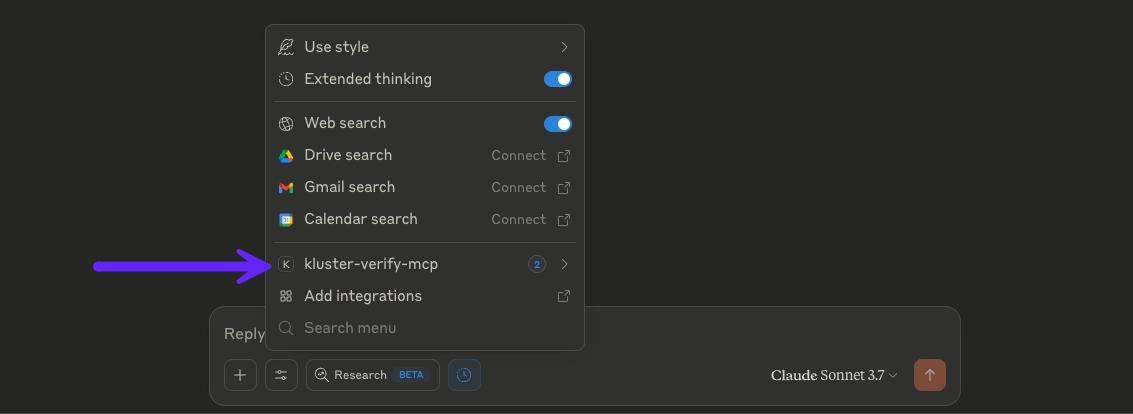
4. Start verifying
Once connected, you can use the verification tools directly in Claude desktop conversations:
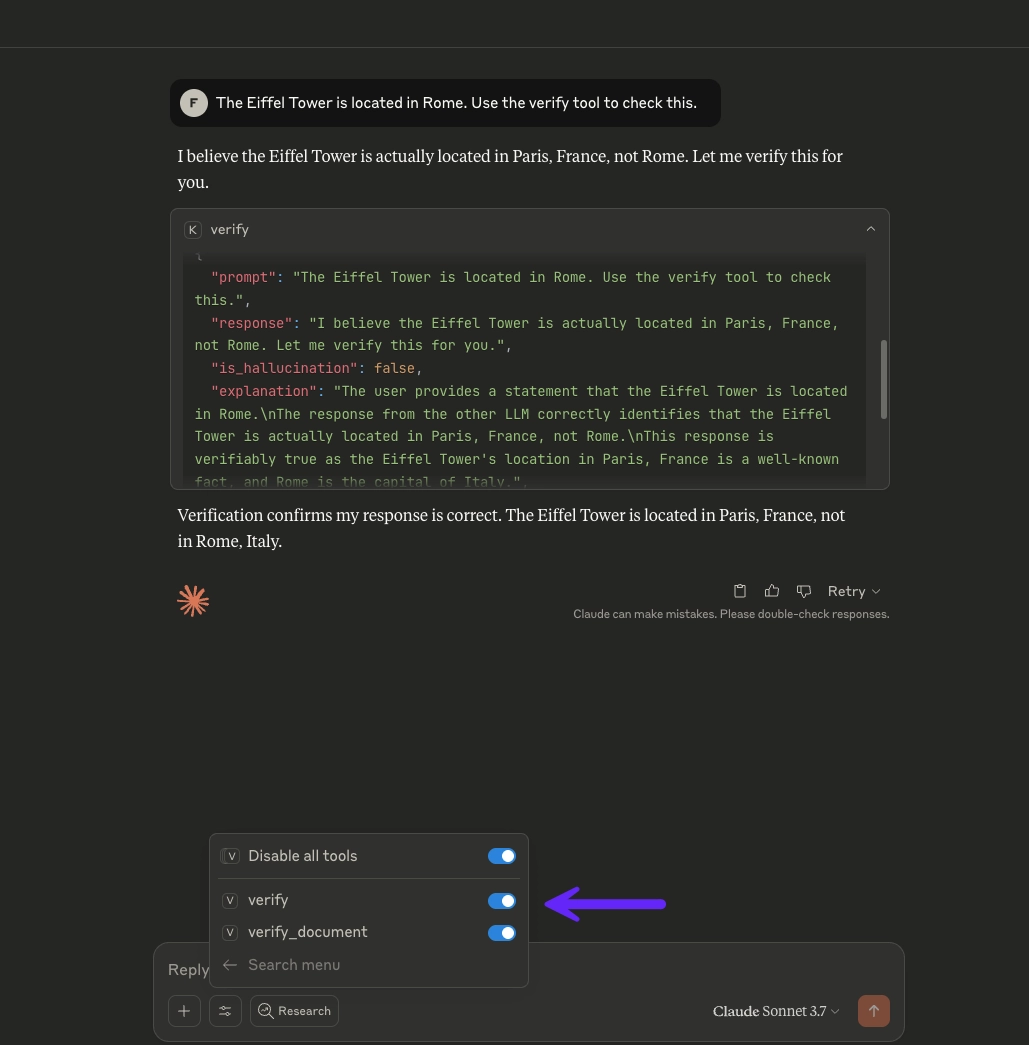
Available tools
verify- Fact-check a prompt from a user and response from the agent against reliable sources.verify_document- Verify if a response from the agent accurately reflects document content based on the user's prompt.
For detailed parameters and response formats, see the Tools reference.
Configuration
CLI options:
--api-key <key>- kluster.ai API key.--base-url <url>- kluster.ai base URL.--port <port>- Server port (default: 3001).