
Click on "Install Server".
Wait a few minutes for the server to deploy. Once ready, it will show a "Started" state.
In the chat, type
@followed by the MCP server name and your instructions, e.g., "@MCP Chess Servermake the move e4 to start a new game"
That's it! The server will respond to your query, and you can continue using it as needed.
Here is a step-by-step guide with screenshots.
MCP Chess Server
This MCP let's you play chess against any LLM.
Installation
To use this chess server, add the following configuration to your MCP config:
Related MCP server: Lichess MCP
Usage
Play a game:
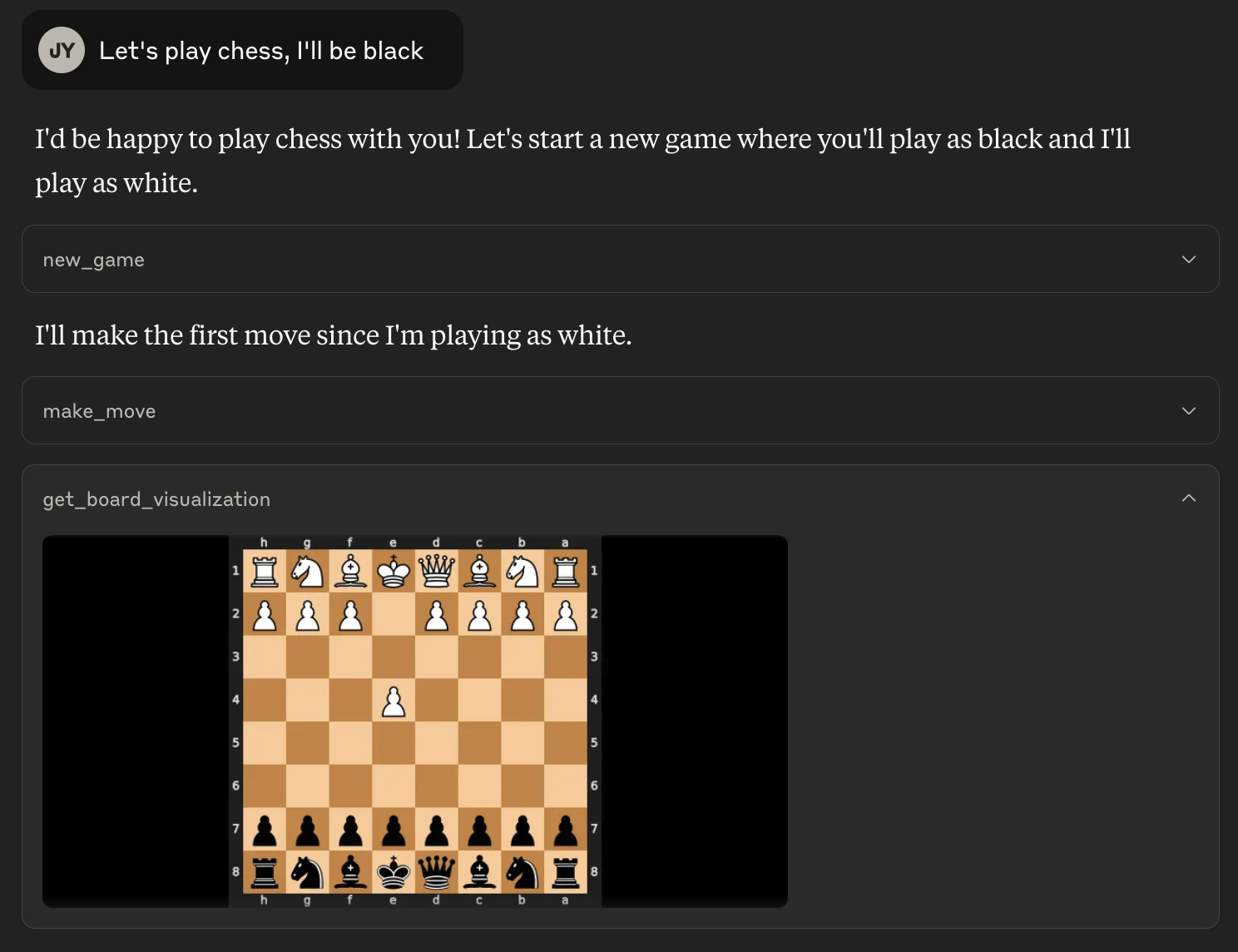
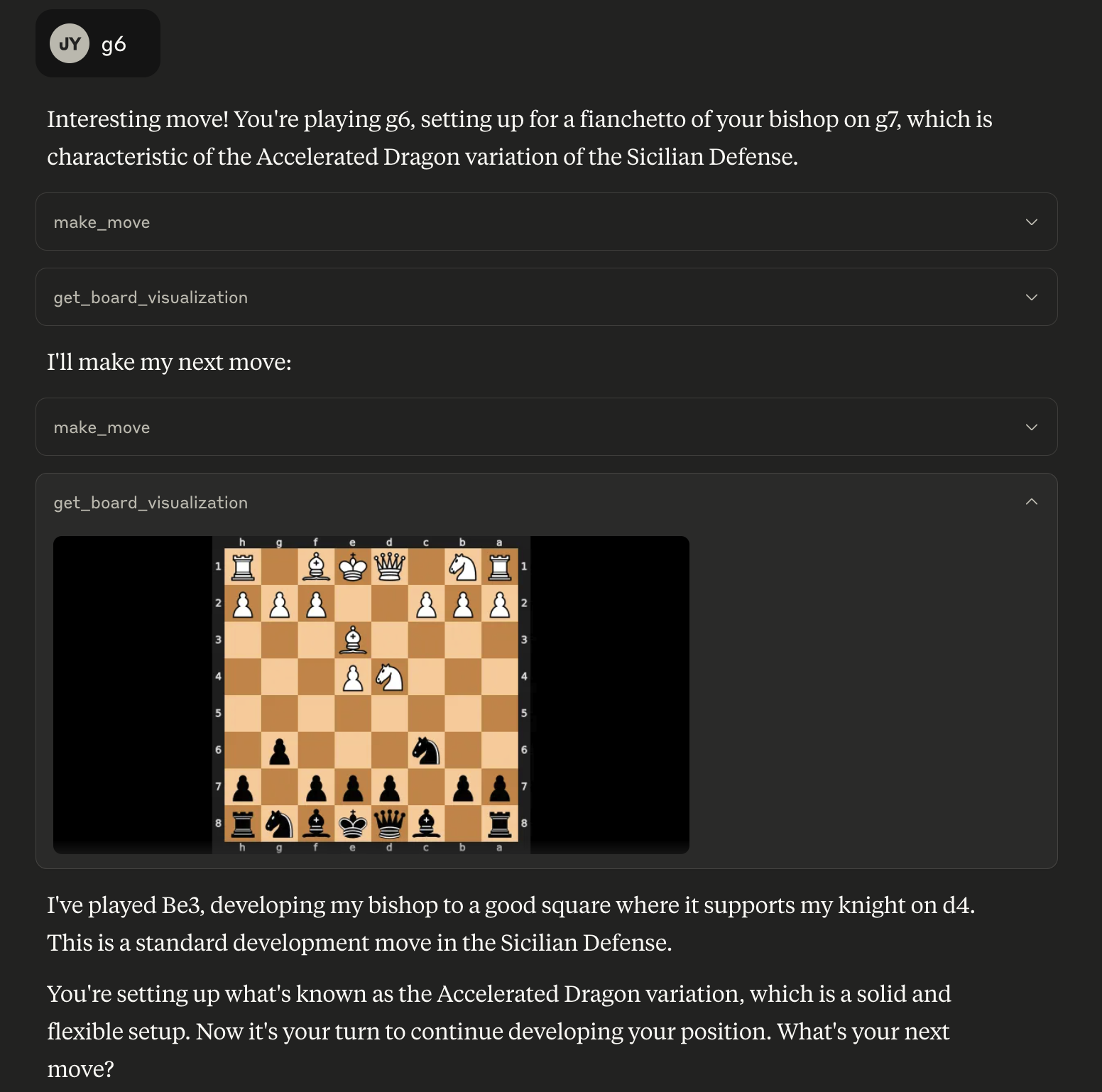
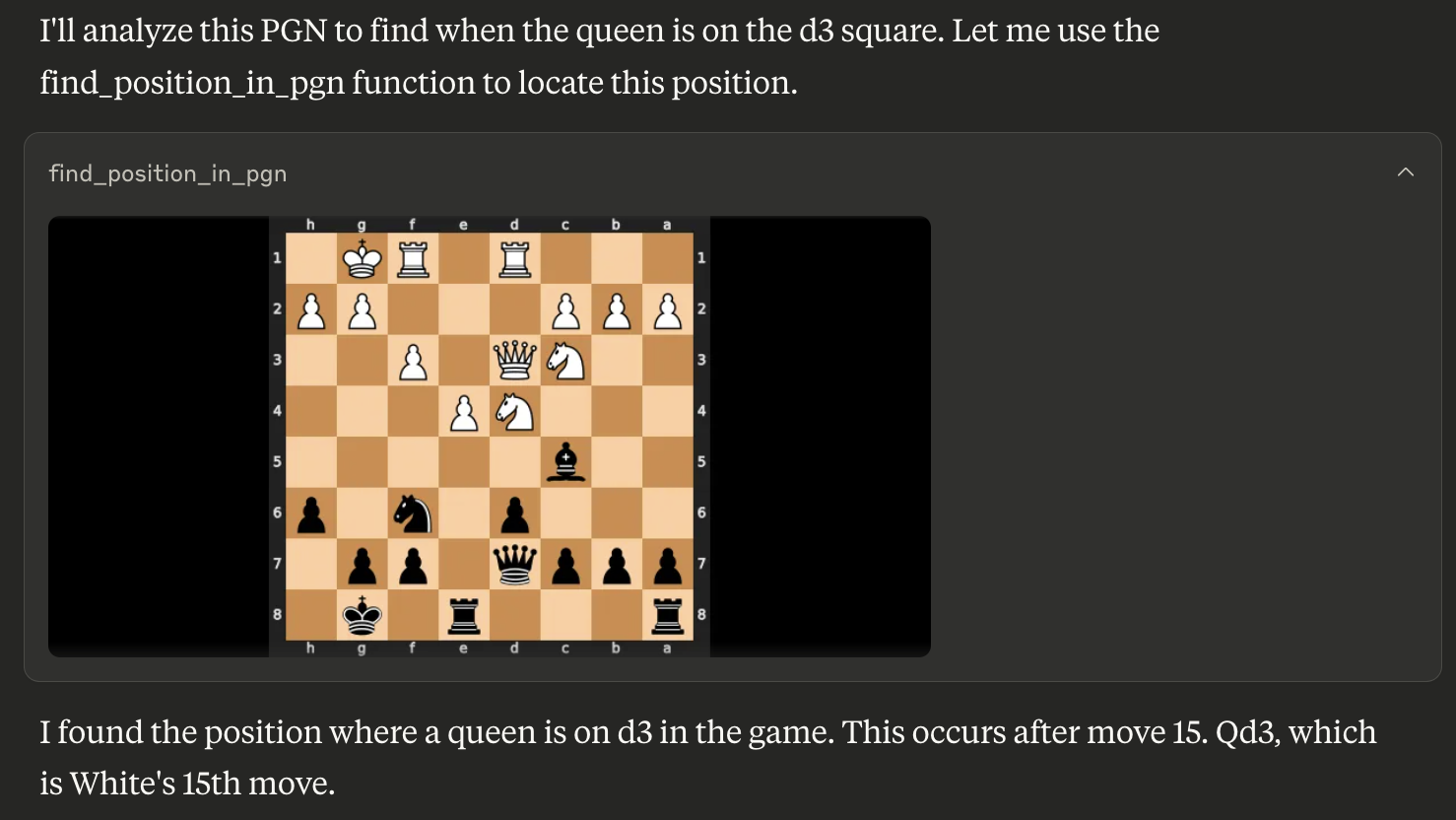
Find a position in a PGN for game analysis:
Available Tools
The server provides the following tools:
get_board_visualization(): Provides the current state of the chessboard as an image. The board orientation automatically flips based on the user's assigned color.get_turn(): Indicates whose turn it is ('white' or 'black').get_valid_moves(): Lists all legal moves for the current player in UCI notation (e.g., 'e2e4', 'g1f3'). Returns an empty list if the game is over.make_move(move_san: str): Makes a move on the board using Standard Algebraic Notation (SAN) (e.g., 'e4', 'Nf3', 'Bxe5'). Returns the move in SAN and UCI, the new board FEN, and game status.new_game(user_plays_white: bool = True): Starts a new game, resetting the board. By default, the user plays white. Sets the user's color for board orientation. Returns a confirmation message.find_position_in_pgn(pgn_string: str, condition: str): Finds the first board position in a PGN string matching a condition (e.g., "bishop on a3") and returns an image of that board state. The condition format is "piece_type on square_name". Valid piece types are "pawn", "knight", "bishop", "rook", "queen", "king".