Provides tools for monitoring and metrics collection through Prometheus, allowing for querying and visualization of time-series data.
Click on "Install Server".
Wait a few minutes for the server to deploy. Once ready, it will show a "Started" state.
In the chat, type
@followed by the MCP server name and your instructions, e.g., "@Prometheus MCPshow me the CPU usage for the last hour"
That's it! The server will respond to your query, and you can continue using it as needed.
Here is a step-by-step guide with screenshots.
Prometheus MCP
Proof-of-concept Prometheus MCP server.
Prerequisites
Install uv: https://docs.astral.sh/uv/getting-started/installation/
Using uv, you can also install python.
Related MCP server: Prem MCP Server
How to run
Clone this repo.
Update the .env file
Integrating with Claude
You can run the server with
So you may add this MCP server to your Claude MCP server configuration
See MCP Quickstart for more details for Claude specific instructions.
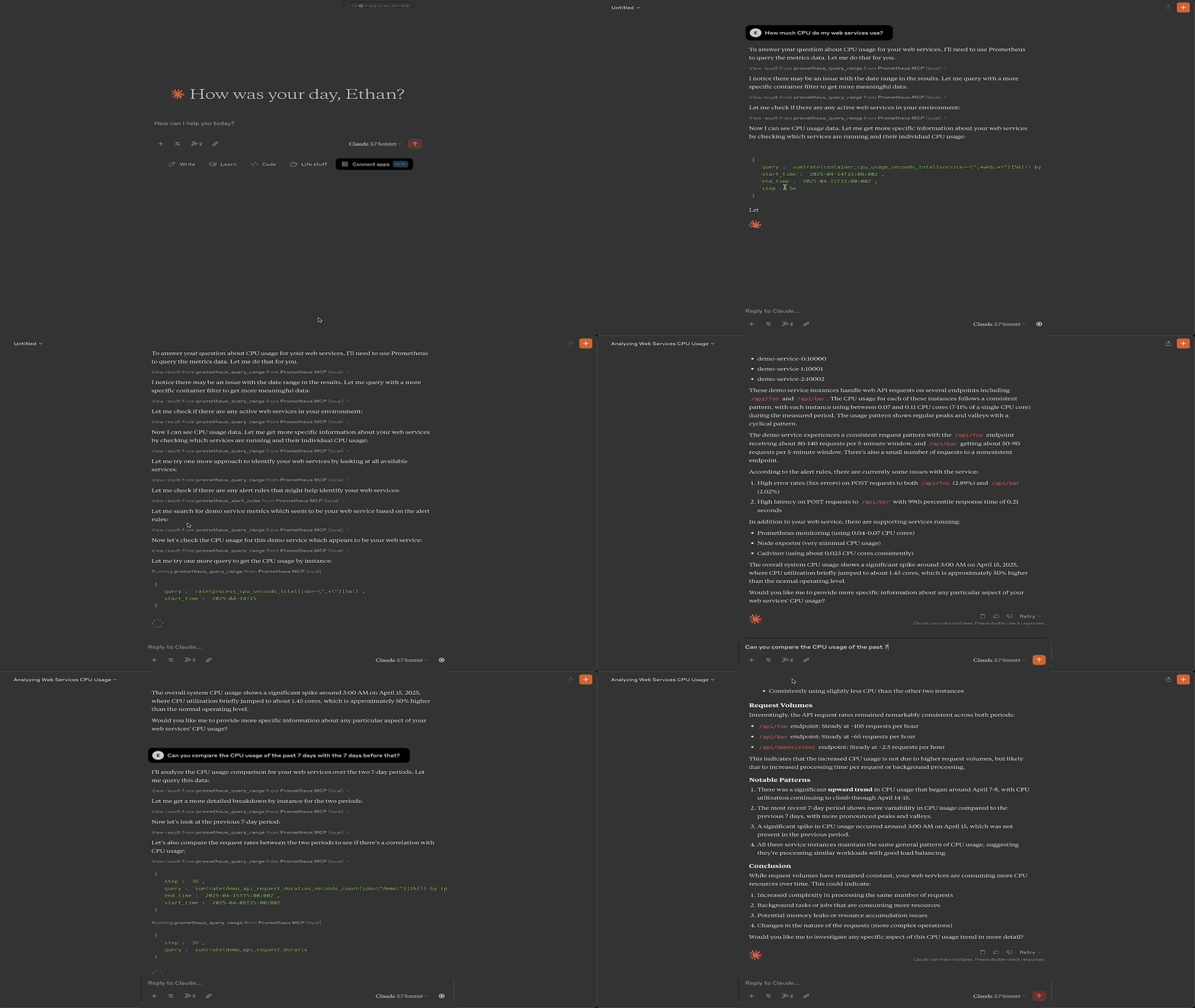
Demo