
Supports source code version control functionality, allowing developers to manage code changes and collaborate on the Nuvio-MCP project.
Enables interaction with GitHub repositories, allowing users to track issues, view contributors, and access repository statistics as shown in the contributor widgets in the README.
Provides tools for package management in the development workflow, supporting project initialization and dependency installation.
Click on "Install Server".
Wait a few minutes for the server to deploy. Once ready, it will show a "Started" state.
In the chat, type
@followed by the MCP server name and your instructions, e.g., "@Nuvio-MCPhow do I initialize a new AI IDE project?"
That's it! The server will respond to your query, and you can continue using it as needed.
Here is a step-by-step guide with screenshots.
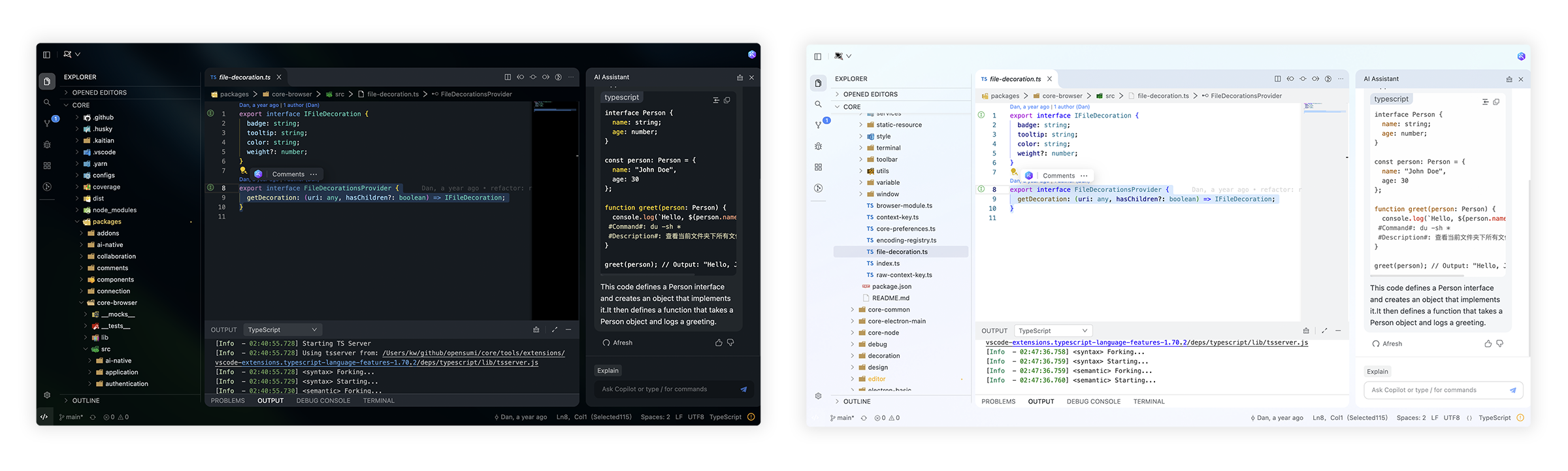
⚡️ Development
By default, the tools/workspace folder in the project would be opened, or you can run the project by specifying the directory in the following way:
Usually, you may still encounter some system-level environment dependencies.
Related MCP server: Targetprocess MCP Server
📍 ReleaseNotes & BreakingChanges
You can see all the releasenotes and breaking changes here: CHANGELOG.md.
🙋♀️ Want to Help?
Want to report a bug, contribute some code, or improve documentation? Excellent! Contact us.
🧑💻 Needs some help?
Go to our issues to create a topic, it will be resolved as soon as we can.
✨ Contributors
Let's build a better Nuvio-MCP together.
We warmly invite contributions from everyone.