
Uses .ENV for configuration management of the MCP server settings.
Click on "Install Server".
Wait a few minutes for the server to deploy. Once ready, it will show a "Started" state.
In the chat, type
@followed by the MCP server name and your instructions, e.g., "@Webhook-tester MCP Serverlist all my webhooks"
That's it! The server will respond to your query, and you can continue using it as needed.
Here is a step-by-step guide with screenshots.
🚀 Webhook Tester MCP Server
A powerful and modular FastMCP server for interacting with webhook-test.com, designed to automate and manage Webhook tokens (URLs), inspect incoming requests, and perform analytics — all without writing custom API integrations.
Built with the FastMCP framework to expose modular tools and resources, this project enables webhook observability and management.
🛎️ Webhooks 101
Webhooks let your app send and receive real-time updates between services. When sending, your app can POST data to a URL whenever something important happens — like a new user signup or a status change. When receiving, your app listens for incoming POST requests from other services and reacts to the events they send. This setup is way more efficient than constant polling and is perfect for triggering actions, syncing data, or keeping systems in sync.
Related MCP server: BrowserStack MCP server
📦 Features & Use Cases
✅ Create new webhooks
✅ List all available webhooks
✅ Fetch webhook's details
✅ Fetch webhook payloads
✅ Delete webhooks
⚙️ Setup
Clone the repo
Install dependencies
pip install -r requirements.txtConfigure
.env
🔍 Testing Using Claude
Configure Claude Desktop to use the local server by editing your claude_desktop_config.json file:
{
    "mcpServers": {
      "webhook-tester-mcp": {
        "command": "fastmcp",
        "args": ["run", "{{fullPath}}\\Webhook-test_mcp\\server.py"]
      }
    }
  }
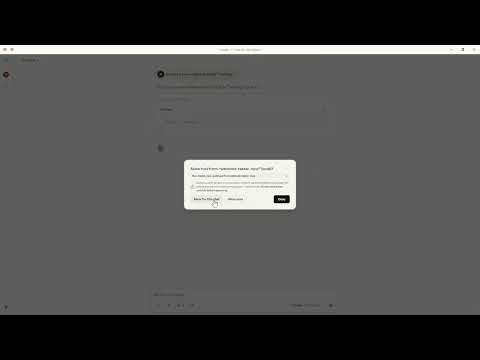
🧪 Demo testing the Server
📄 License
This project is licensed under the MIT License.
This server cannot be installed
Resources
Looking for Admin?
Admins can modify the Dockerfile, update the server description, and track usage metrics. If you are the server author, to access the admin panel.