
Click on "Install Server".
Wait a few minutes for the server to deploy. Once ready, it will show a "Started" state.
In the chat, type
@followed by the MCP server name and your instructions, e.g., "@Bear MCP Serversearch for notes about meeting notes from last week"
That's it! The server will respond to your query, and you can continue using it as needed.
Here is a step-by-step guide with screenshots.
Bear MCP Server
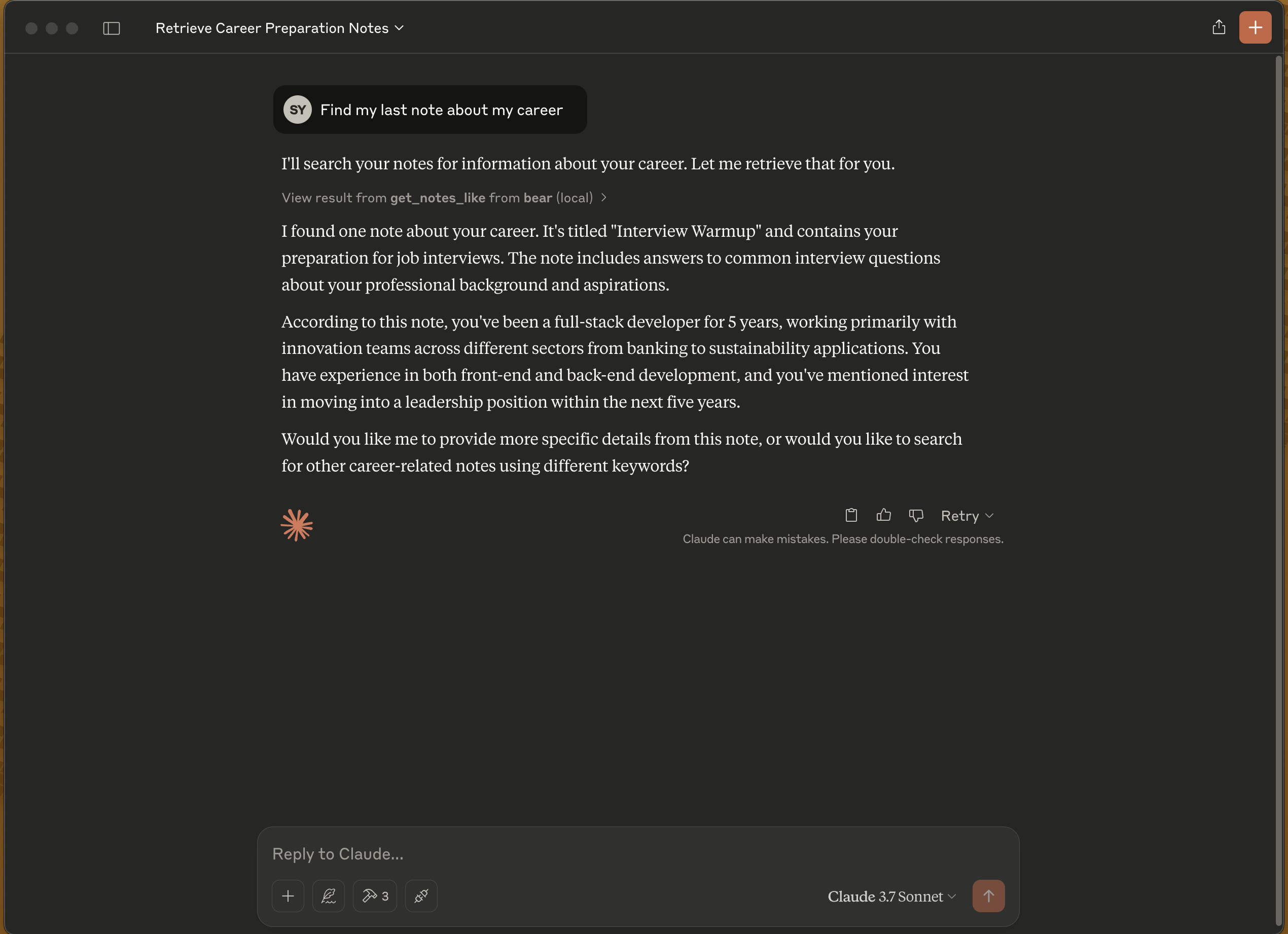
This project is a Model Context Protocol (MCP) server that provides access to the Bear Notes.
Bear stores notes on SQLite database. This MCP server runs some SQL commands to access this notes. https://bear.app/faq/where-are-bears-notes-located
Features
Read notes
Search notes by text
List all tags
Related MCP server: MCP Zotero
Installation
Claude Desktop Config
Update your claude_desktop_config.json
Docker
NPM
When the server is started, the following MCP tools become available:
get_notes: Retrieves all notesget_tags: Lists all tagsget_notes_like: Searches for notes containing specific text
Requirements
Node.js
Bear note application (macOS)
Access to Bear database
License
ISC