비공식 PayPal MCP 서버
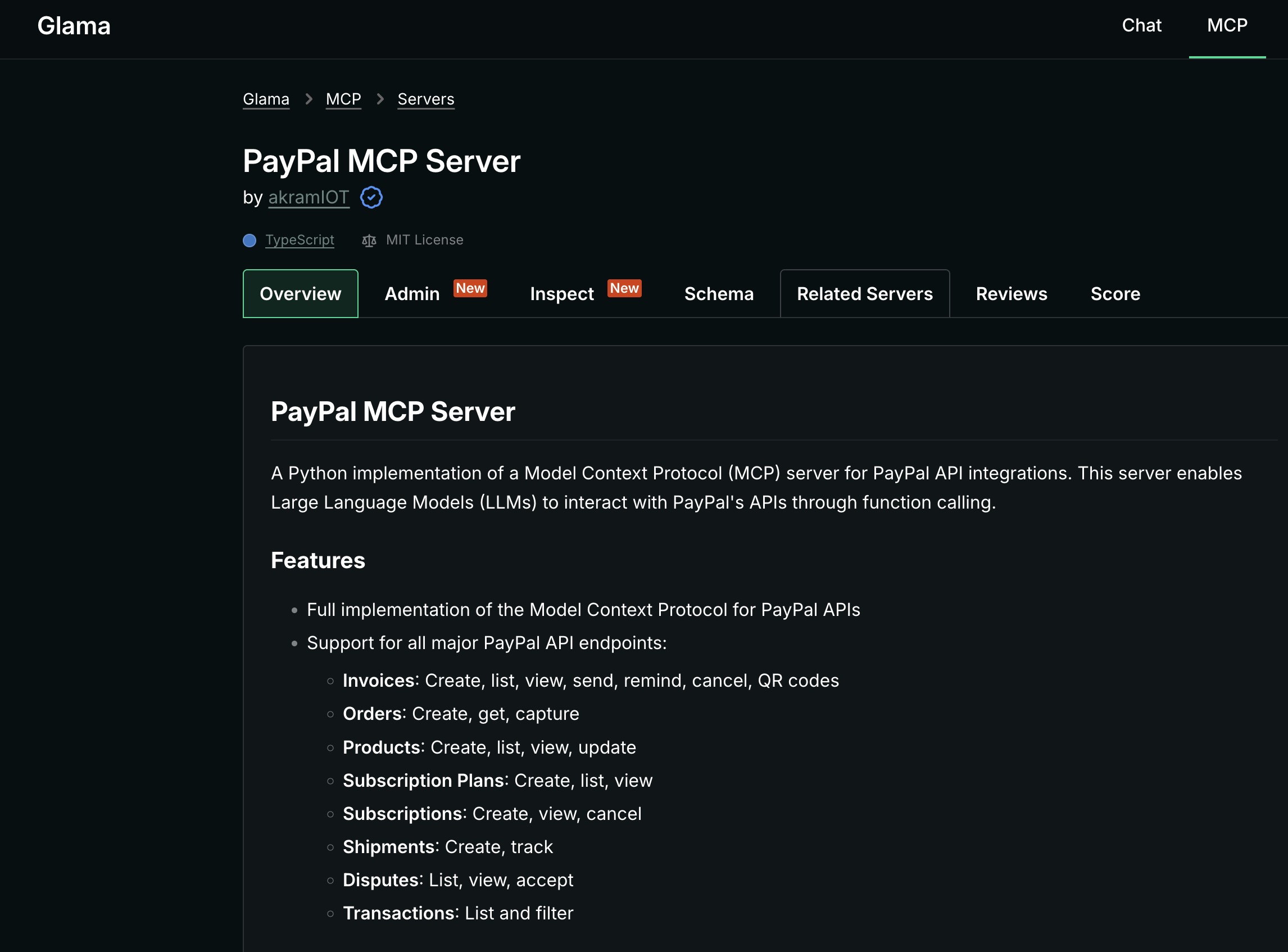
PayPal API 통합을 위한 모델 컨텍스트 프로토콜(MCP) 서버의 Python 구현입니다. 이 서버는 대규모 언어 모델(LLM)이 함수 호출을 통해 PayPal API와 상호 작용할 수 있도록 지원합니다.
특징
Related MCP server: PayPal MCP Server
설치
PyPI에서
지엑스피1
출처에서
git clone https://github.com/yourusername/paypal-mcp-server.git
cd paypal-mcp-server
pip install -e .
Docker 사용하기
docker pull ghcr.io/yourusername/paypal-mcp-server:latest
용법
명령줄
# Using environment variables
export PAYPAL_ACCESS_TOKEN="your_access_token"
export PAYPAL_ENVIRONMENT="SANDBOX"  # or "PRODUCTION"
paypal-mcp --tools=all

# Or with command line arguments
paypal-mcp --tools=all --access-token=your_access_token --paypal-environment=SANDBOX
특정 도구만 활성화
paypal-mcp --tools=invoices.create,invoices.list,orders.create --access-token=your_token
도커를 사용하여
docker run -e PAYPAL_ACCESS_TOKEN="your_access_token" -e PAYPAL_ENVIRONMENT="SANDBOX" ghcr.io/yourusername/paypal-mcp-server:latest --tools=all
Claude Desktop과 통합
~/Claude/claude_desktop_config.json 에 다음을 추가하세요.
{
   "mcpServers": {
     "paypal": {
       "command": "paypal-mcp",
       "args": [
         "--tools=all"
       ],
       "env": {
         "PAYPAL_ACCESS_TOKEN": "YOUR_PAYPAL_ACCESS_TOKEN",
         "PAYPAL_ENVIRONMENT": "SANDBOX"
       }
     }
   }
}
PayPal 액세스 토큰 얻기
클라이언트 ID와 클라이언트 비밀번호를 사용하여 PayPal 액세스 토큰을 생성할 수 있습니다.
curl -v https://api-m.sandbox.paypal.com/v1/oauth2/token \
  -H "Accept: application/json" \
  -H "Accept-Language: en_US" \
  -u "CLIENT_ID:CLIENT_SECRET" \
  -d "grant_type=client_credentials"
개발
개발 환경 설정
# Clone the repository
git clone https://github.com/yourusername/paypal-mcp-server.git
cd paypal-mcp-server

# Install dev dependencies
pip install -e ".[dev]"

# Install pre-commit hooks
pre-commit install
테스트 실행
패키지 구축
특허
이 프로젝트는 MIT 라이선스에 따라 라이선스가 부여되었습니다. 자세한 내용은 라이선스 파일을 참조하세요.
감사의 말