Click on "Install Server".
Wait a few minutes for the server to deploy. Once ready, it will show a "Started" state.
In the chat, type
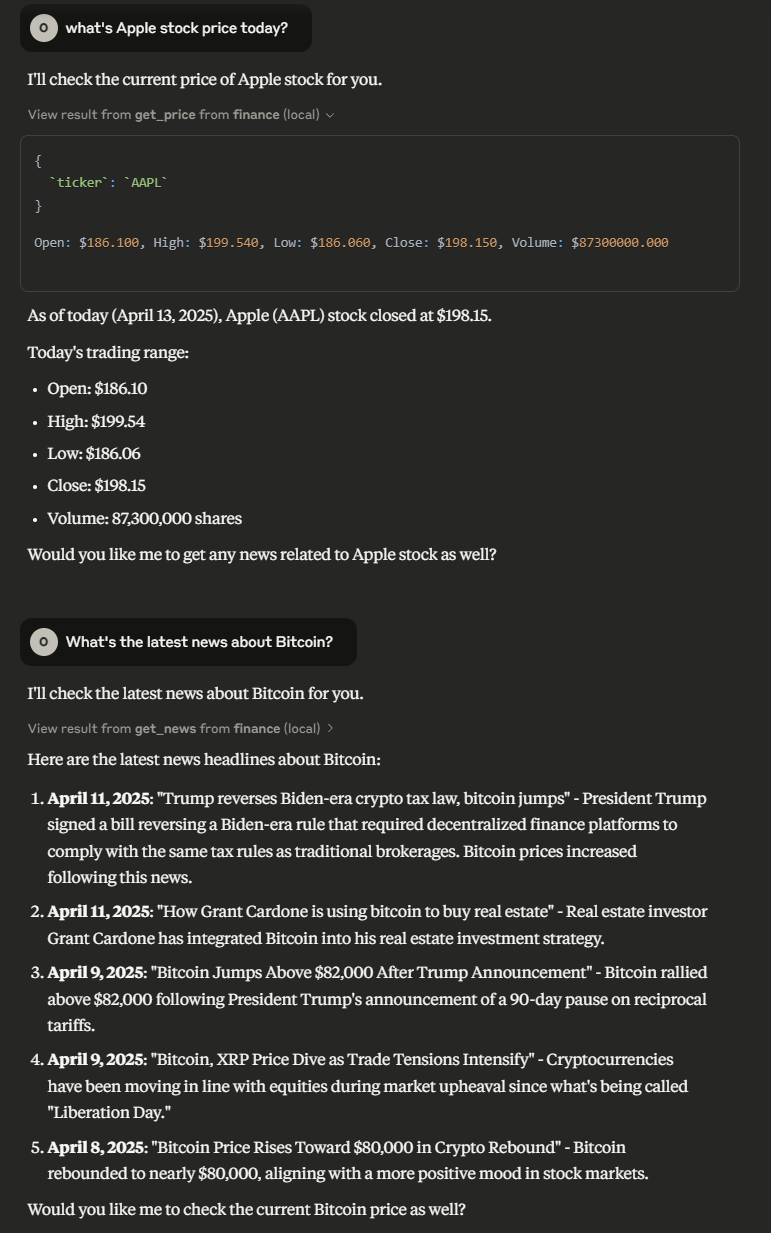
@followed by the MCP server name and your instructions, e.g., "@yfinance MCP Serverget the current price of AAPL"
That's it! The server will respond to your query, and you can continue using it as needed.
Here is a step-by-step guide with screenshots.
yfinance MCP Server
Model Context Protocol server that allows LLMs to get accurate and up-to-date prices and news about stock/cryptocurrencies tickers.
Available Tools
get_price_tool: Get the price of a stock/cryptocurrency tickerArguments:
ticker(string): Required - Ticker name or alias (e.g., "BTC-USD", "AAPL")period(string): Optional - Time period (e.g., "1d", "5d", "1mo"). Defaults to "1d"
get_news_tool: Get the news of a stock/cryptocurrency ticker.Required arguments:
ticker(string): Requiredcount(string): Optional - Number of articles to retrieve (default: 5)
Installation
Installing via Smithery
To install yfinance-mcp-server for Claude Desktop automatically via Smithery:
Using uv
Install the package locally
Run the server
Using docker
Configuration
Usage for Claude Desktop
Add the following to claude_desktop_config.json
uvx
docker
Usage for 5ire
uvx
docker
Example Interactions